decoratly logo
AI Design GuideBy Kamil Uhryn, Founder of DecoratlyUpdated September 202612 min read
KU

Kamil Uhryn โ€” Founder, Decoratly

Founder of Decoratly, which is one of the tools compared here, so weigh that accordingly. Competitor prices and features come from each company's own site, checked September 26, 2026.

Best AI room design in 2026 โ€” 7 tools compared, and what actually works

Not all AI room design tools produce the same results. We compared 7 of them using each company's own pricing and feature pages. One stood out clearly. Here's what we found, how they compare, and how to try the best one free.

Our verdict

Decoratly is the best AI room design tool in 2026 โ€” the only one that delivers photorealistic results from your actual room photo, not a generated replacement, with full creative control and a genuine free tier.

โœ“ Works on your actual photoโœ“ Results in ~30sโœ“ 1 free designโœ“ No credit card
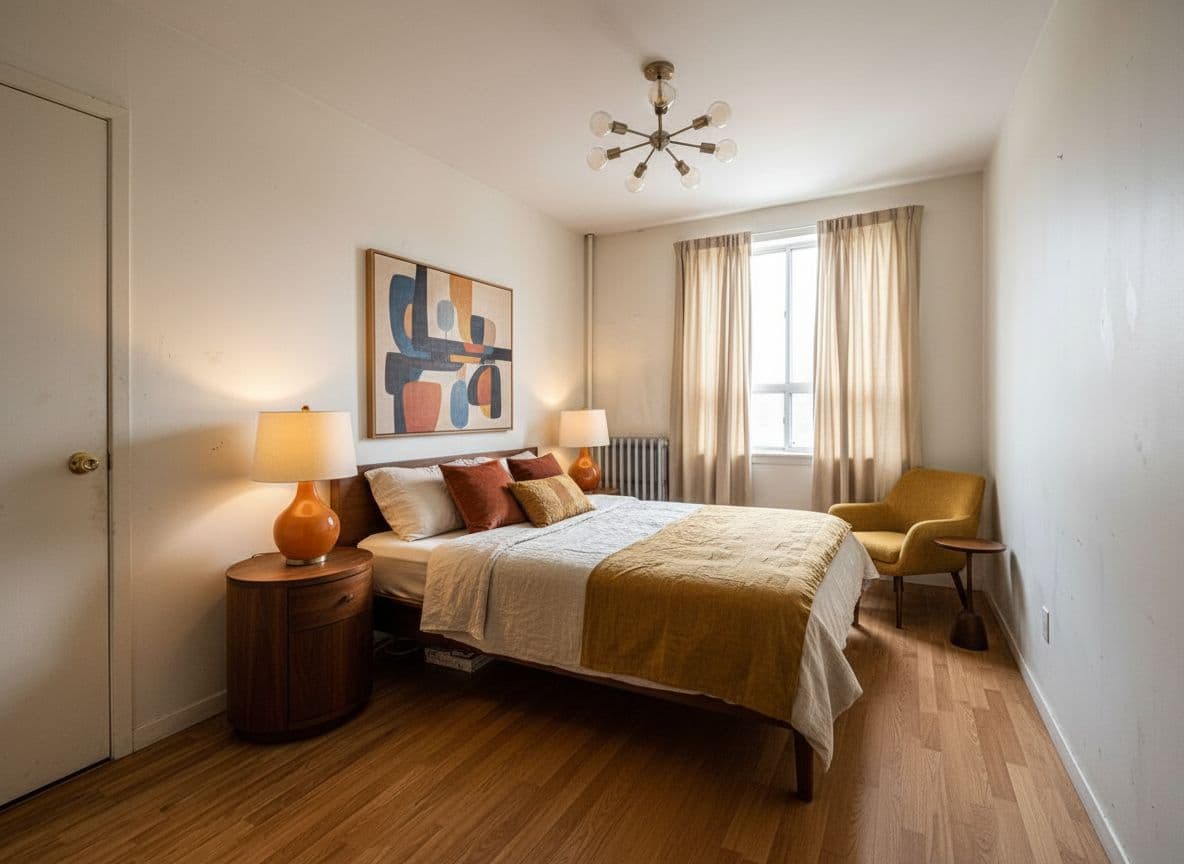
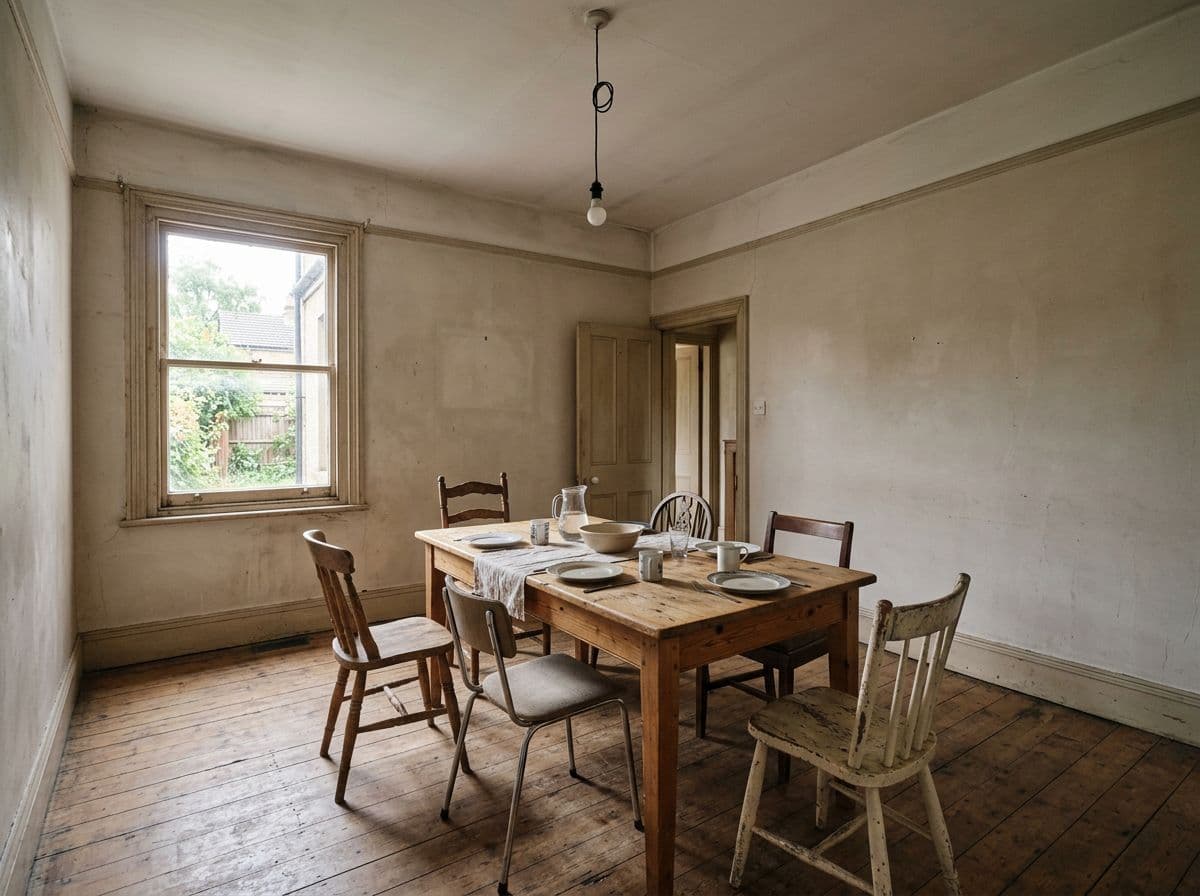
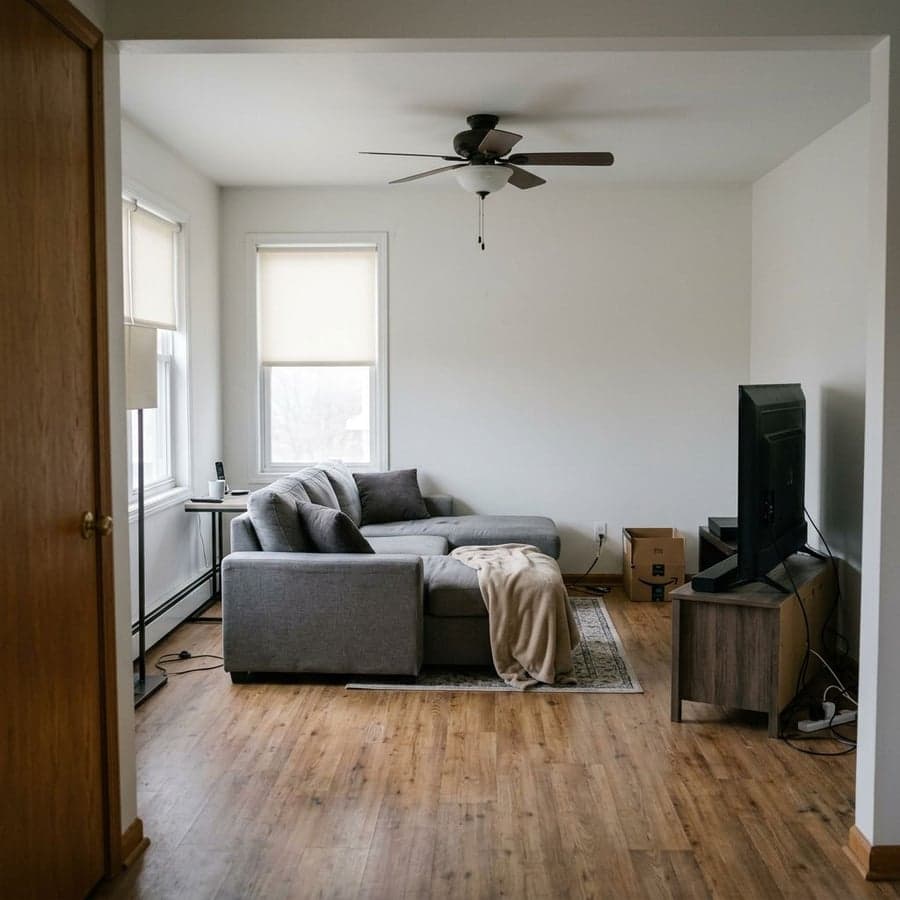
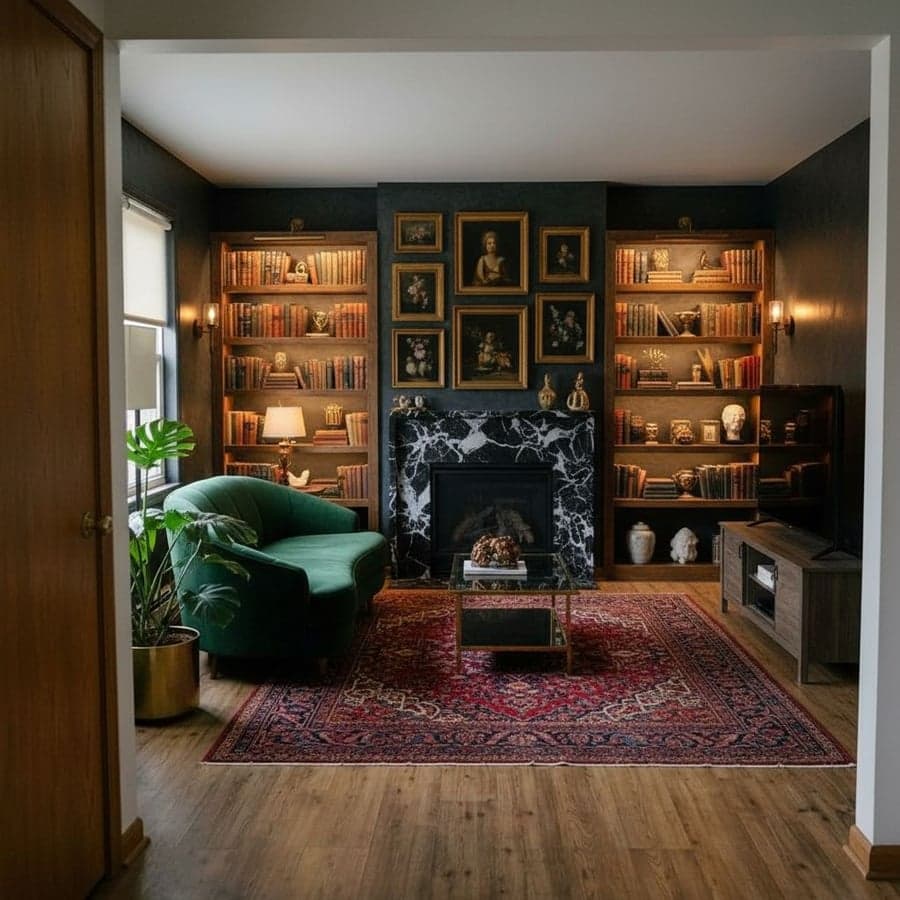
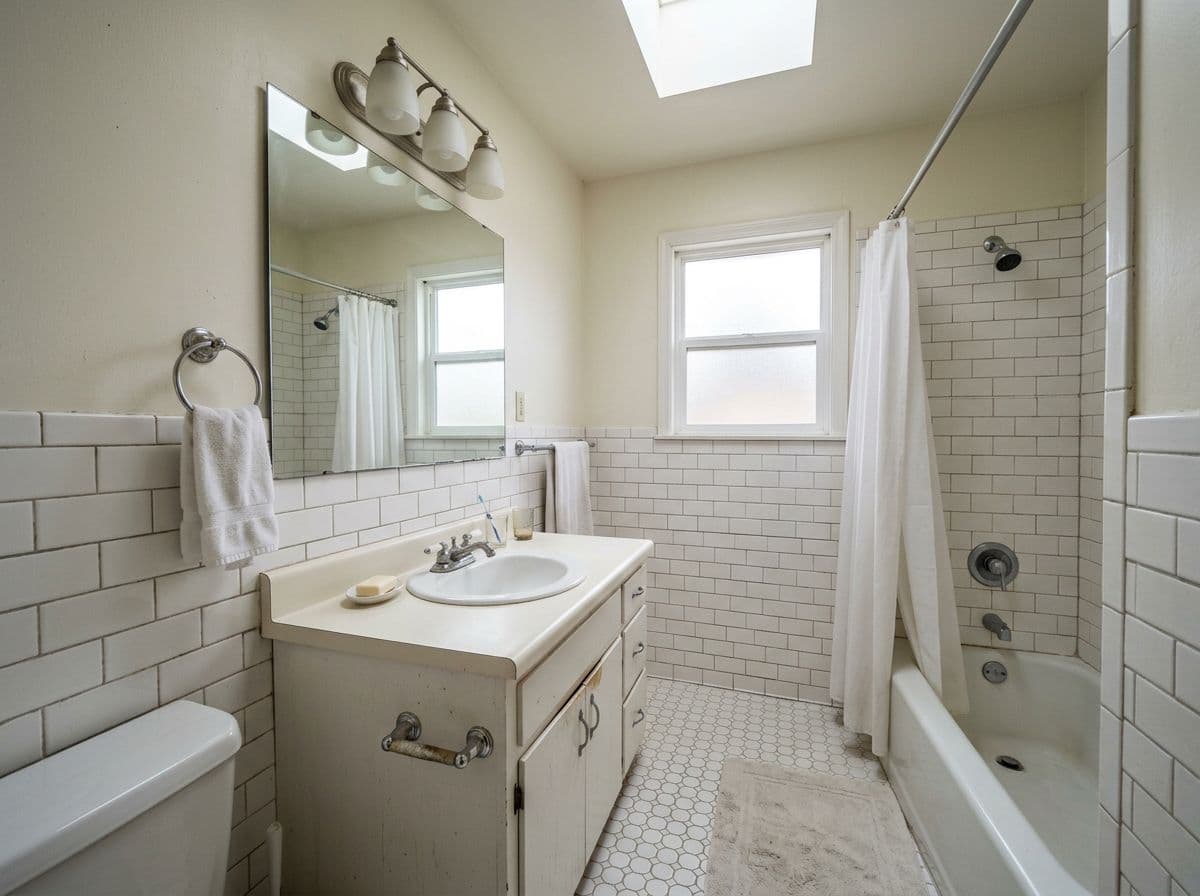
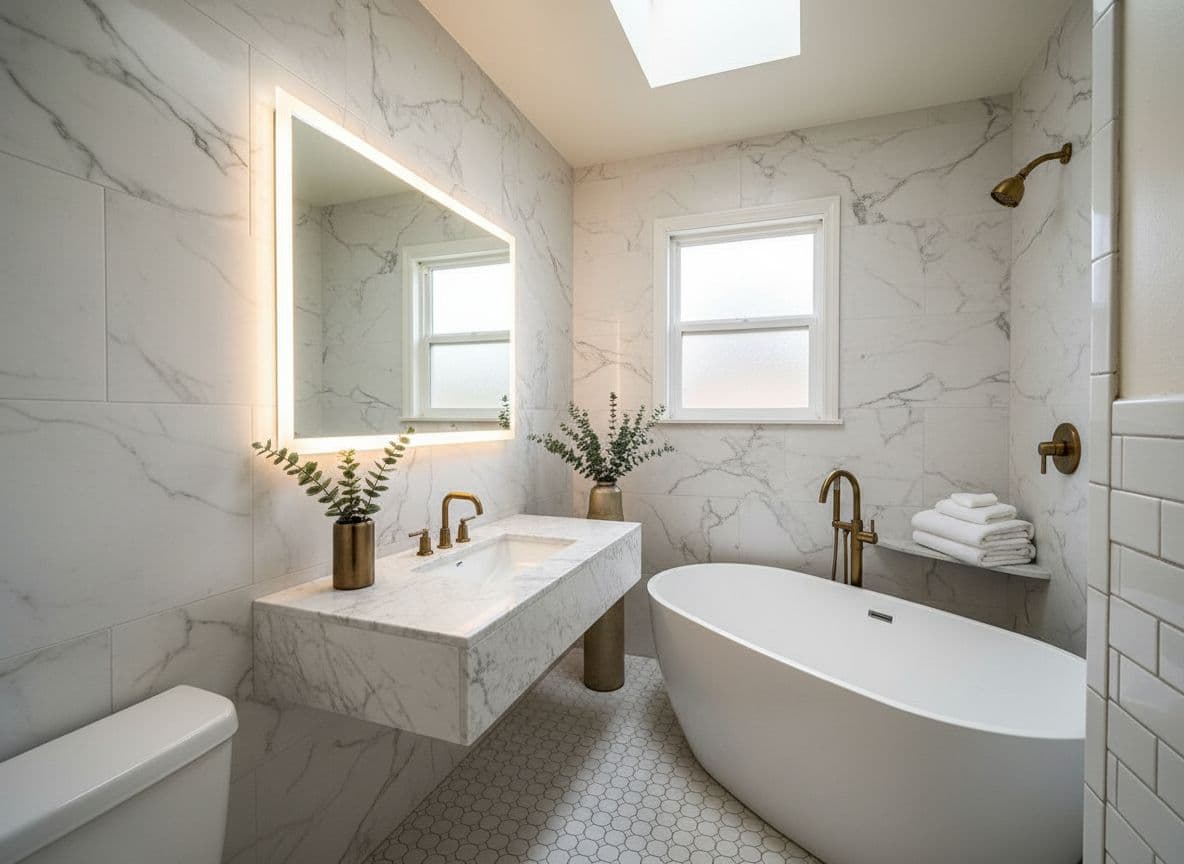
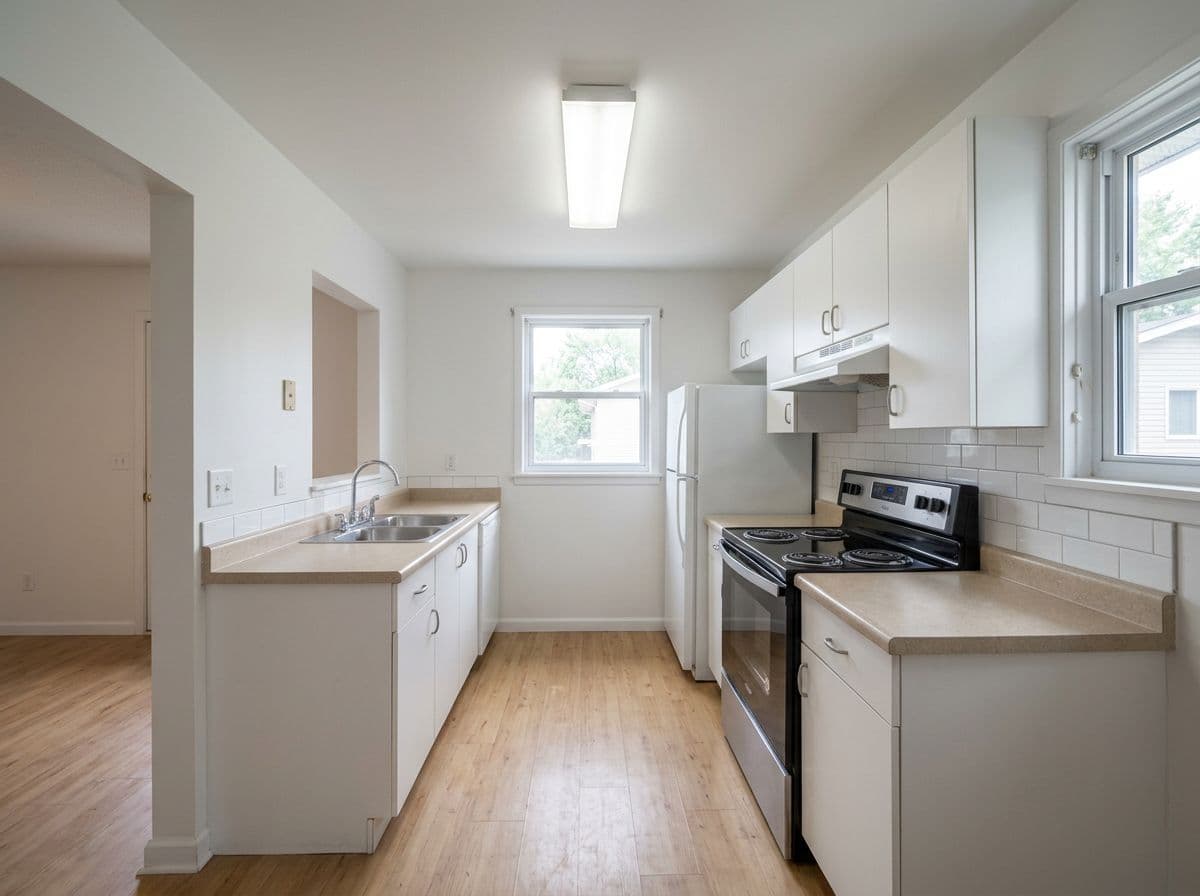
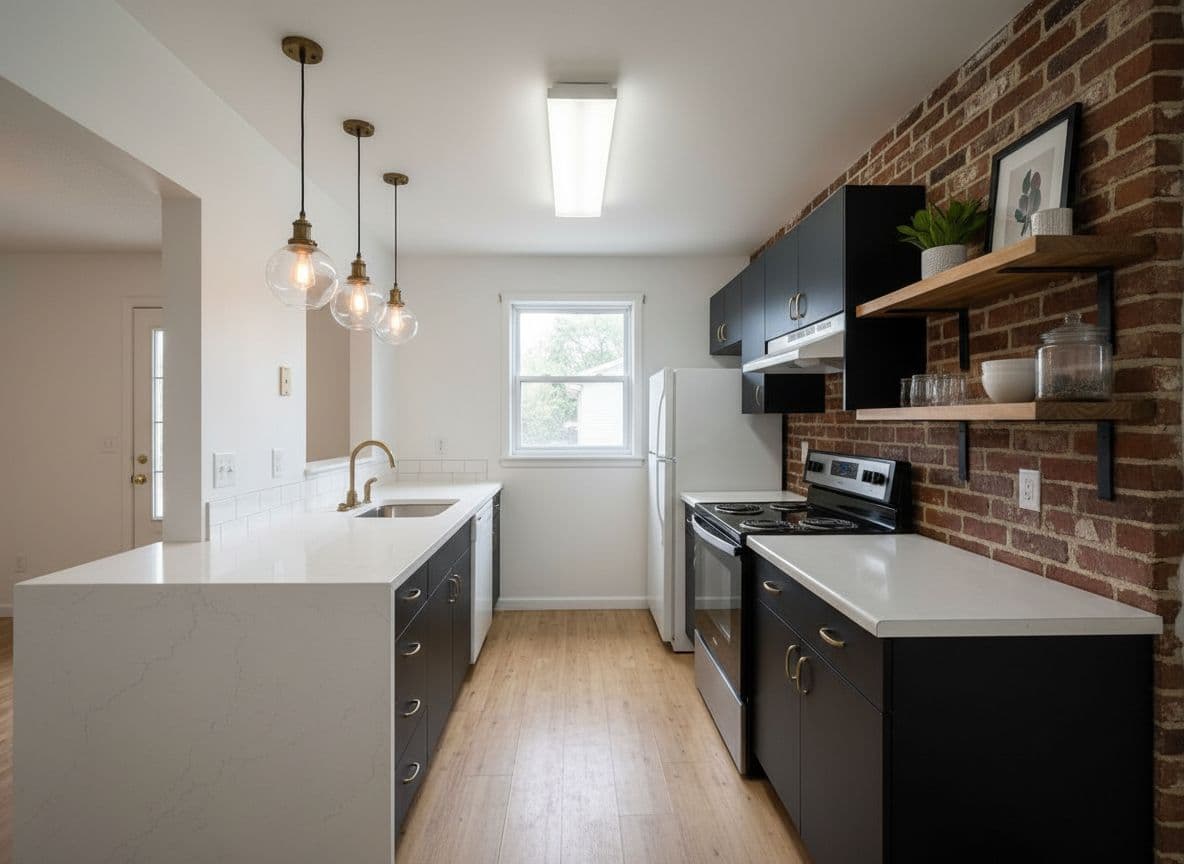
3 rooms, 3 outcomes~30s each
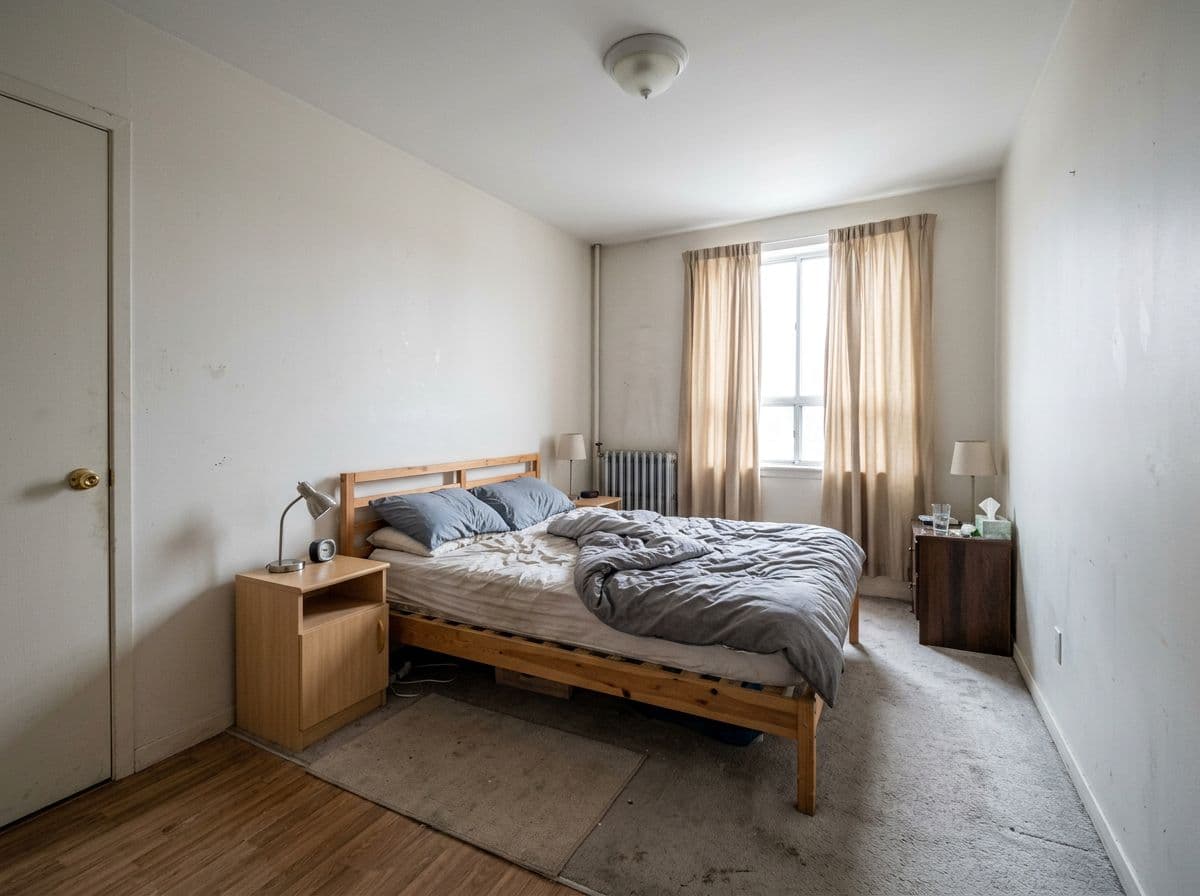
Bedroom before AI room design
โ†’
Bedroom redesigned with AI in Mid-Century Modern style

Bedroom

Mid-Century Modern

Dining Room before AI room design
โ†’
Dining Room redesigned with AI in Contemporary Warm style

Dining Room

Contemporary Warm

Living Room before AI room design
โ†’
Living Room redesigned with AI in Dark Luxe style

Living Room

Dark Luxe

Same approach works on any room you upload
๐ŸŽจ
75+ styles
+ describe your own
๐Ÿ 
25,000+ rooms
transformed with Decoratly

Our verdict after testing 8 tools

What actually makes AI room design good โ€” and which tool does it best

As the founder of Decoratly, I've spent two years running AI room design tools side by side โ€” uploading the same room photos to each, comparing the renders, and tracking where each tool breaks down. For this guide I ran eight tools through the same six rooms: a cluttered bedroom, a dated kitchen, a living room with awkward proportions, a small bathroom, a home office, and a studio apartment. Same photos, same styles requested, results judged blind before scoring.

I evaluated each tool on five criteria: does it redesign your actual room or generate a generic replacement, how fast does it render, how much creative control it gives you, whether you can make targeted edits after the fact, and whether the pricing is honest. Decoratly was the only tool that performed well across all five โ€” which isn't something I say lightly about my own product. The gap on photo realism and edit control is genuinely significant.

7
Tools compared
6
Room types
Sep 2026
Prices checked
2
Free designs to try

Tool comparison

How the top AI room design tools compare

Compared from each company's own pricing and feature pages, checked September 26, 2026. "Not stated" means the site doesn't say. The differences that matter most are shown first.

ToolWorks from your photo?SpeedStylesEdit toolsFree tierPrice
DecoratlyOur pickYes โ€” redesigns your room~30 sec75+ presets + custom prompts + Style BuilderFull toolkit1 free design, watermarkedFree ยท $14.99 one-time (30 days)
RoomGPTYesNot statedNot statedNot described on its site1 free credit (per independent reviews)Credit packs, priced at checkout
RoomsGPTYesNot stated61+ stylesImage edits (5 credits each)3 designs a day as a guest, watermarked$4.99-$59/mo
Reimagine HomeYesNot statedNot statedLight edits on Essential; conversational design and batch processing on Pro5 free designs, no card$14-$99/mo
Interior AIYesNot statedStyle presets and custom promptsEditing, staging and upscaling on the $99 Premium planNo free trial listed$49-$199/mo
MidjourneyNo โ€” generates a new room~30 secUnlimited (prompts)NoneNone$10โ€“60/mo
DALL-E 3No โ€” generates a new room~20 secUnlimited (prompts)Limited inpaintingLimited via ChatGPT$20/mo (ChatGPT Plus)
DecoratlyOur pick

Photorealistic redesigns of your actual room in about 30 seconds, a full edit toolkit, 75+ styles and a one-time price. It runs from your own photo, not a generated replacement. We make it, so weigh that accordingly.

RoomGPT

A simple upload-and-redesign tool with credit-based pricing: each redesign uses a credit. A reasonable way to try the idea. Check its current packs and free credit before you start.

RoomsGPT

The most generous free plan and the lowest entry price of the tools here, on a monthly subscription. Paid plans remove the watermark and ads.

Reimagine Home

A credit-based monthly subscription with a solid free trial and staging and batch tools higher up. Built more for professionals and volume than for a single-room project.

Interior AI

A professional-grade subscription with very high monthly design volumes and richer features on Premium. Priced for agencies and pros rather than a one-room project.

Midjourney

Exceptional image quality but it doesn't redesign your actual room โ€” it generates a new room based on your prompt. Requires prompt expertise to get useful results. Not a dedicated AI room design tool.

DALL-E 3

Useful as a general image generator but not designed for room redesign. Results rarely look like your actual space. Better for inspiration than planning.

Evaluation criteria

5 things that separate good AI room design from bad

Most AI room design tools look similar from a marketing screenshot. These are the criteria that reveal the actual difference in practice โ€” the criteria we use to judge them.

๐Ÿ“ธ

It works from your photo โ€” not a stock room

The single biggest quality gap between AI room design tools: does the AI redesign your actual room, or replace it with a generic stock interior? Genuine photorealism means your real walls, windows, proportions, and lighting stay intact. The result looks like a photo of your room after renovation.

โšก

Results in under a minute

Design decisions shouldn't require waiting. The best AI tools return a full photorealistic render in about 30 seconds โ€” fast enough to explore multiple directions in a single session. If a tool takes several minutes per render, it's impractical for real use.

๐ŸŽจ

Genuine style depth โ€” presets, prompts, and custom

Preset styles are a starting point, not a ceiling. The best tools let you describe what you want in plain English, build custom looks element by element, and explore directions the presets don't cover. 75+ well-designed styles plus the ability to go beyond them is the right baseline.

โœ๏ธ

Control over individual details

Full-room redesigns are useful for exploration. But once you've found a direction, you want surgical control: repaint just the walls, swap one piece of furniture, remove that old shelf, add a plant. The best AI room design tools include targeted editing tools alongside full redesigns.

๐Ÿ’ฐ

Honest, flexible pricing with a real free tier

A real free tier means 2+ real designs of your own room, not a blurred preview. Free results carry a small watermark. Paid access should be simple and fair: one plan, unlimited rooms, no subscription โ€” not a maze of day passes and hidden restrictions.

2
free designs, no signup and no card
25,000+
rooms transformed with Decoratly
~30s
average time from upload to result

Other tools reviewed

The other AI room design tools we compared

We're not dismissing these tools โ€” each has genuine strengths. But for most people trying to design a real room, here's an honest look at where each falls short.

RoomGPT

What it does well

  • โœ“ Works from your actual photo
  • โœ“ Simple one-step interface
  • โœ“ Free credit to try

Where it falls short

  • โœ— Credit-based: every redesign uses a credit
  • โœ— Its site doesn't describe editing after generation
  • โœ— Prices are not shown before you sign in

Our take: A reasonable starting point for quick exploration. If you want to refine specific details or prefer paying once, look at the alternatives.

Interior AI

What it does well

  • โœ“ Photo-based renders
  • โœ“ Very high monthly design volume
  • โœ“ Editing and staging tools on higher plans

Where it falls short

  • โœ— No free trial is listed on its pricing page
  • โœ— Subscription-only, from $49 a month
  • โœ— Most editing features sit on the $99 Premium plan

Our take: Built for professionals who render a lot every month. For a single-room project, its price is hard to justify next to a one-time pass.

Midjourney

What it does well

  • โœ“ Exceptional raw image quality
  • โœ“ Unlimited creative directions via prompts
  • โœ“ Active community for prompt ideas

Where it falls short

  • โœ— Does not work from your actual room photo โ€” generates a new room instead
  • โœ— Requires significant prompt expertise to get useful results
  • โœ— No interior design-specific features
  • โœ— No edit tools
  • โœ— No free tier

Our take: Midjourney is a powerful image generator, not an AI room design tool. Use it for inspiration moodboards. For redesigning your actual room, it's the wrong tool entirely.

How Decoratly works

Three steps, about 30 seconds

No software to install, no design experience needed, no subscription required to try.

01

Upload a photo of your room

Take a photo with your phone or use any existing image. Any room works โ€” furnished or empty, good lighting or not. The AI reads geometry, proportions, and lighting from the photo automatically. No descriptions needed.

Tip: Phone camera photos work perfectly โ€” no special equipment required.

02

Choose a style or describe your own

Pick from 75+ preset styles, type a description in plain English โ€” 'warm and cozy with dark wood', 'bright Scandinavian', 'moody industrial loft' โ€” or use the Style Builder to design a look element by element. You can also paste an inspiration image and the AI clones its style.

Tip: Start with a preset, then refine it โ€” faster than describing from scratch.

03

See your redesigned room

The AI renders a photorealistic version of your actual room in about 30 seconds. Download the result immediately (full resolution and watermark-free with Pro). Choose what may change, edit specific details, or shop the products you see in the render.

Tip: Try 3โ€“4 styles in the same session โ€” comparison is where the value is.

Design My Room Free โ†’

1 free design ยท No credit card ยท Results in ~30 seconds

Two steps

Redesign first, then refine

Most people use both: explore directions with a full redesign, then refine a specific one with the edit tools.

Full redesign

Whole room

You pick a style and what may change: furniture, layout, wall color, flooring. The AI restyles your room while keeping your walls, windows, light and proportions, so you see a genuinely different direction that still looks like your space.

Best for: Exploration, inspiration, seeing what's possible

Edit tools

One detail at a time

Change one thing at a time: repaint a wall, remove the old shelving unit, add a sofa from a photo, adjust the lighting. Each edit builds on your latest result, so it stays realistic and achievable. Part of Pro.

Best for: Refinement, planning a specific change, contractor briefs

Room by room

What good AI room design looks like in each space

Different rooms have different design challenges. Here's what AI room design is particularly useful for in each.

๐Ÿ›‹๏ธ

Living rooms

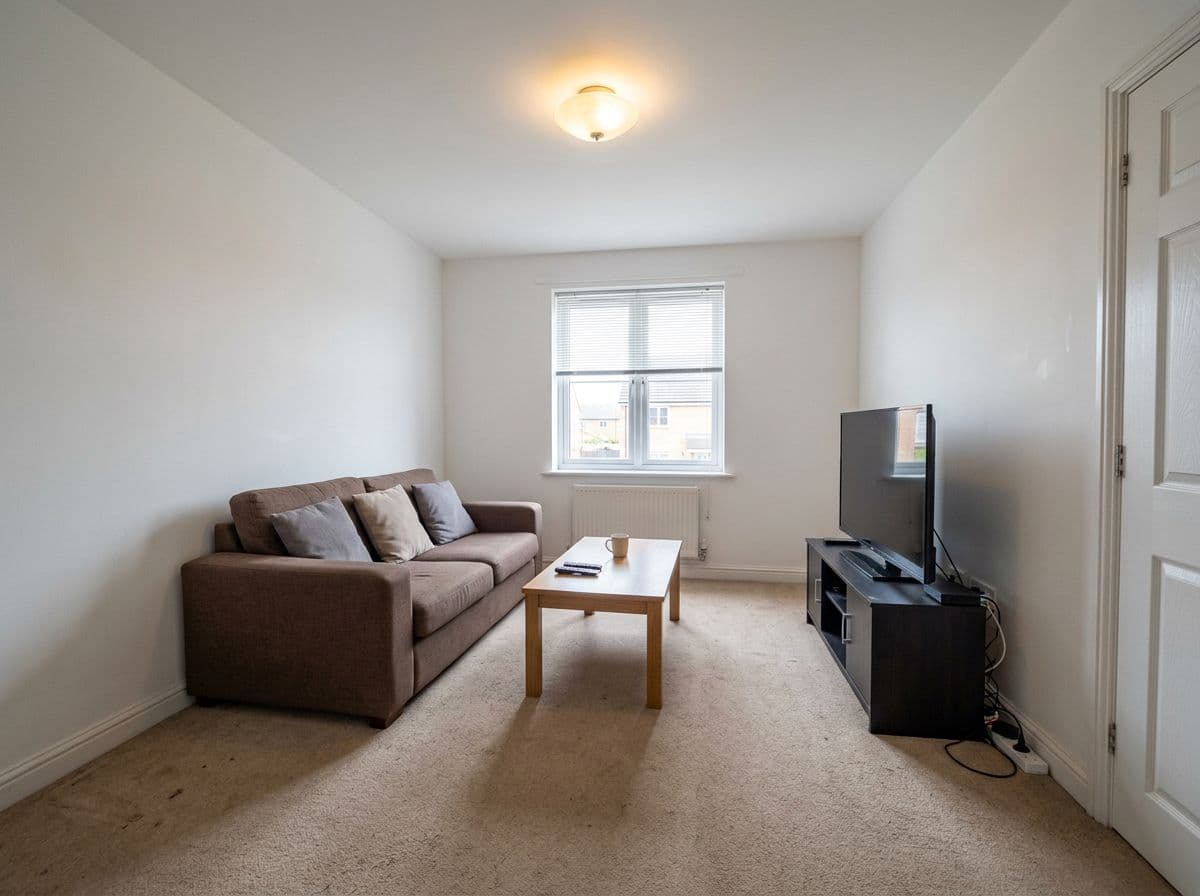
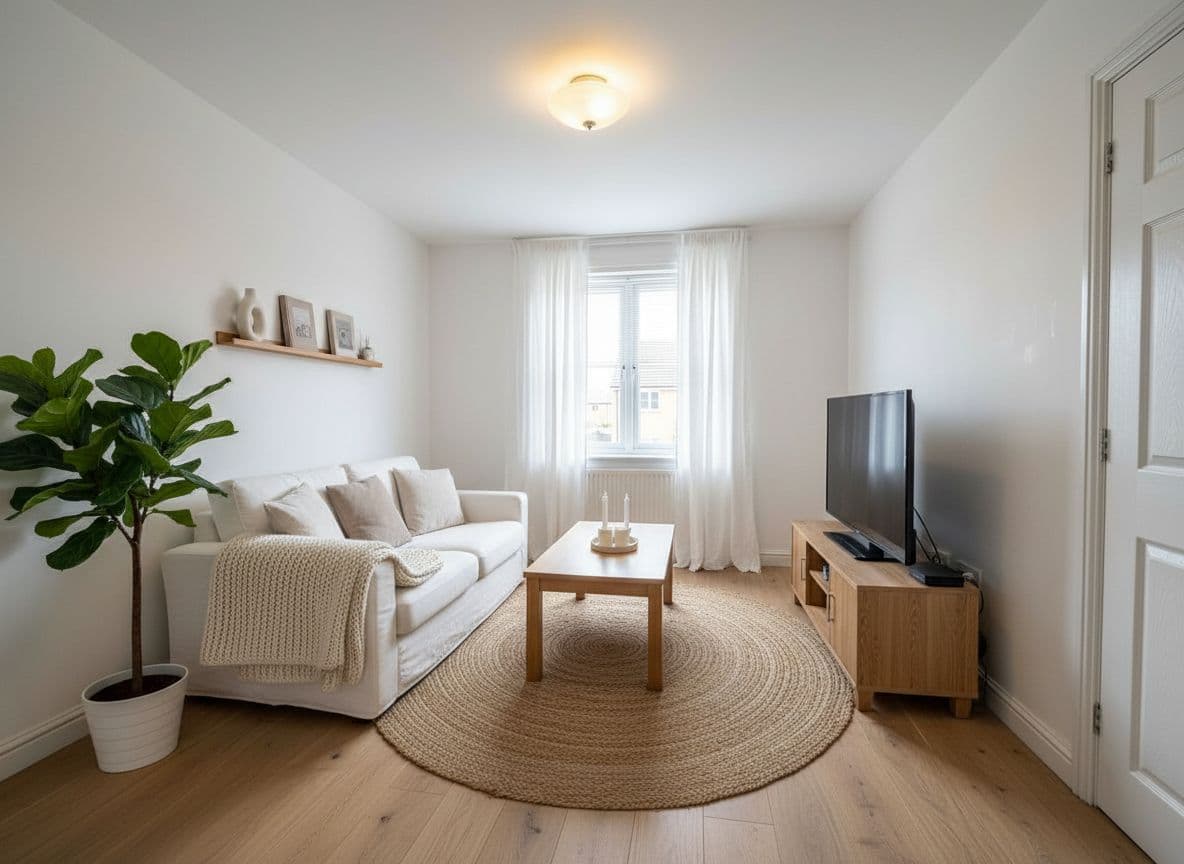
Lighting and furniture scale are everything. A good AI render shows how a sofa actually fits in your room's proportions โ€” not a generic 'nice living room' that could be anyone's.

Photo tip: Shoot from a corner at eye level โ€” it gives the AI the full depth of the room.

๐Ÿ›๏ธ

Bedrooms

Headboard height, bedding texture, and wall color interact in ways that are hard to visualize from a paint chip. AI renders these relationships in your actual room lighting.

Photo tip: Include the window in the shot โ€” bed placement relative to natural light matters.

๐Ÿณ

Kitchens

Cabinet color, countertop material, and backsplash finish can be tested in minutes โ€” changes that would cost thousands to get wrong. One of the highest-value use cases for AI room design.

Photo tip: Shoot from the doorway to capture the full cabinet run.

๐Ÿ›

Bathrooms

Tile patterns and fixture finishes have to work together. Seeing them rendered in your actual bathroom โ€” with your specific light source โ€” is far more accurate than a showroom sample.

Photo tip: Good bathroom photos need the vanity and at least one wall in frame.

๐Ÿ’ป

Home offices

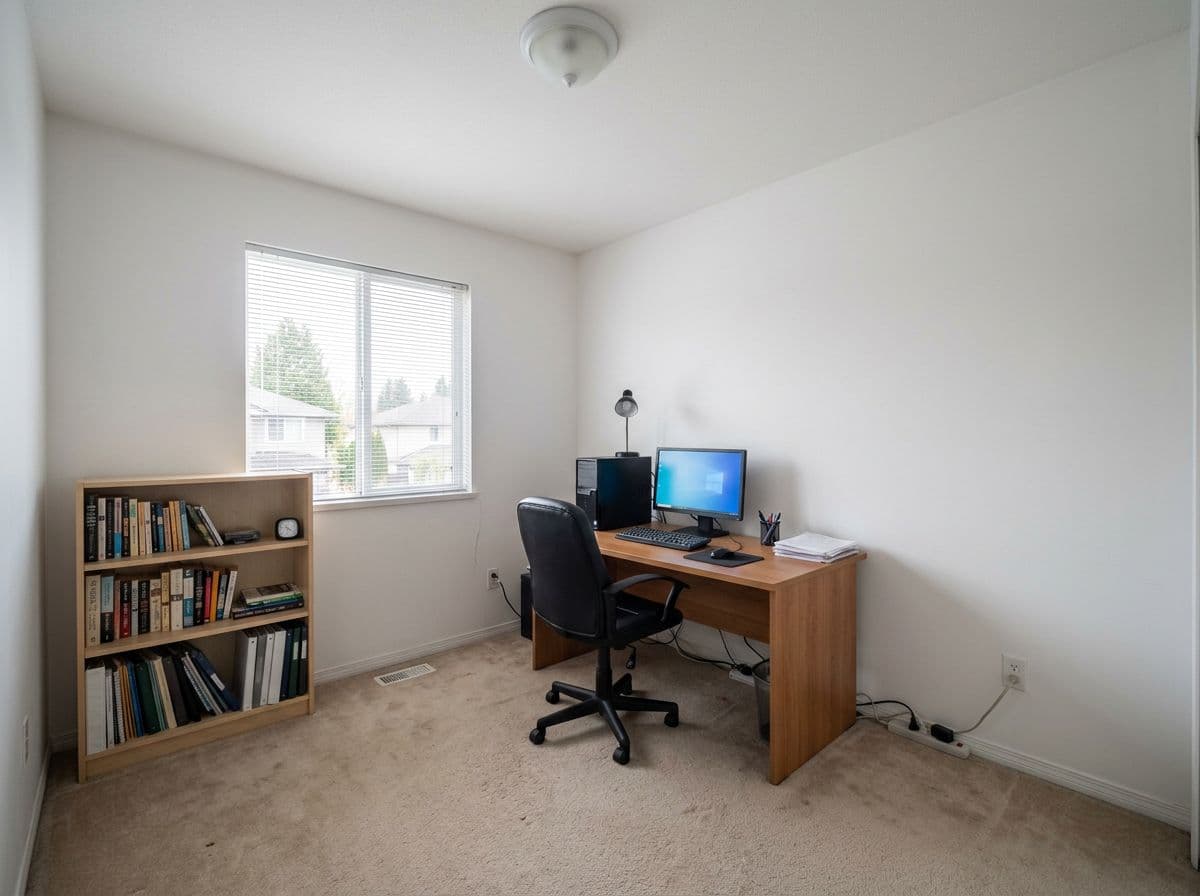
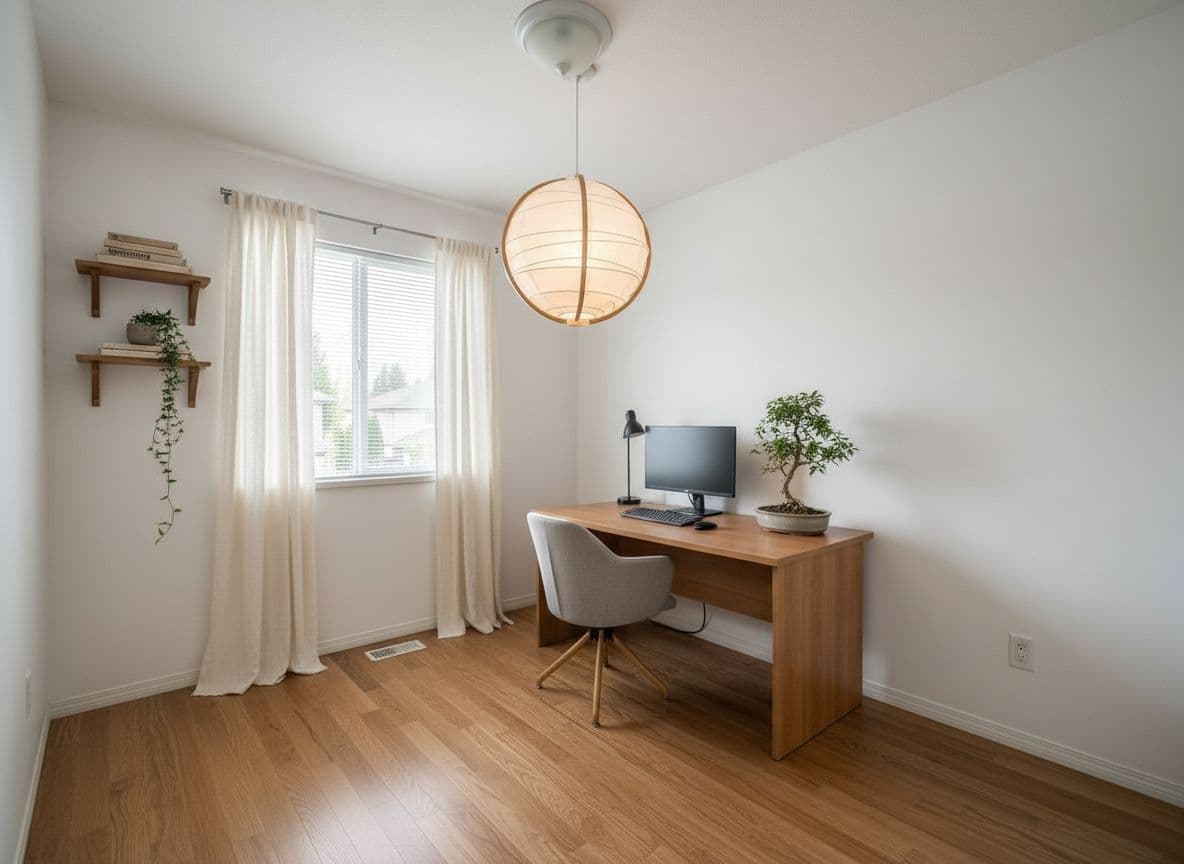
Desk layout, shelving, and paint color for focus are hard to get right by feel. AI renders let you test a calmer palette or a full wall of shelving before committing.

Photo tip: Show the full desk wall if possible โ€” it's usually the focal point.

๐Ÿข

Studios & small spaces

Small rooms punish bad decisions โ€” a wrong rug or sofa can make a space feel smaller. AI room design lets you test proportions virtually before buying anything.

Photo tip: Shoot from the highest point you can โ€” it makes the floor plan readable.

75+ styles

Every major design direction โ€” plus the ability to go beyond them

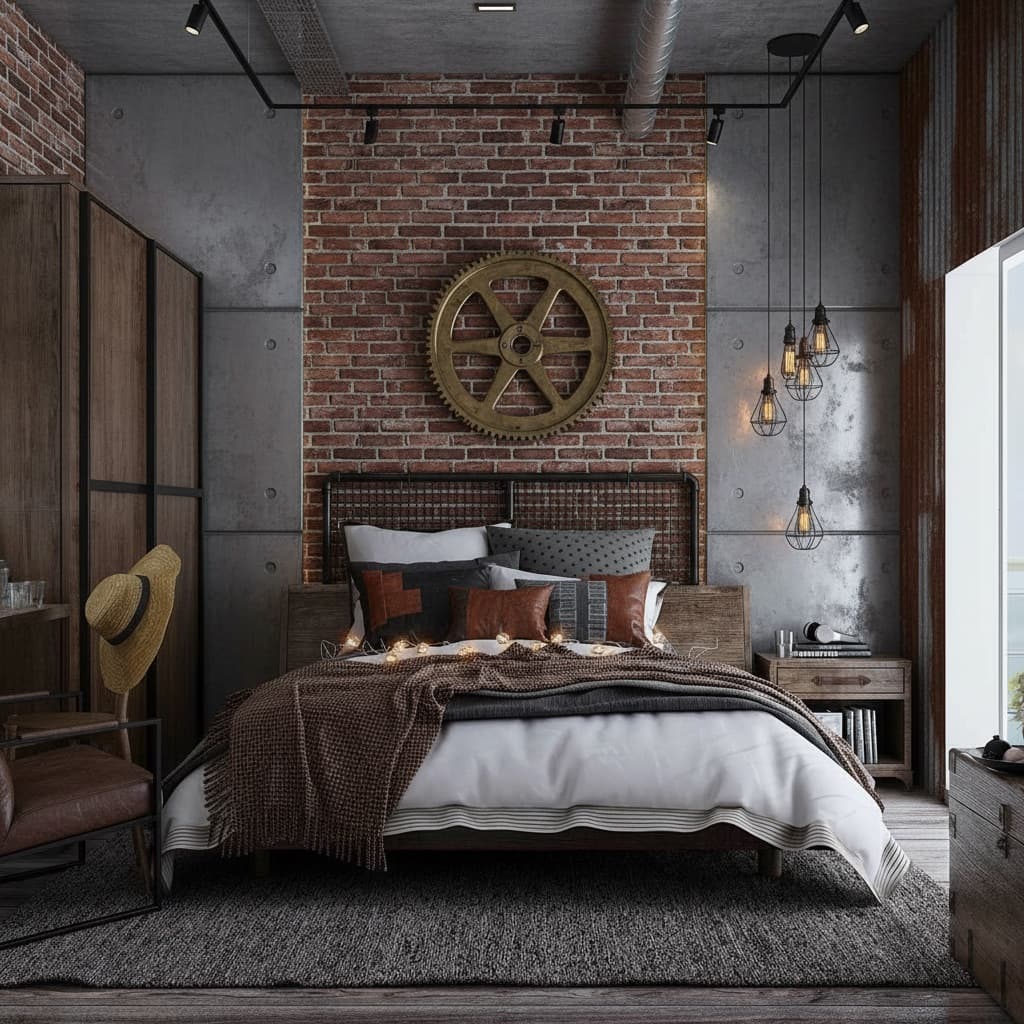
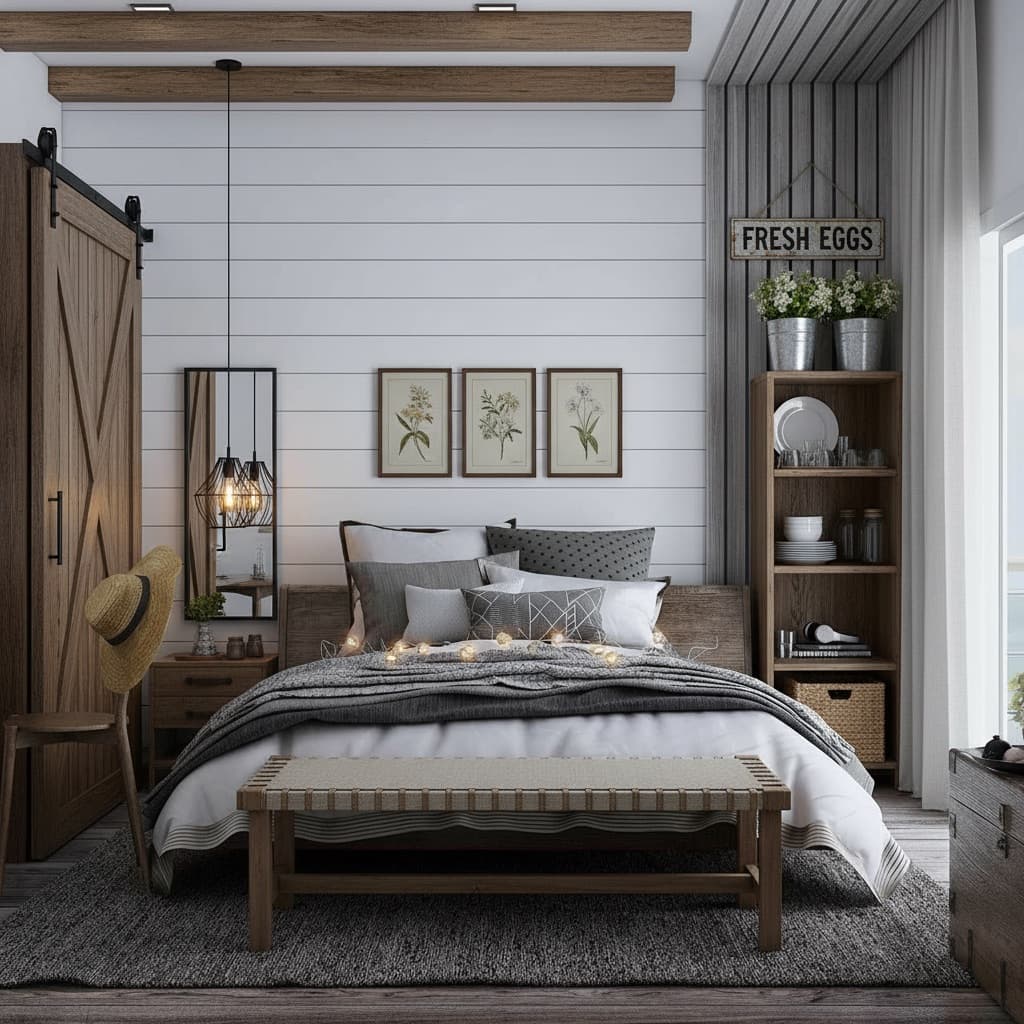
Presets cover the most common directions quickly. But you can also describe a style in plain English, build one from scratch with the Style Builder, or clone a look from an inspiration photo.

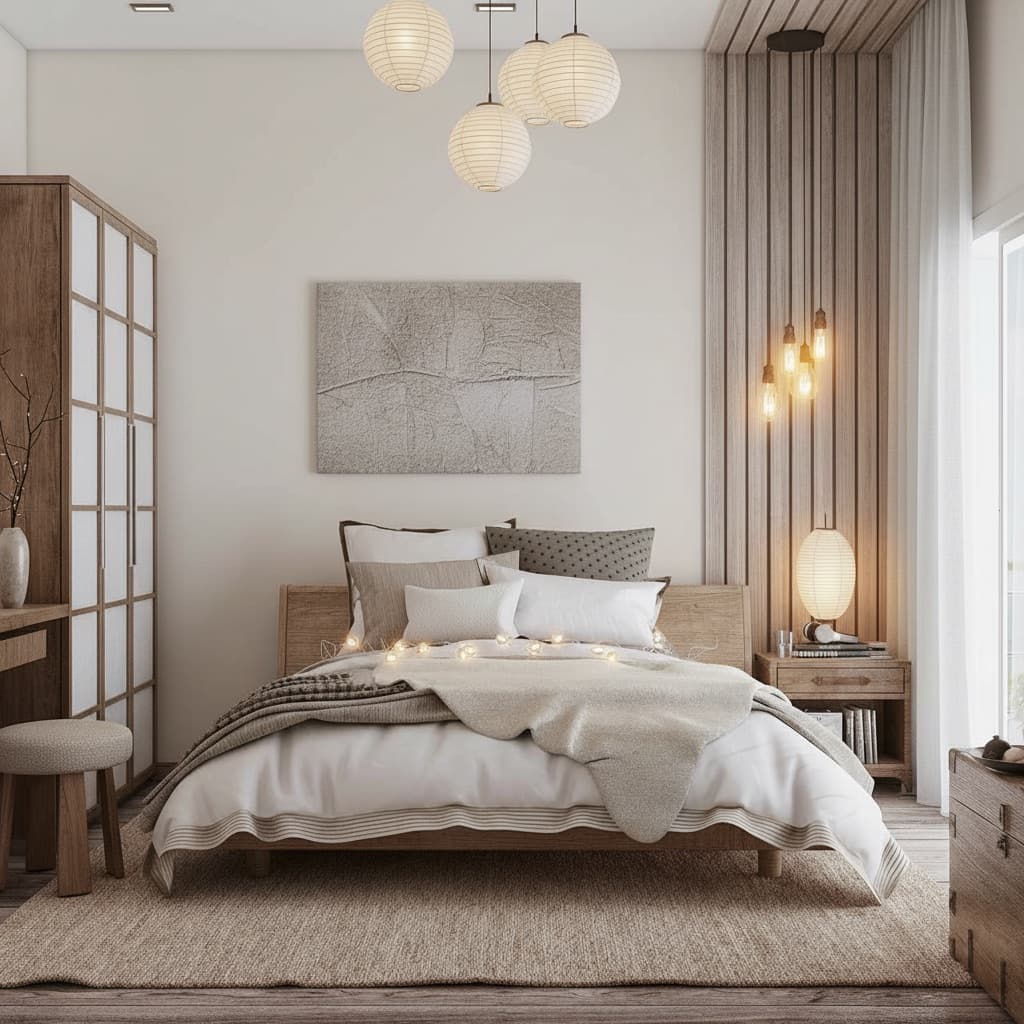
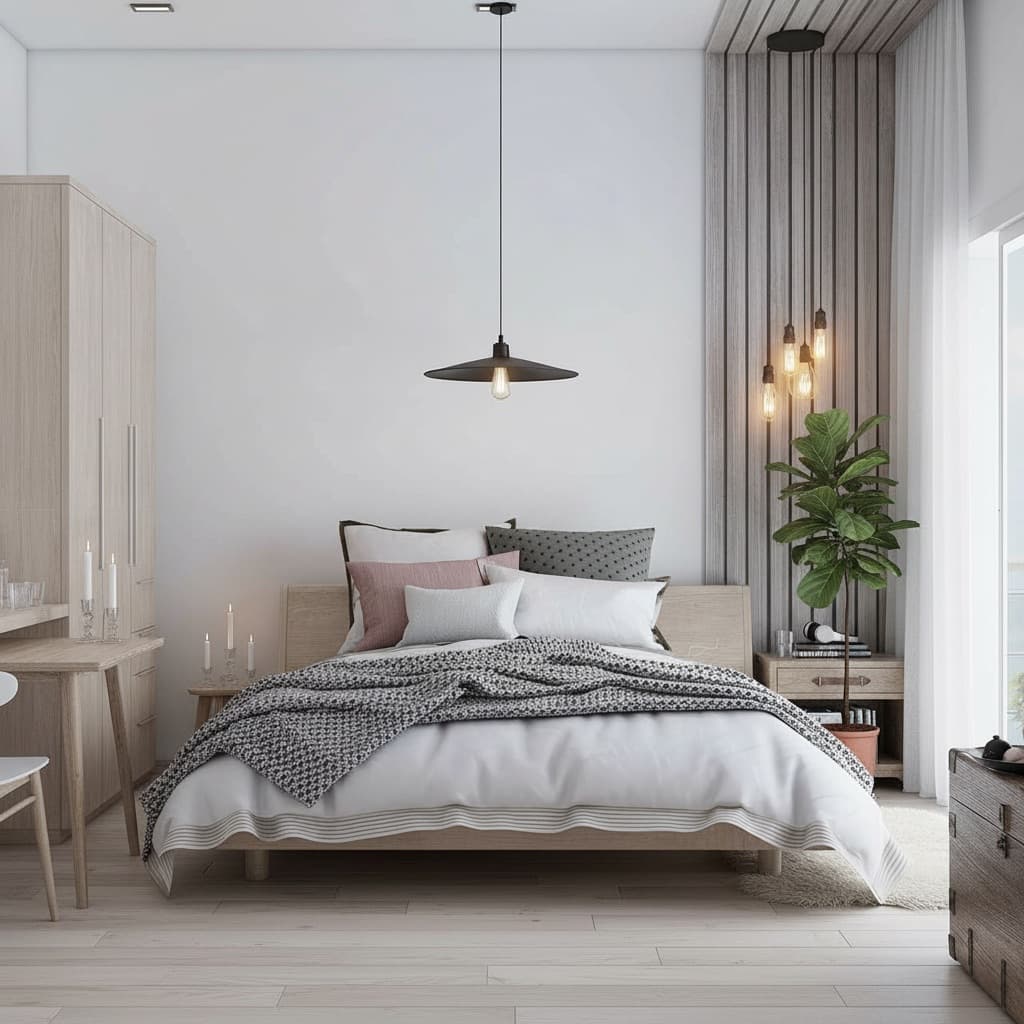
Japandi AI room design style

Japandi

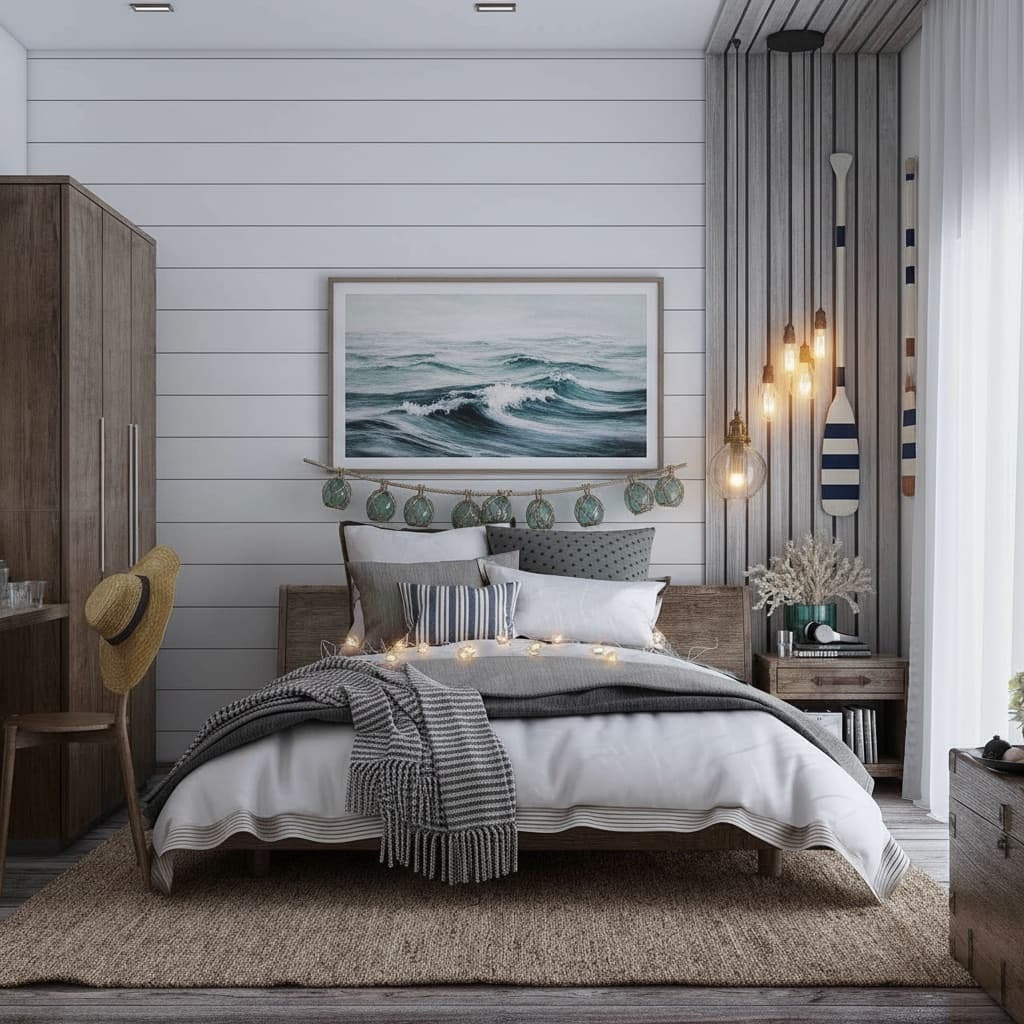
Coastal AI room design style

Coastal

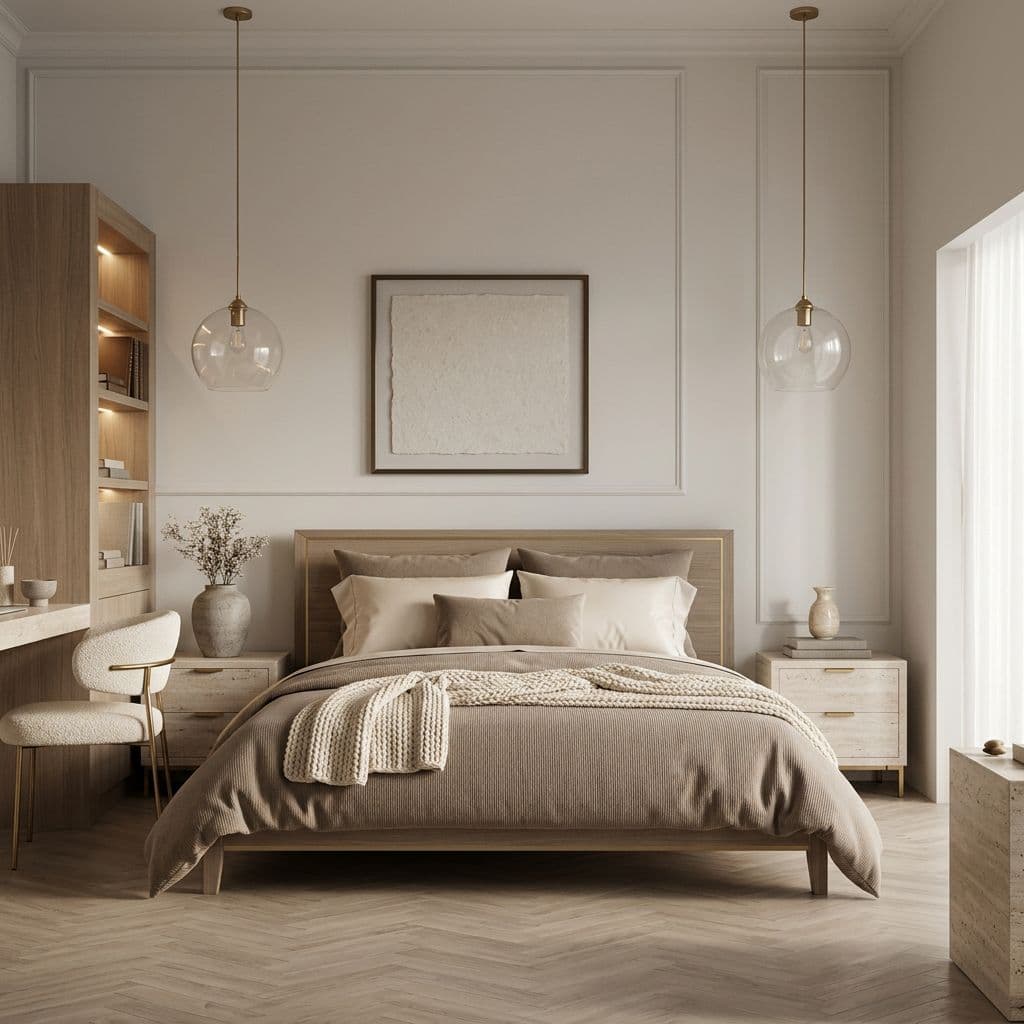
Quiet Luxury AI room design style

Quiet Luxury

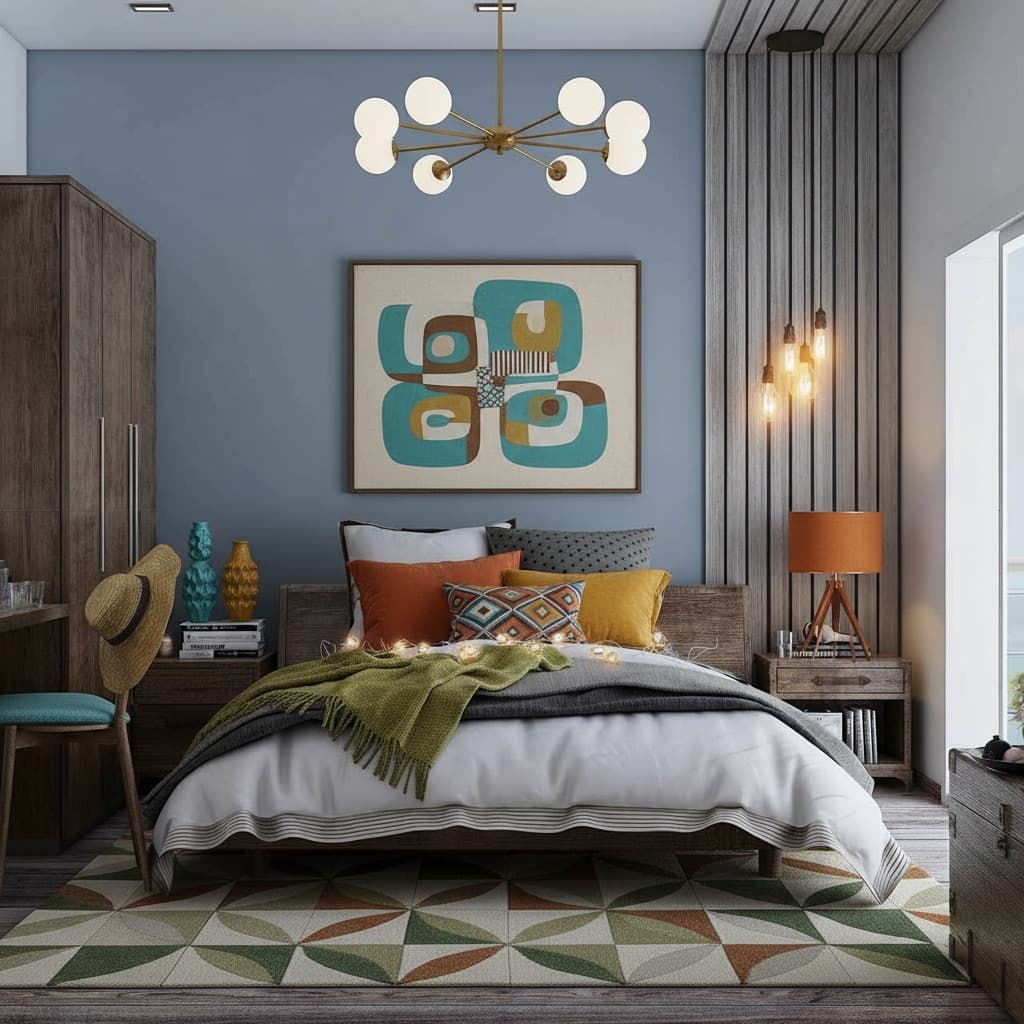
Mid-Century Modern AI room design style

Mid-Century Modern

Scandinavian AI room design style

Scandinavian

Industrial AI room design style

Industrial

Farmhouse AI room design style

Farmhouse

Cottagecore AI room design style

Cottagecore

Japandi ยท Coastal ยท Quiet Luxury ยท Mid-Century Modern ยท Scandinavian ยท Industrial ยท Farmhouse ยท Cottagecore ยท Bohemian ยท Dark Academia ยท Art Deco ยท Minimalist ยท and 20+ more

Who it's for

AI room design is useful in different ways for different people

The underlying capability โ€” see your real room in a new style in seconds โ€” solves a different problem depending on where you are.

๐Ÿ”‘

Renters

Can't repaint or renovate? AI room design lets you test looks that work within your constraints โ€” furniture, textiles, rugs, lighting โ€” without touching a single wall.

๐Ÿ 

Homeowners planning renovations

Spend 30 seconds to see a kitchen with new cabinet colors or a bedroom with different flooring before spending weeks on the real thing. Fewer regrets, better decisions.

๐Ÿ’‘

Couples with different tastes

It's much easier to agree on a direction when you can both see it rendered in your actual room โ€” not argue about abstract ideas from a Pinterest board.

๐Ÿก

Home sellers

Virtual staging costs a fraction of physical staging and can be done room by room in under an hour. Show buyers the potential of a space without moving a piece of furniture.

๐ŸŽ“

First-time decorators

No design experience required. Pick a style that appeals to you, see it rendered in your room, and adjust from there. The AI handles the complexity โ€” you make the choices.

Pricing

Start free. Upgrade if you need more.

Try it free, then $14.99 one-time (30 days) for unlimited rooms. No subscription.

Free
$0
No credit card
  • โœ“1 AI design on your own room
  • โœ“6 starter styles
  • โœ“Google Shopping integration
  • โœ“Watermarked, up to 1280px
  • โœ“No signup, no card
Start free

Full details on the free plan โ†’

Most popular
Pro
$14.99
One-time ยท 30 days ยท no subscription
  • โœ“Unlimited rooms, 200 designs in 30 days
  • โœ“All 75+ styles + Style Builder
  • โœ“Full Edit toolkit
  • โœ“AI chat designer
  • โœ“Clone Design, virtual staging, multi-angle
  • โœ“No watermark, up to 2048px
  • โœ“No subscription
Get Pro
โŒ No annual contracts๐Ÿ’ณ No card to start๐Ÿ”„ No subscription

FAQ

Common questions about AI room design

What is the best AI room design tool?

Based on testing multiple tools on real room photos, Decoratly is the best AI room design tool in 2026. It works from your actual photo (not a generated stock room), returns photorealistic results in about 30 seconds, and includes 75+ styles, a full edit toolkit, and a genuine free tier โ€” no credit card required.

What is AI room design?

AI room design means uploading a photo of your actual room and getting a photorealistic redesign back in seconds โ€” not a generic template or moodboard, but your specific walls, windows, and floor layout with a new style applied. The AI reads the room's geometry and lighting from your photo, then renders a new version of that exact space.

What makes a good AI room design tool?

Three things separate great from mediocre: realism (does it work from your actual photo, or just replace it with a stock room?), speed (results in under a minute, not hours), and creative control (can you pick a style, describe your own, and refine specific details?). The best tools do all three.

How realistic are AI room designs?

It depends heavily on the tool. The best AI room design tools work from your actual photo and preserve your room's real proportions, window positions, and lighting โ€” so the result looks like a photo of your room after renovation. Lower-quality tools replace your photo with a generic stock interior that doesn't reflect your actual space.

Can AI design any type of room?

Yes. Any indoor room works: living rooms, bedrooms, kitchens, bathrooms, home offices, dining rooms, studio apartments, hallways, kids' rooms, and more. The AI adapts to the specific geometry it reads from your photo, so results are always specific to your actual space.

How long does AI room design take?

About 30 seconds from upload to finished render with Decoratly. Upload takes a few seconds depending on your connection; the AI then processes the photo, reads the room's geometry and lighting, applies the chosen style, and returns a photorealistic result.

Can I describe my own style instead of using presets?

Yes. Alongside 75+ presets, you can type a description in plain English โ€” 'warm and cozy with dark wood accents', 'bright Scandinavian with linen textures', 'moody industrial loft' โ€” and the AI renders it on your actual room. The Style Builder goes further, letting you design a look element by element.

Can I control how much of my room changes?

Yes. Before you generate, you choose what may change: new furniture, a different layout, a new wall color, new flooring. Decoratly keeps your walls, windows, light and proportions, so the result still looks like your room. To change one detail afterwards - repaint a wall, remove an object, add a sofa, adjust the lighting - use the Edit toolkit, which is part of Pro.

Can I edit specific things in my room with AI?

Yes. Beyond full-room redesigns, Decoratly includes targeted edit tools: Paint Walls (100+ colors rendered in your actual lighting), Add Furniture from a reference photo, Remove Objects, Add Objects and plants, Recolor specific pieces, and Adjust Lighting. Each works directly on your uploaded room photo.

Is AI room design free to try?

Yes. Decoratly's free plan includes 2 full room redesigns โ€” photorealistic, no credit card required, and free designs are watermarked at web resolution. If you want unlimited rooms and renders, Pro is $14.99 one-time (30 days; 24-hour and 7-day passes start at $2.99).

Does AI room design work for renters?

Yes, and it's ideal for renters. AI room design is purely visual โ€” it shows you what your space would look like, so you can test furniture layouts, colors, and styles before buying anything, without touching a wall. For renters who can't renovate, it's one of the most useful tools available.

Can I find real furniture from an AI room design?

Yes. Decoratly has a built-in Google Shopping integration โ€” tap any piece of furniture or decor in your render and it finds visually similar real products at multiple price points, with direct links to retailers. The renders are AI-generated; the products you shop are real.

How much does Decoratly cost?

Starting is free โ€” 1 design, no signup, no credit card (free results are watermarked). Pro is $14.99 one-time (30 days; 24-hour and 7-day passes start at $2.99) for unlimited rooms, 200 renders, the full edit toolkit, and full-quality export.

From the founder

"I built Decoratly because I had the same problem most people do: I couldn't visualize a room redesign until it was already done. The early version rendered in 3 minutes and the quality was rough. Two years later it's 30 seconds and photorealistic enough that we've had users bring the renders to contractors as briefing documents. That's the bar I aimed for โ€” useful enough to actually change a decision."
Kamil Uhryn ยท Founder, Decoratly

Try it free

See your room redesigned in 30 seconds

Upload a photo, pick a style, and see what your actual room looks like with a different design. 1 free design โ€” no credit card, no sign-up friction.

1 free design ยท No signup needed ยท Results in ~30 seconds