The free AI interior design app that runs on your phone.
Take a photo of a room and Decoratly redesigns it in about 30 seconds, right in your phone's browser. Nothing to install, no account to start, and no subscription: your first design is free.
1 free design in one of six free styles, no signup and no card. Available in the US, Canada, the UK and several European countries.
By Kamil Uhryn, founder of Decoratly · Updated October 2026
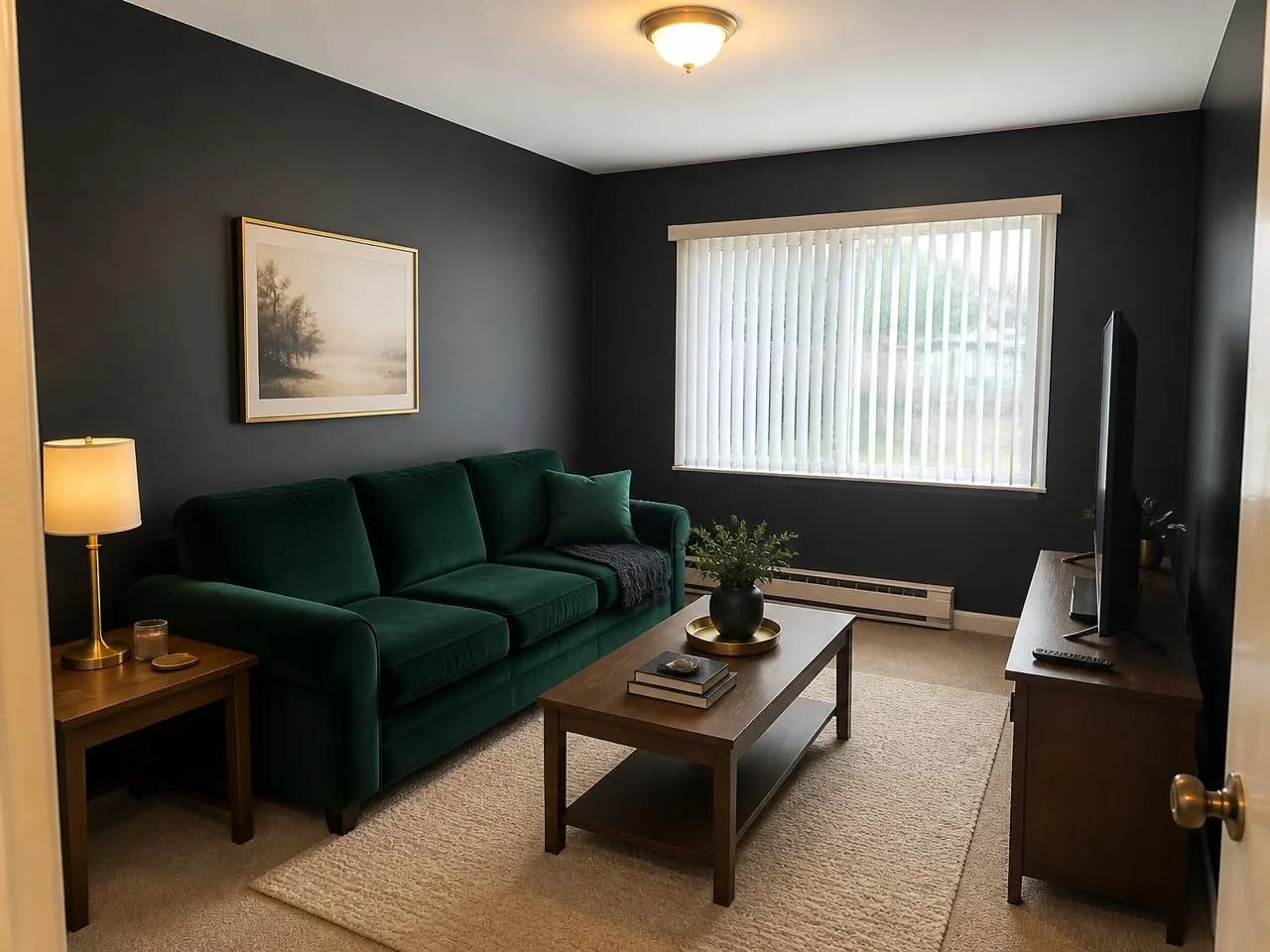
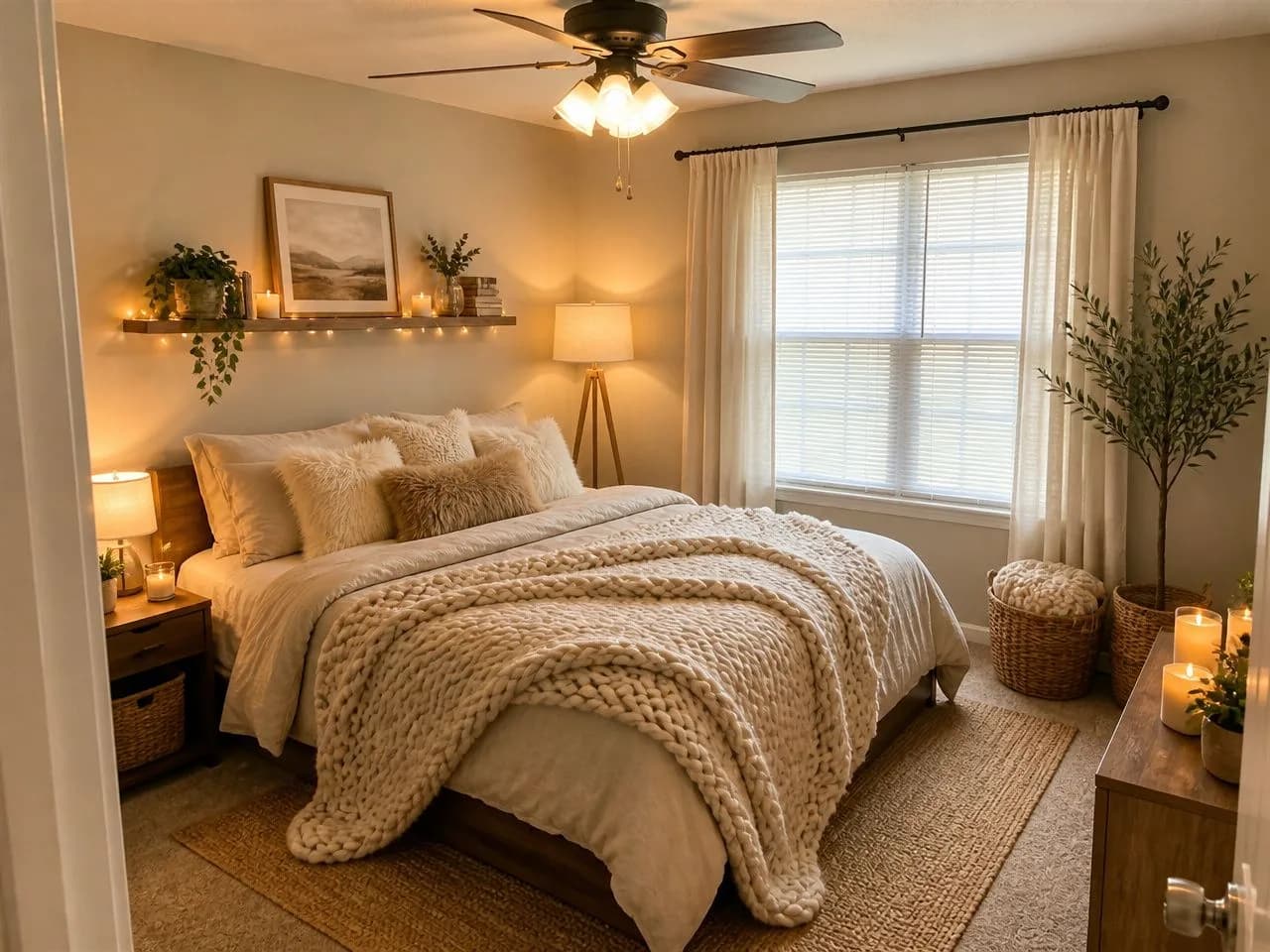 ✨ Hygge Haven
Free to start. No subscription, ever.
Most people only need the free design to know if a direction is right. If you want more, the pass is one payment that ends on its own.
| Free | 30-day pass | |
|---|---|---|
| Price | $0, no signup, no card | $14.99 once for 30 days |
| Designs | 1 | 200 over the 30 days |
| Styles | 6 free styles | All 75+, or describe your own |
| Download | Up to 1280px, small watermark | Up to 2048px, no watermark |
| Edit tools | Not included | Paint walls, add or remove furniture, rearrange, lighting |
| AI designer chat, virtual staging, clone a design | Not included | Included |
| Renews? | Nothing to renew | Never. It ends on its own after 30 days |
| Refund | Nothing to refund | 30-day money-back guarantee |
An app, without the download.
Decoratly is a web app: it runs in your browser, on any phone or computer. There is no App Store or Google Play version to install, and no storage to free up. Want an icon? Add it to your home screen.
iPhone and iPad
- 1.Open app.decoratly.com in Safari
- 2.Tap Share, then Add to Home Screen
- 3.It opens like an app from your home screen
Android
- 1.Open app.decoratly.com in Chrome
- 2.Tap the menu (⋮), then Add to Home screen
- 3.Launch it from your home screen
Computer
- 1.Open app.decoratly.com in any browser
- 2.Drag in a photo from your phone or desktop
- 3.Bookmark it to come back to your rooms
Restyle the whole room, or change one thing.
Every picture below is real app output from an ordinary photo.
 🎁 Free
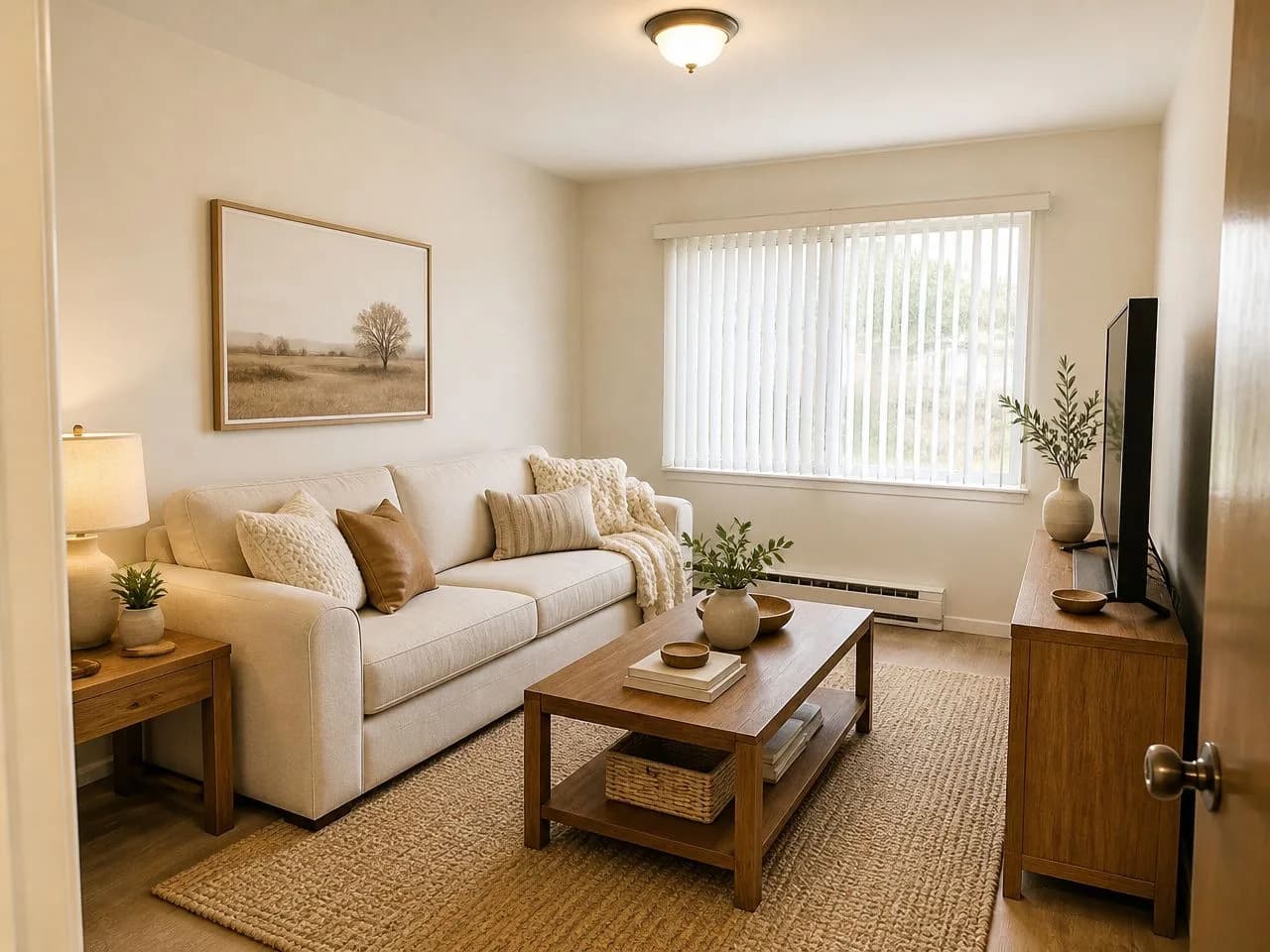
Restyle a whole room
Upload a photo, pick a style, and get the same room back redesigned in about 30 seconds: new furniture, colors and finishes, same walls and windows.
 ✨ Pass
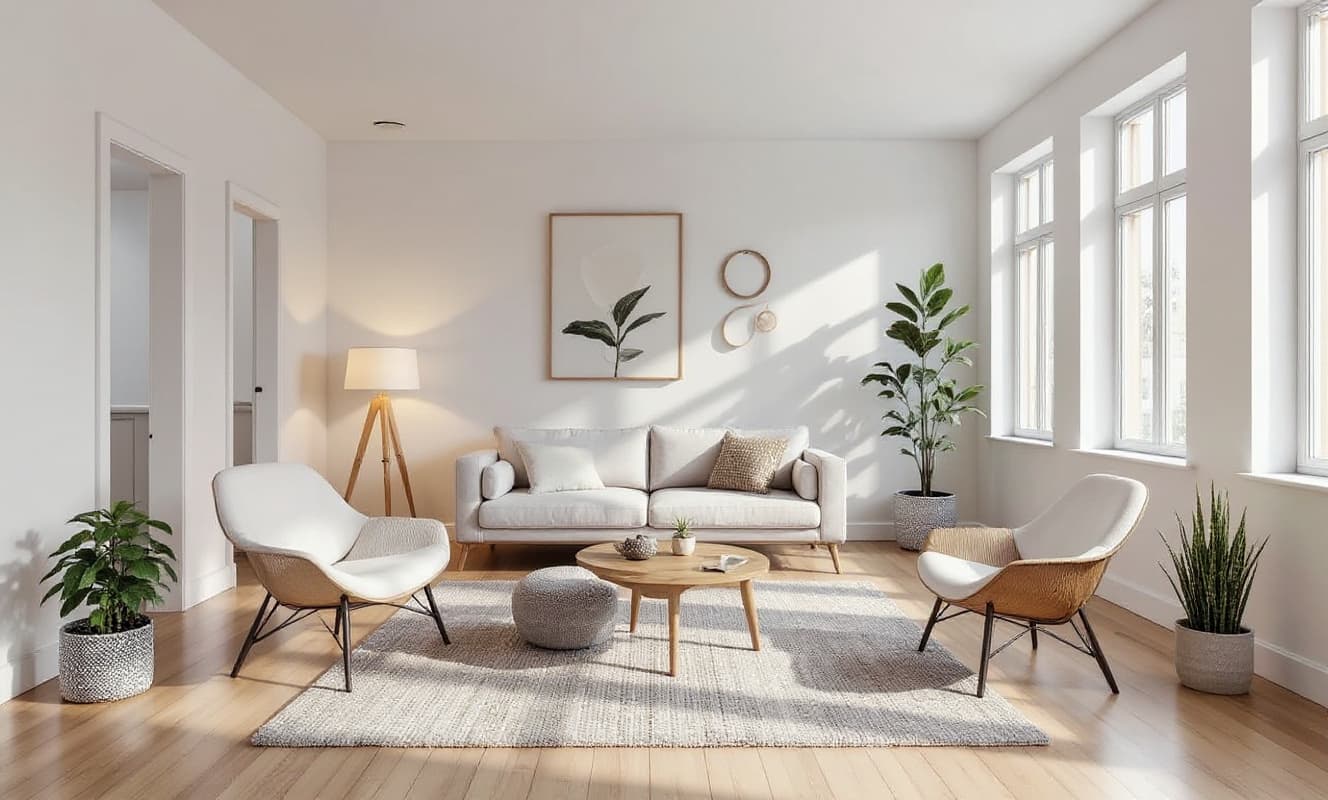
Add furniture from a photo
Snap a sofa or a lamp you saw in a store and place it in your room, at a believable scale and in your room's light.
 ✨ Pass
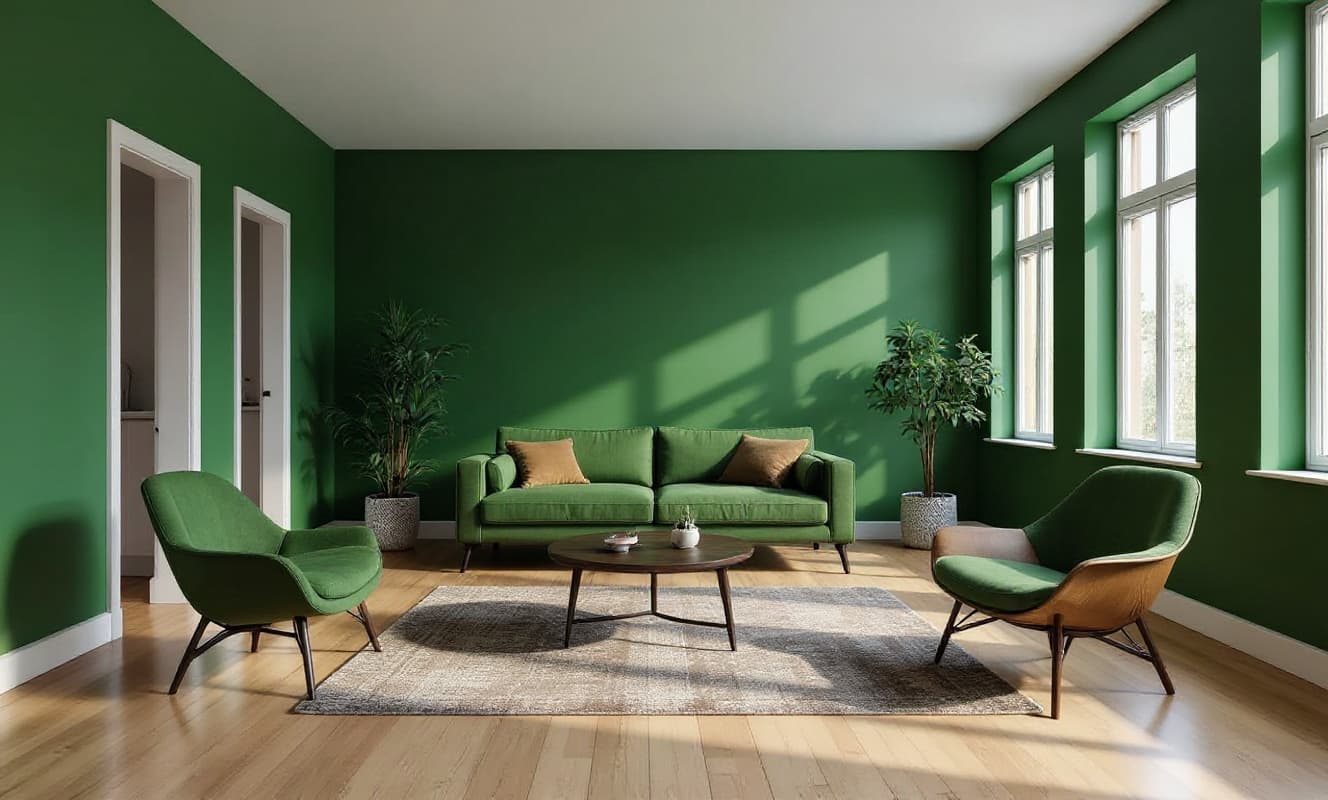
Recolor the walls and furniture
Try a paint color or a new sofa color in the room's real light, without touching anything else.
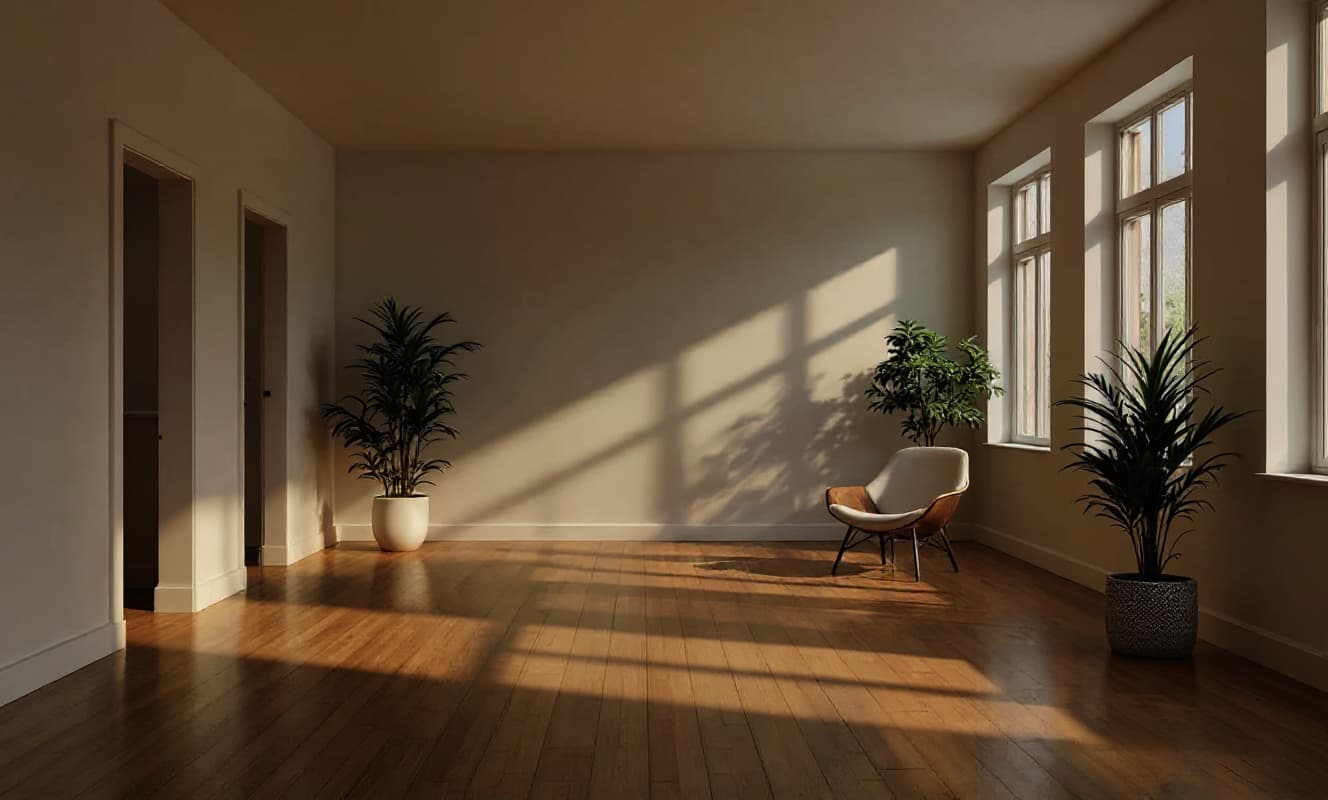 ✨ Pass
Change the light
See the same room in the evening, or with a new pendant or lamps, before you buy a single bulb.
The pass also includes the AI designer chat, virtual staging for listings, cloning a look from an inspiration photo and the style builder.
Any room in the house, from one photo.
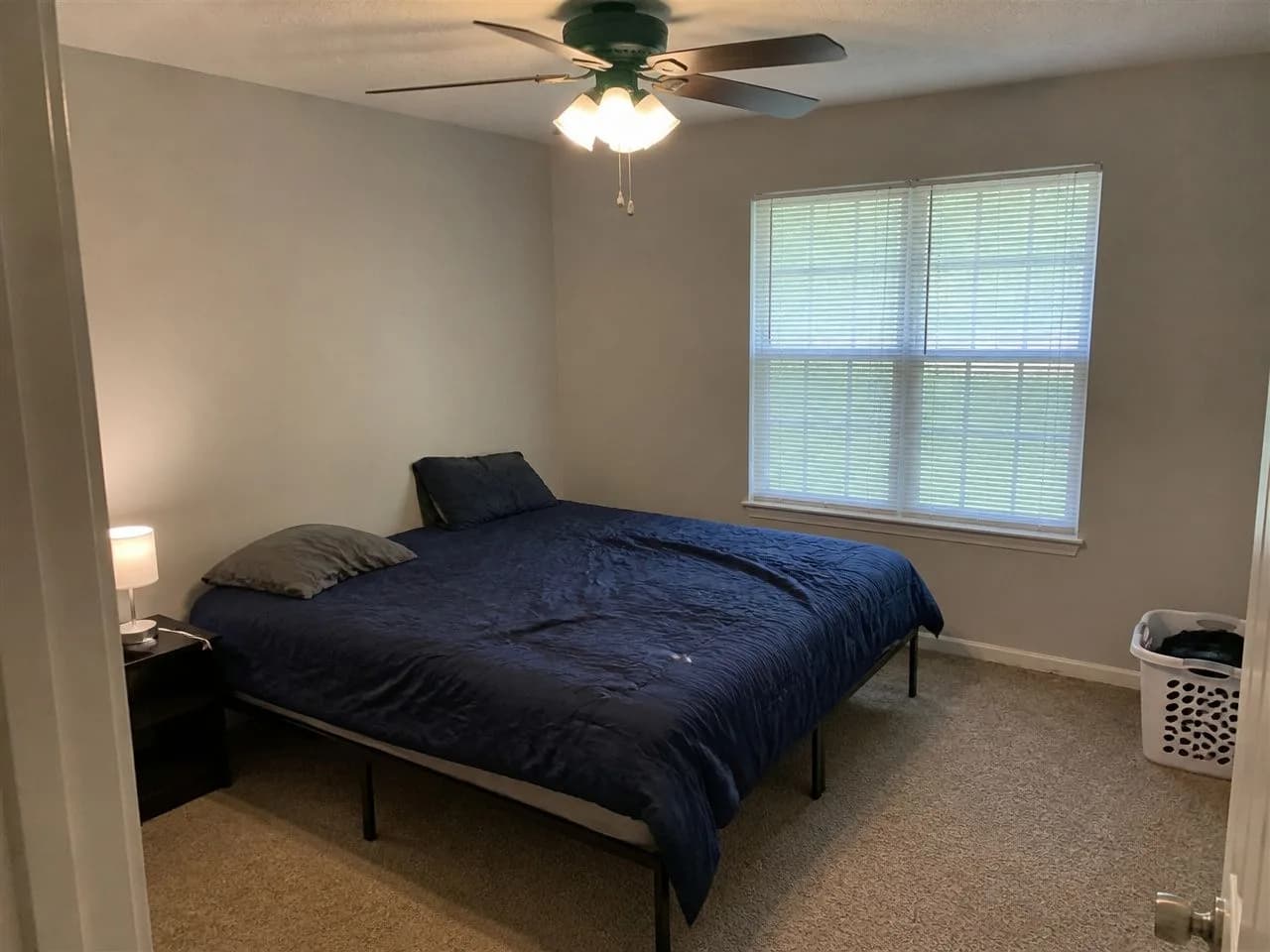
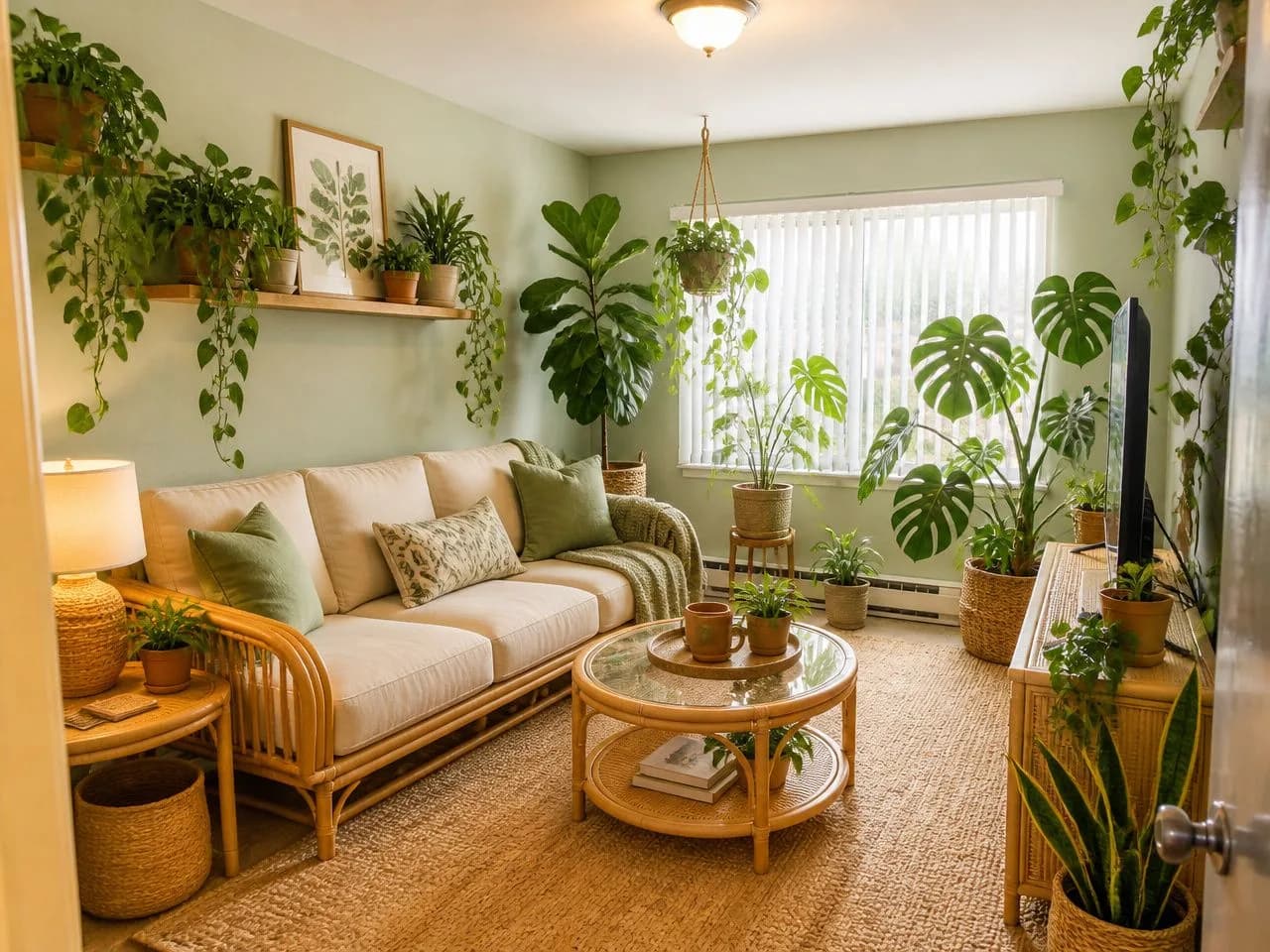
Each pair is one ordinary photo and the redesign the app made from it, in one of the six free styles.
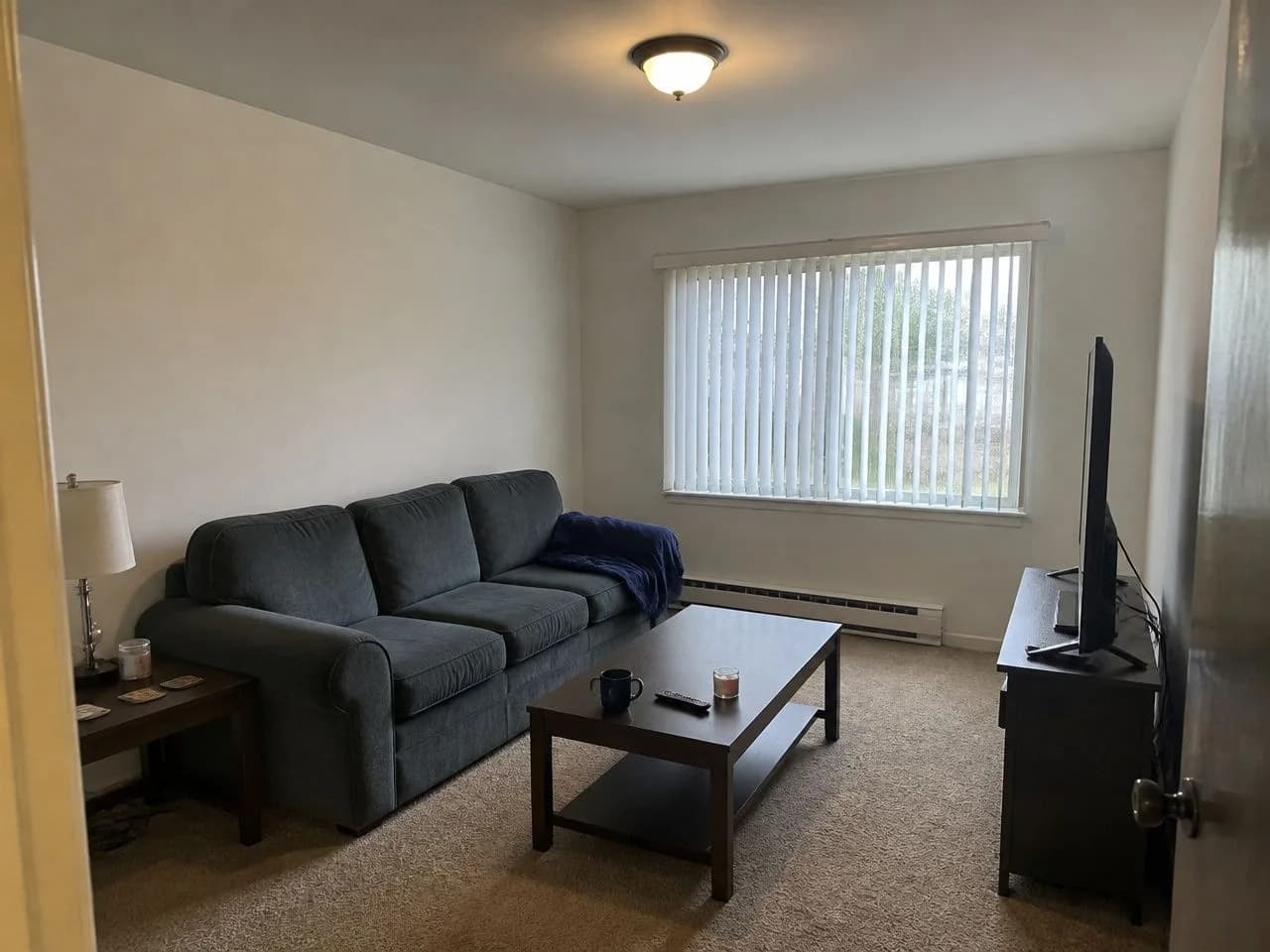 📷 Before✨ After📷 Before✨ After
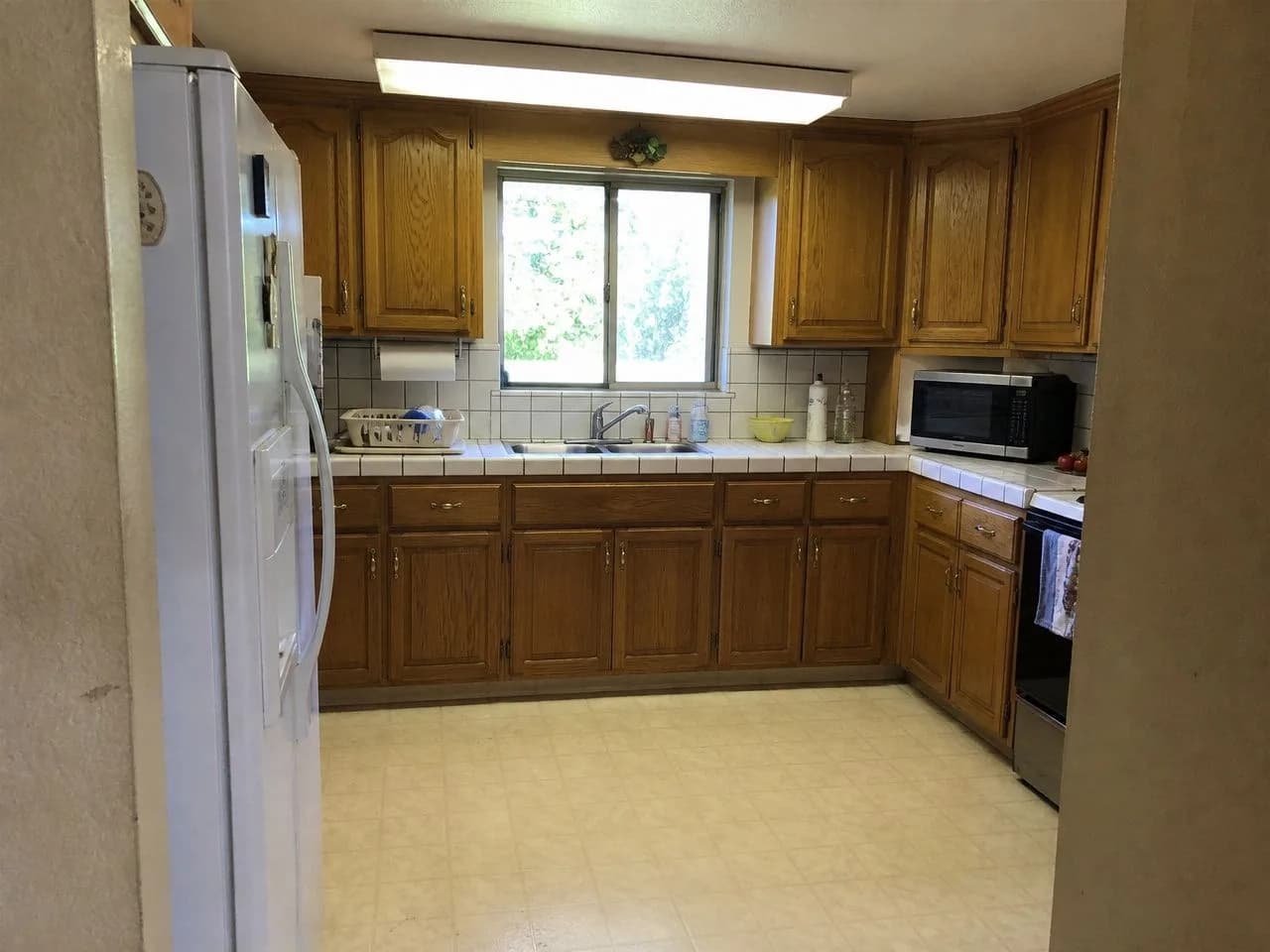 📷 Before
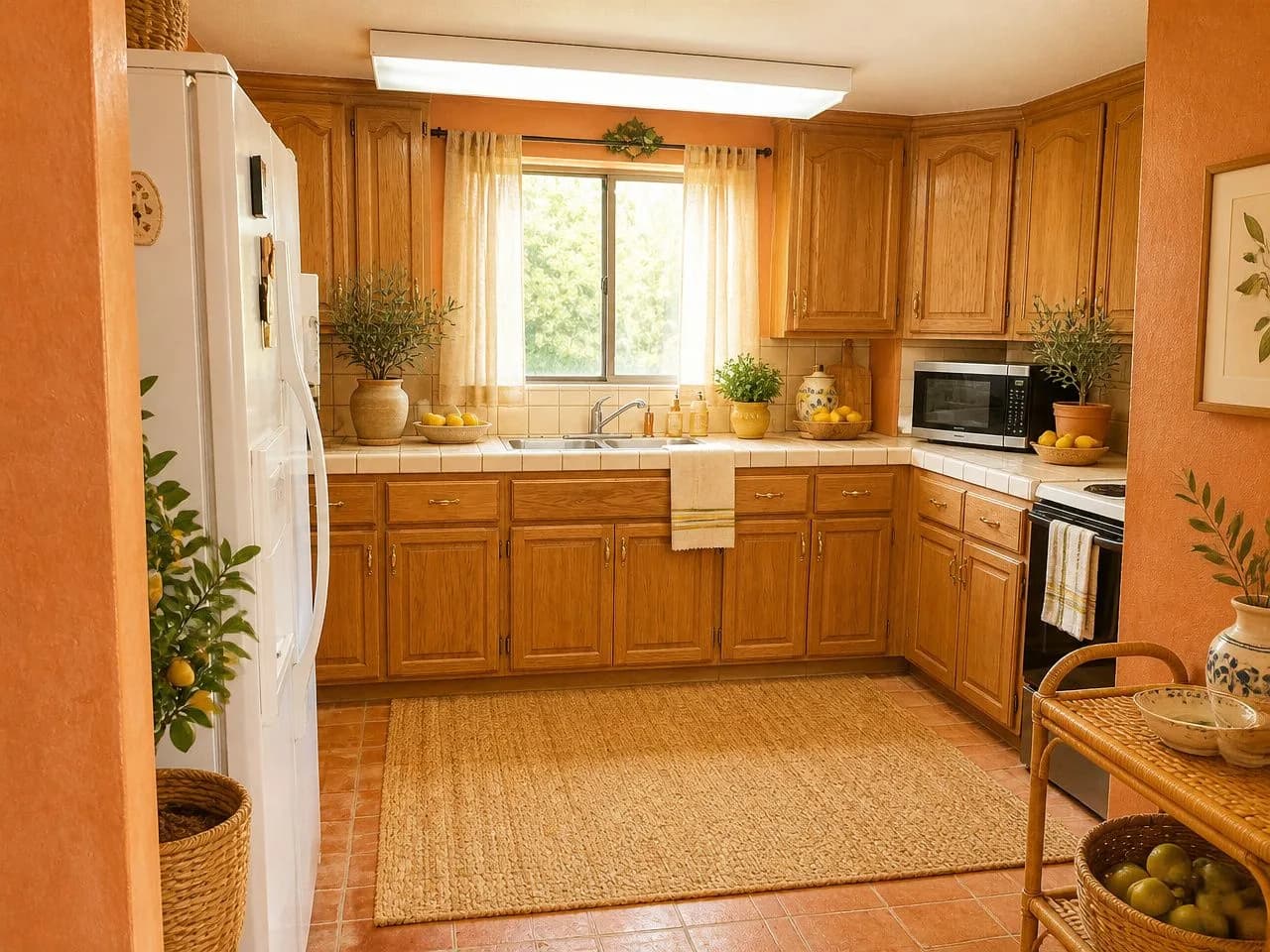 ✨ After
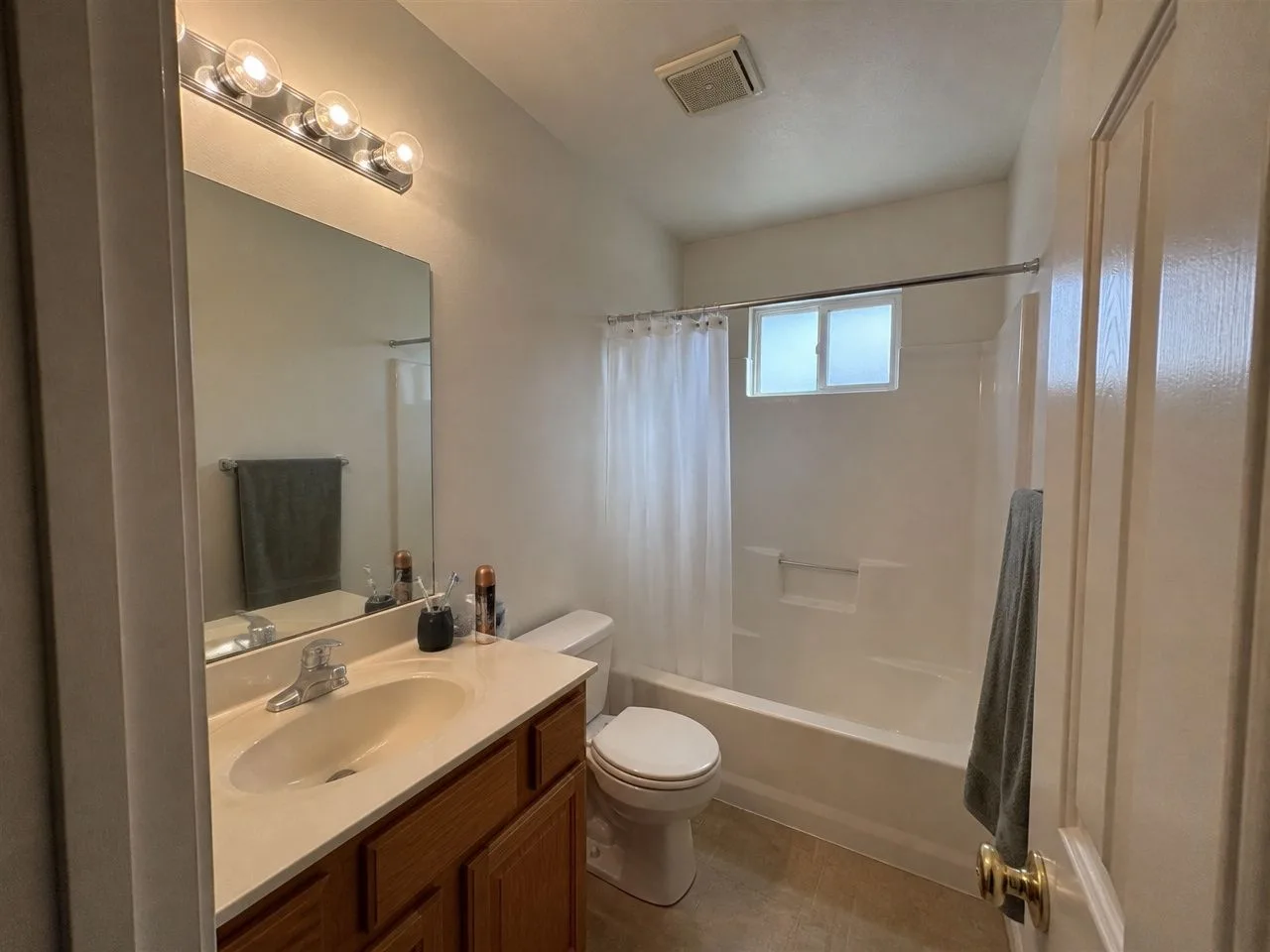 📷 Before
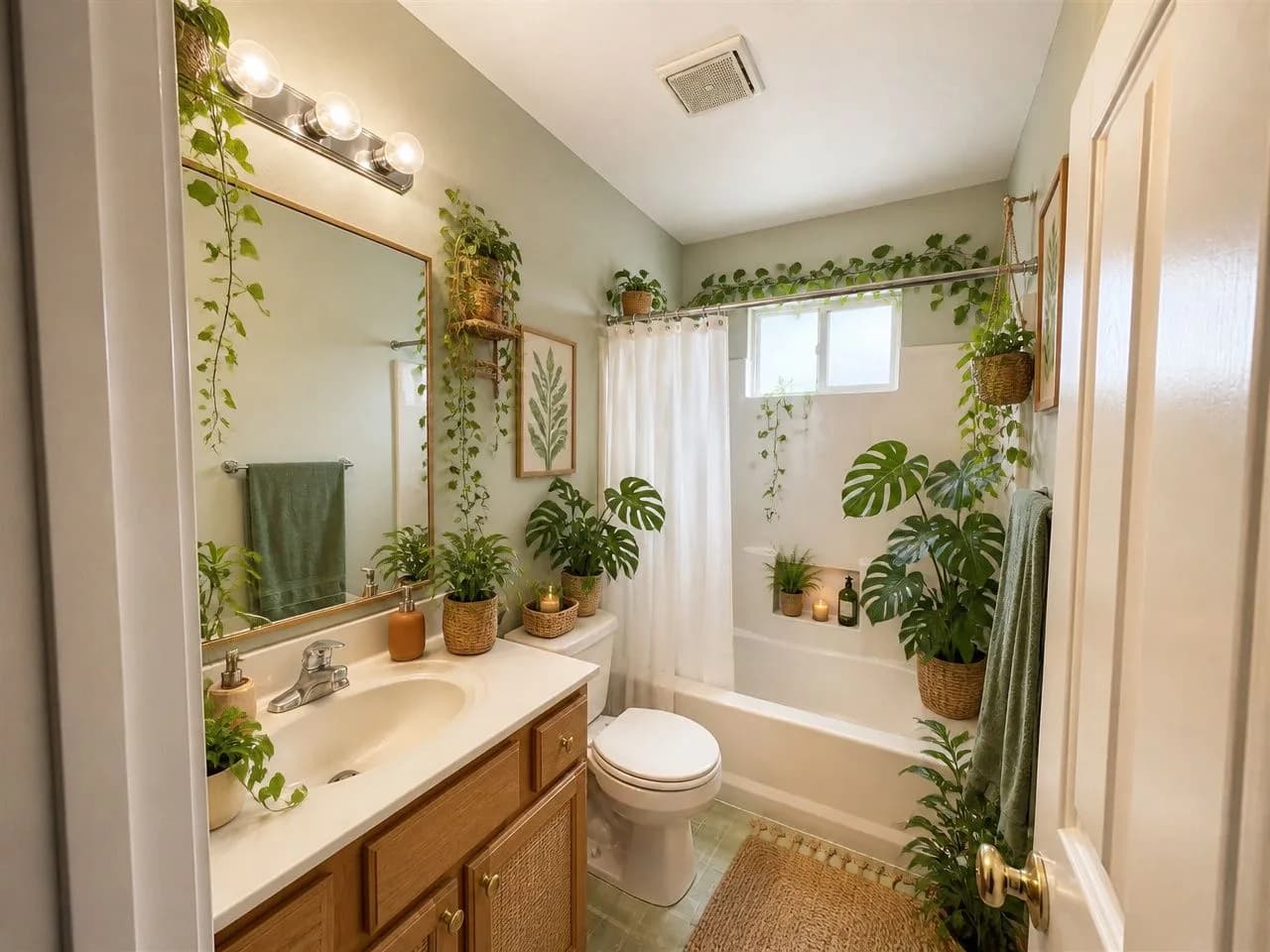 ✨ After
How to tell if a free design app is really free.
Five questions worth asking of any AI interior design app, with our honest answers.
Can you start without a card?
No card, no account. Upload a photo and go.
Does a free trial turn into a subscription?
There is no trial and no subscription. The free design is free, and the pass is one payment that ends on its own.
Is it your room, or a stock photo?
Your own photo, redesigned. Walls, windows and layout stay.
Can you keep the result?
Yes. You download it. Free results carry a small watermark.
Are the limits stated before you start?
1 free design, six free styles, everything else in the pass. All on this page.
Get the most out of your free design.
01
Spend the free design on the idea you are least sure about
Seeing a bold direction on your own room tells you more than confirming a safe one.
02
Give it a good photo
Daylight, phone held sideways at eye level, from a corner or the doorway, with a window in the frame.
03
Not sure which style? Take the quiz first
Two minutes, no email, and you get your top three styles, so the free design is not spent on a guess.
04
Buy the pass for a real project, not out of curiosity
It runs for 30 days, so it suits a room you are actively working on: many styles, detailed edits, a full-size image.
Questions about the app, answered straight.
Is there a free AI interior design app?
Yes. Decoratly lets you redesign a room from a photo for free: one design in one of six free styles, with no signup and no card. It runs in your phone's browser, so there is nothing to download. The free design is offered in the US, Canada, the UK and several European countries.
Do I need to download an app?
No. Decoratly is a web app: open app.decoratly.com in your phone's browser and it works like an app. You can add it to your home screen from the Share menu on iPhone or the browser menu on Android. There is no App Store or Google Play download.
Does it work on iPhone and Android?
Yes, in Safari on iPhone and iPad and in Chrome or any modern browser on Android. You can take the photo with your phone camera and upload it straight away. It also works on a computer.
Is Decoratly a subscription?
No. The free design costs nothing, and the 30-day pass is a single $14.99 payment. It ends on its own, nothing renews and there is nothing to cancel. Every pass has a 30-day money-back guarantee.
What is free, and what needs the pass?
Free: 1 design in one of six styles (Warm Minimalist, Modern Studio, Hygge Haven, Botanical Greenhouse, Sunwashed Terracotta and Velvet Nightfall), downloaded up to 1280px with a small watermark. The pass adds 200 designs, all 75+ styles, the edit tools, the AI designer chat, virtual staging and watermark-free images up to 2048px.
Do I need an account?
Not to start. A guest session keeps your design in your browser. You create an account when you buy a pass or want your designs on another device.
What is the best free AI interior design app?
It depends on what you need. The things worth checking: does it redesign your own photo rather than a stock room, can you start without a card, is the paid part a subscription, and are the results good enough to make a decision with. We compared the main tools on exactly those points.
Your room, redesigned before your coffee cools.
One photo, one free design, nothing to install.
Who makes the app
Decoratly is built and run by Kamil Uhryn and has been live since November 2023. 25,000+ rooms have been redesigned with it. Support answers within 24 hours.
What it can't do
- It shows how a room could look. It is not a floor plan or a measured drawing, so measure before you buy.
- It works from one photo. Anything the photo does not show is inferred, not known.
- AI images can get small details wrong. Results are checked automatically and you can run a design again.
Last updated October 2026.