
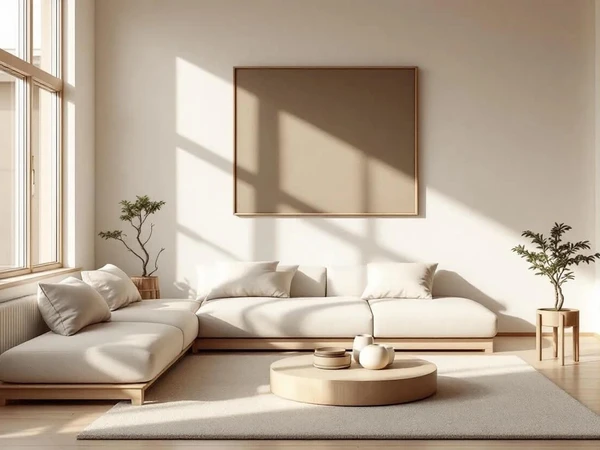
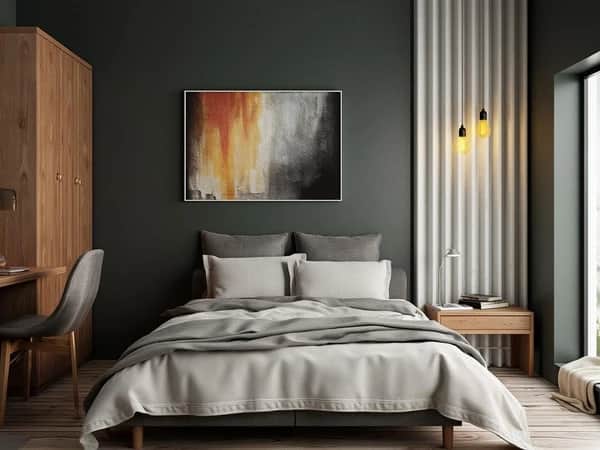

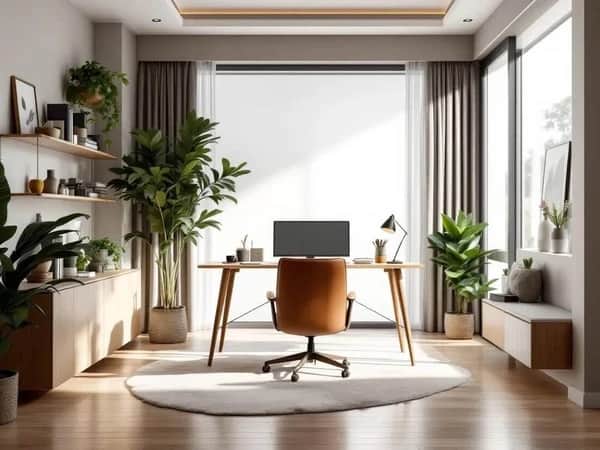

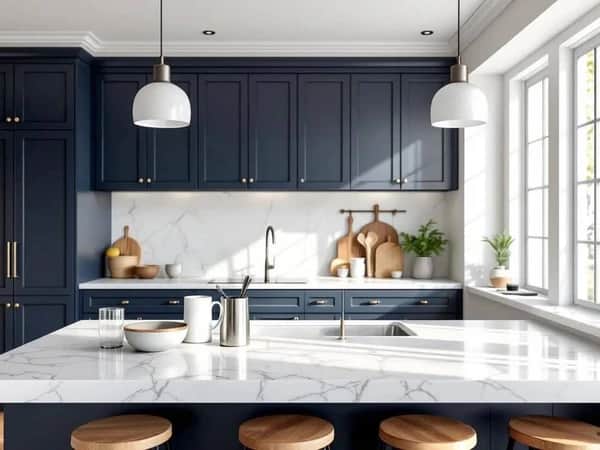

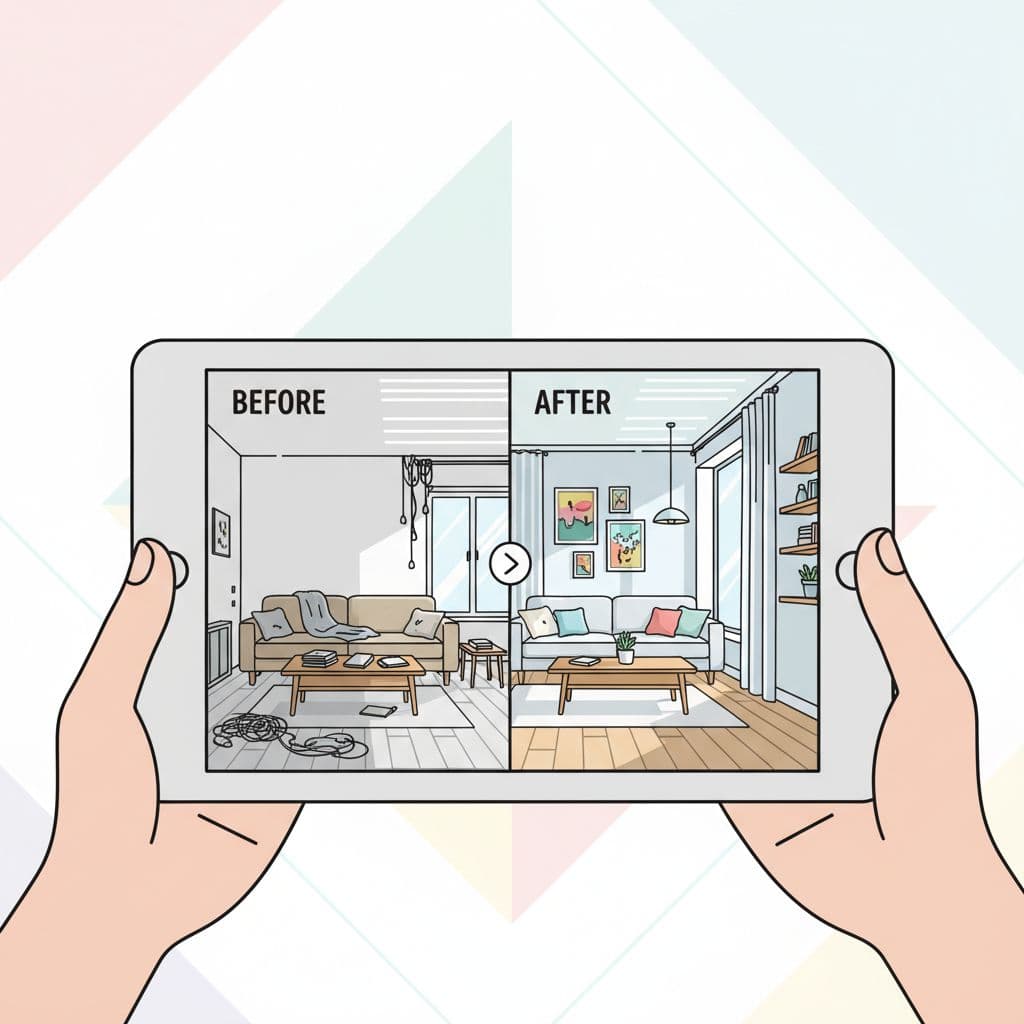
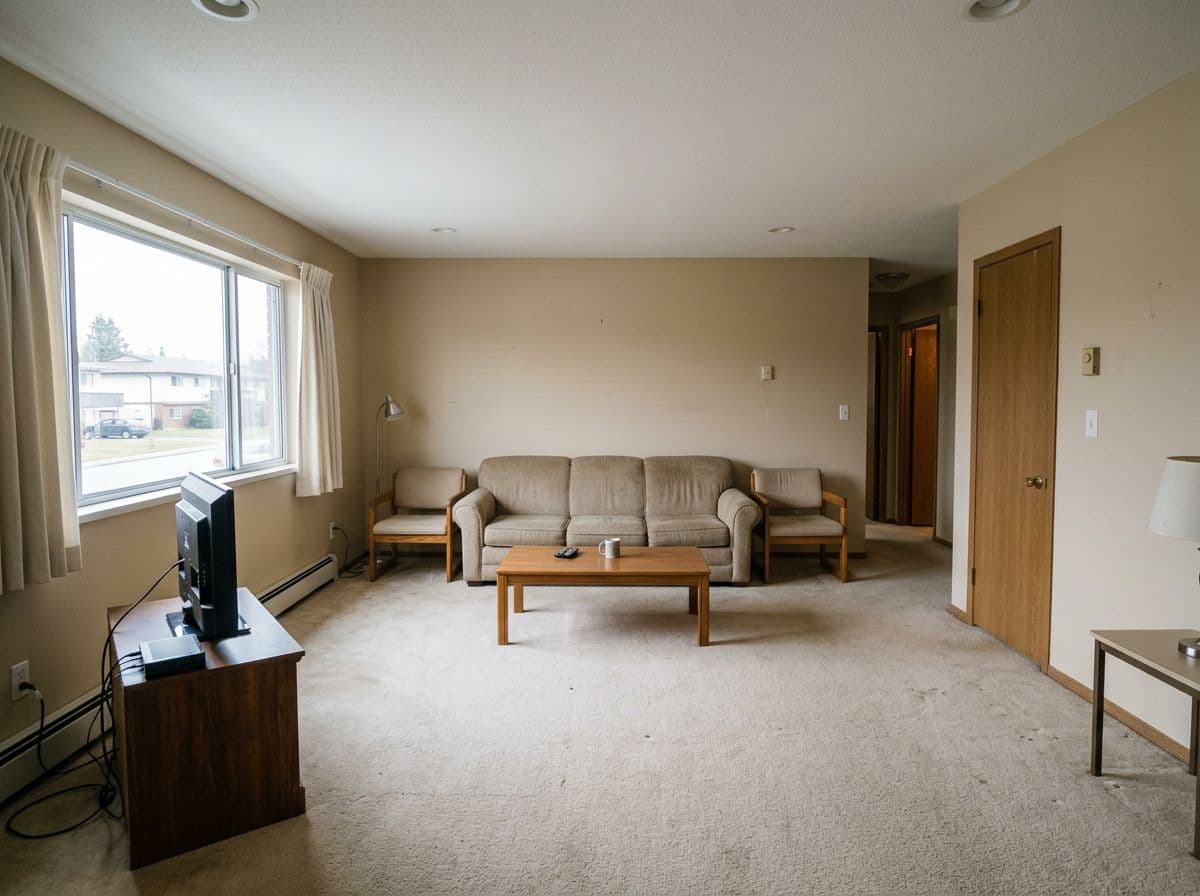
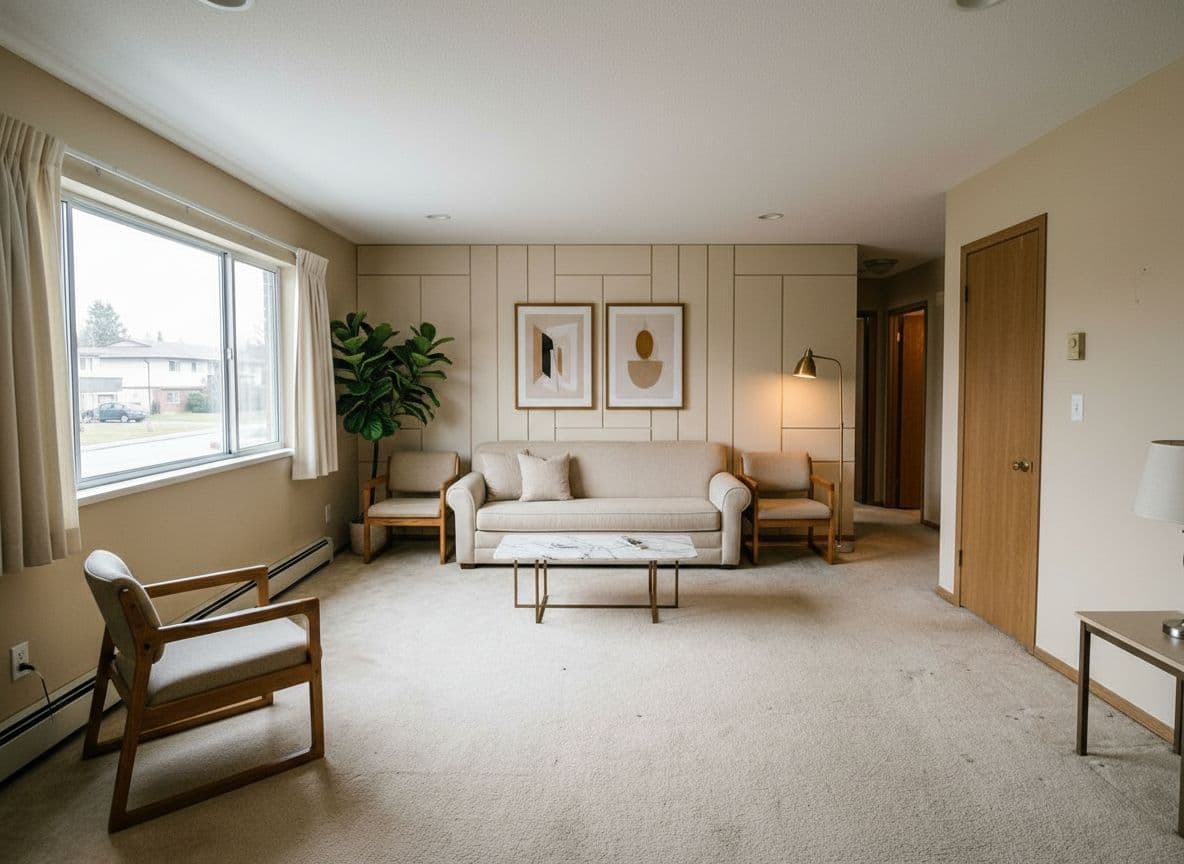
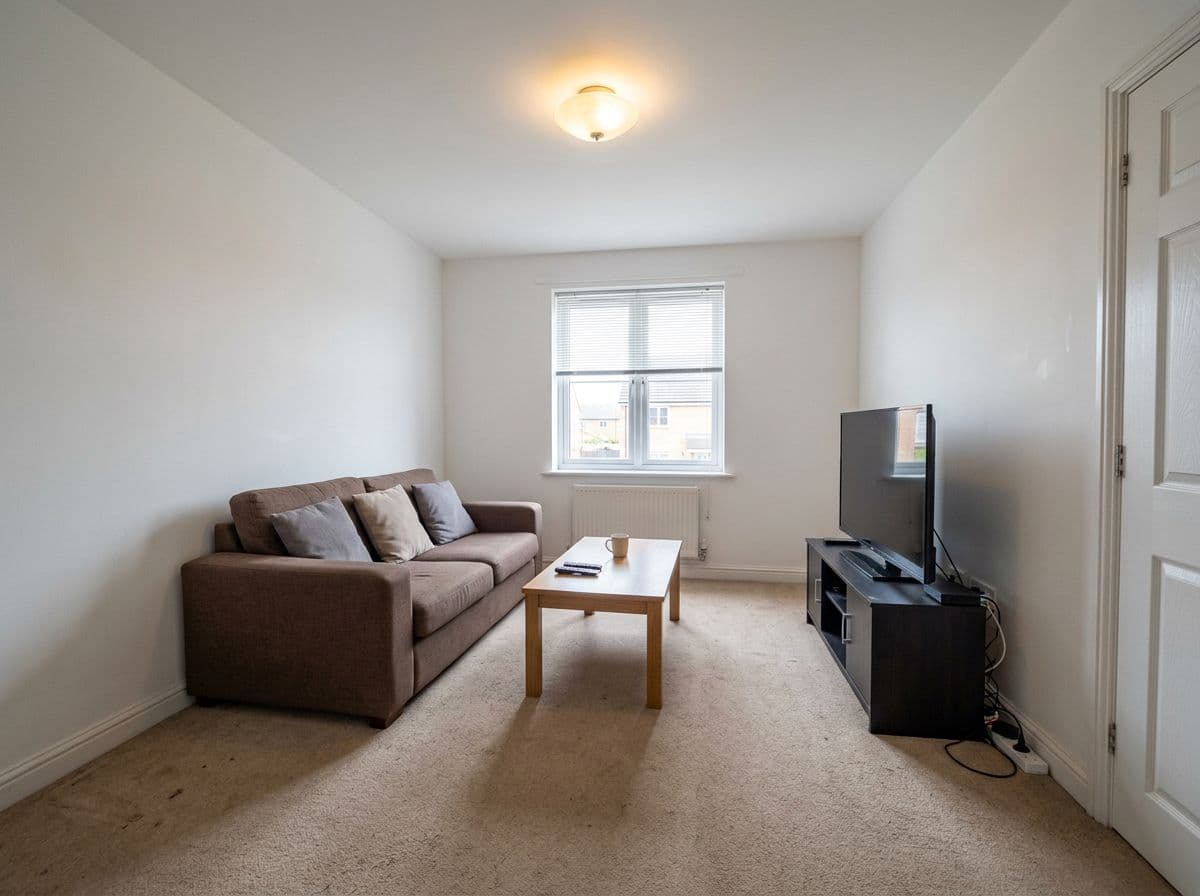
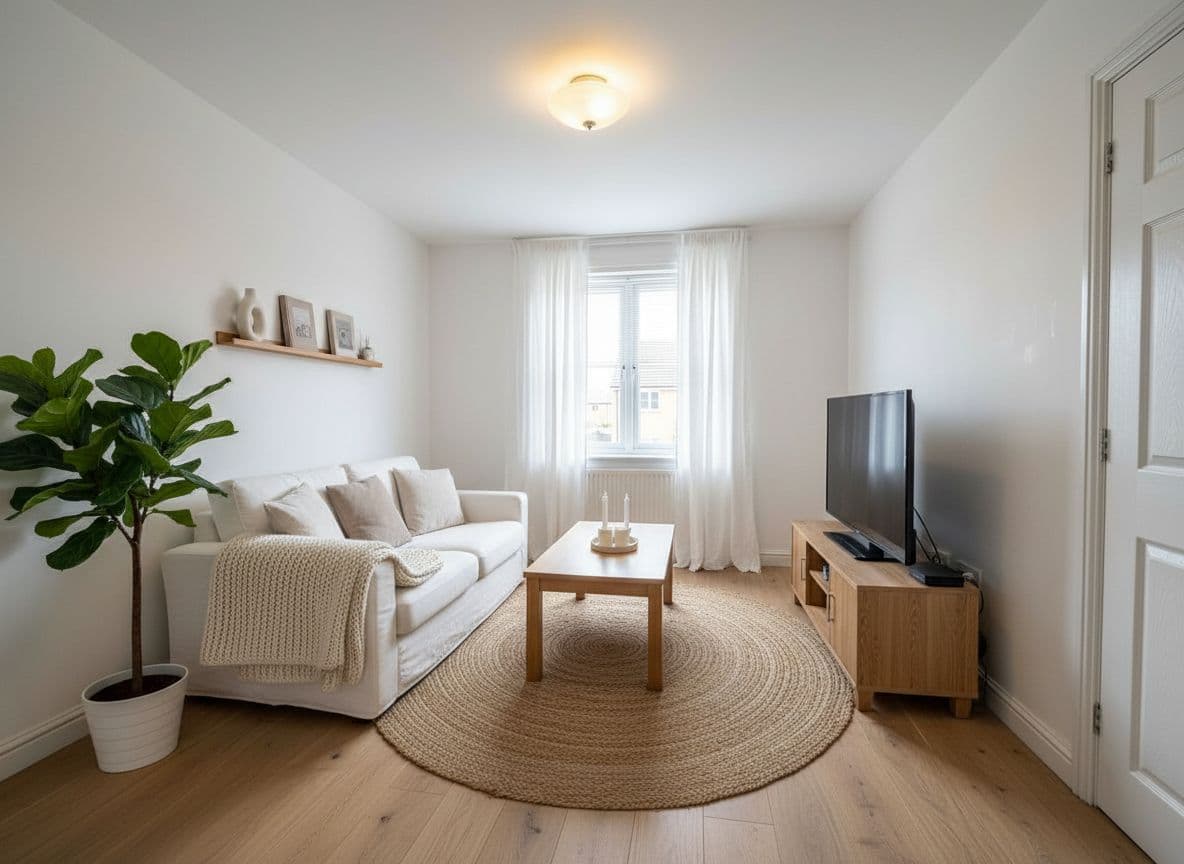
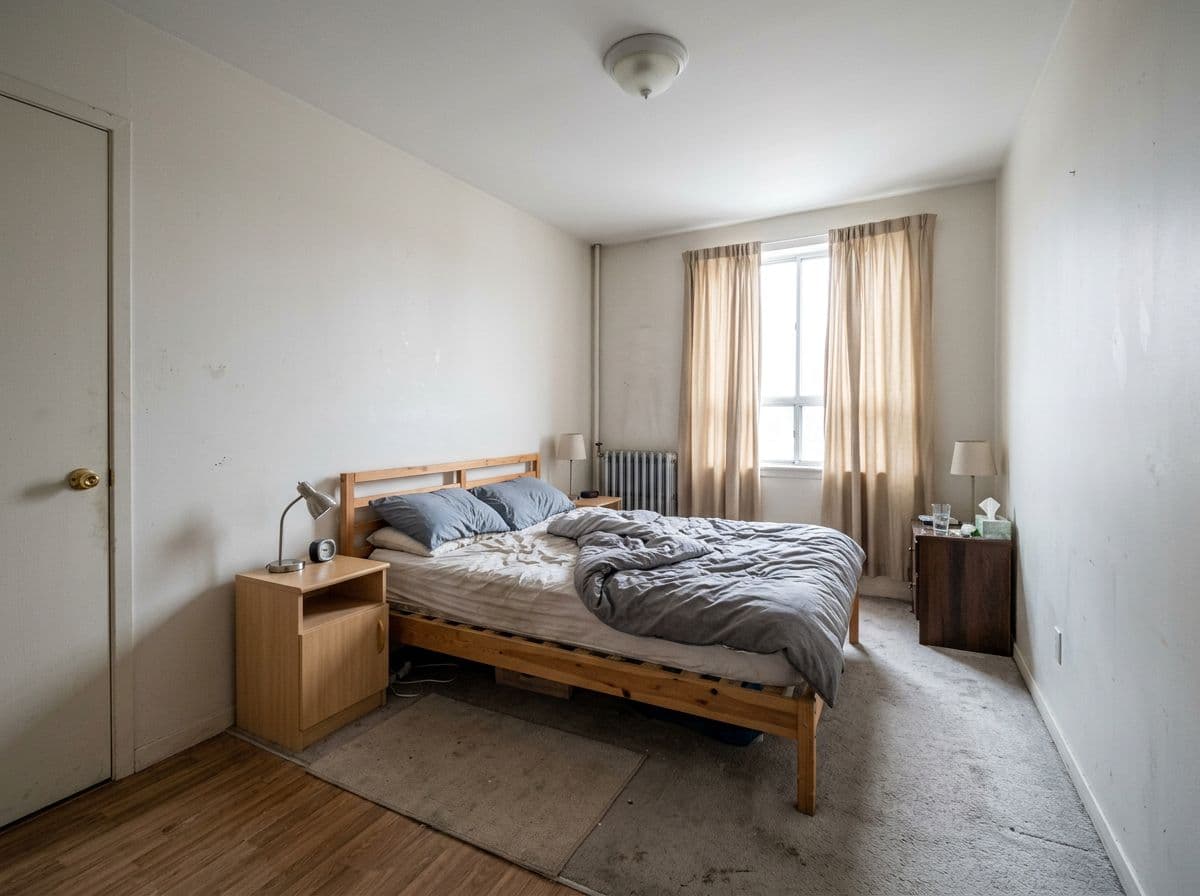
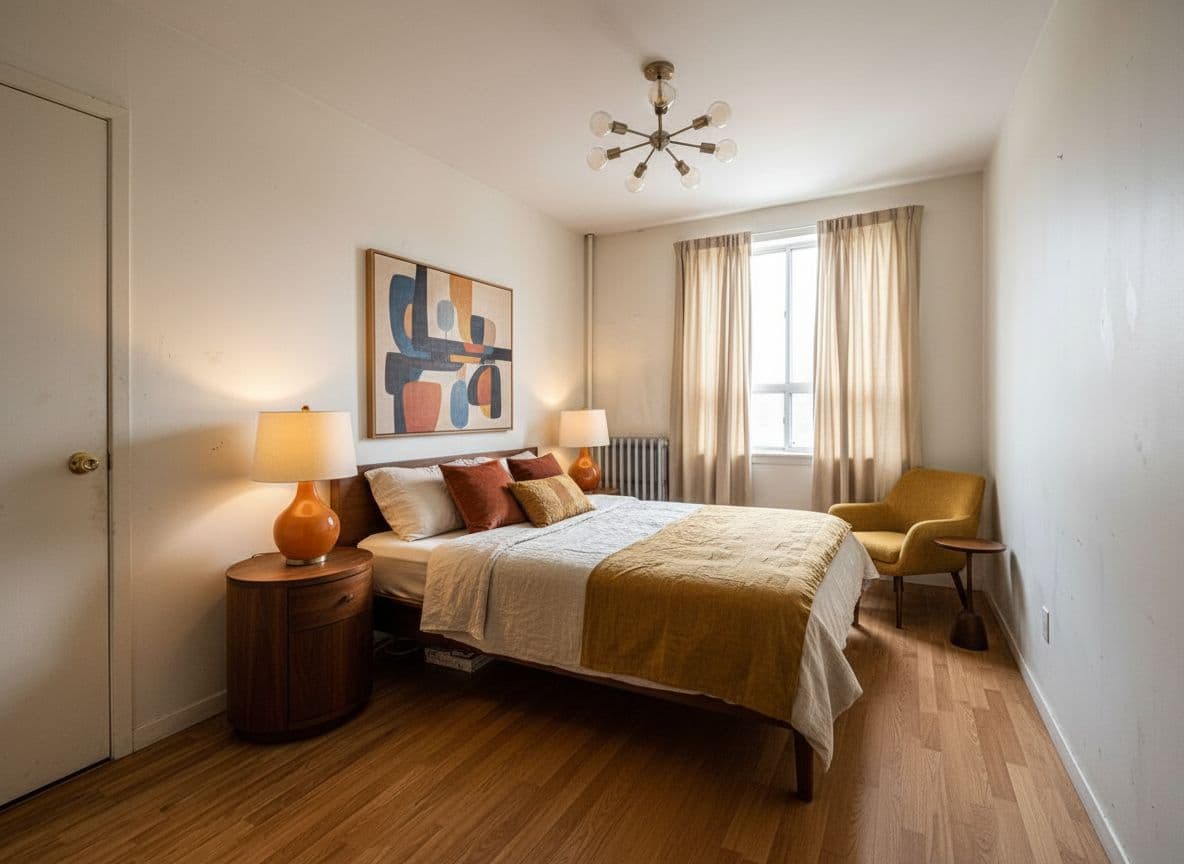
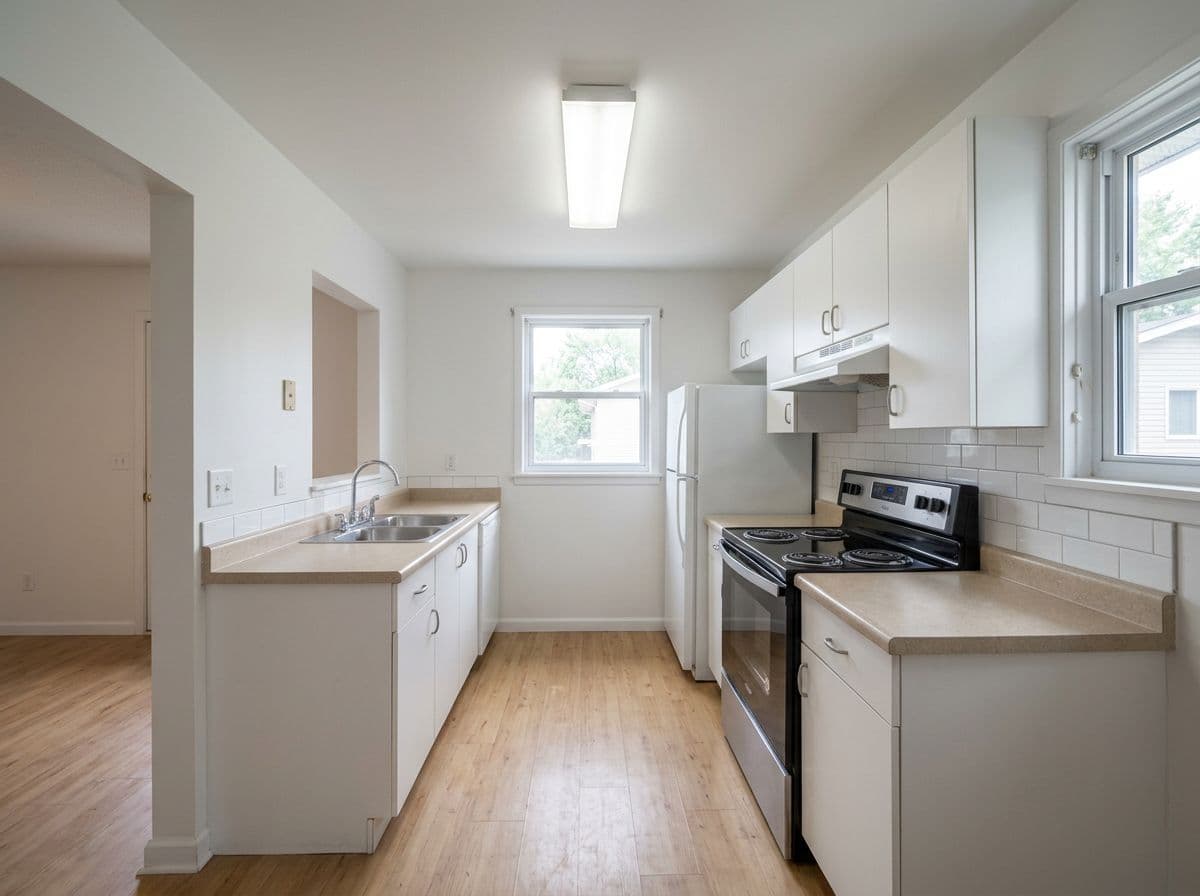
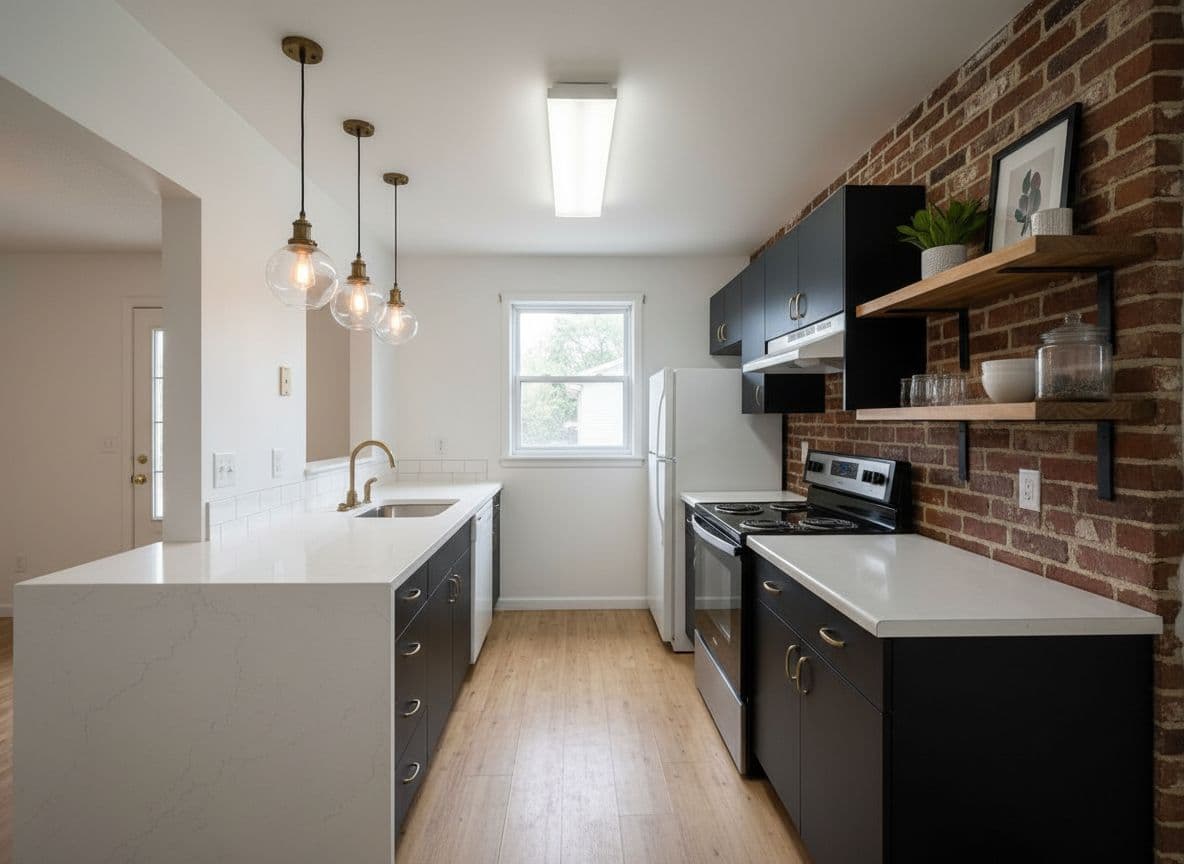
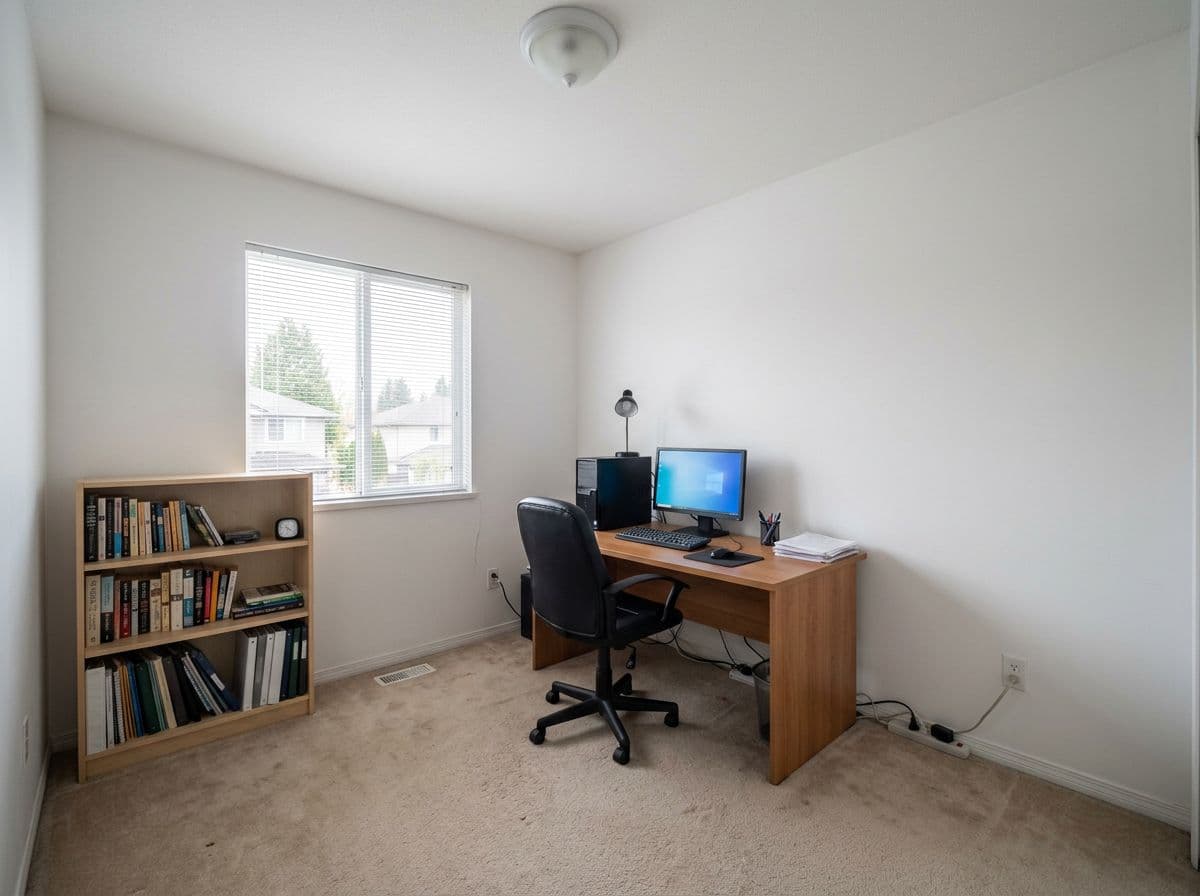
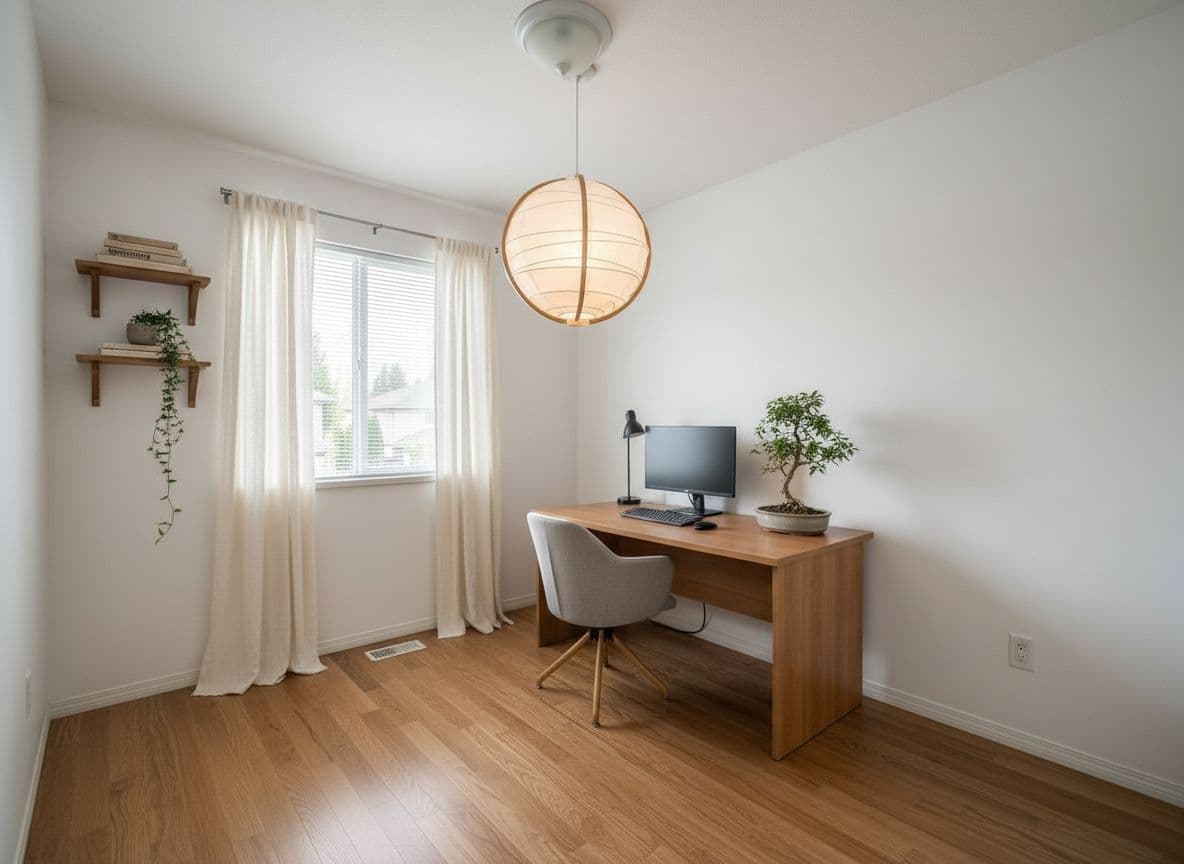
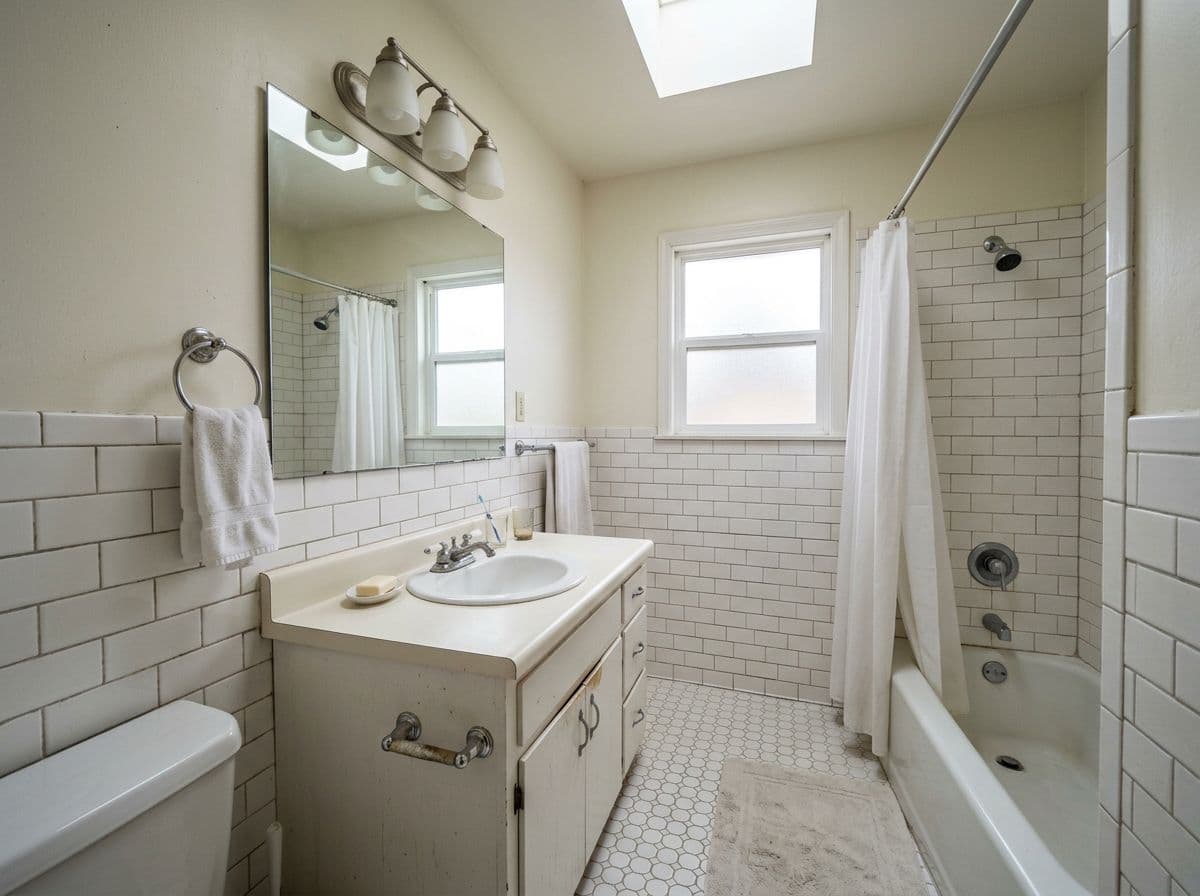
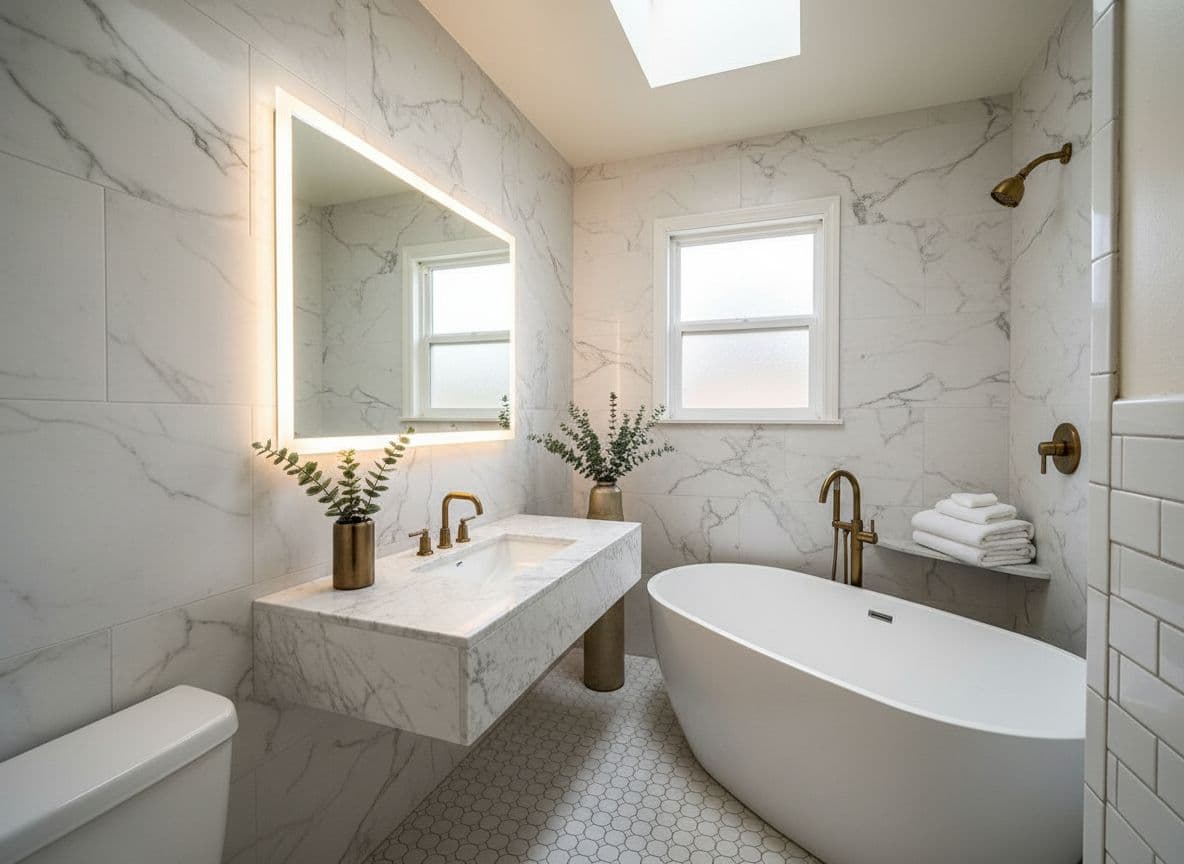
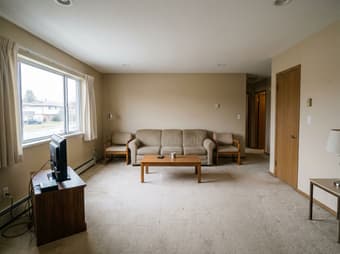

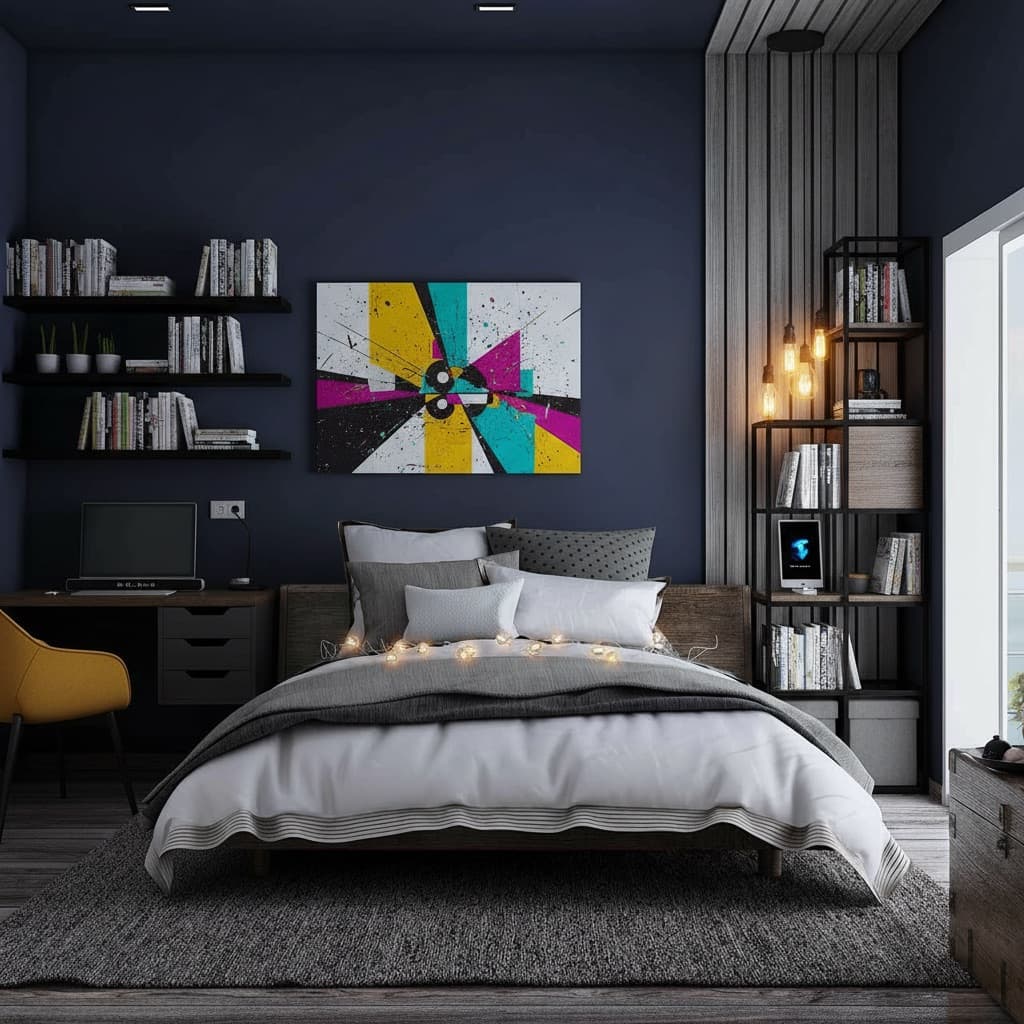
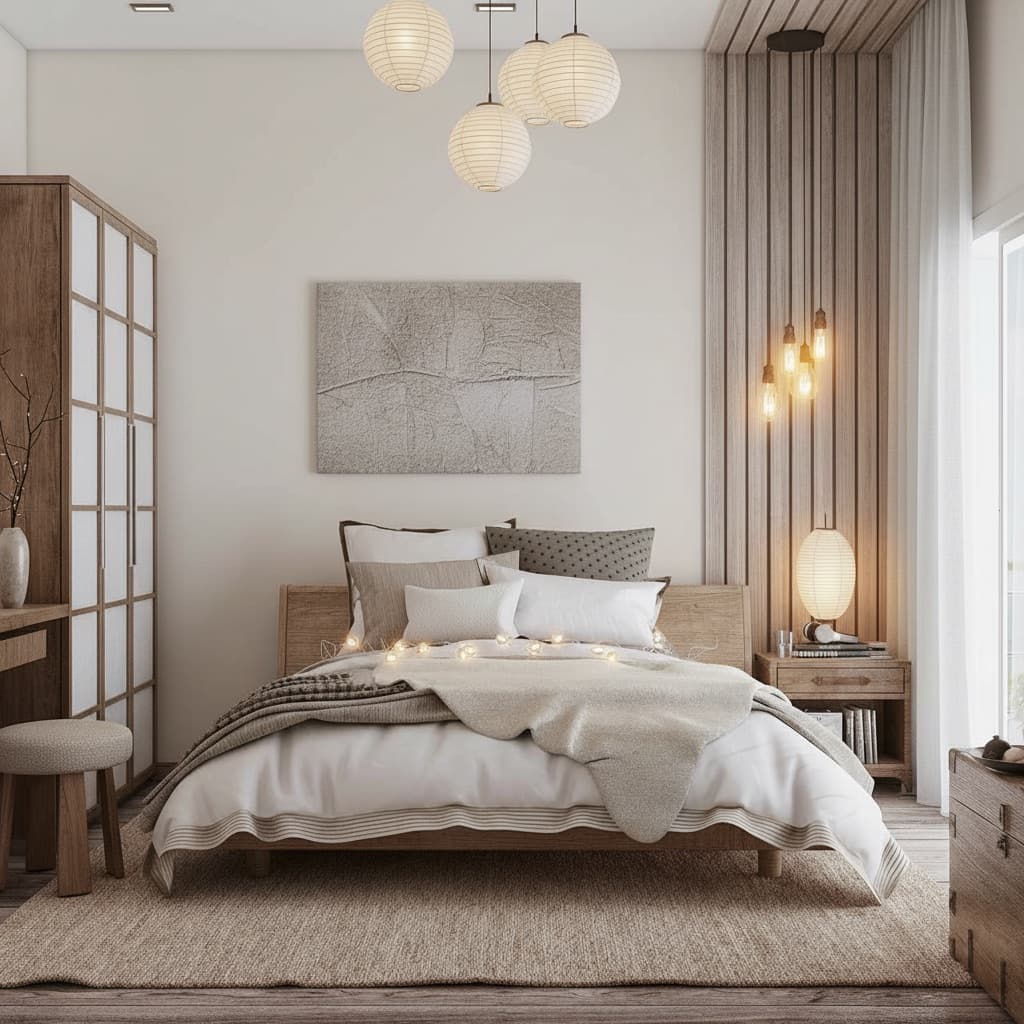
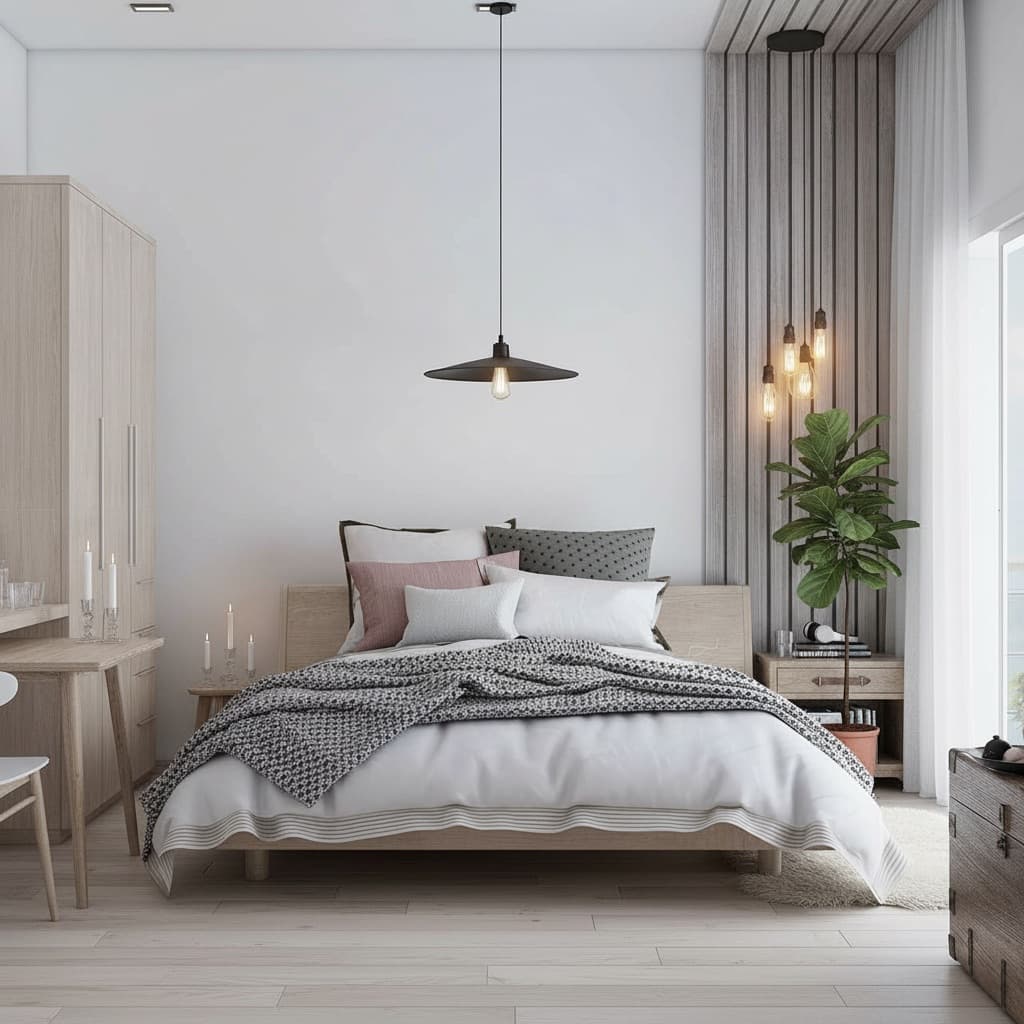
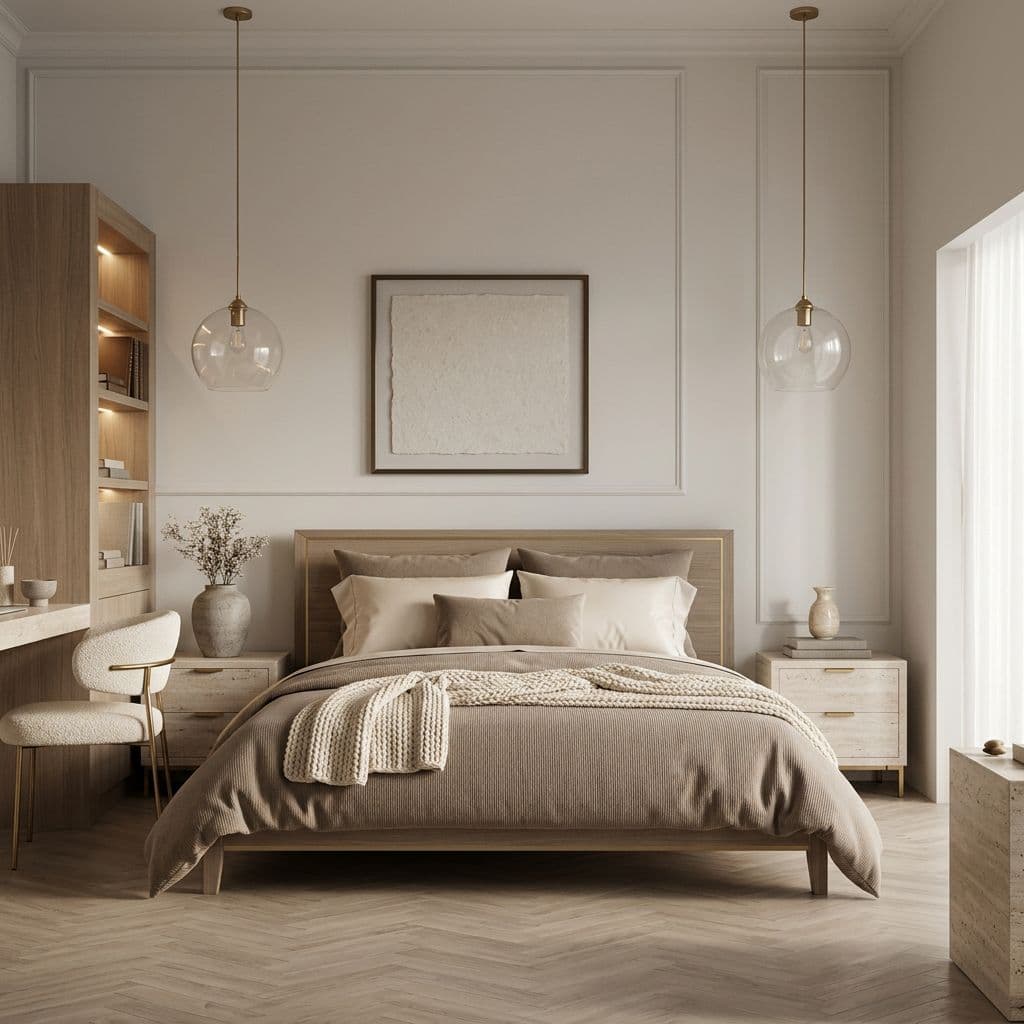
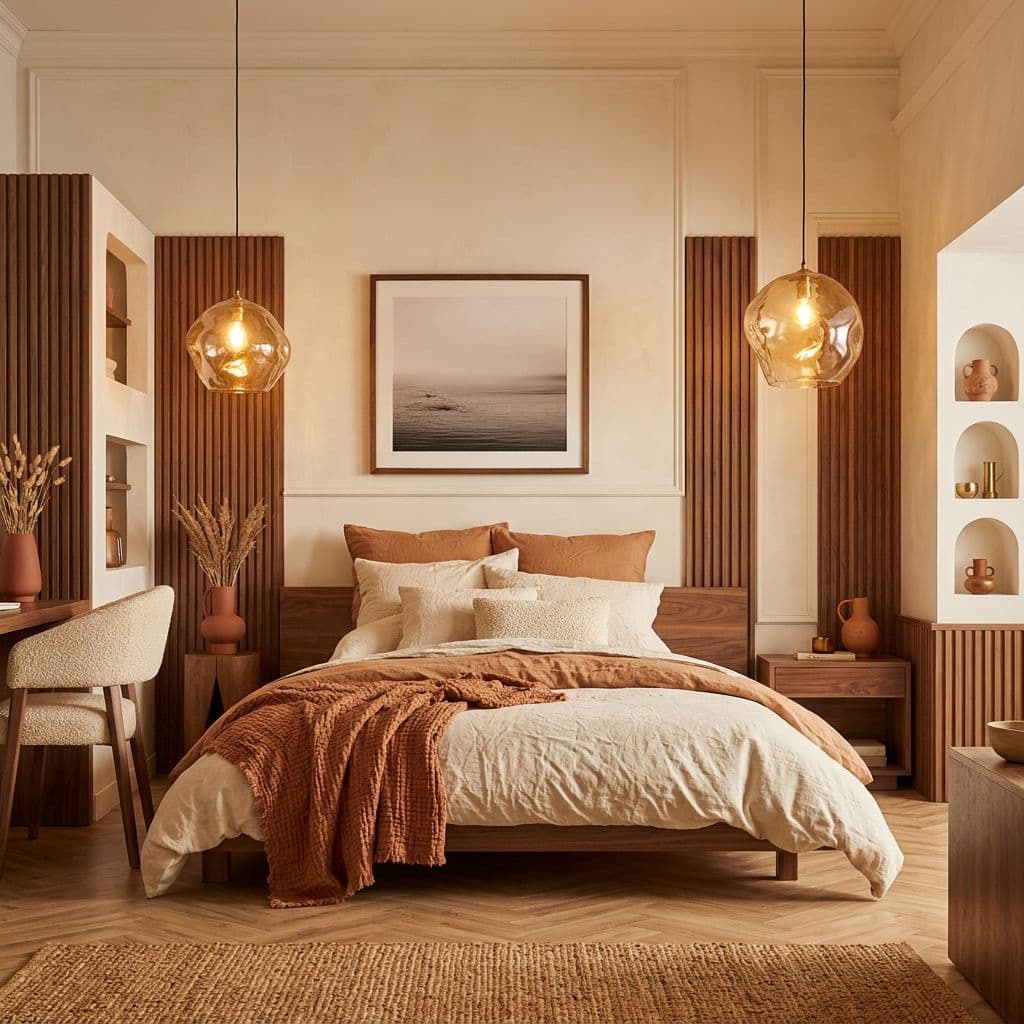
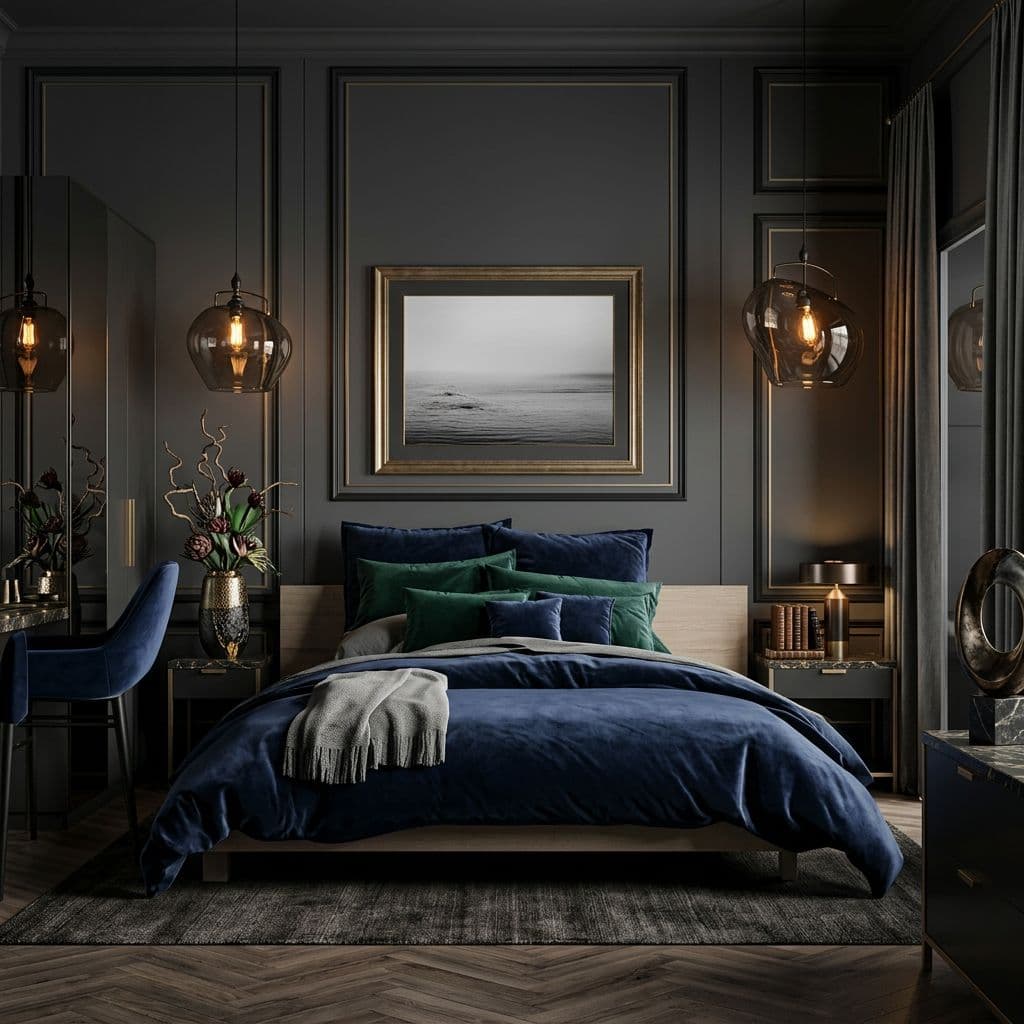
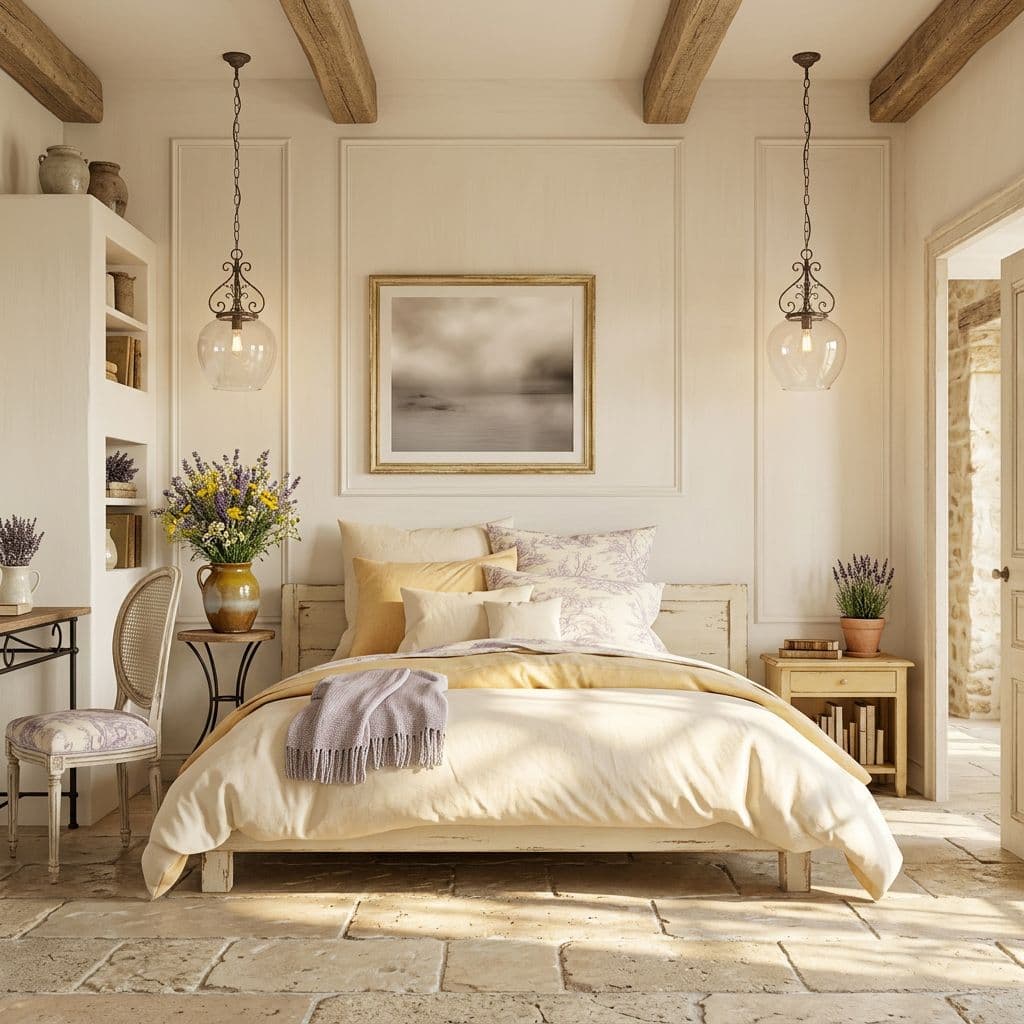
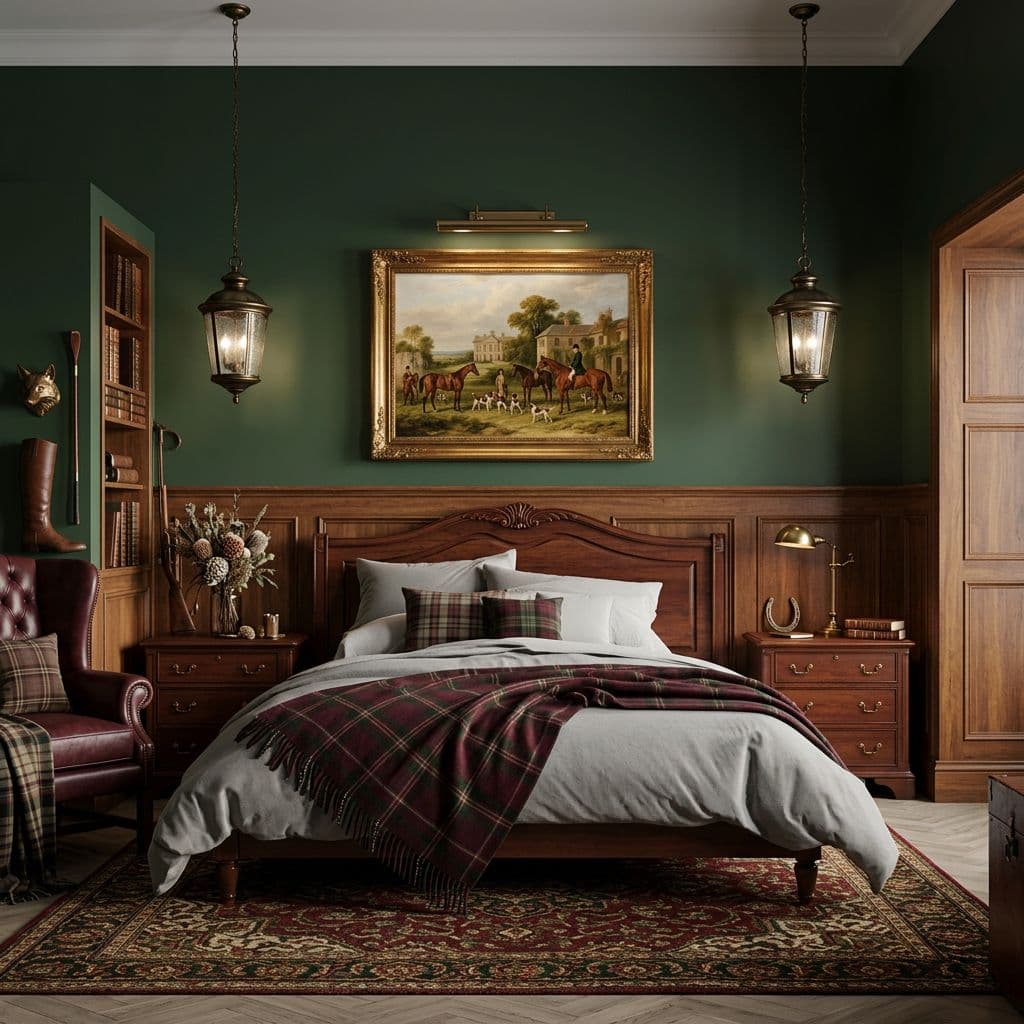
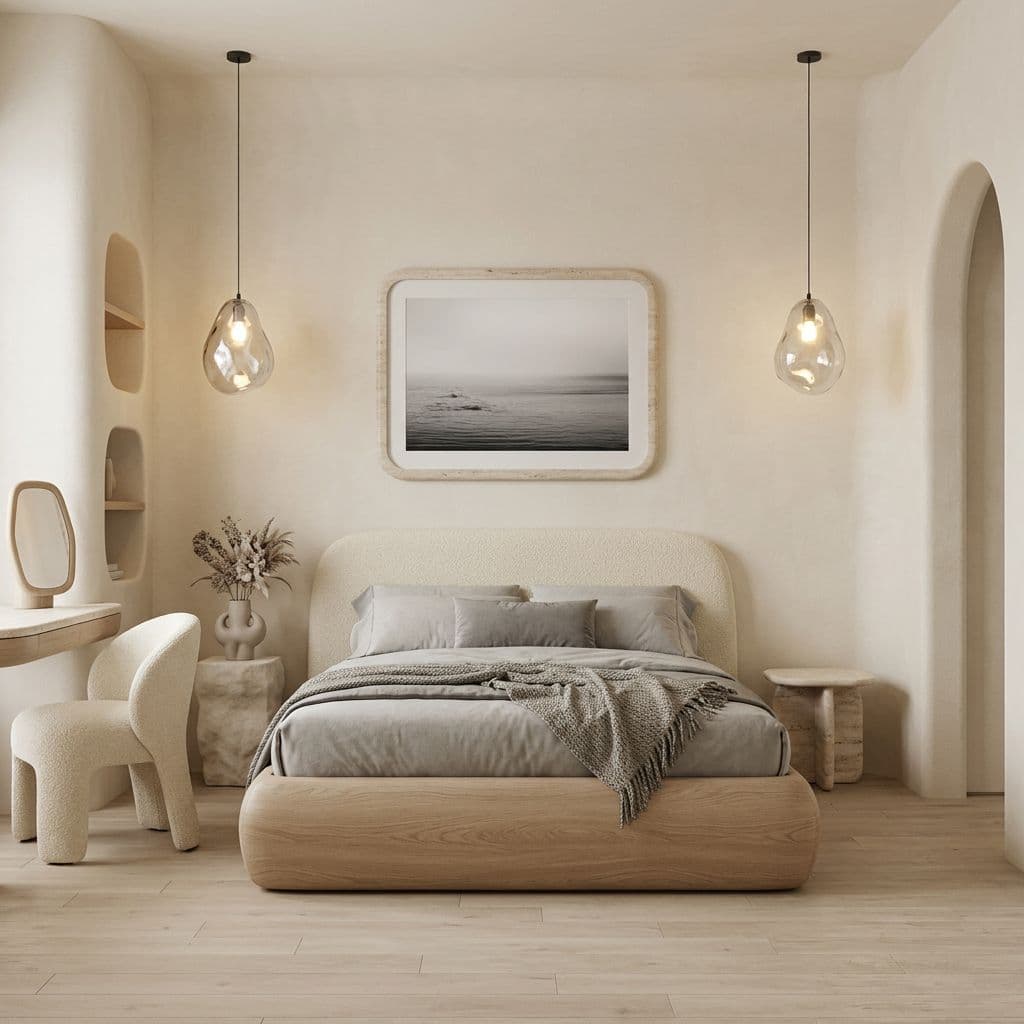
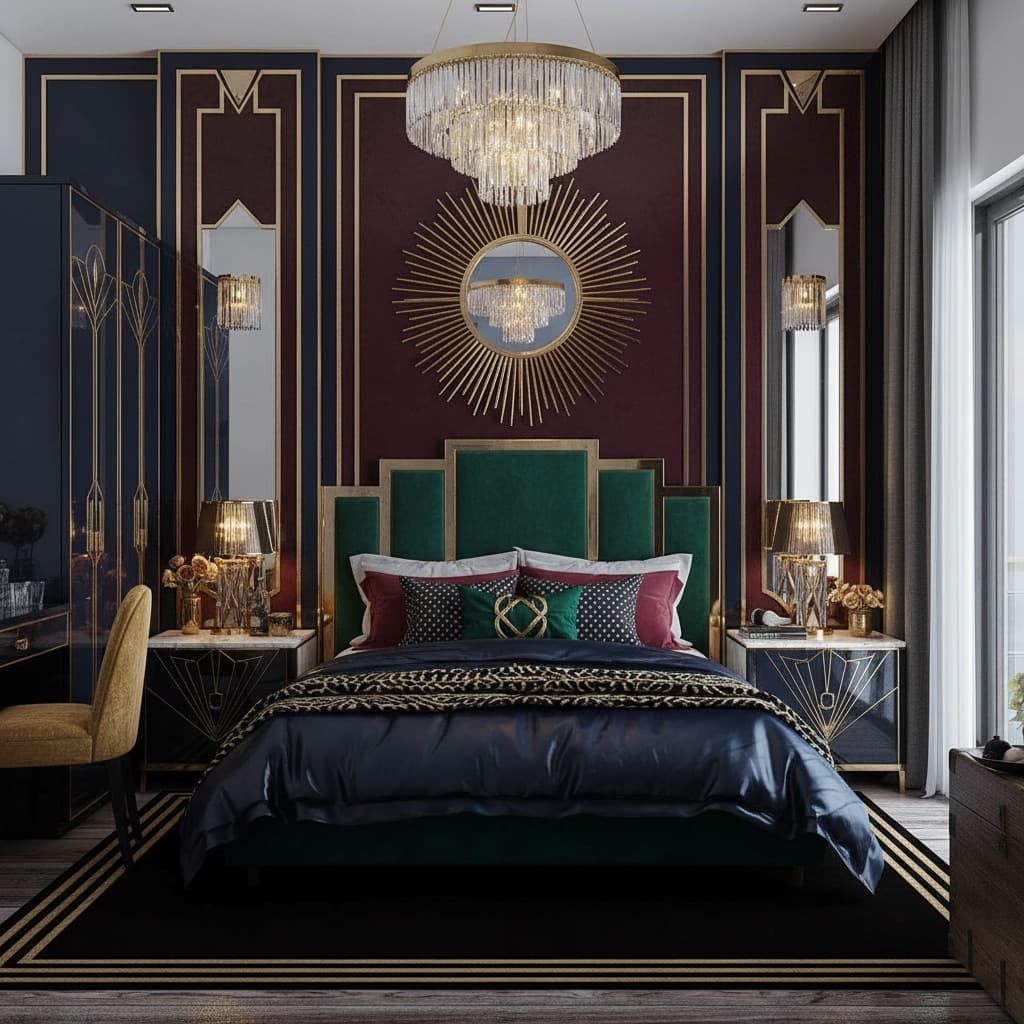
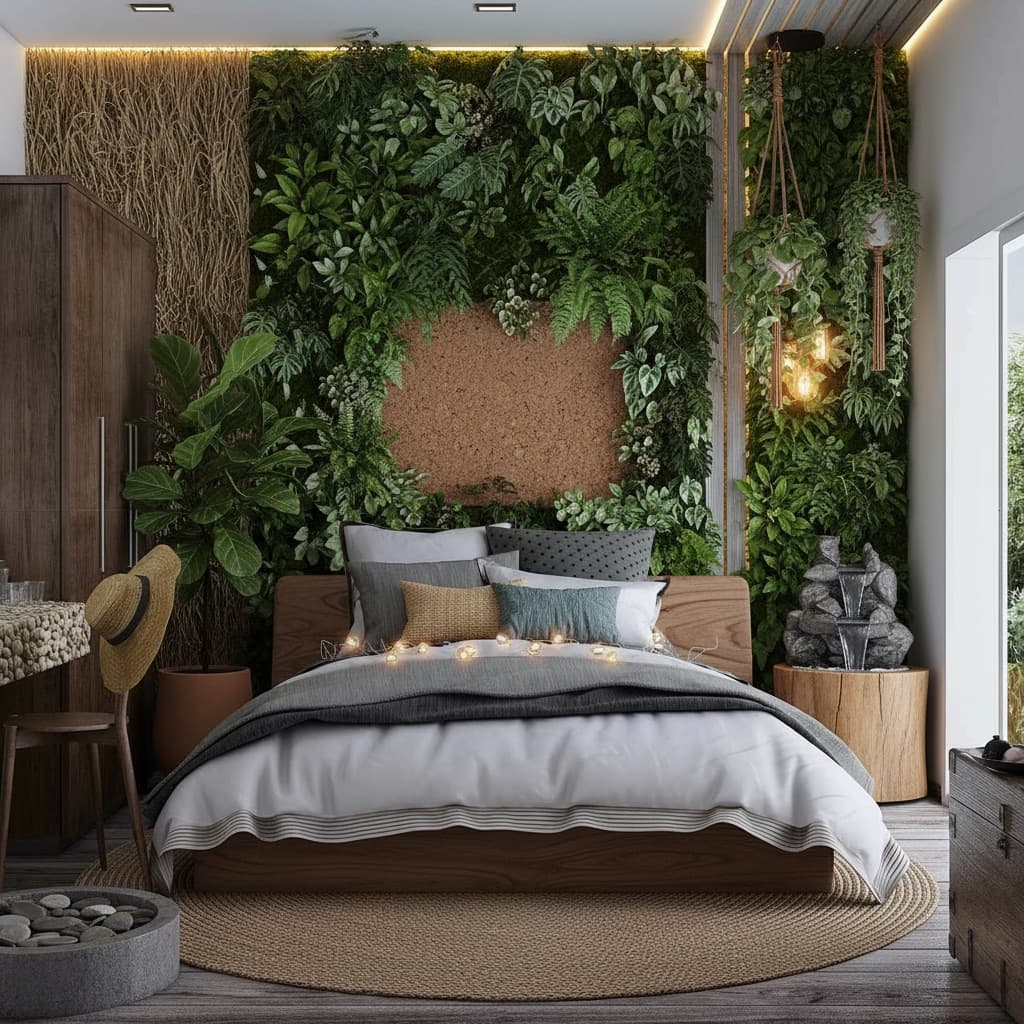
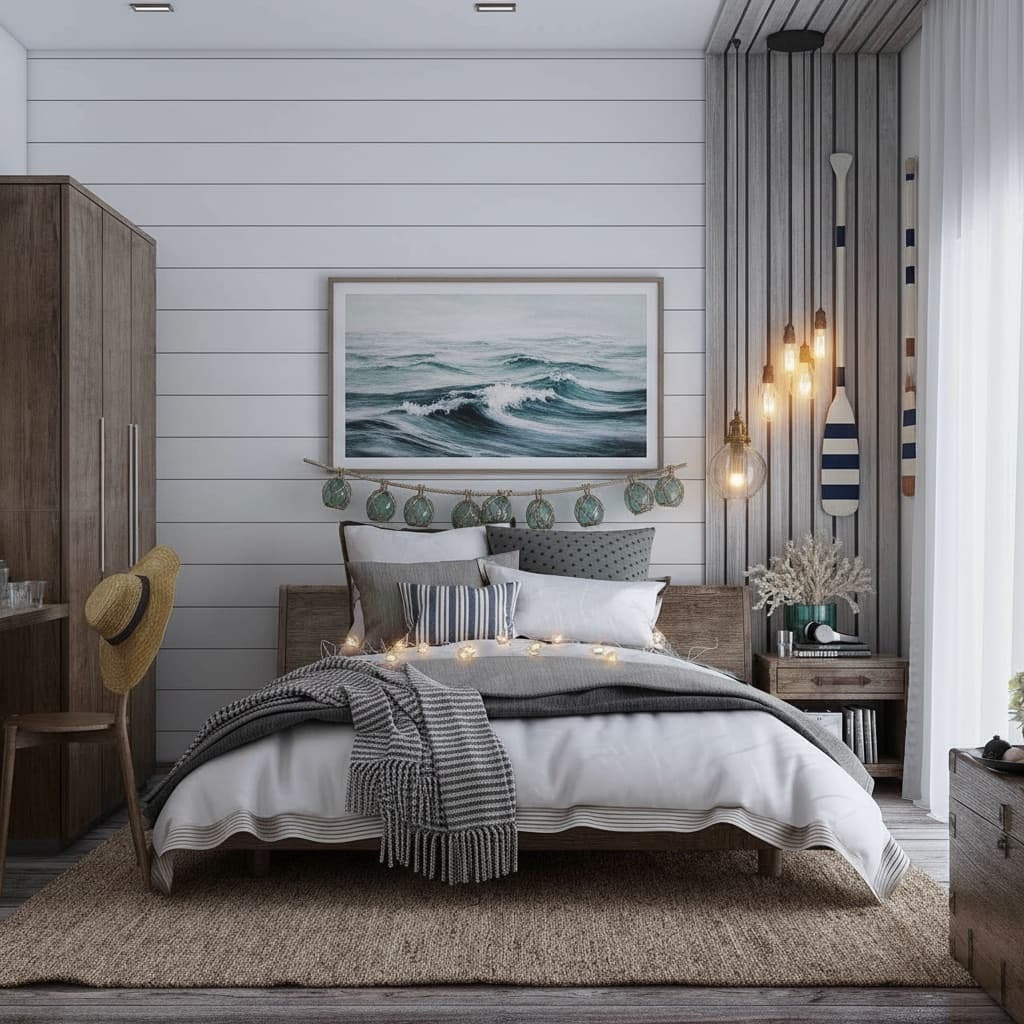
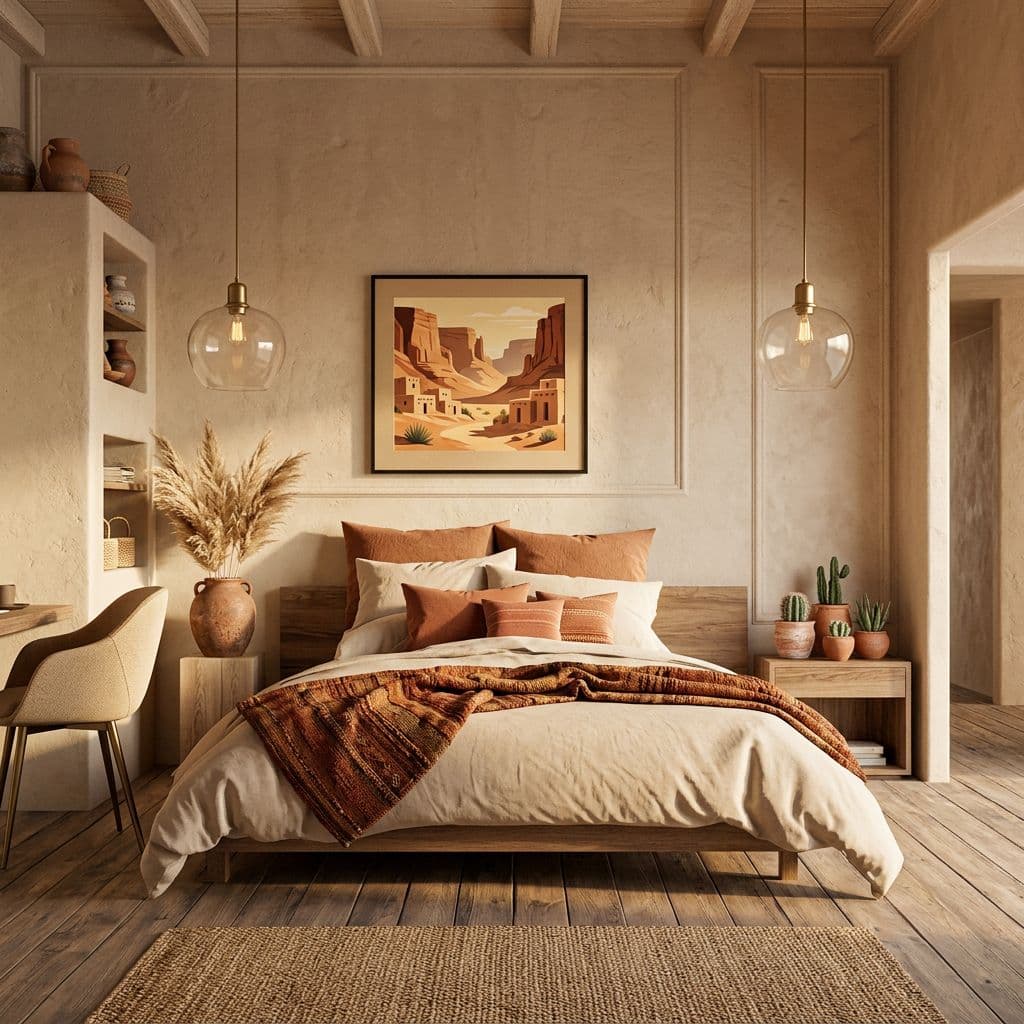
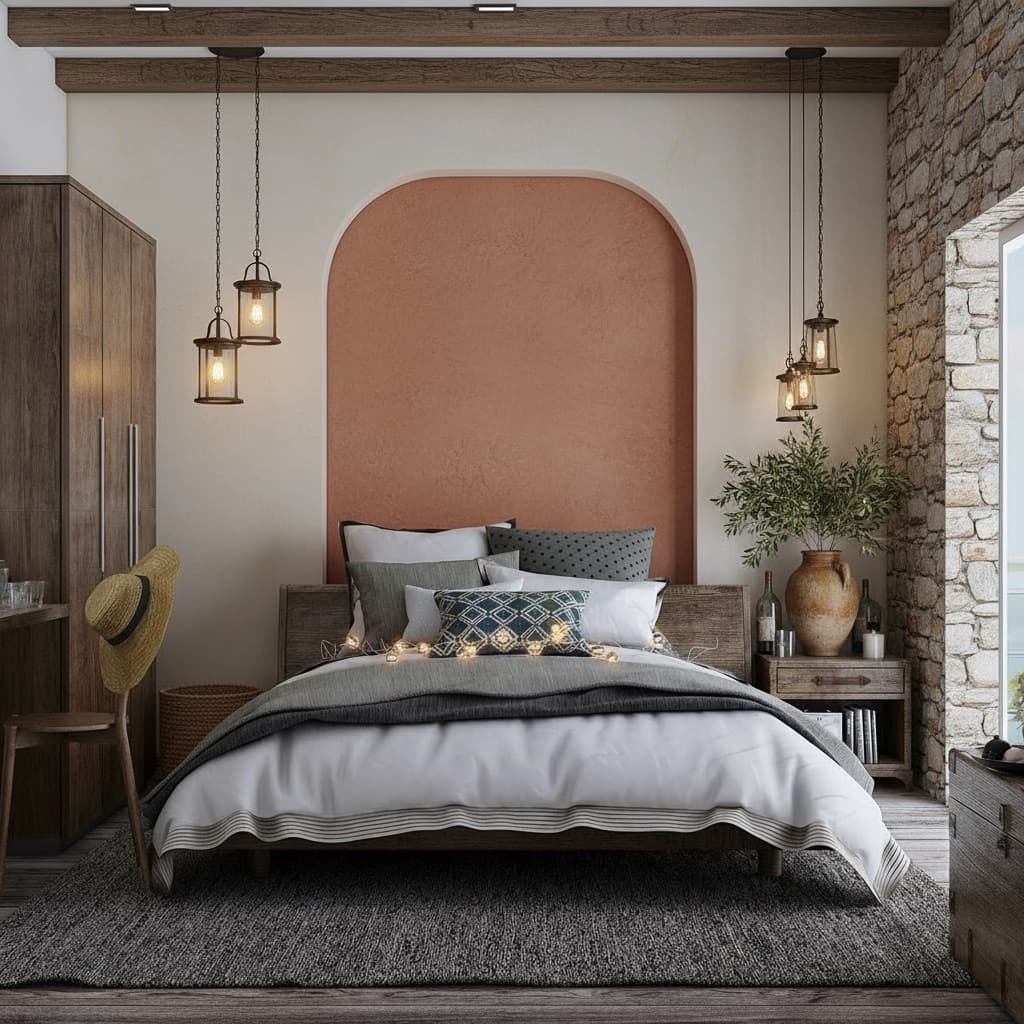
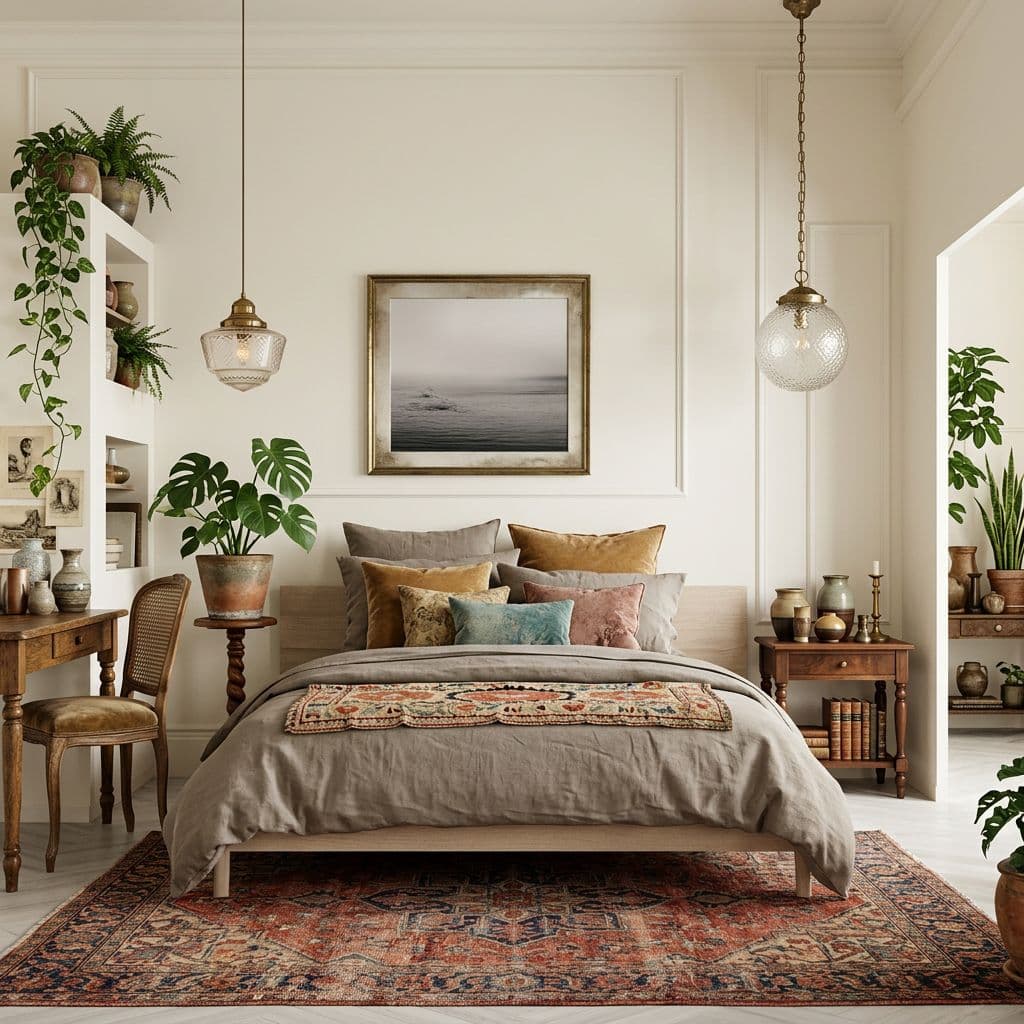
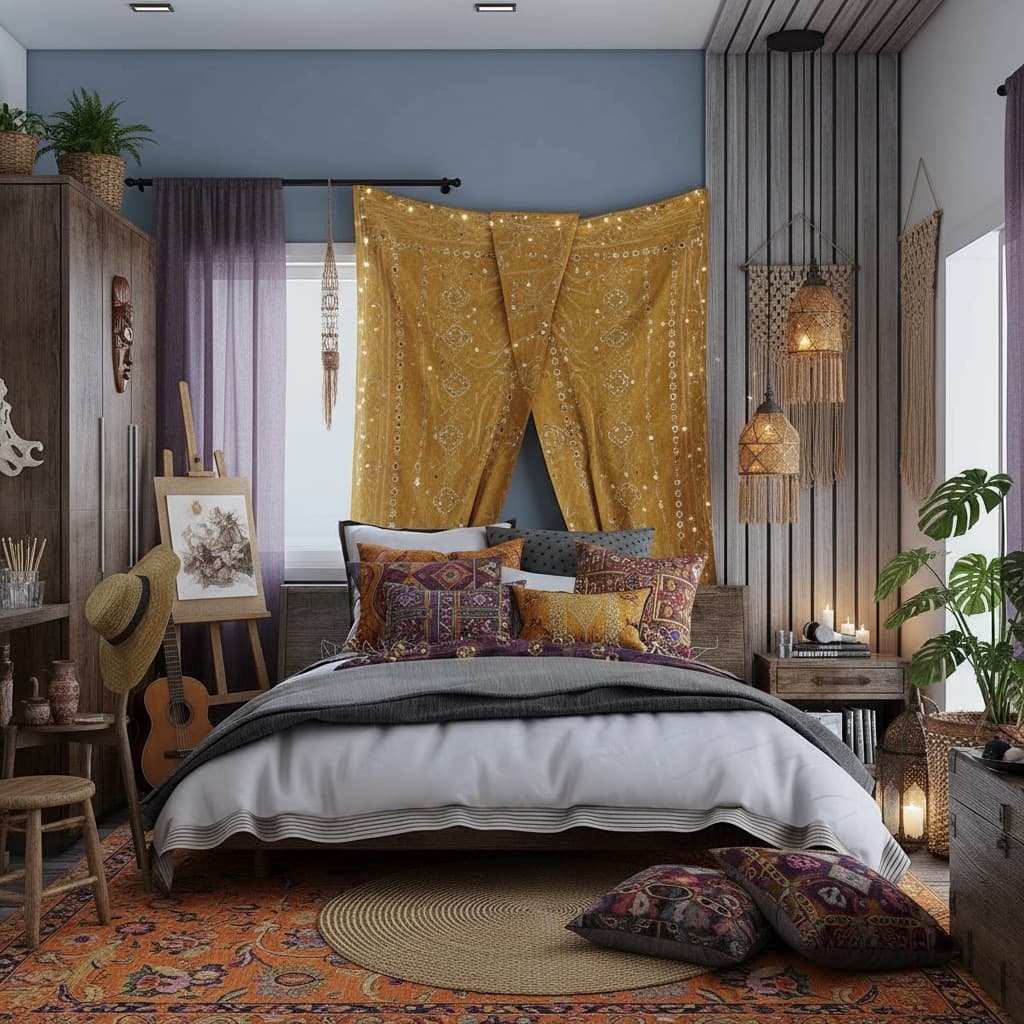
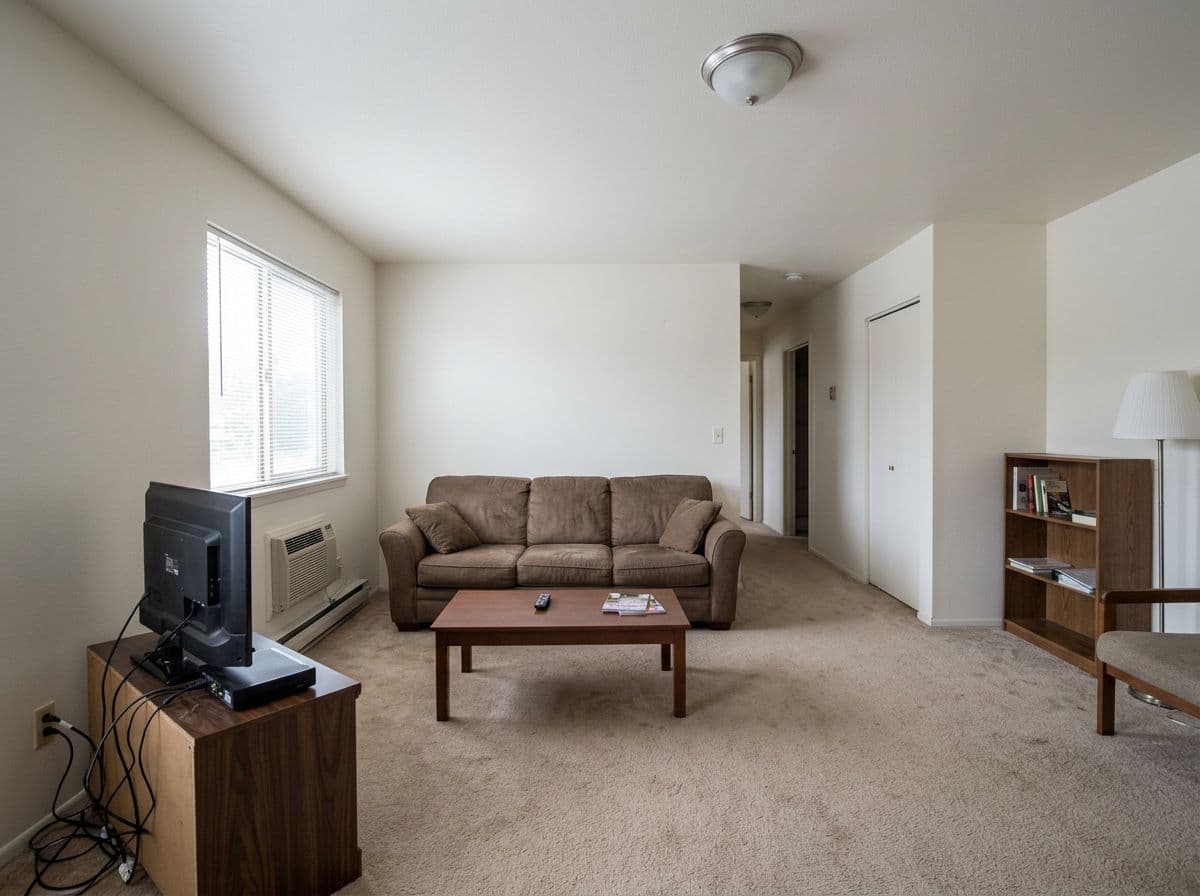
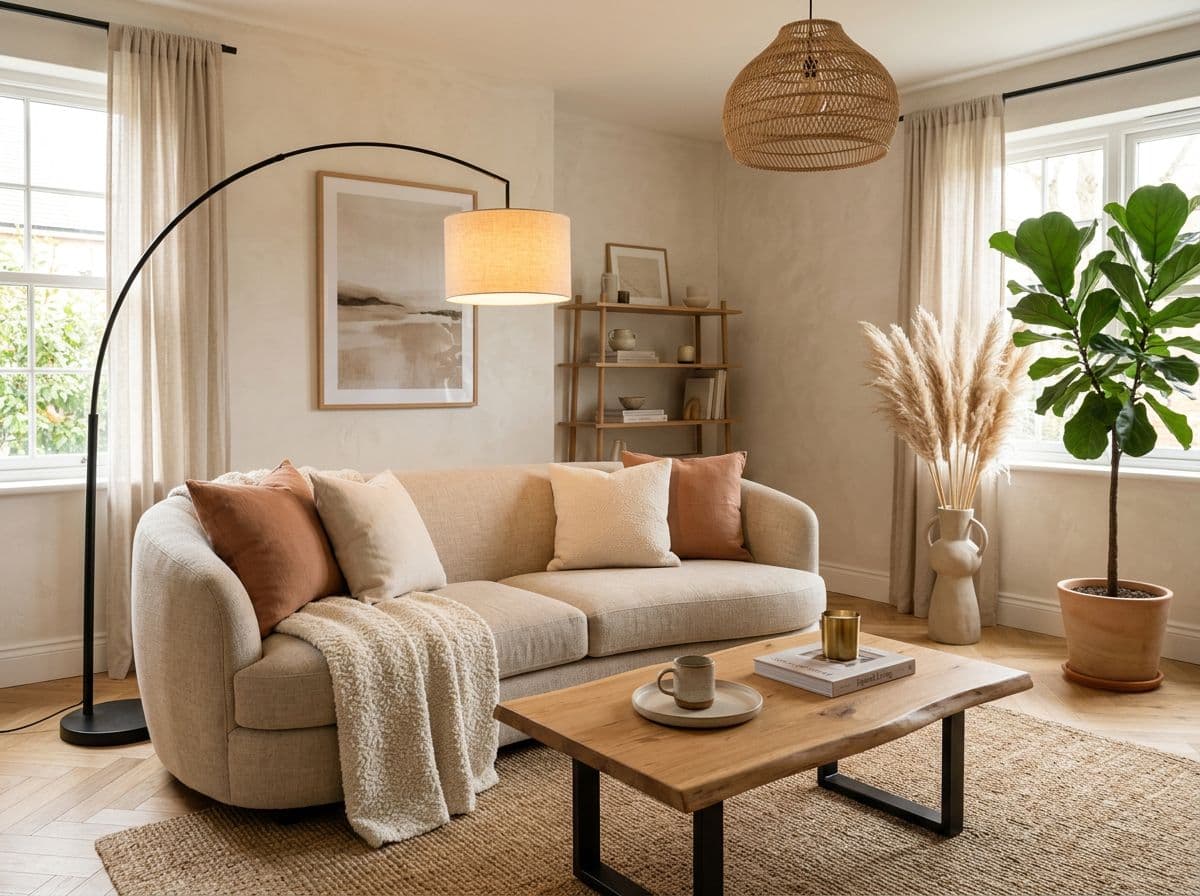
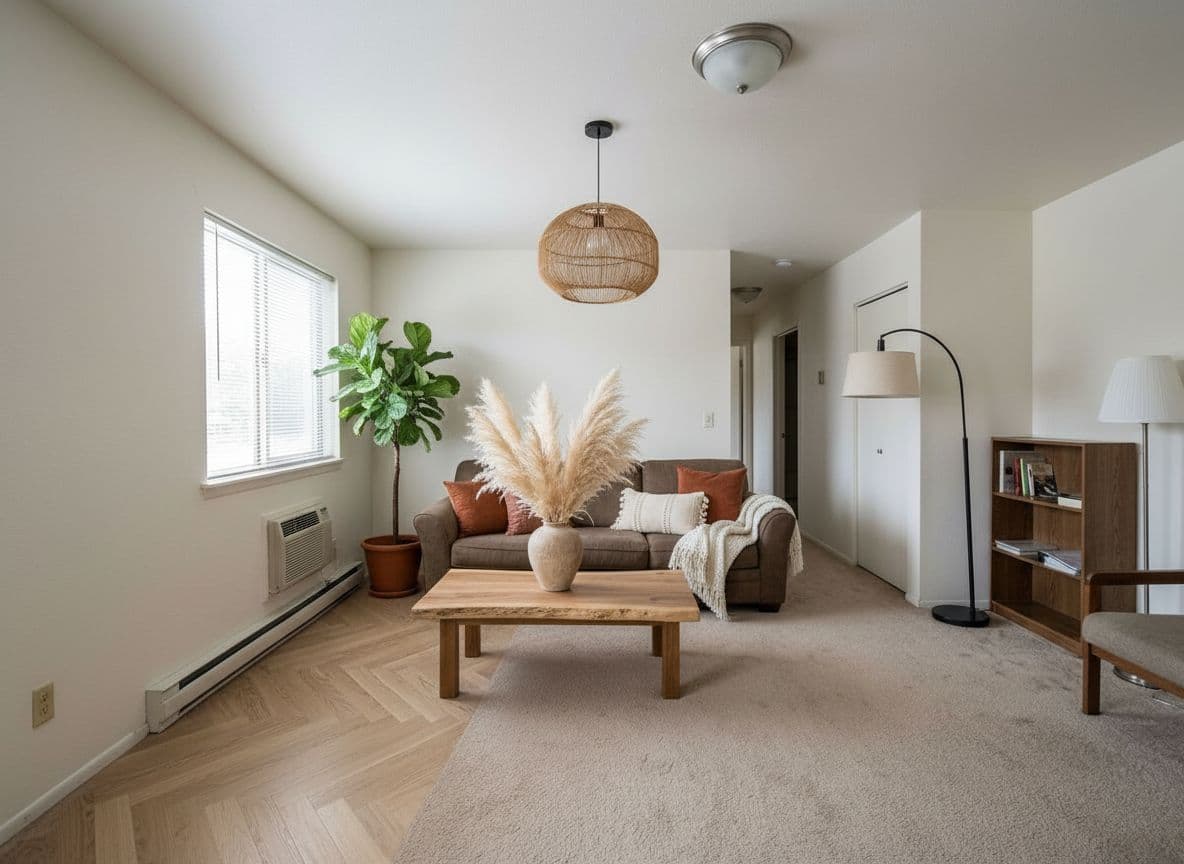
So what is AI interior design?
It's a category of tools that take a photo of a real room and use a generative model to render that room in a different style. The model reads geometry, lighting, and proportions from your photo, then rebuilds the scene with new furniture, finishes, or layout while keeping the room recognizable. Decoratly is one of those tools — the one that's built end‑to‑end for non‑designers and pros, not just another wrapper around a generic image model.
Where the tech is genuinely good
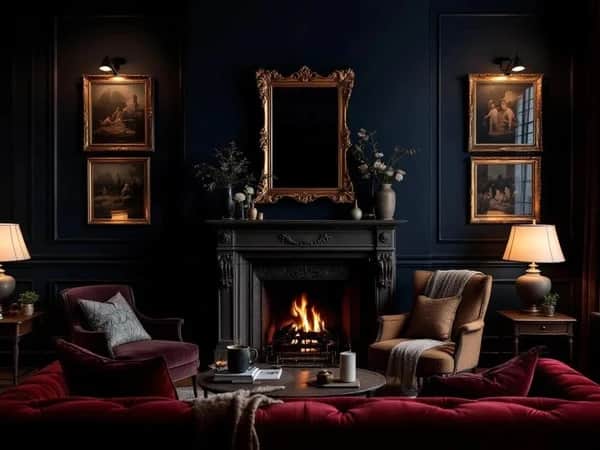
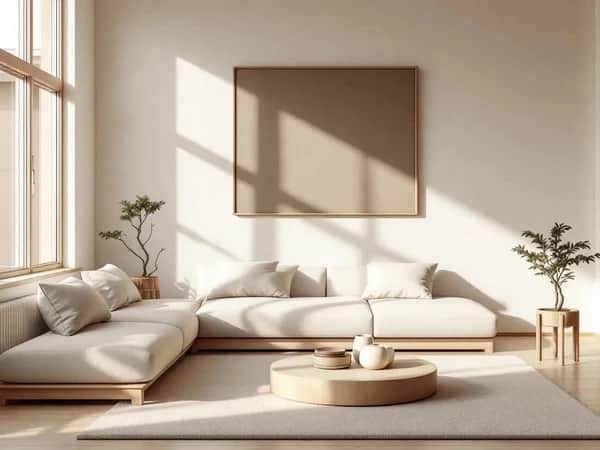
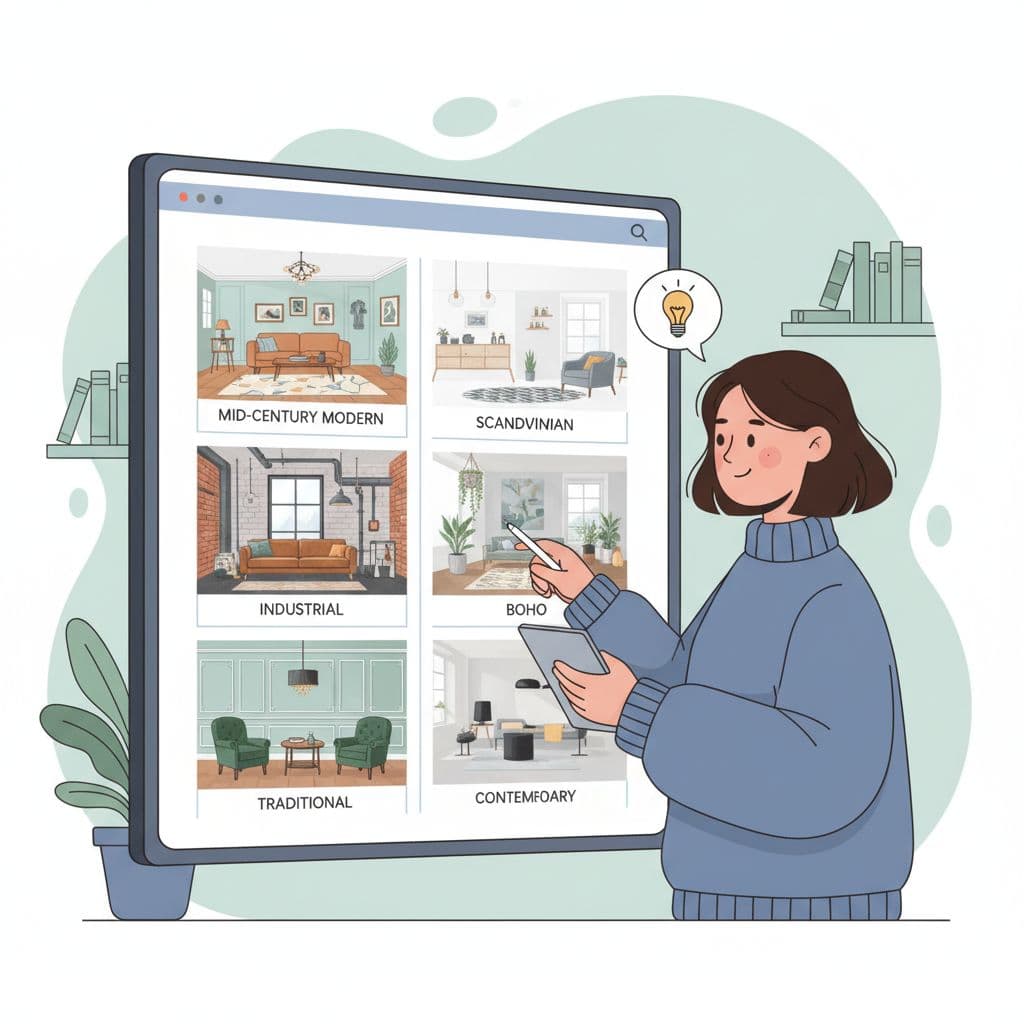
- Direction‑finding. If you don't know whether you want warm modern, Japandi, or English manor, the AI lets you see your actual room in all three in five minutes. That's a thing no human designer can do for under a few thousand dollars.
- Visualizing a real change before you buy. Preview a paint color in your room's real light. See how a sectional looks against your wall. Try a different floor.
- Communicating intent. Renders communicate vision to a contractor, a partner, or a client far better than words. The single most common use of Decoratly by professional designers is as a faster moodboard.
Where humans still win
Project management, on‑site decisions, trade‑only sourcing, and complex renovations. The AI doesn't know your subfloor. It can't tell you the load‑bearing wall has plumbing in it. For visualization it's excellent. For execution of a major renovation, you still want a person on the ground.
How Decoratly is built differently
Most AI room tools are a single button: upload, render, done. We built Decoratly around the way people actually decorate — exploring first, then editing, then shopping. That's why there are two render modes, a precision Edit toolkit, a conversational AI designer scoped to your room, a Clone Design feature for inspiration images, and batch processing for full rooms. The shopping integration closes the loop — once you like a render, you can buy the closest real‑world version of every piece.
Tips for the best results
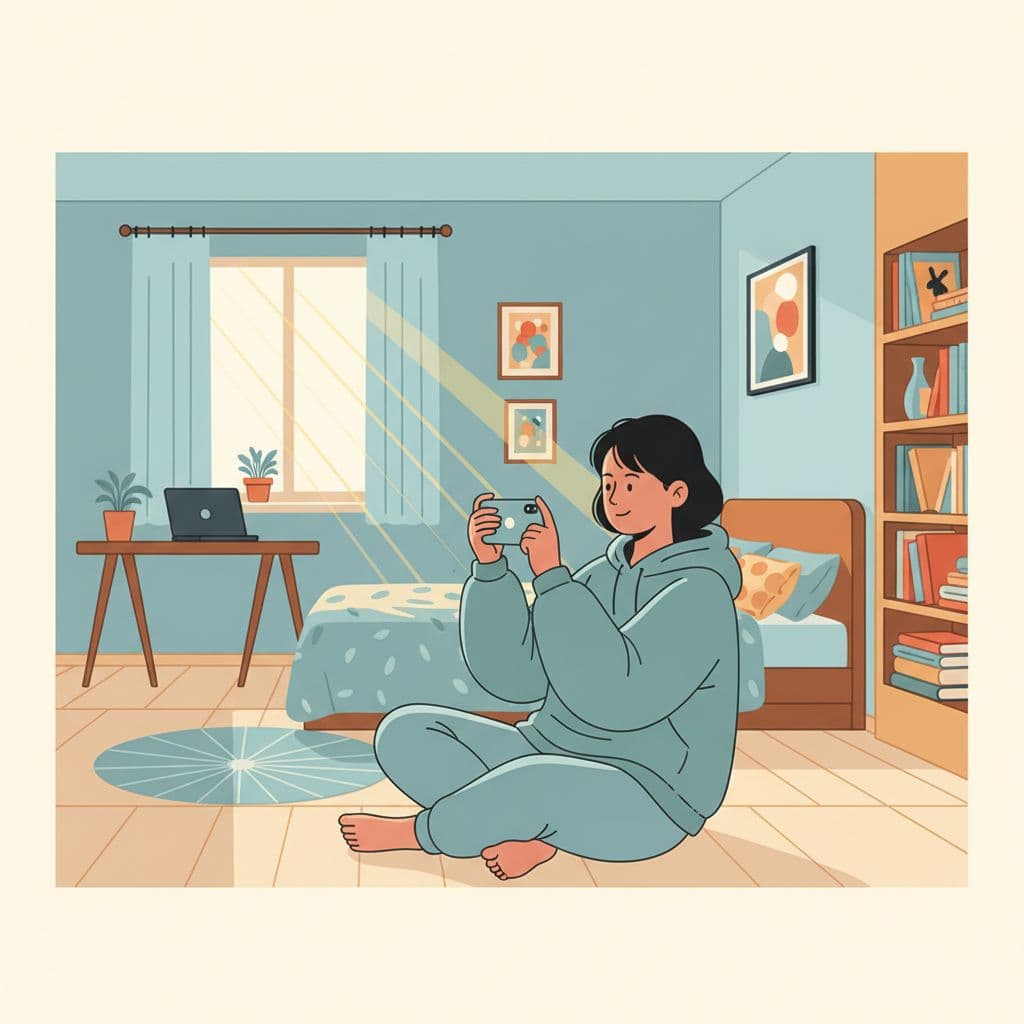
- Shoot in natural daylight or with all the room's lights on. The AI needs clear texture and shadow.
- Stand at the doorway. Eye‑level. Capture the whole room in one frame.
- Try at least three different styles before committing — your first instinct is rarely your final answer.
- For very specific visions, skip the presets and use the chat. It handles nuance better than any preset can.