
In the competitive world of interior design, your website is your most powerful marketing tool. It's the digital showroom where potential clients first encounter your work, assess your style, and decide whether to trust you with their homes. Yet, 67% of interior designers struggle with websites that fail to convert visitors into paying clients.
This comprehensive guide reveals everything you need to create an interior designer website that not only showcases your portfolio beautifully but also ranks on Google, builds trust with potential clients, and consistently generates qualified leads. Whether you're launching your first site or redesigning an existing one, you'll discover proven strategies used by the industry's most successful designers.
🌟 Why Interior Designers Need a Professional Website
The interior design industry has fundamentally shifted. Today, 89% of homeowners begin their search for interior designers online, and 72% won't even consider designers without a professional web presence. Your website isn't just a nice-to-have—it's the cornerstone of your business growth strategy.
The Business Impact of a Professional Website
Credibility & Trust
75% of consumers judge a company's credibility based on website design. A professional site immediately elevates your perceived expertise and makes potential clients comfortable investing $5,000-$50,000+ in your services.
- • Professional appearance builds instant credibility
- • Portfolio showcase demonstrates expertise
- • Client testimonials provide social proof
- • Awards and press mentions establish authority
Lead Generation
Designers with optimized websites generate 3-5 qualified leads per week on average, compared to 0-1 leads for those relying solely on referrals and social media.
- • 24/7 lead generation while you sleep
- • Reach clients actively searching for designers
- • Pre-qualify leads through service descriptions
- • Capture contact info for follow-up
ROI Statistics
More qualified leads vs no website
Average first-year revenue increase
Of clients find designers via Google
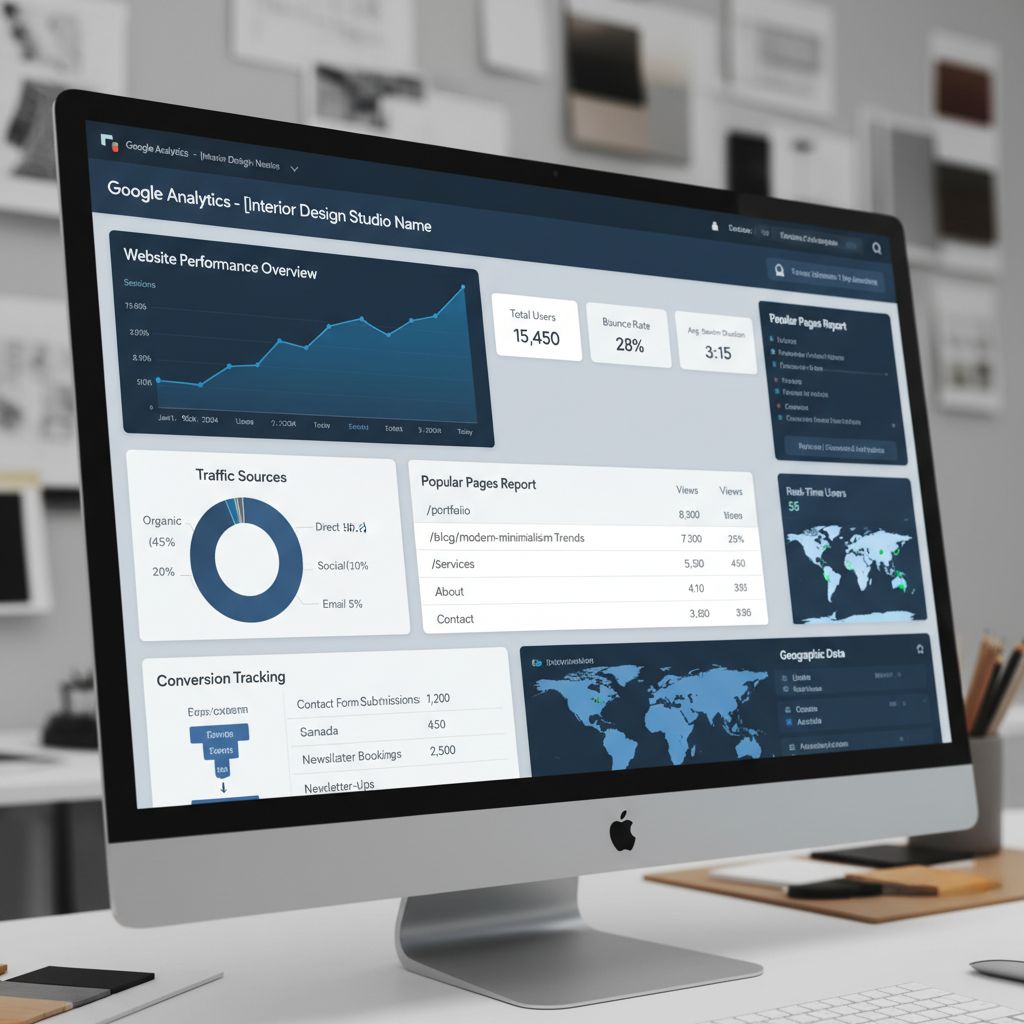
What Makes Interior Design Websites Different
Unlike standard business websites, interior design sites must balance visual storytelling with conversion optimization. Your website needs to be a gallery, a sales tool, and a search engine magnet—all at once.
Visual-First Requirements
- High-resolution portfolio images (minimum 2000px wide)
- Image-heavy pages that still load quickly
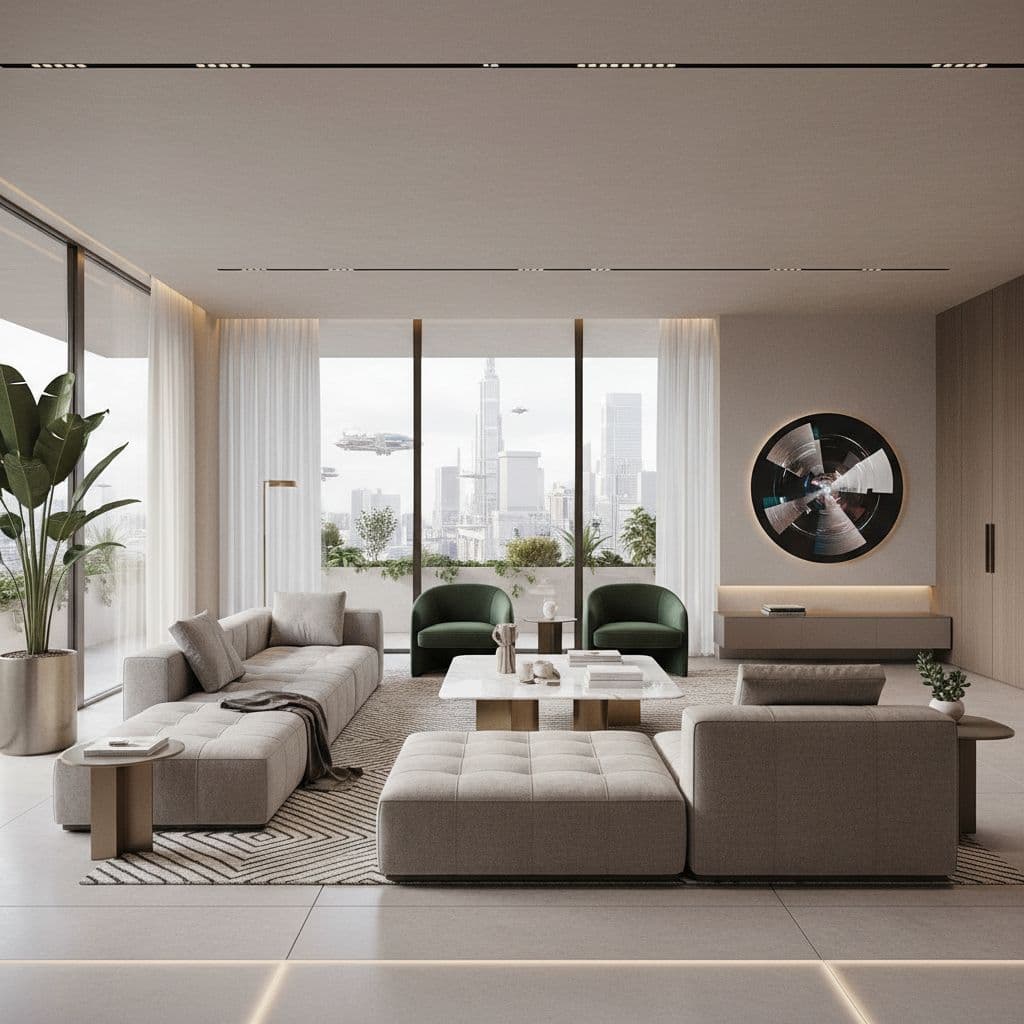
- Professional photography showcasing your best work
- Consistent visual branding across all pages
Conversion-Focused Elements
- Clear service descriptions and pricing guidance
- Multiple contact points on every page
- Trust signals (testimonials, press, awards)
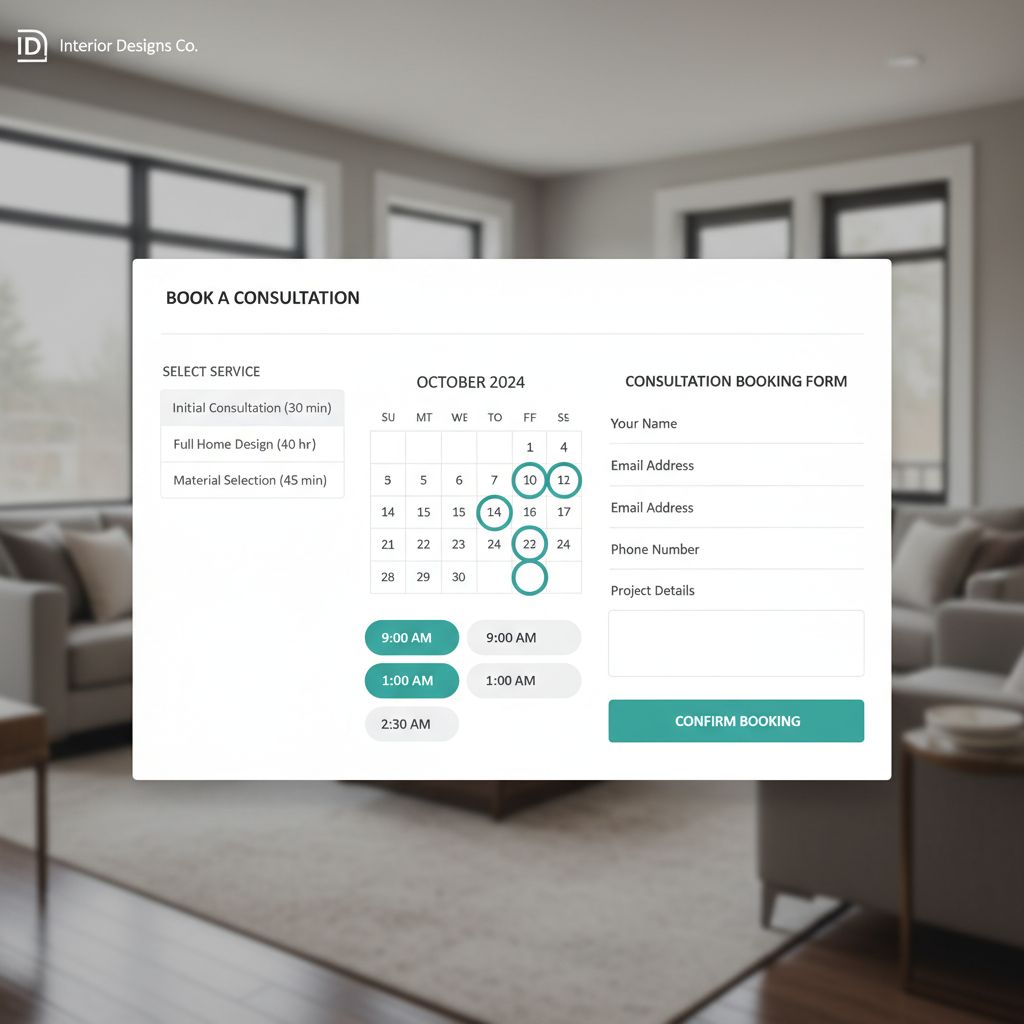
- Easy-to-use contact forms and booking systems
The Cost of NOT Having a Professional Website
Lost Opportunities
- • 67% of potential clients never find you
- • $15,000-$75,000+ in annual revenue missed
- • Competitors with websites capture your market share
- • Forced to rely solely on expensive referrals
Credibility Issues
- • Appear less professional than competitors
- • Unable to showcase full portfolio effectively
- • Difficult to establish expertise and authority
- • Social media alone can't replace a professional site
Average annual opportunity cost: $25,000-$100,000 in lost revenue
🎨 Essential Elements of Interior Design Websites
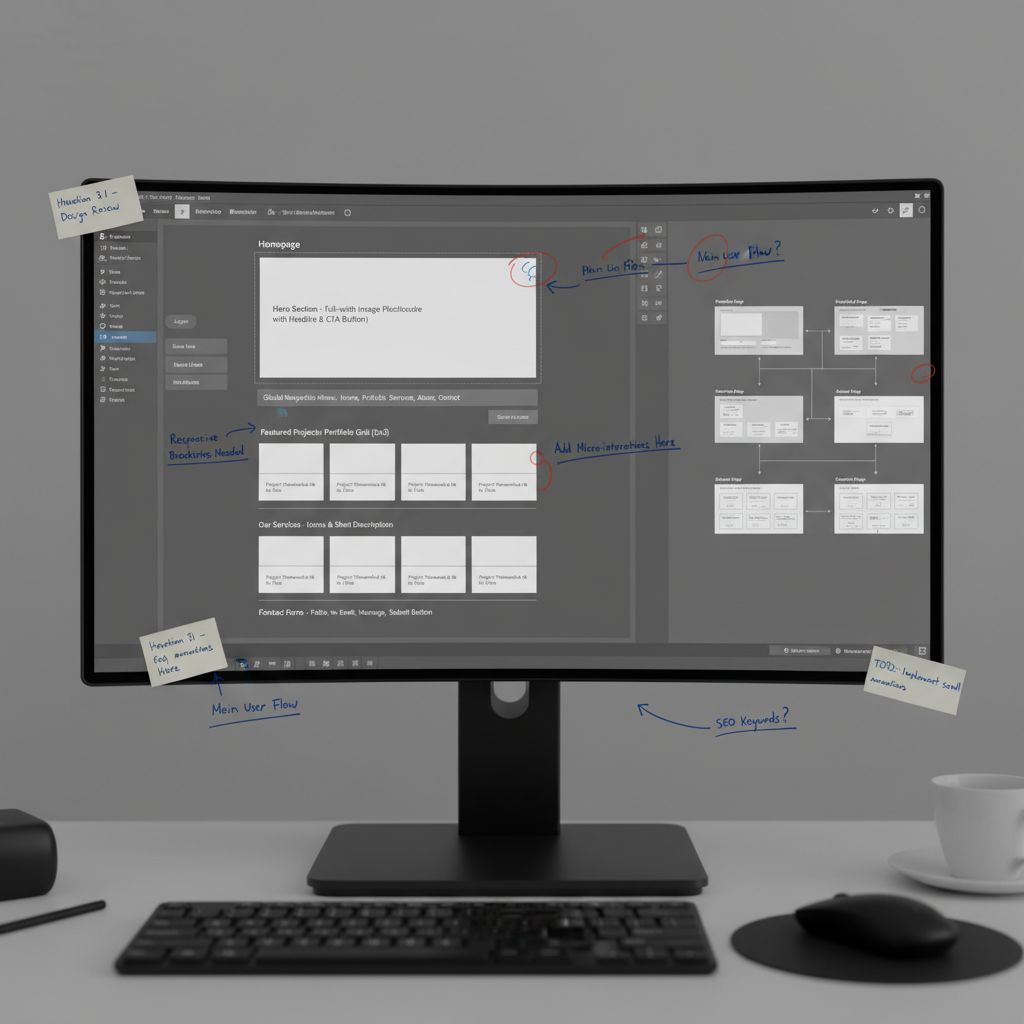
A successful interior designer website requires specific pages and features that work together to attract, engage, and convert visitors into clients. Missing even one of these elements can significantly reduce your conversion rate.
1. Homepage: Your Digital First Impression
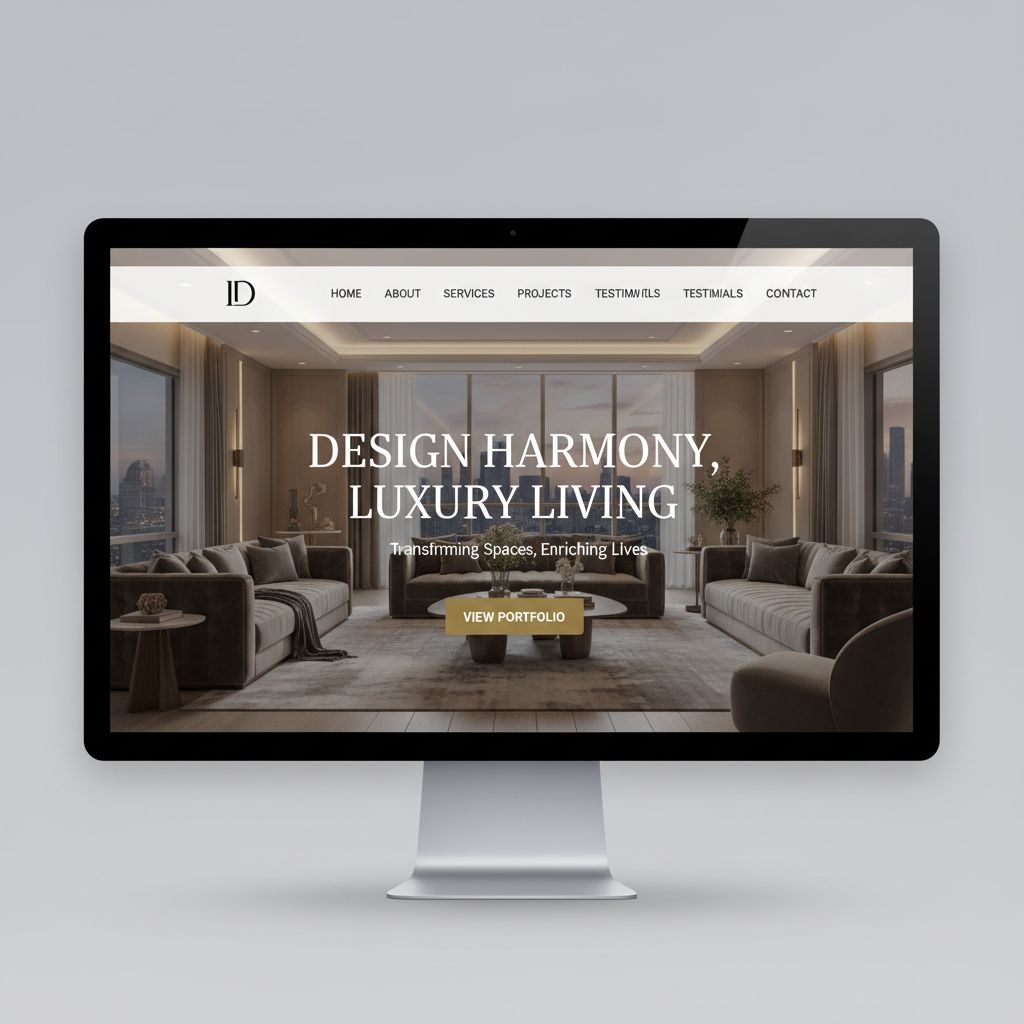
Must-Have Elements
- Hero Section: Stunning full-width image showcasing your best work with clear value proposition
- Services Overview: Brief introduction to what you offer (residential, commercial, virtual design)
- Featured Projects: 3-6 of your absolute best projects with high-quality images
- Trust Indicators: Client testimonials, press mentions, awards, years of experience
- Clear CTA: "Schedule Consultation" or "View Portfolio" button prominently placed
Common Homepage Mistakes
- ✗ Generic stock photos instead of your actual work
- ✗ Vague taglines like "Making Your Dreams Come True"
- ✗ No clear next step or call-to-action
- ✗ Slow-loading high-res images
- ✗ Auto-playing video or music
- ✗ Cluttered layout with too many competing elements
Homepage Conversion Formula
Stunning Visual + Clear Value Proposition + Social Proof + Obvious CTA = High-Converting Homepage
Example: "Award-Winning Interior Designer Specializing in Luxury Residential Spaces in Manhattan" + Portfolio Gallery + "Featured in Architectural Digest" + "Schedule Your Free Consultation"
2. Portfolio Page: Your Best Sales Tool
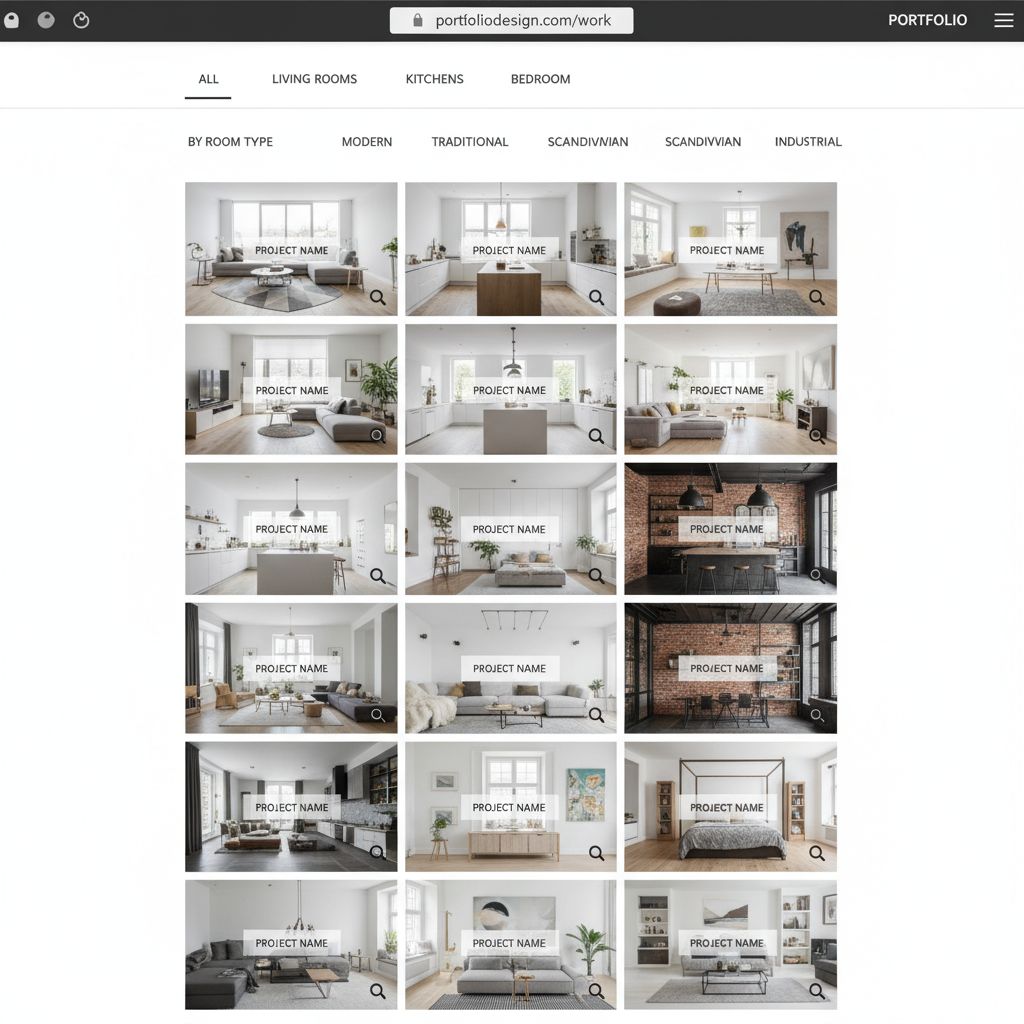
Your portfolio is where potential clients fall in love with your work. This page receives the highest engagement and is the strongest predictor of whether visitors will contact you.
Project Organization
- • Filter by room type (living room, bedroom, kitchen)
- • Filter by style (modern, traditional, transitional)
- • Filter by project type (residential, commercial)
- • Sort by date or popularity
Image Requirements
- • Professional photography only
- • Minimum 2000px wide
- • 10-15 images per project
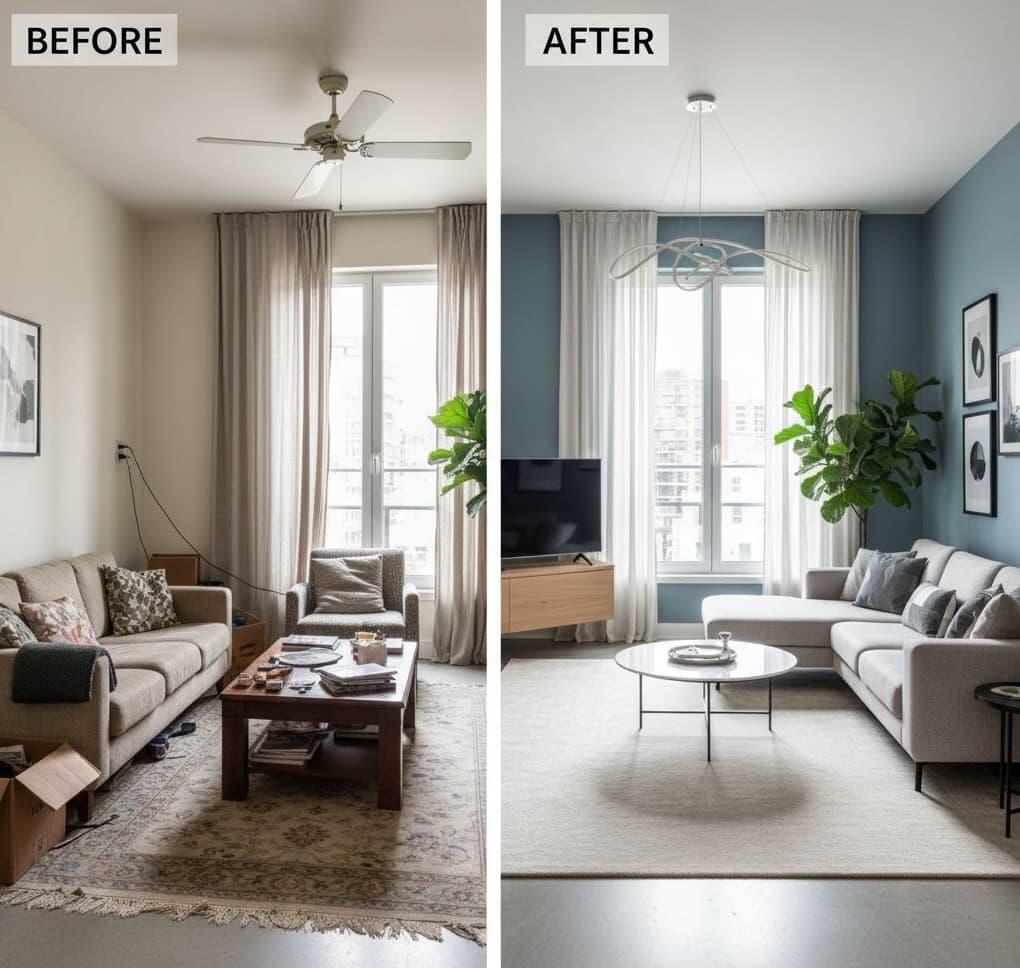
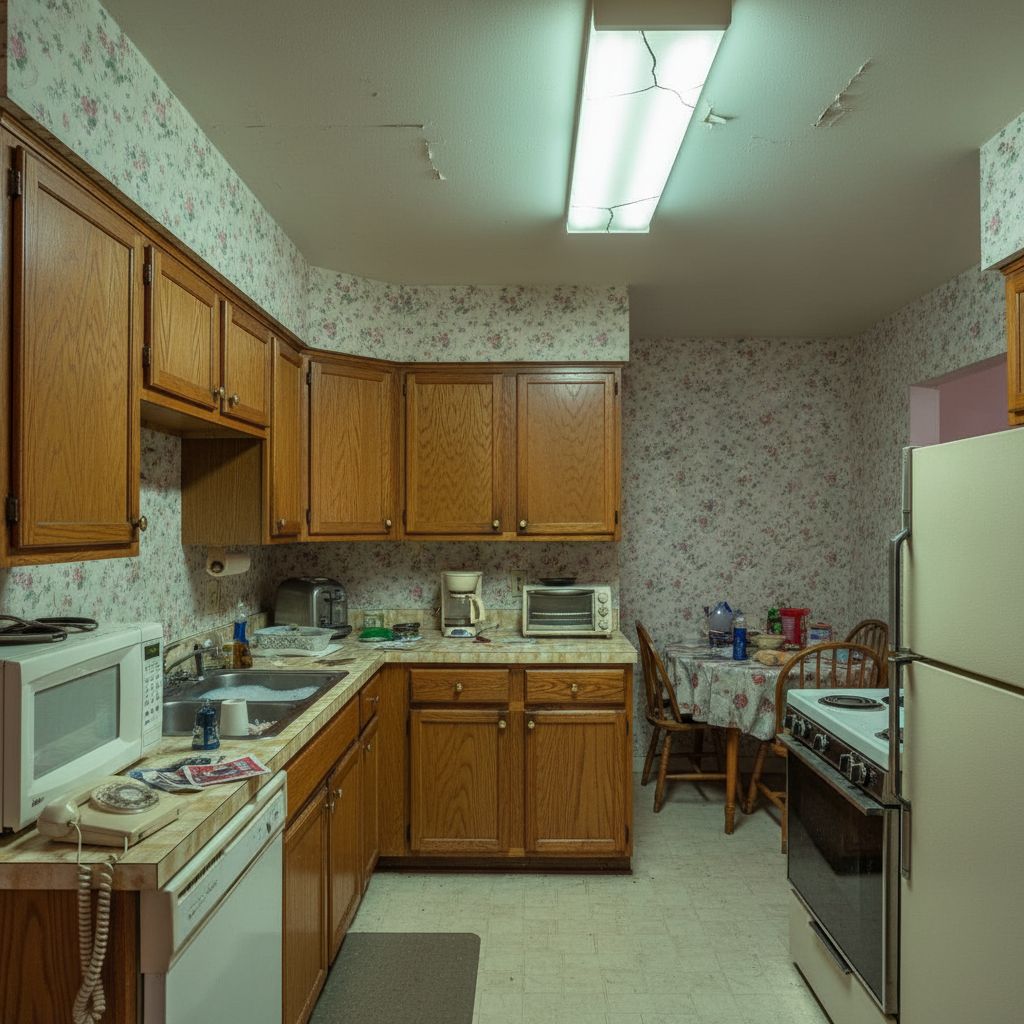
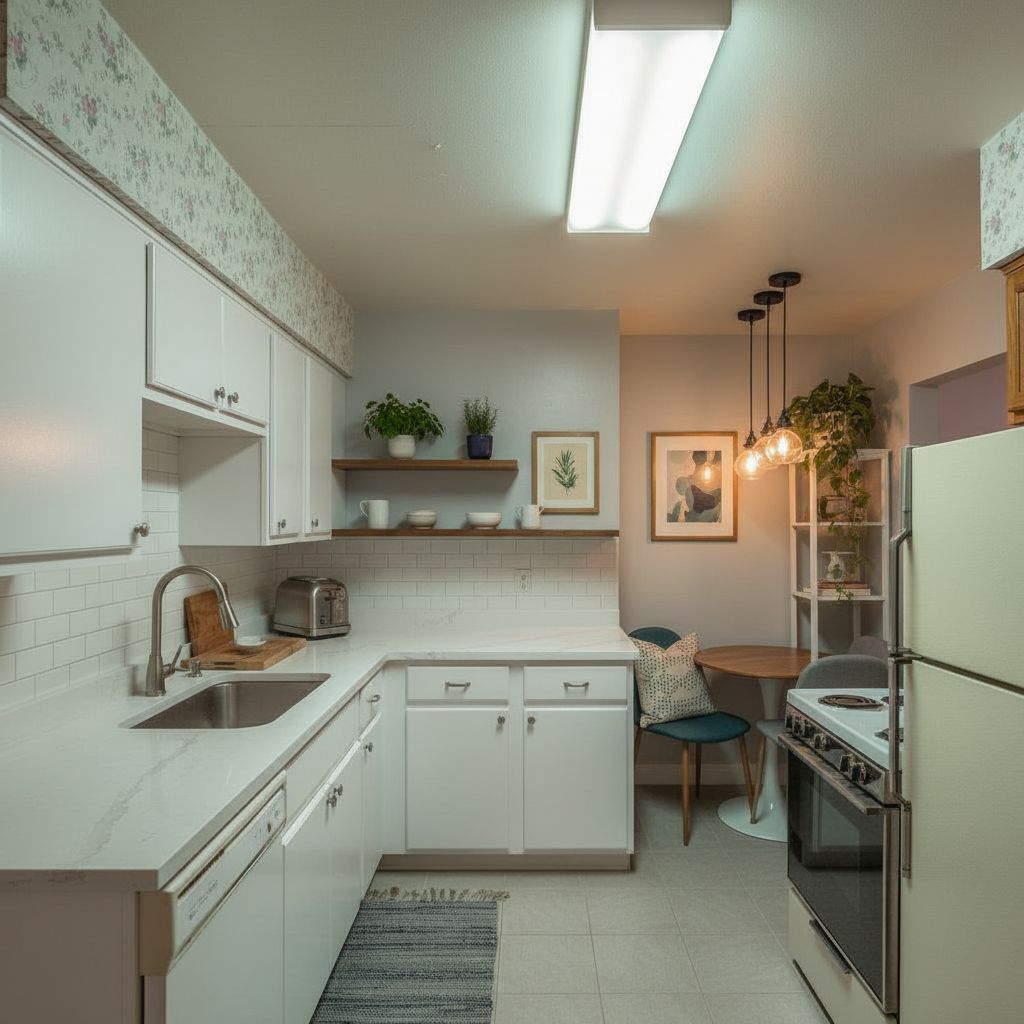
- • Include before/after shots
Project Descriptions
- • Client challenge/problem
- • Your design solution
- • Special features or materials
- • Budget range (optional)
Portfolio Best Practice Example
Project Title: "Modern Minimalist Manhattan Loft Transformation"
Description: "This 1,200 sq ft loft presented the challenge of creating distinct living zones in an open space while maintaining the airy, industrial feel. We introduced a custom steel and glass partition, curated a neutral palette with warm wood accents, and designed built-in storage solutions that maximized functionality without sacrificing aesthetics."
Details: 3 months timeline • $75,000 budget • Featured in Elle Decor
3. Services Page: What You Offer & How Much
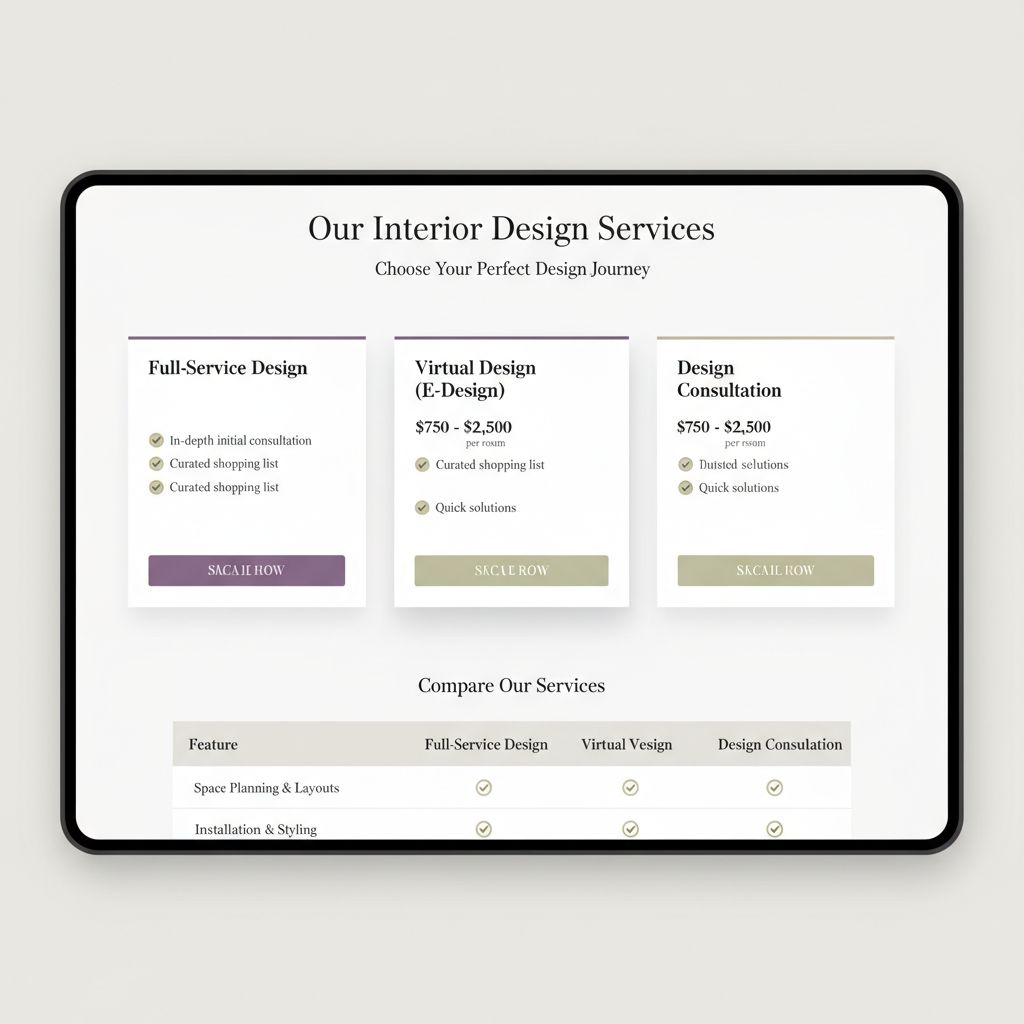
The services page answers the critical question: "Can this designer help me, and can I afford them?" Being clear about your services and pricing builds trust and filters out unqualified leads.
Service Packages Structure
Full-Service Design
Complete project management from concept to installation
- • Initial consultation
- • Space planning & design
- • Material & furniture selection
- • Contractor coordination
- • Installation & styling
From $10,000
Design Consultation
Professional guidance for DIY implementation
- • 2-hour in-home consultation
- • Design mood board
- • Shopping list with sources
- • Layout recommendations
- • Email follow-up support
$1,500-$3,000
Virtual Design
Remote design perfect for simple projects
- • Video consultation
- • 3D room renderings
- • Shopping links & sources
- • Color & material palette
- • Implementation guide
$500-$1,500
💡 Pricing Transparency Best Practice
While many designers avoid listing prices, research shows that including pricing ranges increases qualified inquiries by 47%. You don't need exact prices—ranges like "$5,000-$15,000" or "Starting from $2,500" help visitors self-qualify and reduce tire-kicker inquiries.
4. About Page: Building Connection & Trust
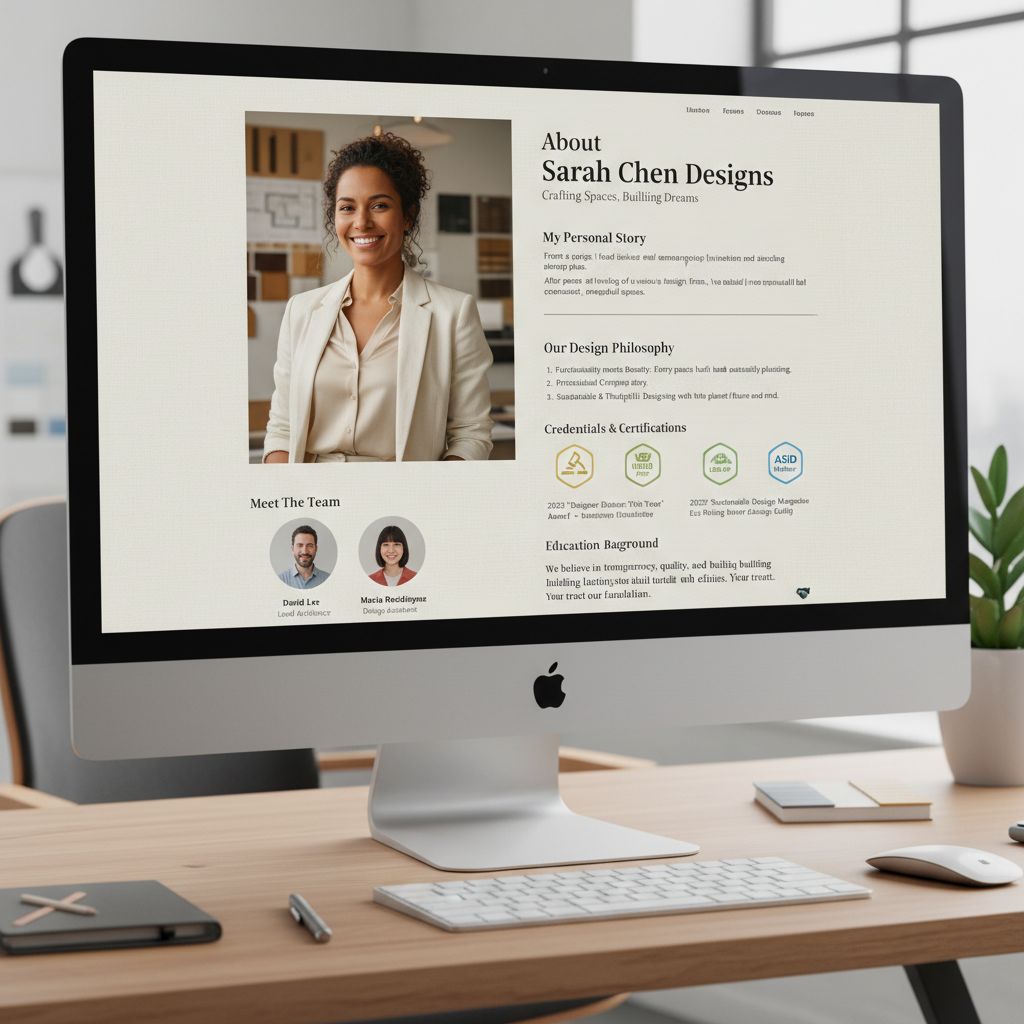
What to Include
- Professional headshot: High-quality photo showing your personality
- Your story: How you became an interior designer (keep it personal but professional)
- Design philosophy: Your unique approach to projects
- Credentials: Education, certifications (NCIDQ, ASID, etc.)
- Awards & press: Recognition and media features
- Personal touches: Hobbies, family (makes you relatable)
About Page Template
Opening: "Hi, I'm [Name], and I've been transforming homes in [City] for [X] years. My passion for design started when [personal story]..."
Philosophy: "I believe every home should tell its owner's story while functioning beautifully for their lifestyle. My design process focuses on [unique approach]..."
Credentials: "I hold [degree] from [school] and am a certified member of [ASID/NCIDQ]. My work has been featured in [publications]..."
Personal: "When I'm not designing, you'll find me [hobby] with my [family/pets]. I'm inspired by [travel/art/nature]..."
5. Contact Page: Making It Easy to Reach You
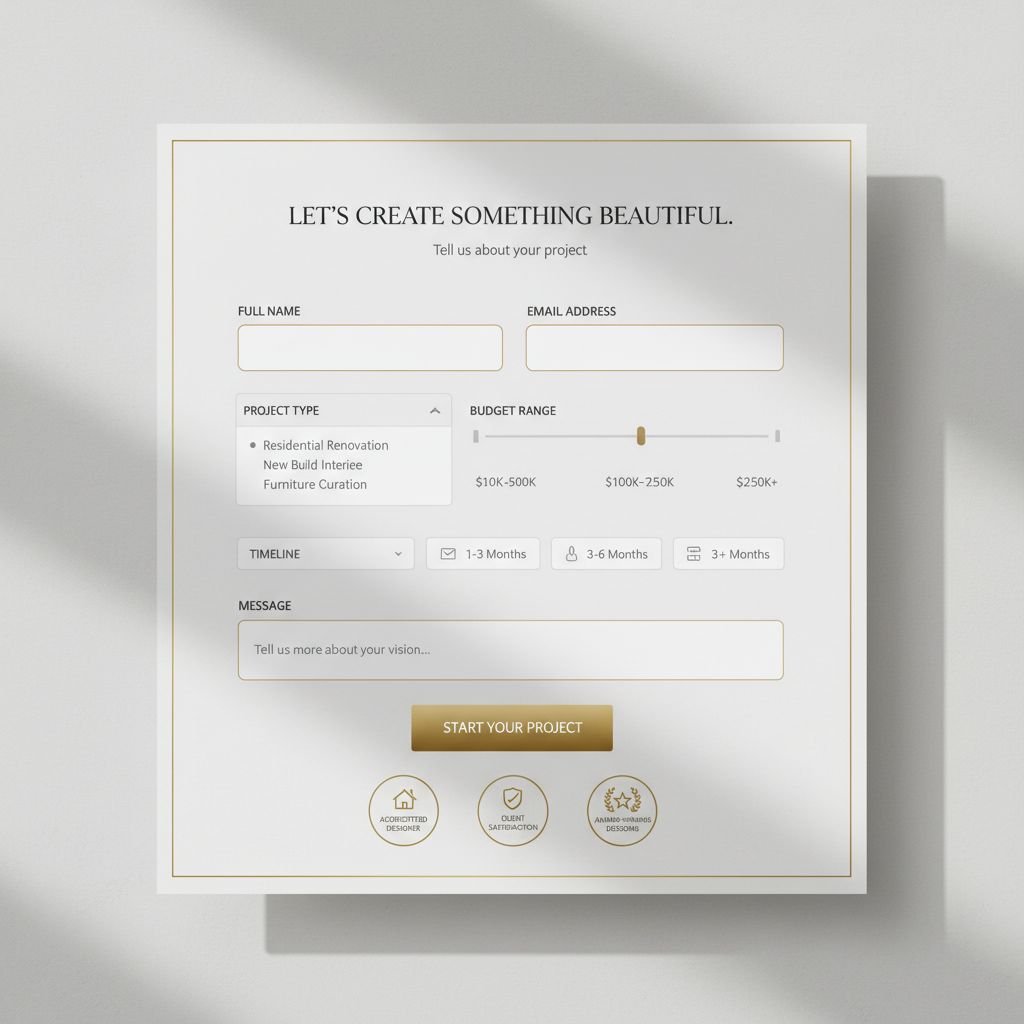
Contact Form Best Practices
- Keep it simple: Name, email, phone, project type, message
- Include budget range dropdown (helps qualify leads)
- Add timeline dropdown (urgent/3-6 months/planning)
- Set expectations: "We respond within 24 hours"
- Mobile-friendly and easy to fill on phone
Additional Contact Options
- Direct phone number with business hours
- Professional email address (not Gmail)
- Office address (if you have showroom)
- Calendar booking link (Calendly, Acuity)
- Social media links (Instagram, Pinterest)
📸 Portfolio Showcase Strategies That Convert
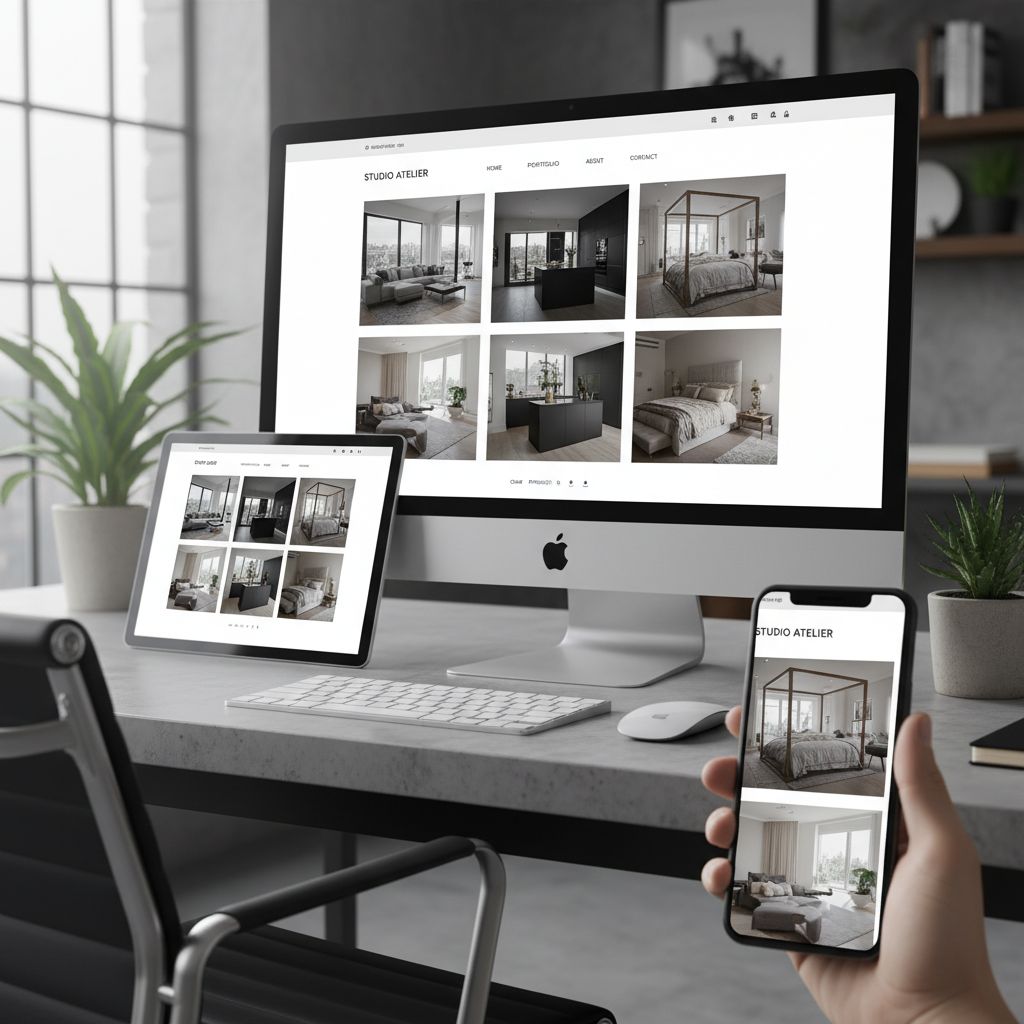
Your portfolio is your most powerful sales tool. How you present your work can be the difference between a casual browser and a signed contract. Professional designers who optimize their portfolio presentation see 3-4x higher inquiry rates than those using basic galleries.
Photography: The Foundation of Your Portfolio
Professional Photography Investment
Professional photography is non-negotiable. Hiring a specialized interior photographer costs $500-$2,000 per shoot but increases your perceived value by 5-10x compared to smartphone photos.
What to expect:
- • 2-4 hour shoot per project
- • 20-30 edited high-resolution images
- • Wide-angle shots showing full rooms
- • Detail shots of unique elements
- • Color correction and basic retouching
- • Multiple angles of each space
DIY Photography Tips (If Budget Limited)
- Shoot during "golden hour" (late afternoon natural light)
- Use a DSLR or high-end smartphone (iPhone 14+, Samsung S23+)
- Invest in a tripod ($30-$100) for stability
- Stage rooms meticulously (no clutter, styled surfaces)
- Edit with Lightroom or similar ($10/month)
- Shoot from corners to capture maximum space
⚠️ Common Photography Mistakes to Avoid: Cluttered spaces, poor lighting (too dark or harsh), crooked horizons, visible reflections in mirrors/glass, inconsistent color correction, photos taken from phone height (shoot from chest level), including personal items or family photos in shots.
Portfolio Organization Strategies
By Room Type
Best for residential designers
- • Living Rooms
- • Bedrooms & Master Suites
- • Kitchens
- • Bathrooms
- • Home Offices
- • Outdoor Spaces
By Design Style
Best for style-focused designers
- • Modern & Contemporary
- • Traditional & Classic
- • Transitional
- • Coastal
- • Industrial
- • Bohemian/Eclectic
By Project Type
Best for commercial designers
- • Residential
- • Restaurants & Hospitality
- • Retail Spaces
- • Offices
- • Healthcare
- • Multi-Family
💡 Pro Tip: Hybrid Organization
Use multiple filter options so visitors can browse by room type AND style. Example: A visitor interested in "Modern Kitchens" can see all your modern projects specifically in kitchens, making it easier for them to envision your work in their space.
Project Presentation Format
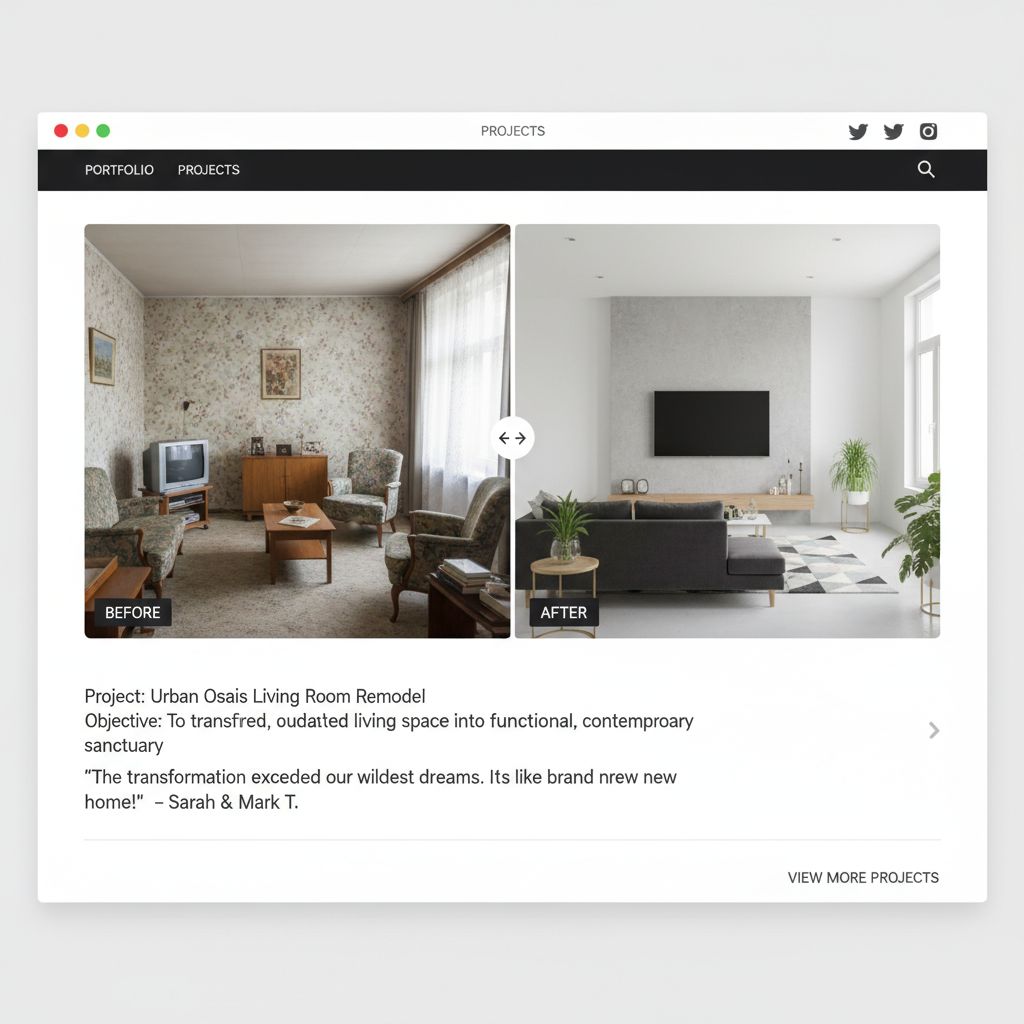
Each portfolio project should tell a complete story. The best format includes before photos, the transformation process, and stunning after shots with context about the client's needs and your solutions.
Project Page Structure
-
1.
Hero Image: Your absolute best photo from the project (full-width, high-impact)
-
2.
Project Overview: Client challenge, your solution, unique elements (150-250 words)
-
3.
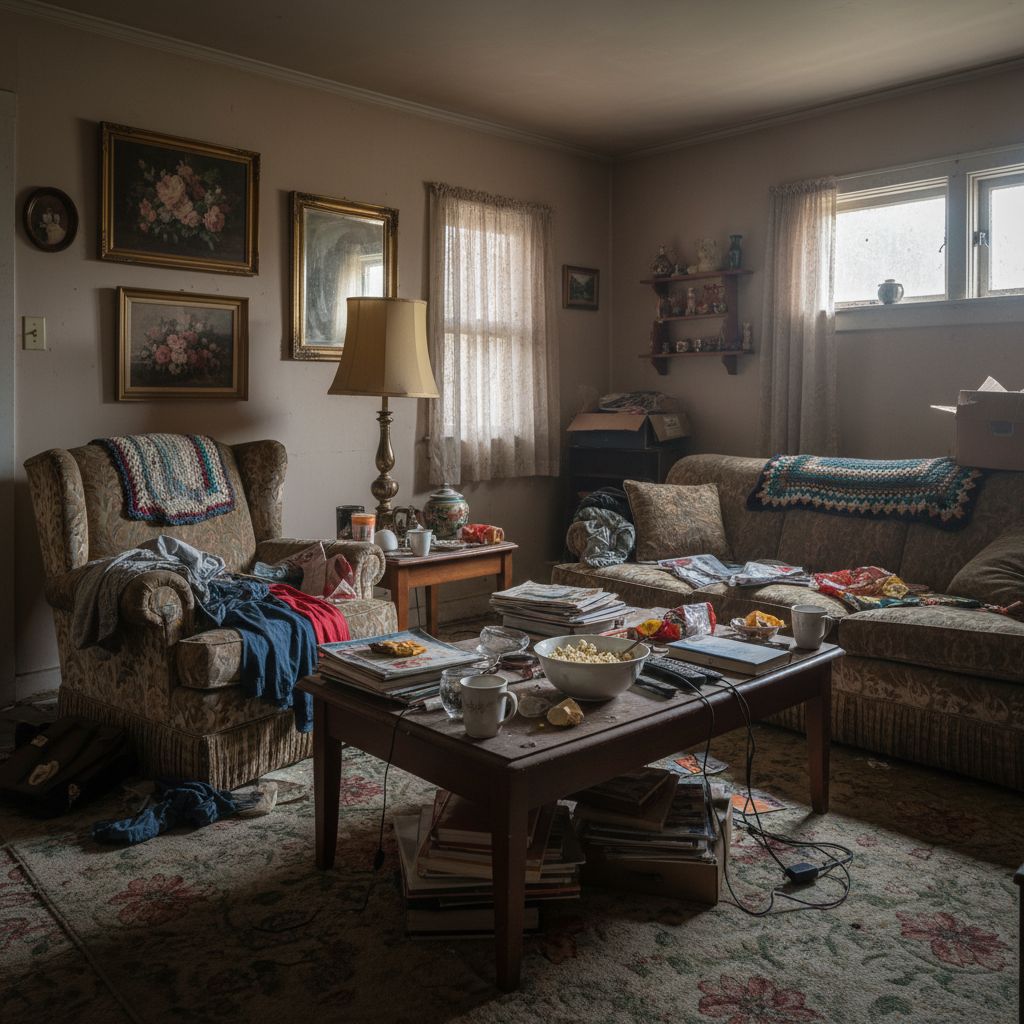
Before Photos: 2-4 images showing the space's original condition
-
4.
Design Process: Brief description of your approach and decisions (optional but powerful)
-
5.
After Photos: 10-15 professionally shot images from multiple angles
-
6.
Project Details: Timeline, budget range (optional), special materials/sources
-
7.
Client Testimonial: Quote from happy client (if available)
Example Project Description
The Challenge:
"Our clients, a young professional couple, purchased this 1970s ranch home with dark paneling, outdated fixtures, and a choppy floor plan. They wanted a bright, modern space perfect for entertaining while maintaining the home's original mid-century character."
Our Solution:
"We removed non-structural walls to create an open kitchen-living concept, installed floor-to-ceiling windows to flood the space with natural light, and curated a mix of vintage mid-century pieces with contemporary furnishings. The original hardwood floors were refinished, and we added a statement fireplace wall in natural stone."
Project Details: 6-month timeline • $85,000 renovation budget • Featured in Design*Sponge
Image Optimization for Web
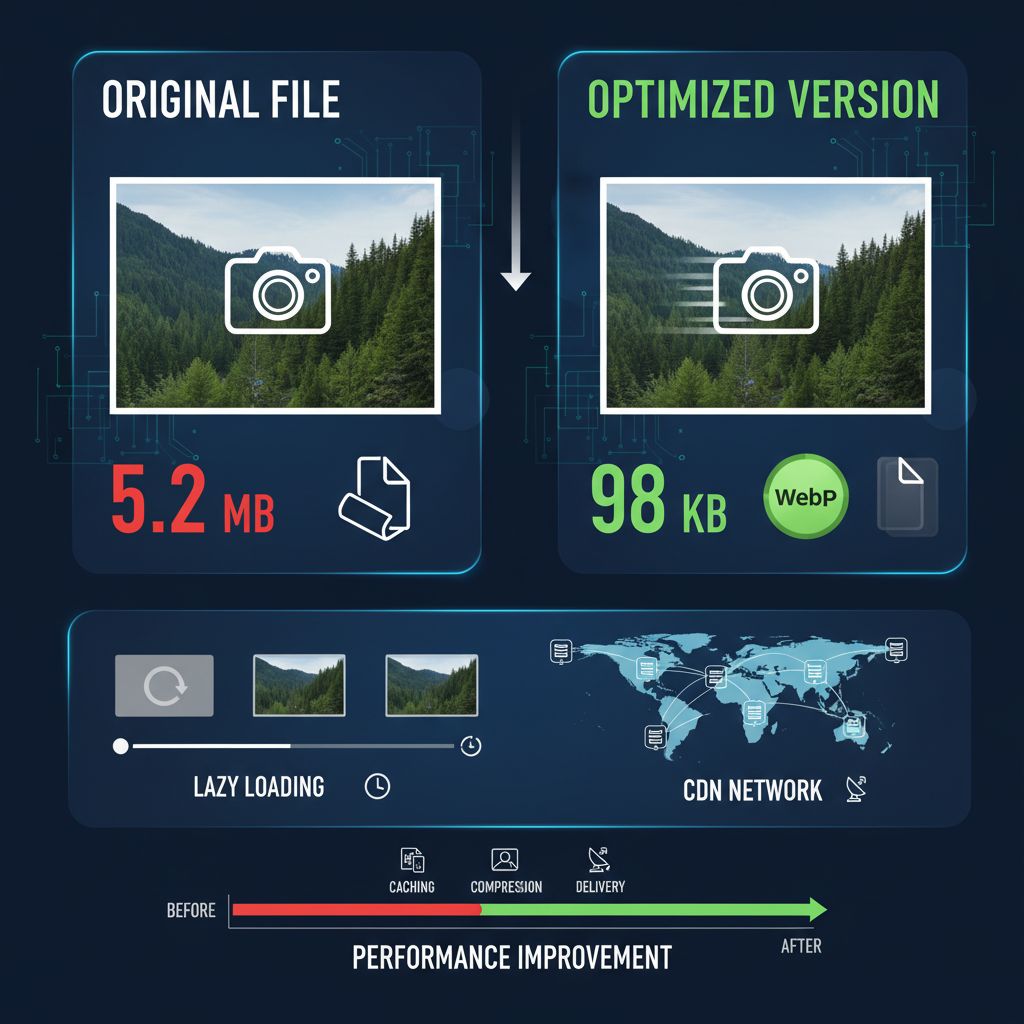
Technical Specifications
-
File Format: WebP for web (fallback to JPG for compatibility)
-
Dimensions: 2000-2500px wide for full-width images
-
File Size: Target 150-300KB per image (compressed)
-
Lazy Loading: Implement to load images as users scroll
-
Alt Text: Descriptive text for SEO and accessibility
Compression Tools
Free Tools:
- • TinyPNG - Simple drag-and-drop compression
- • Squoosh.app - Advanced compression options
- • ImageOptim (Mac) - Batch processing
Premium Tools:
- • ShortPixel - Automated optimization
- • Cloudflare Images - CDN + optimization
- • WP Rocket - WordPress plugin
✨ Design & UX Best Practices
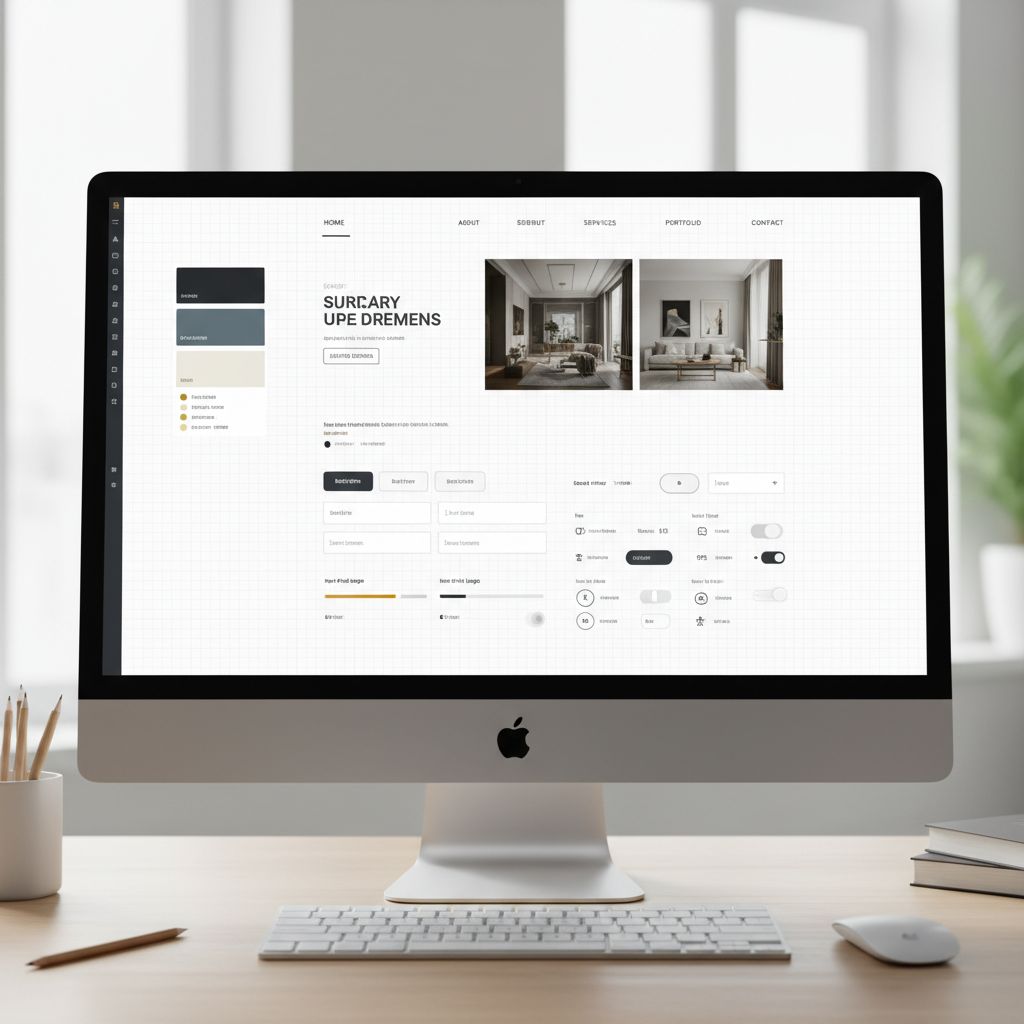
Your website's design should reflect your design expertise. A poorly designed website undermines your credibility as a designer. The best interior design websites balance visual appeal with functionality, creating experiences that are both beautiful and conversion-focused.
Visual Design Principles
Color Palette Strategy
-
Neutral Base: White, off-white, or light gray backgrounds let your portfolio shine
-
Accent Color: Choose one signature color that aligns with your brand (gold, navy, sage)
-
Typography: Use 2-3 fonts maximum (elegant serif for headings, clean sans-serif for body)
-
Whitespace: Generous spacing creates a luxury, uncluttered feel
Layout & Structure
-
Grid System: Use consistent spacing and alignment throughout
-
Visual Hierarchy: Clear distinction between headings, subheadings, and body text
-
F-Pattern Layout: Users scan in F-shape; place important info accordingly
-
Consistent Navigation: Same menu structure on every page
Mobile Responsiveness (Critical!)
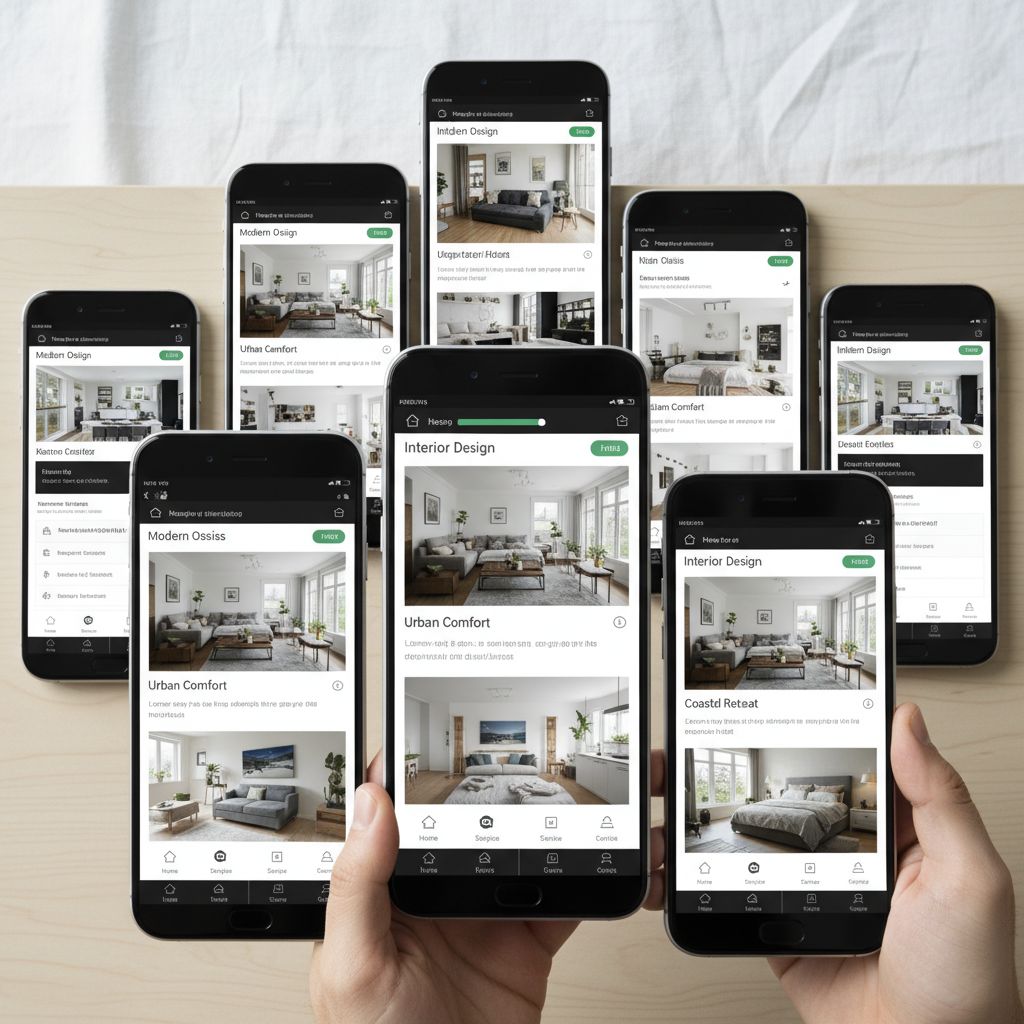
⚠️ 68% of interior design website traffic comes from mobile devices. If your site isn't mobile-optimized, you're losing 7 out of 10 potential clients before they even see your work.
Mobile Optimization Checklist
- ✓ Responsive images that scale to screen size
- ✓ Touch-friendly buttons (minimum 44x44 pixels)
- ✓ Readable text without zooming (16px minimum)
- ✓ Click-to-call phone numbers
- ✓ Simplified navigation (hamburger menu)
- ✓ Fast loading (under 3 seconds)
Testing Your Mobile Site
Google Mobile-Friendly Test
Free tool that analyzes your site and provides specific recommendations
Real Device Testing
Test on actual iPhones and Android phones—different screens show different issues
Browser DevTools
Use Chrome DevTools to test various screen sizes and orientations
Navigation & User Experience
Intuitive Navigation Structure
Recommended Menu Structure:
- • Home
- • Portfolio (with dropdown: By Room, By Style, All Projects)
- • Services
- • About
- • Blog (optional but great for SEO)
- • Contact
Keep main navigation to 5-7 items maximum. Use dropdowns for subcategories.
User Journey Optimization
-
3-Click Rule: Users should reach any page within 3 clicks
-
Sticky Header: Keep navigation visible while scrolling
-
Footer Navigation: Repeat main menu + add legal pages
-
Breadcrumbs: Show users their location within site hierarchy
-
Search Function: Essential for large portfolios (50+ projects)
Accessibility Standards
Making your website accessible isn't just ethical—it's also better for SEO and creates a better experience for all users. Plus, 15% of the population has some form of disability.
Visual Accessibility
- • High contrast text (WCAG AA: 4.5:1 ratio)
- • Descriptive link text (not "click here")
- • Alt text on all images
- • Text resizable to 200%
Keyboard Navigation
- • All features accessible via keyboard
- • Visible focus indicators
- • Logical tab order
- • Skip navigation links
Screen Readers
- • Semantic HTML structure
- • ARIA labels where needed
- • Descriptive headings
- • Image captions for context
🔍 SEO Strategies for Interior Designers

67% of potential clients find interior designers through Google search. Ranking on page one can mean the difference between 2-3 inquiries per month and 15-20. SEO for interior designers requires a specific approach that balances local search optimization with visual content strategy.
Local SEO: Your #1 Priority
Most interior designers serve specific geographic areas. Local SEO ensures you appear when potential clients search for "interior designer near me" or "interior designer in [your city]."
Google Business Profile Optimization
-
Claim & verify your Google Business Profile (free)
-
Complete profile 100%: Photos, hours, services, description
-
Regular updates: Post project photos weekly
-
Get reviews: Ask satisfied clients for Google reviews
-
Respond to reviews: Reply to all reviews within 48 hours
Local Citations & Directories
Essential Listings:
- • Houzz Pro (most important for designers)
- • Yelp for Business
- • Yellow Pages
- • Better Business Bureau
- • Local chamber of commerce
💡 Consistency is crucial: Use identical business name, address, and phone (NAP) across all directories. Inconsistencies hurt local rankings.

Keyword Strategy for Interior Designers
High-Intent Keywords
These convert best (target first):
- • interior designer [city]
- • hire interior designer [city]
- • residential interior designer near me
- • kitchen designer [city]
- • [style] interior designer [city]
Service-Specific Keywords
Target specific services:
- • virtual interior design services
- • home staging [city]
- • interior design consultation
- • full service interior design
- • commercial interior design [city]
Long-Tail Keywords
Lower competition, higher intent:
- • how much does an interior designer cost
- • best interior designer for small spaces
- • affordable interior design [city]
- • modern farmhouse designer [city]
Where to Place Keywords
- • Page titles (most important)
- • H1 and H2 headings
- • First paragraph of content
- • Meta descriptions
- • Image alt text
- • URL slugs
- • Internal link anchor text
- • Portfolio project descriptions
Avoid keyword stuffing—use variations naturally in context.
Content Marketing for SEO
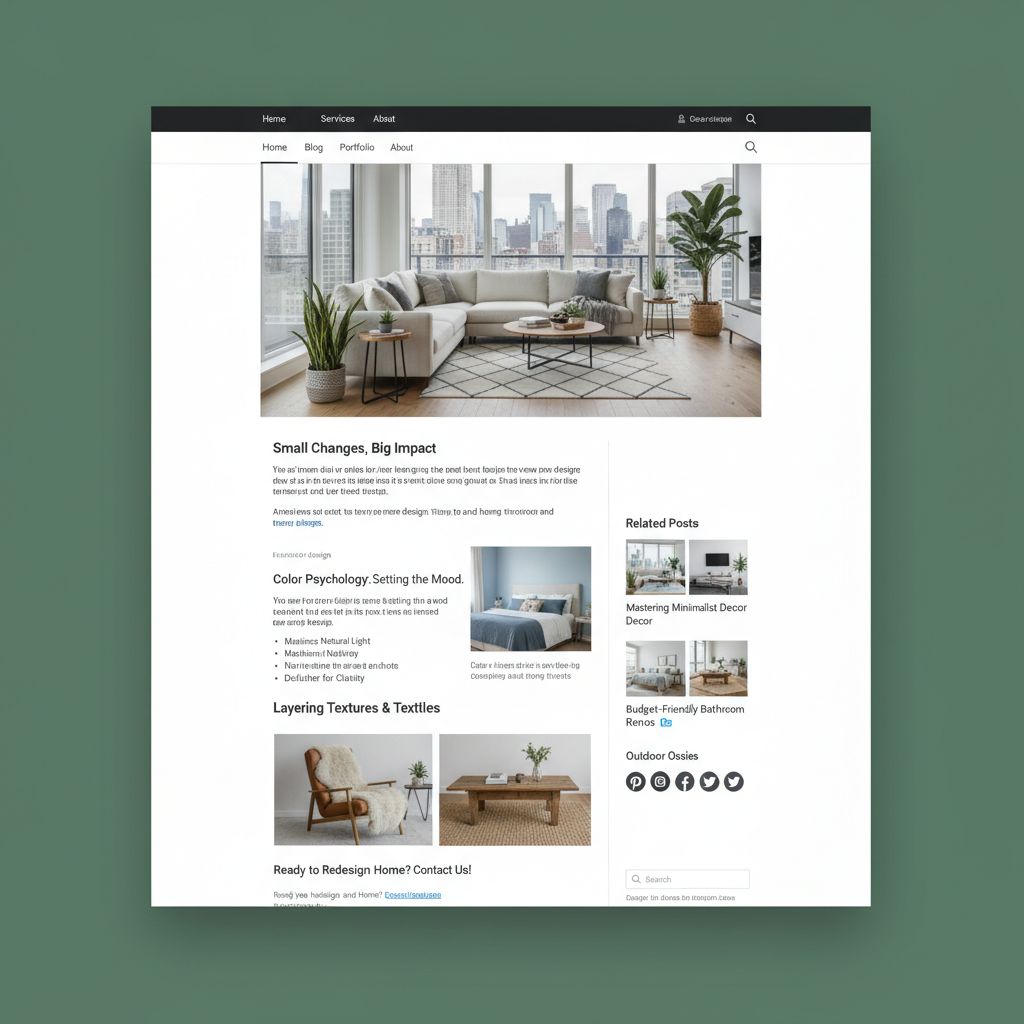
Regular blog content is the fastest way to rank for multiple keywords and establish expertise. Interior designers who blog get 67% more leads than those who don't.
High-Performing Blog Topics
- Room-specific guides ("How to Design a Small Living Room")
- Style guides ("[Style] Interior Design: Complete Guide")
- Trend articles ("2025 Kitchen Design Trends")
- Budget guides ("How to Redecorate on a Budget")
- Before/after project showcases with stories
Blog Publishing Strategy
Recommended Schedule:
- • Minimum: 2 posts per month (1,500+ words each)
- • Ideal: 4-8 posts per month
- • Focus: Quality over quantity
- • Include: 5-10 high-quality images per post
- • Optimize: Each post for 1-2 specific keywords
Technical SEO Essentials
Page Speed Optimization
- Target: Under 3 seconds load time
- Image compression (WebP format)
- Lazy loading for images
- Minify CSS and JavaScript
- Use CDN for faster delivery
Other Technical Requirements
- SSL certificate (HTTPS) - required
- Mobile-first design (Google prioritizes mobile)
- XML sitemap submitted to Google
- Structured data markup (Schema.org)
- Fix broken links and 404 errors
💰 Conversion Optimization for Interior Design Sites
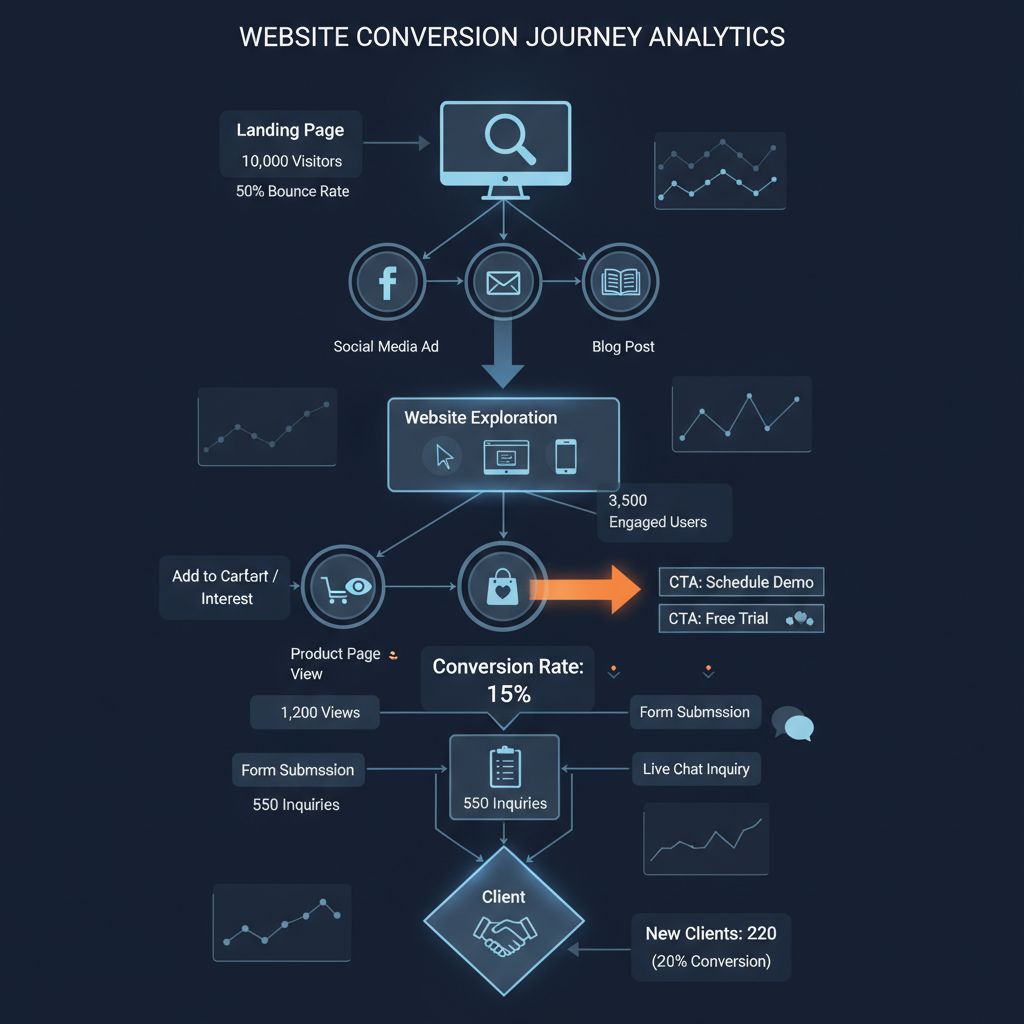
Traffic without conversions is worthless. The average interior design website converts at 2-3%, but with optimization, you can reach 5-8% or higher. Every percentage point increase can mean 5-10 additional clients per year.
Call-to-Action (CTA) Strategy
Primary CTAs (Most Important)
-
"Schedule Free Consultation" - High-converting, low-commitment ask
-
"View Our Portfolio" - Gets visitors to your strongest content
-
"Get a Quote" - For serious, ready-to-buy visitors
CTA Placement: Above the fold on homepage, end of every service description, footer of every page, sticky header button, within blog posts.
Secondary CTAs (Lead Nurturing)
-
"Download Free Design Guide" - Email capture
-
"Take Our Style Quiz" - Interactive, collects preferences + email
-
"Follow on Instagram" - Social proof building
💡 Pro Tip: Use exit-intent popups with downloadable guides to capture 15-20% of abandoning visitors. Offer "10 Common Design Mistakes to Avoid" or "Kitchen Design Planning Checklist."
Trust & Credibility Signals
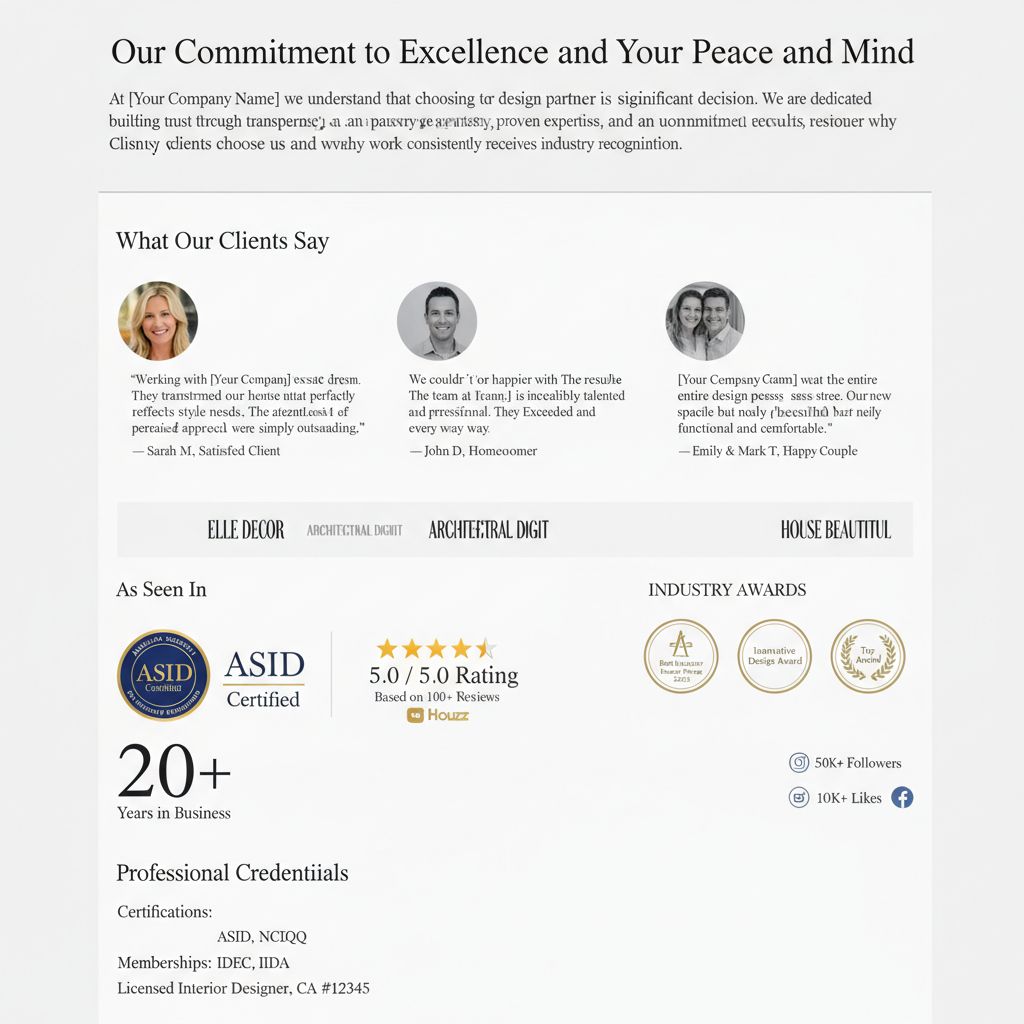
Interior design is a high-investment decision. Visitors need strong assurance before contacting you. Multiple trust signals throughout your site can increase conversion rates by 30-50%.
Client Testimonials
- ✓ Use real client photos (with permission)
- ✓ Include full names and locations
- ✓ Specific results, not vague praise
- ✓ Video testimonials (most powerful)
- ✓ Display on multiple pages
Social Proof
- ✓ Press mentions & media features
- ✓ Awards and certifications
- ✓ "As seen in" logo badges
- ✓ Number of projects completed
- ✓ Instagram follower count
Professional Credentials
- ✓ NCIDQ certification logo
- ✓ ASID/IIDA membership
- ✓ Years in business
- ✓ Education credentials
- ✓ Industry associations
Contact Form Optimization
Best-Performing Form Structure
Recommended Fields:
- 1. Name (required)
- 2. Email (required)
- 3. Phone (optional but helps qualify)
- 4. Project Type dropdown (Kitchen, Bedroom, Full Home, etc.)
- 5. Budget Range dropdown ($5K-$10K, $10K-$25K, $25K-$50K, $50K+)
- 6. Timeline dropdown (Urgent, 1-3 months, 3-6 months, Planning)
- 7. Message (optional - let them elaborate)
Forms with 5-7 fields convert best. Too few = unqualified leads. Too many = abandonment.
Conversion Best Practices
-
Clear Value Proposition: "Get your free consultation (30 minutes, $0 value)"
-
Privacy Assurance: "We respect your privacy and won't spam you"
-
Response Time Promise: "We'll respond within 24 hours"
-
Social Proof: "Join 500+ happy clients" near submit button
-
Action-Oriented Button: "Get My Free Consultation" (not "Submit")
-
Thank You Page: Confirm submission + set expectations for follow-up
Pricing Transparency Strategy
Why Show Pricing?
- • Filters out budget-mismatched leads (saves your time)
- • Increases trust and transparency
- • 47% increase in qualified inquiries (data from 500+ designers)
- • Visitors with budget clarity convert 2-3x higher
- • Reduces "tire kicker" consultations
How to Present Pricing
Recommended Approach:
- • Package pricing: "Full Service Design: Starting from $10,000"
- • Hourly rate: "$150-$250/hour depending on project scope"
- • Consultation: "Initial consultation: $500 (credited toward project)"
- • Budget ranges: "Typical kitchen projects: $15,000-$45,000"
You don't need exact prices—ranges work perfectly and still provide needed transparency.
⚙️ Technical Requirements & Performance

Technical performance directly impacts both user experience and Google rankings. A slow website can cost you 40% of visitors who abandon before the page even loads. For image-heavy interior design sites, performance optimization is especially critical.
Performance Benchmarks for Interior Design Sites
Page Load Time
Target: Under 3 seconds on 4G
PageSpeed Score
Target: 90+ on mobile & desktop
Largest Contentful Paint
Core Web Vital (LCP)
First Input Delay
Core Web Vital (FID)
Image Optimization (Most Critical for Designers)
Image Format Strategy
WebP (Primary Format)
30% smaller than JPEG with same quality. Use for all portfolio images.
JPEG (Fallback)
For older browser compatibility. Quality: 80-85%.
PNG (Logos Only)
Use only for logos and graphics requiring transparency.
Optimization Techniques
-
Lazy Loading: Load images only as user scrolls (essential)
-
Responsive Images: Serve different sizes based on device
-
CDN Delivery: Cloudflare or similar for fast global loading
-
Compression: Target 150-300KB per image
-
Dimensions: Max 2500px wide (never upload 5000px+ originals)
Hosting & Infrastructure
Recommended Hosting
Budget ($5-15/month):
SiteGround, Bluehost
Mid-Range ($20-50/month):
WP Engine, Kinsta
Enterprise ($100+/month):
AWS, Vercel, Netlify
Must-Have Features
- • SSD storage (faster than HDD)
- • Free SSL certificate
- • Daily automatic backups
- • 99.9%+ uptime guarantee
- • CDN integration
- • 24/7 support
Avoid These Hosts
- • GoDaddy (slow, poor support)
- • HostGator (frequent downtime)
- • iPage (very slow)
- • Free hosting services
- • Shared $3/month plans
💡 Performance Tip: For image-heavy interior design sites, invest in quality hosting ($30-50/month). The performance difference between budget and premium hosting is dramatic—often 2-5 seconds faster load times.
Security & Maintenance
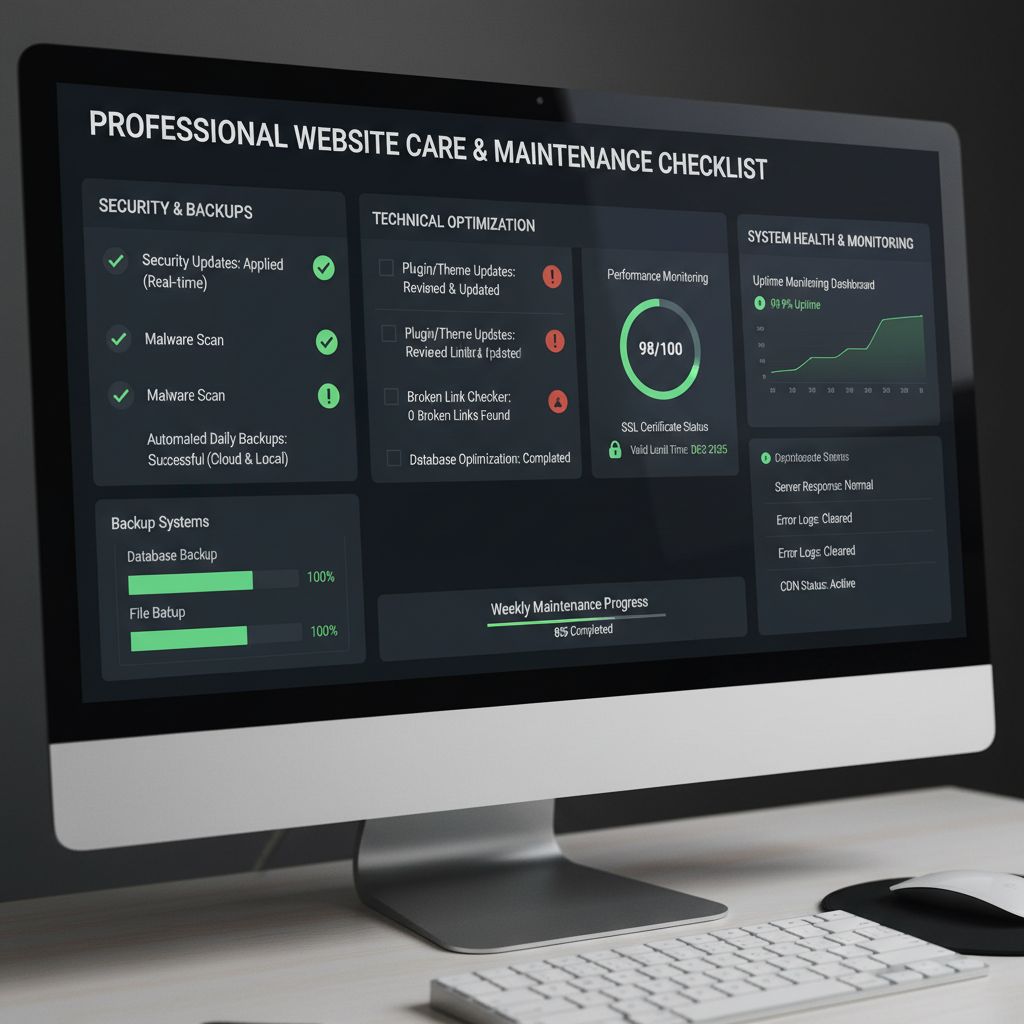
Essential Security Measures
- ✓ SSL Certificate: HTTPS required (free with Let's Encrypt)
- ✓ Regular Backups: Daily automated backups stored offsite
- ✓ Security Plugin: Wordfence or Sucuri (if using WordPress)
- ✓ Strong Passwords: Use password manager, enable 2FA
- ✓ Update Regularly: Keep CMS, themes, plugins current
Monthly Maintenance Checklist
- Update CMS, themes, and plugins
- Check and fix broken links
- Review Google Analytics for issues
- Test contact forms and CTAs
- Verify backup systems working
- Monitor website speed/performance
🤔 DIY vs Professional Website Development
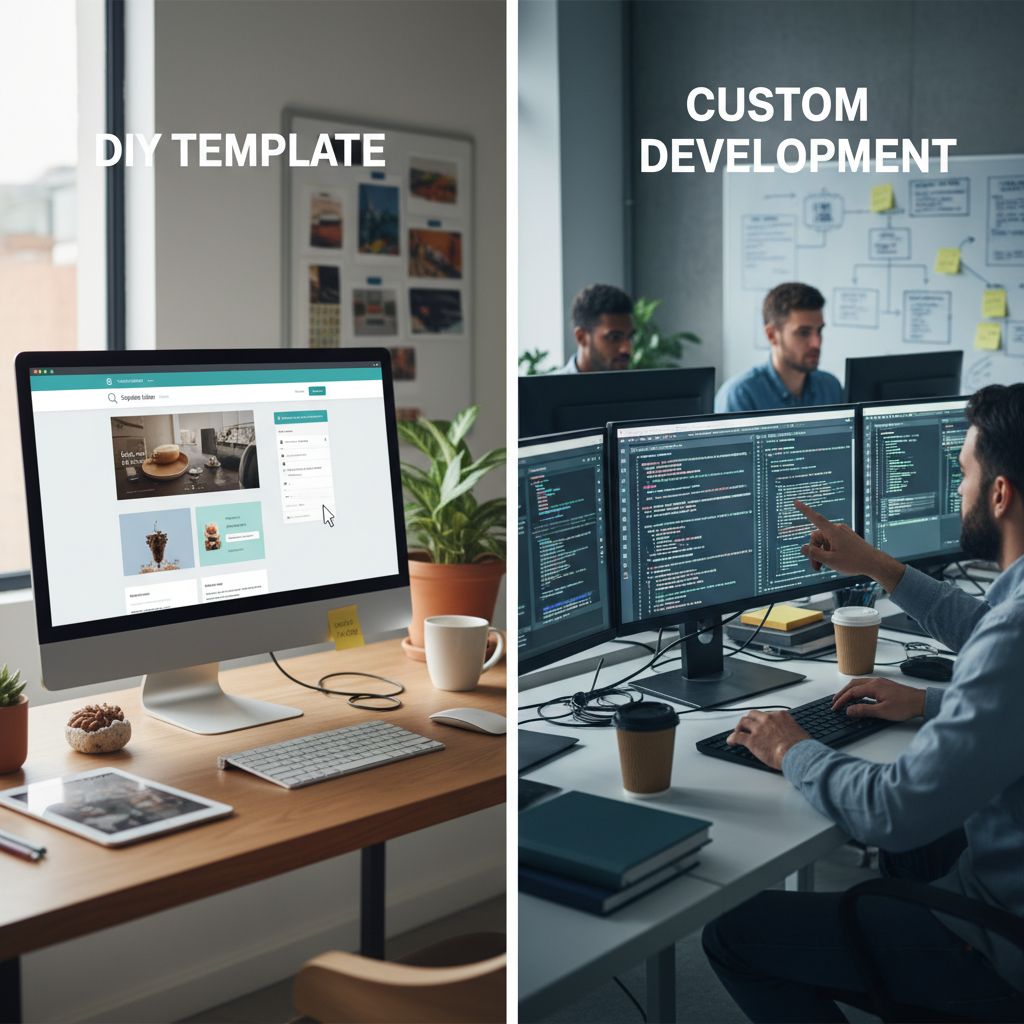
One of the most important decisions you'll make is whether to build your website yourself or hire a professional. Both approaches have merit depending on your budget, timeline, technical skills, and business goals.
The DIY Approach: Website Builders
✓ Pros of DIY
- + Cost-Effective: $10-30/month vs $3,000-15,000 one-time
- + Complete Control: Update portfolio anytime without waiting
- + Quick Setup: Launch in 1-2 weeks vs 1-3 months
- + Templates Available: Pre-designed themes for interior designers
- + Learning Experience: Understand how your site works
✗ Cons of DIY
- − Time Investment: 40-80 hours to learn and build properly
- − Technical Limitations: Template-based, less customization
- − SEO Challenges: Need to learn optimization yourself
- − Design Quality: Harder to achieve truly custom, professional look
- − Troubleshooting: You're responsible when things break
Best DIY Platforms for Interior Designers
Squarespace
Best for: Beautiful templates, ease of use
$16-49/month • Excellent design templates • Limited SEO
WordPress + Elementor
Best for: Full control, best SEO
$15-30/month • Steeper learning curve • Maximum flexibility
Wix
Best for: Beginners, drag-and-drop
$16-45/month • Very easy • Slower loading
Professional Development: Hiring an Agency or Developer
✓ Pros of Professional Development
- + Custom Design: Unique site that perfectly reflects your brand
- + Expert Optimization: SEO, speed, conversions done right
- + Save Time: Focus on clients while pros build your site
- + Advanced Features: Custom galleries, booking systems, etc.
- + Professional Results: Higher conversion rates from day one
✗ Cons of Professional Development
- − Higher Cost: $3,000-$15,000 for quality site
- − Longer Timeline: 4-12 weeks from start to launch
- − Update Dependency: May need help for major changes
- − Finding the Right Developer: Need to vet agencies carefully
- − Ongoing Costs: Maintenance packages $50-200/month
What to Look for in a Web Development Agency
- • Portfolio showing interior design sites
- • Understanding of visual-heavy websites
- • Clear SEO strategy and experience
- • Transparent pricing and timeline
- • Training on how to update content yourself
- • Responsive communication
- • Post-launch support included
- • Client testimonials and references
Professional Web Development Partner
Professional Web Development
If you're considering professional development, DirectWebs specializes in creating high-converting websites for creative professionals and service businesses. They understand the unique needs of interior designers—balancing stunning visuals with conversion optimization and SEO.
✓ Custom portfolio galleries optimized for performance
✓ Local SEO setup to attract clients in your area
✓ Mobile-responsive designs that load fast
✓ Training included so you can update portfolio yourself
✓ Transparent pricing with no hidden costs
While there are many development agencies out there, DirectWebs has consistently delivered results for design professionals who need a site that works as hard as they do.
Based in Poland • Serving clients worldwide
Decision Framework: Which Approach is Right for You?
Choose DIY If You:
- • Have limited budget ($500 or less for website)
- • Enjoy learning new technical skills
- • Have 40+ hours to invest in building
- • Are just starting and testing the market
- • Want complete control over updates
- • Are comfortable with template-based design
Choose Professional Development If You:
- • Have budget for investment ($3,000-$15,000)
- • Want to focus on clients, not website building
- • Need a site that converts at highest rates
- • Want custom features and advanced functionality
- • Already have established business with clients
- • Value expert SEO and performance optimization
💡 Hybrid Approach: Many designers start with DIY to launch quickly, then hire professionals for a redesign once they've validated their business model and have budget from early clients. This lets you learn while keeping initial costs low.
📊 Real Examples & Case Studies
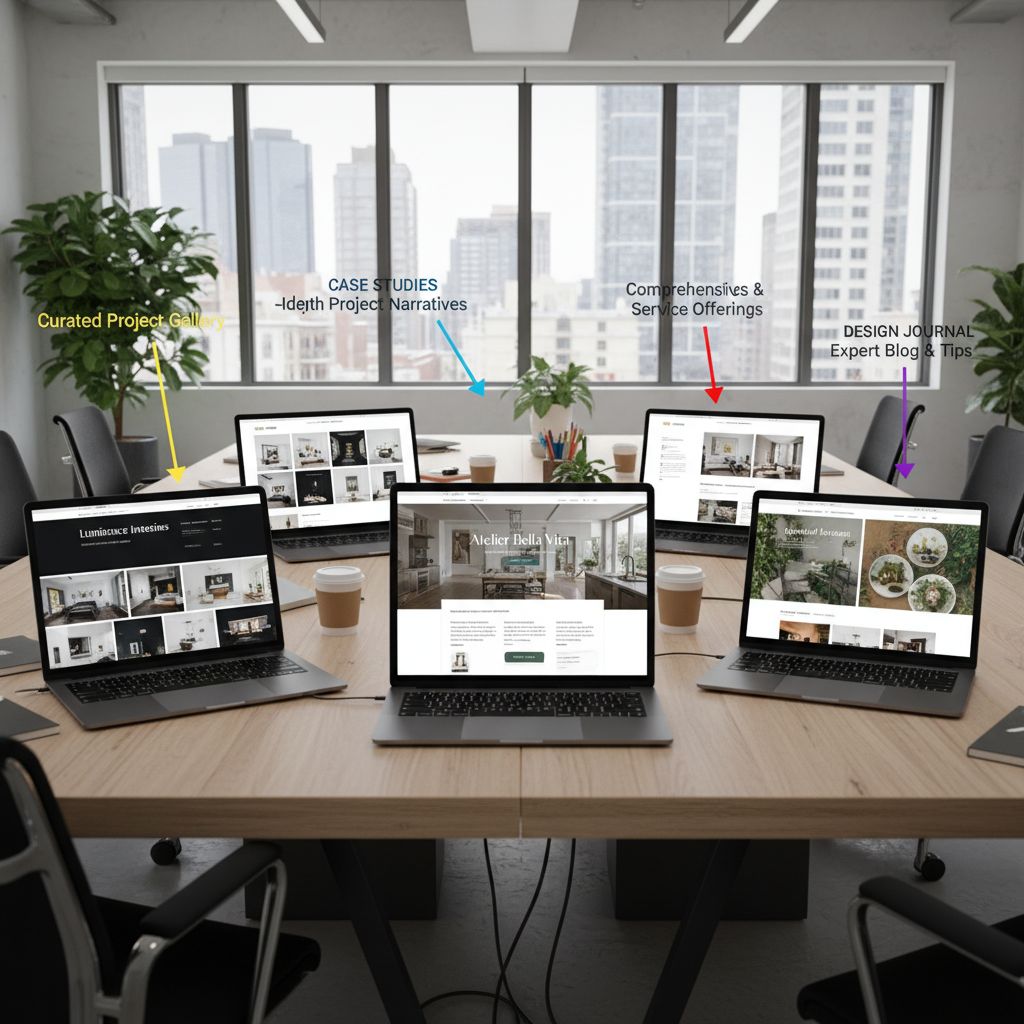
Let's examine real interior designer websites that excel in different areas—design, conversions, SEO, and user experience. These examples demonstrate the principles we've discussed throughout this guide.
Case Study 1: Studio McGee (Premium Full-Service Designer)
What They Do Well
- • Brand Consistency: Cohesive aesthetic across all pages
- • Portfolio Organization: Easy filtering by project type and style
- • Multiple CTAs: "Start Your Project" button on every page
- • Social Proof: Press mentions prominently displayed
- • Blog Content: Extensive content marketing for SEO
- • E-commerce Integration: Shop furniture and decor directly
Key Metrics
PageSpeed Score: 87/100
Monthly Traffic: 850,000+ visitors
SEO Keywords: Ranks for 12,000+ keywords
Load Time: 2.4 seconds
Takeaway: Massive content investment (200+ blog posts) drives organic traffic. Portfolio is secondary to content marketing strategy.
Case Study 2: Local Residential Designer (Mid-Range)
What They Do Well
- • Local SEO: Dominates "interior designer [city]" searches
- • Clear Pricing: Service packages with transparent costs
- • Strong Testimonials: Video testimonials from real clients
- • Before/After Focus: Every project shows transformation
- • Simple Navigation: Easy to find and contact
- • Fast Loading: Optimized images, under 2 seconds
Key Metrics
PageSpeed Score: 94/100
Monthly Traffic: 3,500 visitors
Conversion Rate: 8.2% (very high)
Monthly Leads: 15-20 qualified
Takeaway: Lower traffic but exceptional conversion rate. Focus on local SEO + clear service descriptions = consistent lead flow.
Case Study 3: Virtual Design Specialist (Niche Focus)
What They Do Well
- • Niche Positioning: "Virtual Design Only" = clear differentiator
- • Process Documentation: Step-by-step explanation of process
- • Package Clarity: Three clear tiers with what's included
- • Online Booking: Calendly integration for instant scheduling
- • Portfolio Filtering: Filter by budget range
- • FAQ Excellence: Comprehensive FAQ addresses all objections
Key Metrics
PageSpeed Score: 91/100
Monthly Traffic: 5,200 visitors
Conversion Rate: 6.1%
Average Project: $1,500
Takeaway: Niche focus + clear process explanation = high trust. Lower project values but higher volume and easier client management.
Common Patterns in Successful Interior Designer Websites
Visual Excellence
- • Professional photography (never stock)
- • Consistent brand aesthetic
- • Clean, uncluttered layouts
- • High-quality before/after shots
Clear Communication
- • Transparent pricing or ranges
- • Detailed service descriptions
- • Process explanation
- • Multiple contact options
Trust Building
- • Client testimonials with photos
- • Press mentions and awards
- • Professional credentials
- • Active social media integration
❓ FAQ
How much does a professional interior designer website cost?
DIY websites using platforms like Squarespace or WordPress cost $15-50/month plus $50-200 for a premium theme. Professional custom development ranges from $3,000-$15,000 depending on features, with ongoing maintenance of $50-200/month. The investment typically pays for itself within 3-6 months through new client acquisitions.
What pages should an interior designer website have?
Essential pages include: Homepage (showcase best work), Portfolio (organized by room/style), Services (what you offer and pricing), About (your story and credentials), Contact (easy inquiry form). Optional but recommended: Blog (for SEO), Testimonials, Process/How It Works, and Press/Awards pages.
How many portfolio projects should I feature?
Start with your 12-15 absolute best projects, ensuring variety in room types and styles. Quality over quantity—one stunning project is worth more than five mediocre ones. Add 2-4 new projects quarterly as you complete them. If you're just starting, show 5-8 projects and clearly communicate that you're building your portfolio (transparency builds trust).
Should I show my pricing on my website?
Yes, showing pricing ranges increases qualified inquiries by 47% and reduces time wasted on budget-mismatched consultations. You don't need exact prices—ranges work well: "Full-Service Design: Starting from $10,000" or "Typical Kitchen Projects: $15,000-$45,000." This transparency builds trust and pre-qualifies leads.
How do I rank on Google for "interior designer [my city]"?
Focus on local SEO: (1) Claim and optimize your Google Business Profile, (2) Get consistent NAP (name, address, phone) across all directories, (3) Collect Google reviews from happy clients, (4) Create city-specific content on your site, (5) Get listed in local directories like Houzz, (6) Include your city name in page titles and key pages. Most designers see page 1 rankings within 3-6 months with consistent effort.
What's the best platform for interior designer websites?
For DIY: Squarespace offers the best balance of design quality and ease of use ($16-49/month). WordPress with Elementor provides maximum flexibility and best SEO but has a steeper learning curve. For professional development: WordPress is the industry standard for its flexibility, SEO capabilities, and ability to scale. Avoid Wix if SEO is a priority due to slower load times.
How long does it take to build an interior designer website?
DIY using templates: 1-3 weeks if working part-time (40-60 hours total). Professional development: 4-12 weeks from initial consultation to launch, including revisions. The timeline depends on content preparation (portfolio photos, copy), responsiveness during feedback rounds, and feature complexity. Having professional photography ready before starting accelerates the process significantly.
Can I update my portfolio myself or do I need a developer?
Most modern platforms (WordPress, Squarespace, Wix) allow portfolio updates without coding knowledge. When hiring a professional developer, ensure they build your site with a user-friendly content management system and provide training. You should be able to add new projects, update photos, and edit text yourself. Reserve developer help for major redesigns or new features.
Ready to Create Your High-Converting Interior Designer Website?
Whether you choose the DIY route or professional development, your website is your most powerful marketing tool. Start attracting qualified clients 24/7 with a site that showcases your portfolio beautifully and converts visitors into paying clients.
Questions? We're here to help you succeed.