decoratly logo
Virtual room planner

See it in your room before you buy it.

Upload a photo of your room and preview new paint colors, furniture and styles in about 30 seconds - so you can decide before you spend a dollar.

โญ 4.8 from 12k+ reviews๐Ÿ“ธ Just a photo - no floor planโšก ~30 seconds per preview
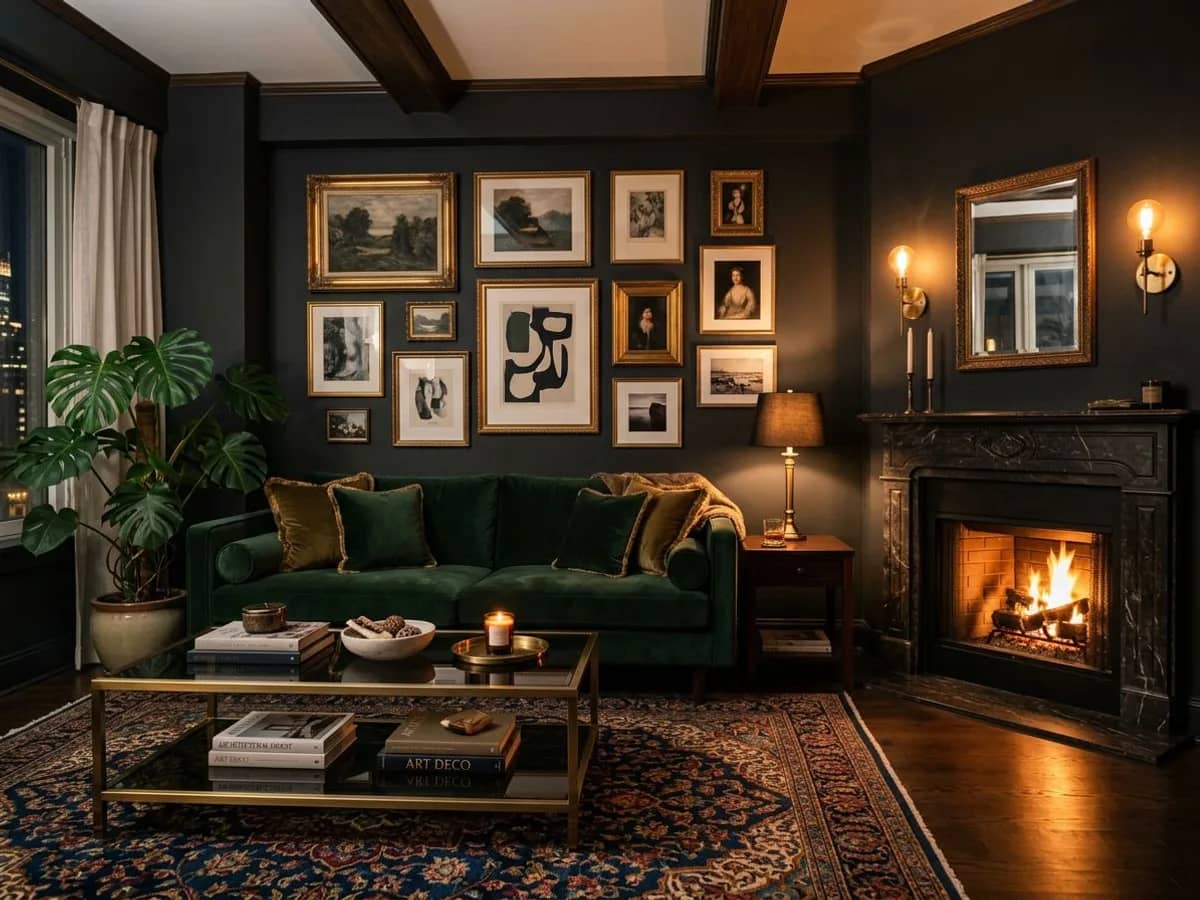
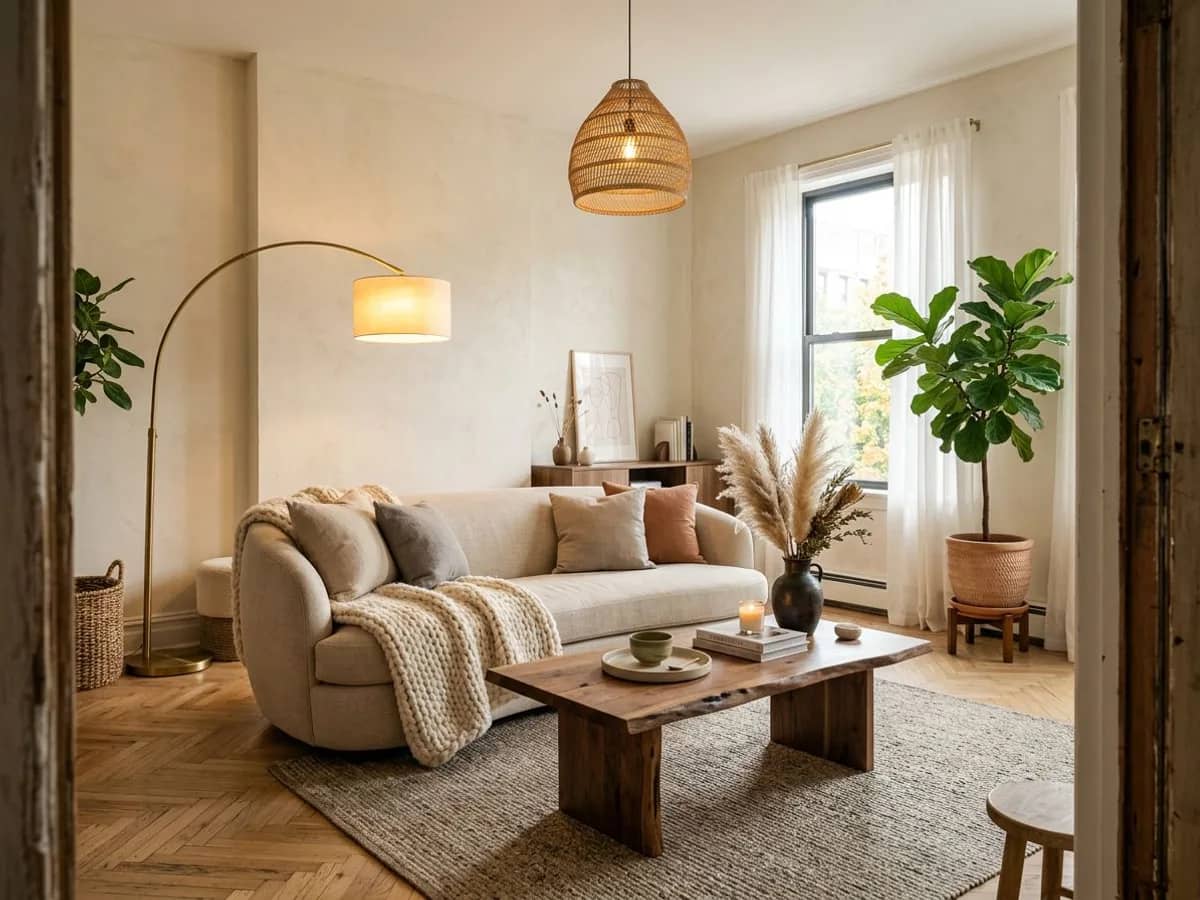
AI room design 1
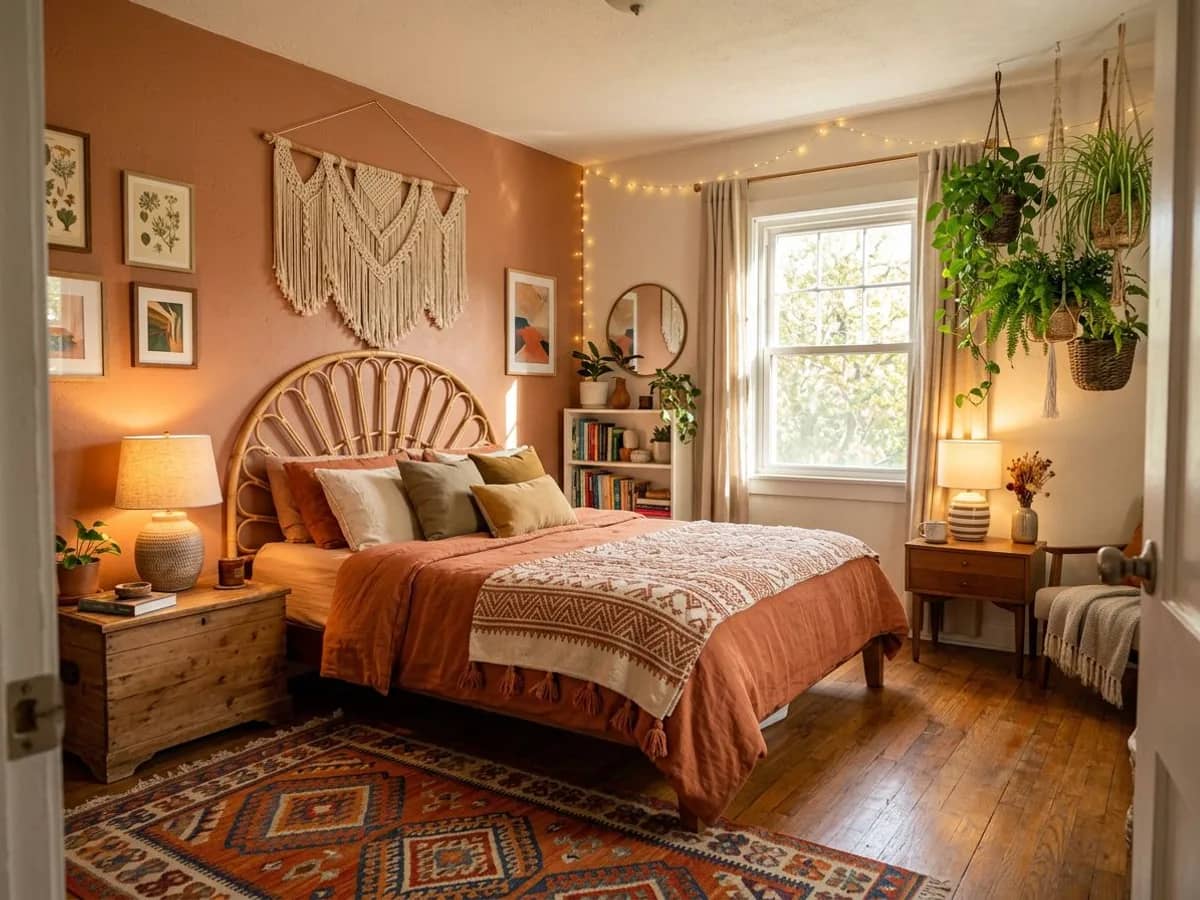
AI room design 2
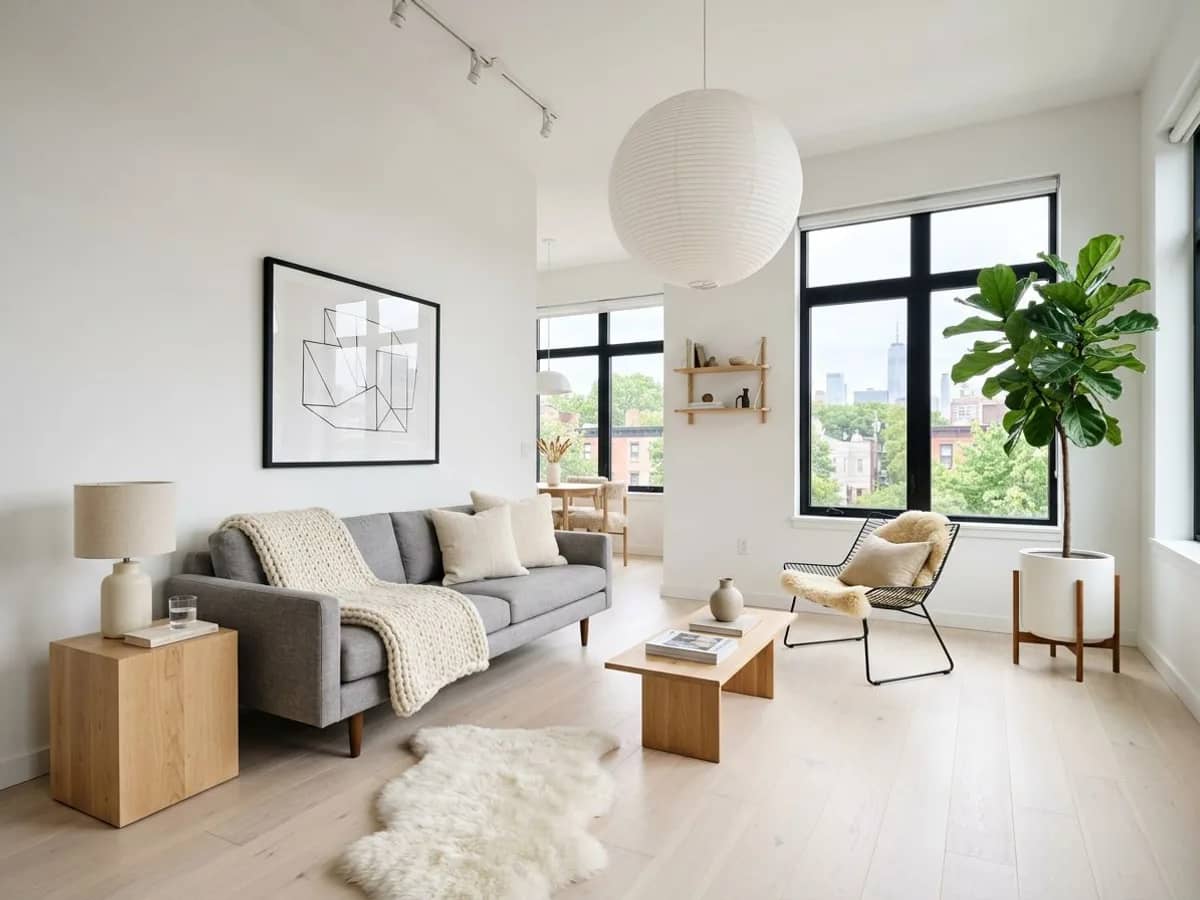
AI room design 3
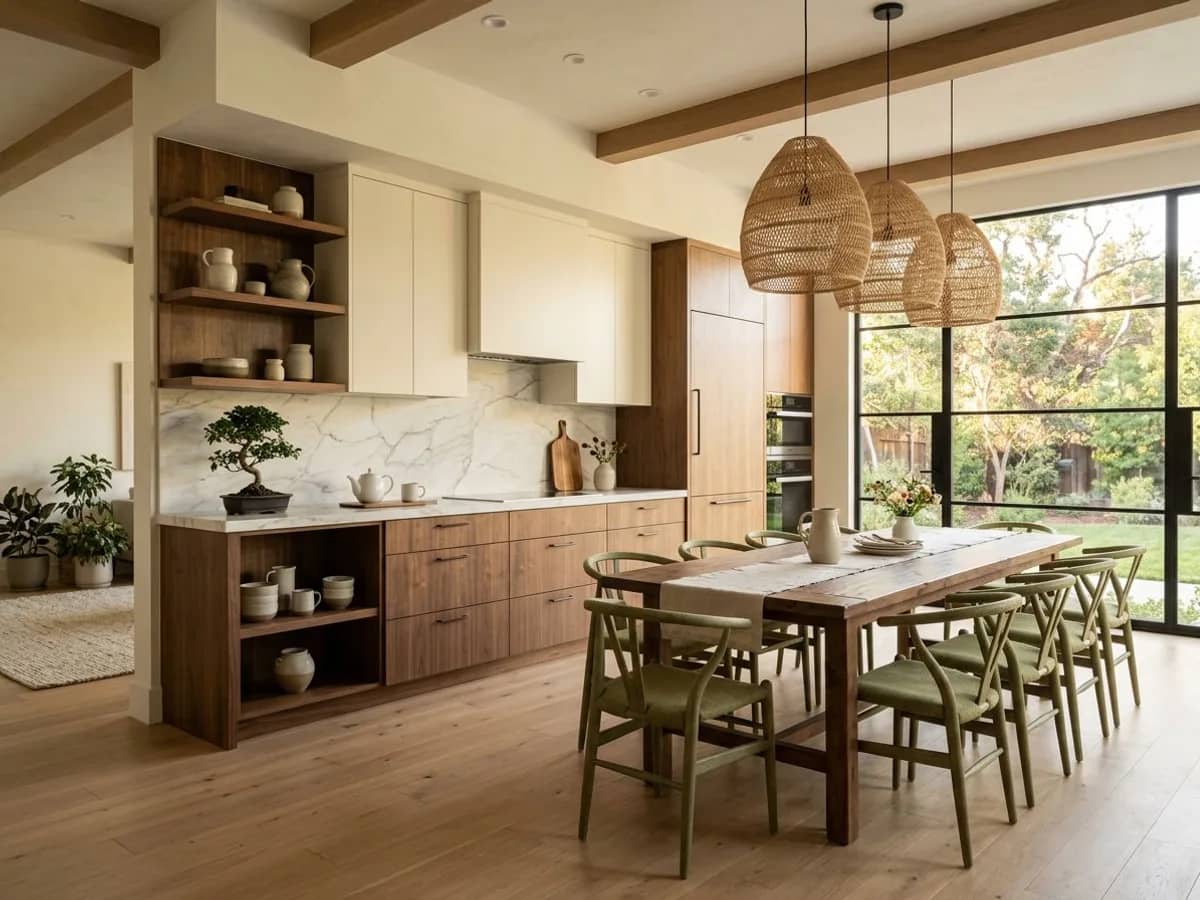
AI room design 4
AI room design 5
AI room design 6
AI room design 7
AI room design 8
AI room design 1
AI room design 2
AI room design 3
AI room design 4
AI room design 5
AI room design 6
AI room design 7
AI room design 8
Why preview first

Make decisions you won't regret

Buying paint, furniture or planning a renovation is a lot easier when you can see it on your actual room first.

๐ŸŽจ

Test paint colors before buying

See how a wall color actually looks in your room's lighting before buying a single can of paint or ordering swatches.

๐Ÿ›‹๏ธ

Preview furniture and layouts

Get a feel for how a new sofa, rug or layout direction would look in your space before you order anything or rearrange a thing.

๐Ÿ 

Compare styles before renovating

Considering a renovation? Preview a few style directions on your actual room first, so you walk into contractor or designer conversations with a clear visual reference.

๐Ÿก

Visualize a space before moving in

Touring a rental or new home? Upload a listing photo to get a sense of how the space could look with your style, before you sign anything.

How it works

From photo to preview in 3 steps

1
๐Ÿ“ธ

Upload a photo of your room

No floor plan or measurements needed - just a clear photo of the space you're considering changing.

2
๐ŸŽจ

Pick what you're testing

Choose a style, describe a specific look, or use the Style Builder to test a particular color or furniture direction.

3
๐Ÿ‘€

Preview it on your actual room

See a realistic version of your room with the change applied - then decide if it's worth buying or doing for real.

Real previews

What a preview actually looks like

Each of these was generated from a single uploaded photo - no floor plan, no setup.

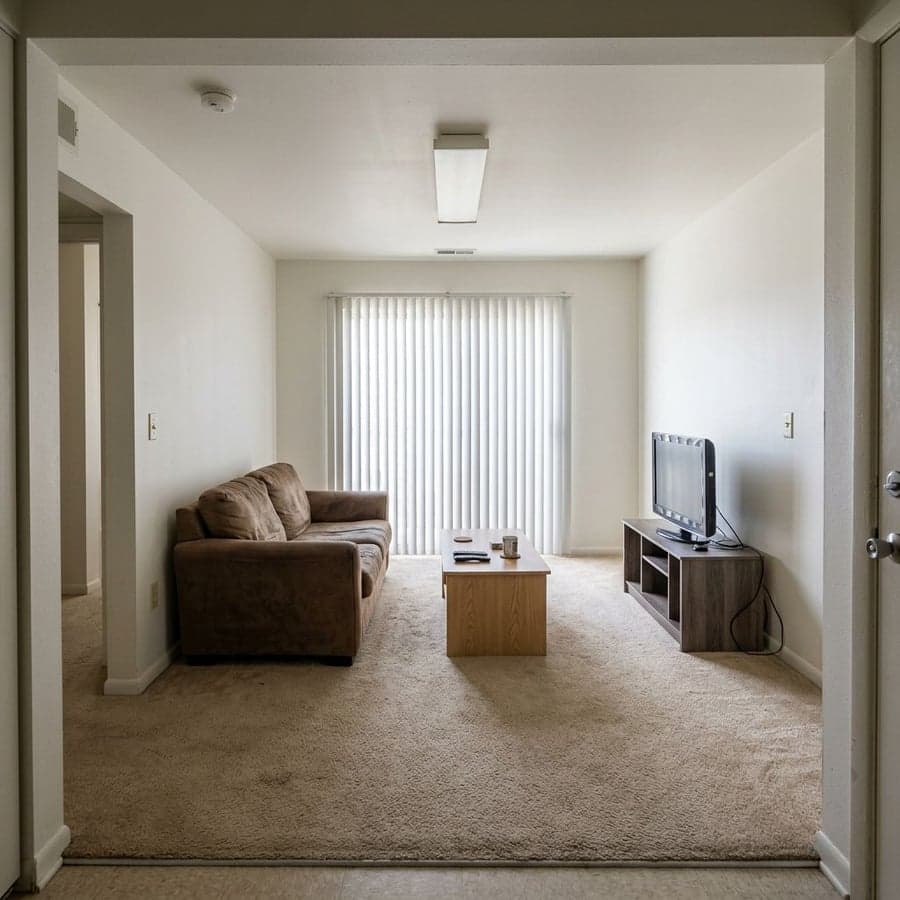
Before - living room before virtual room planning
๐Ÿ“ท Before
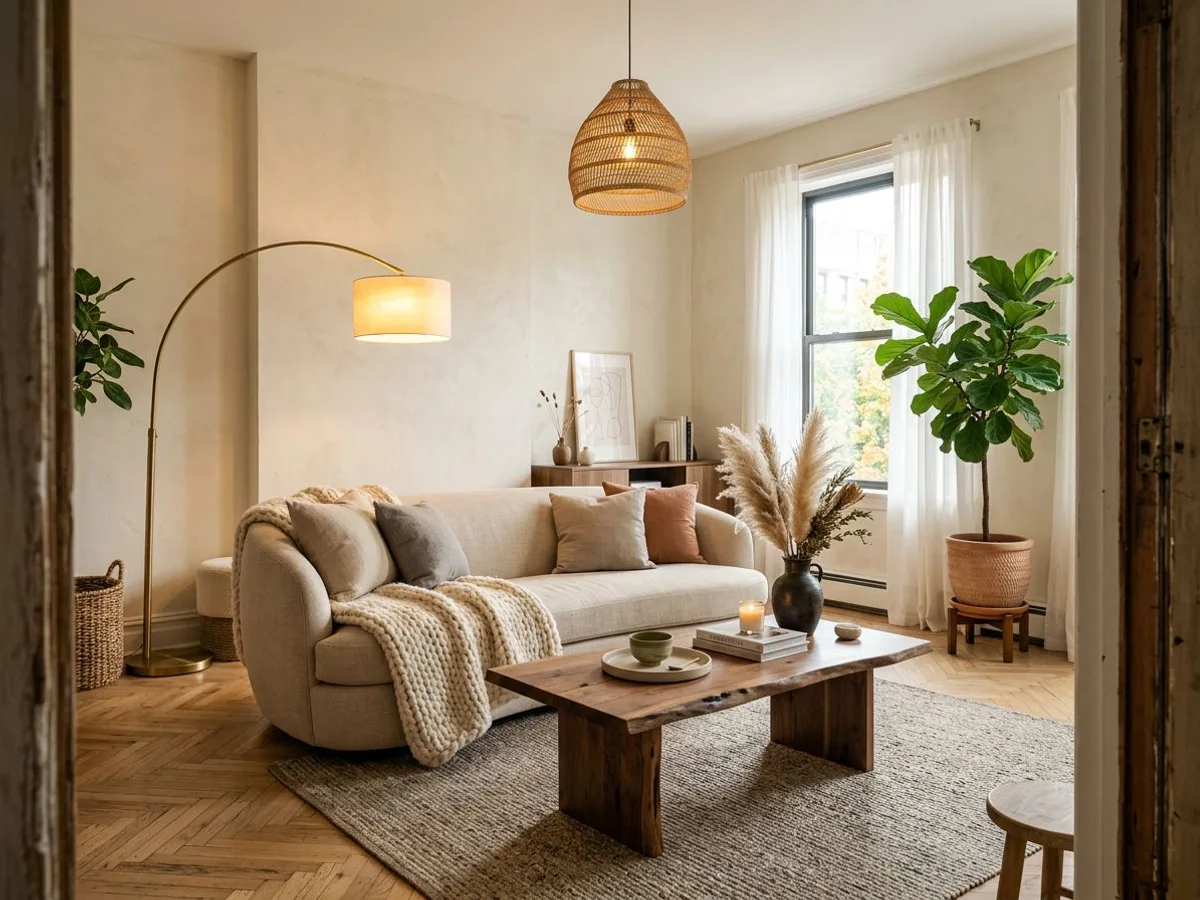
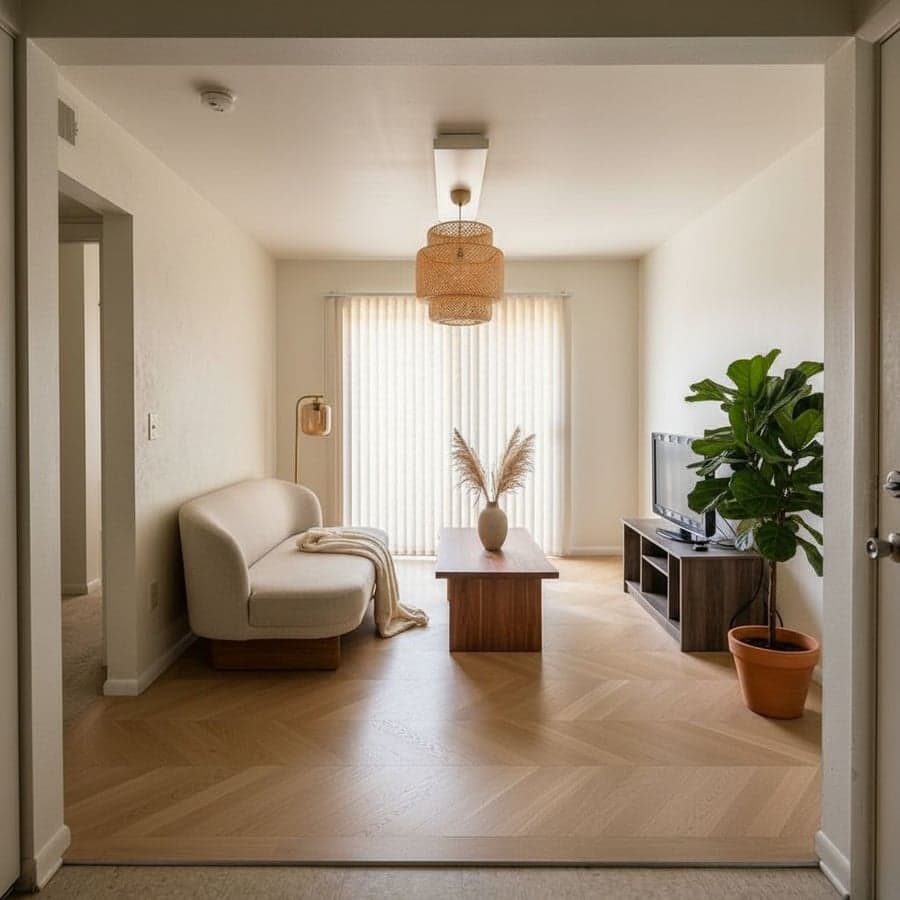
Warm Japandi living room - virtual room planner preview by Decoratly
โœจ Preview

Warm Japandi

Living Room
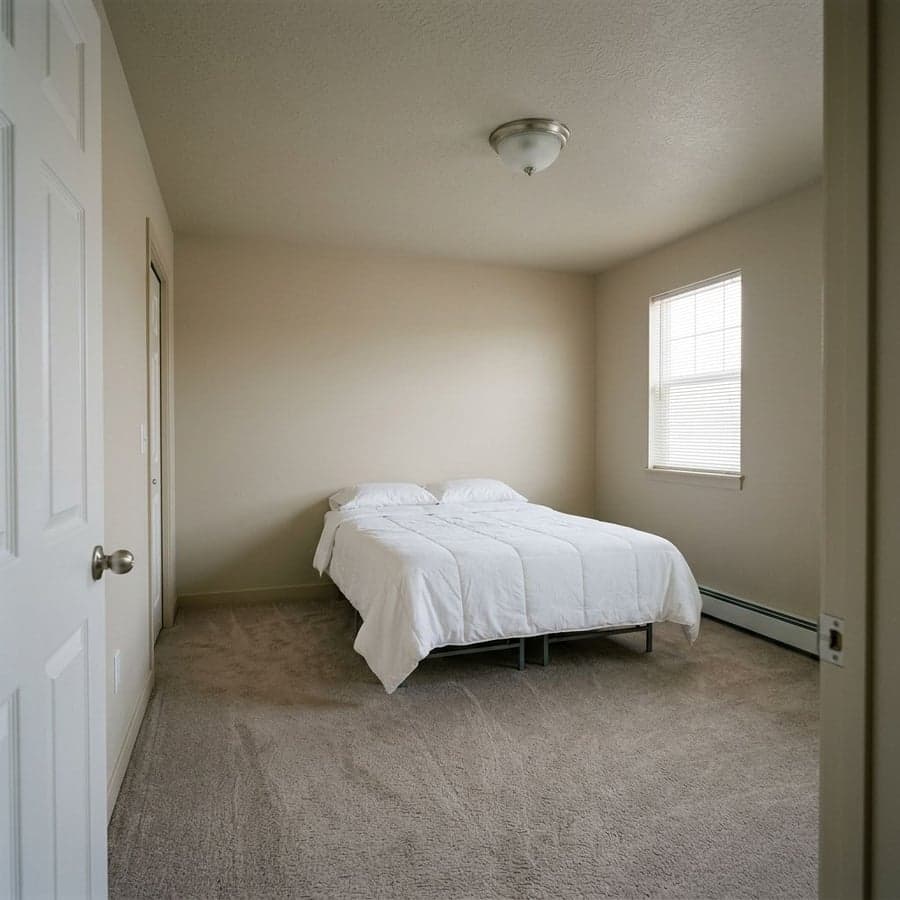
Before - bedroom before virtual room planning
๐Ÿ“ท Before
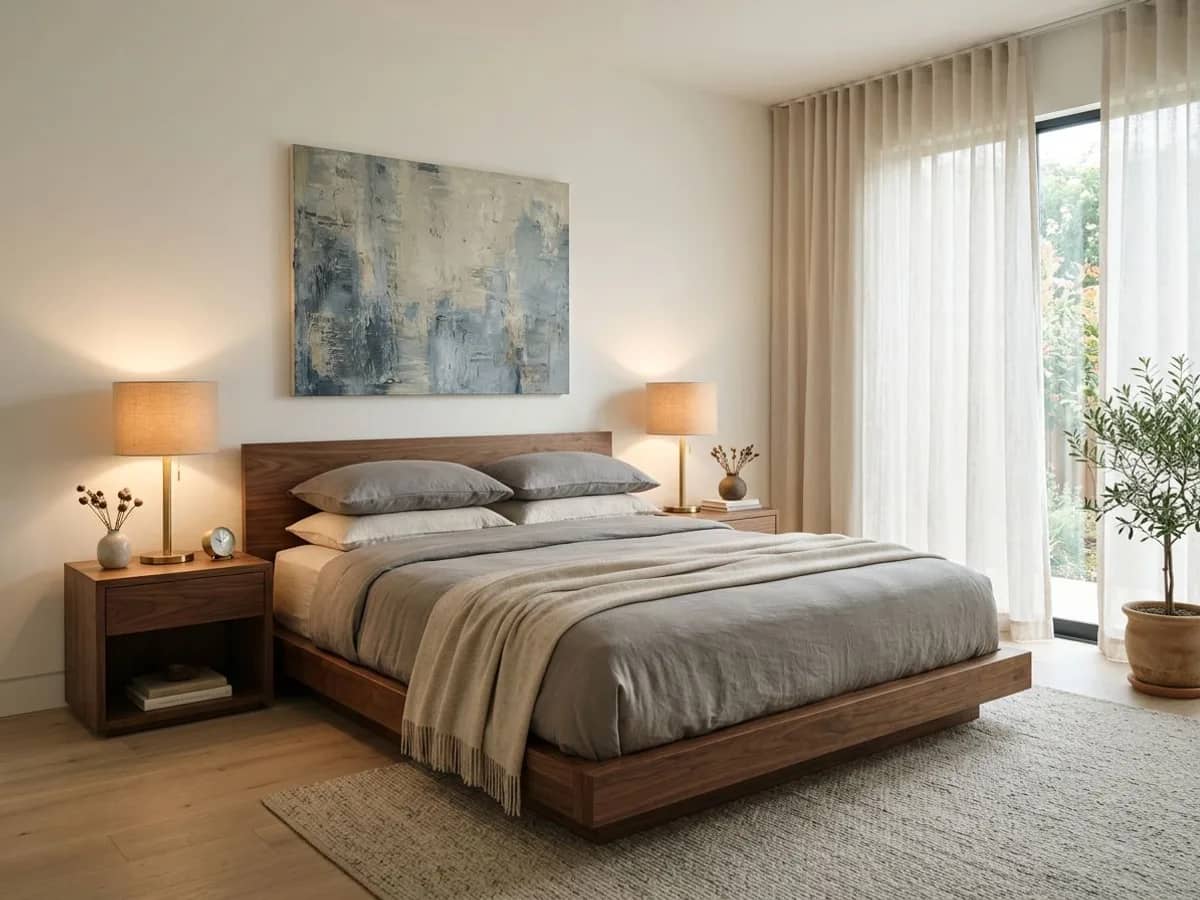
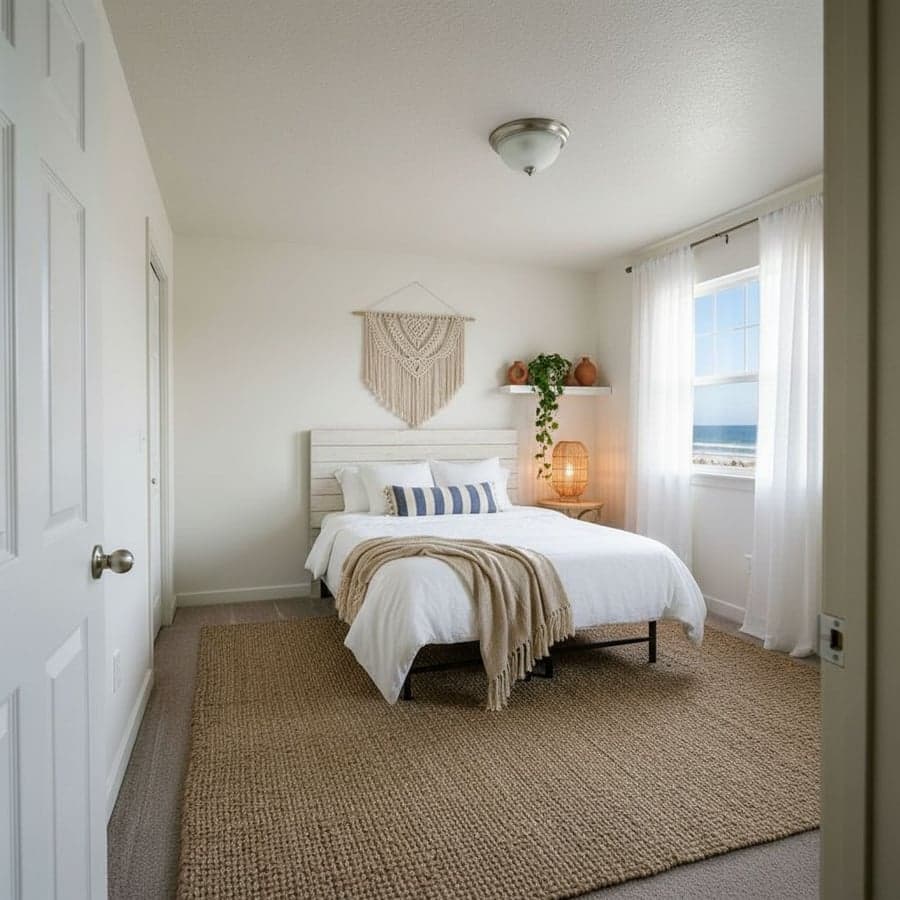
Coastal bedroom - virtual room planner preview by Decoratly
โœจ Preview

Coastal

Bedroom
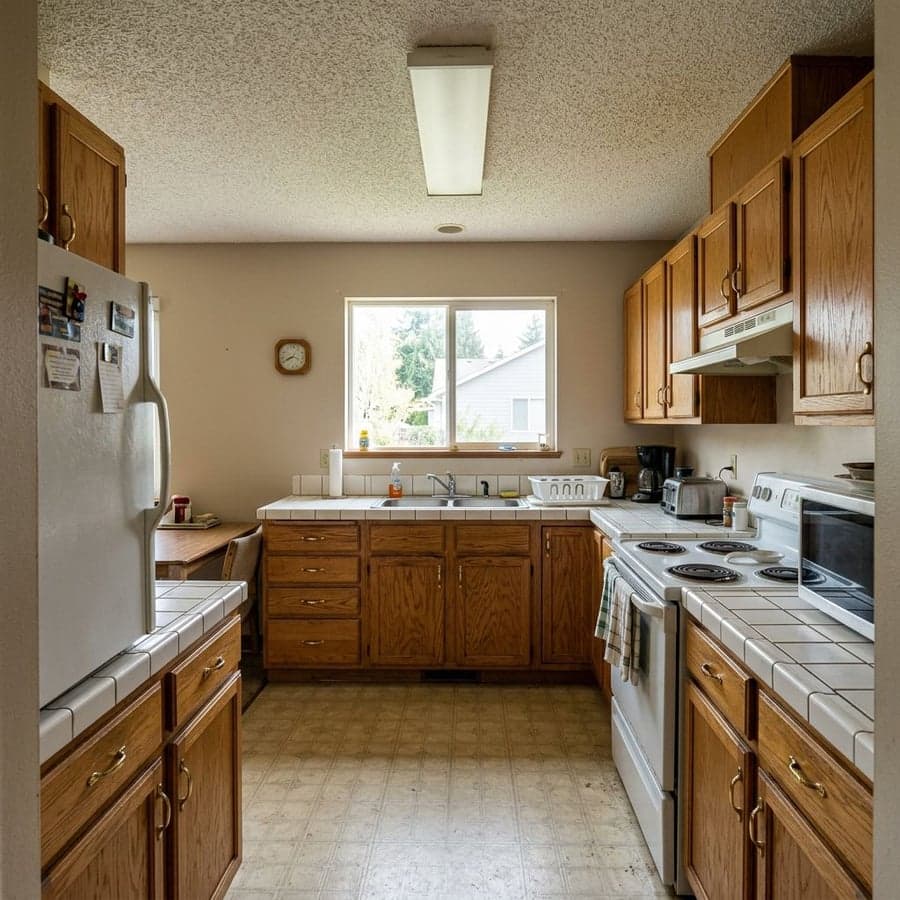
Before - kitchen before virtual room planning
๐Ÿ“ท Before
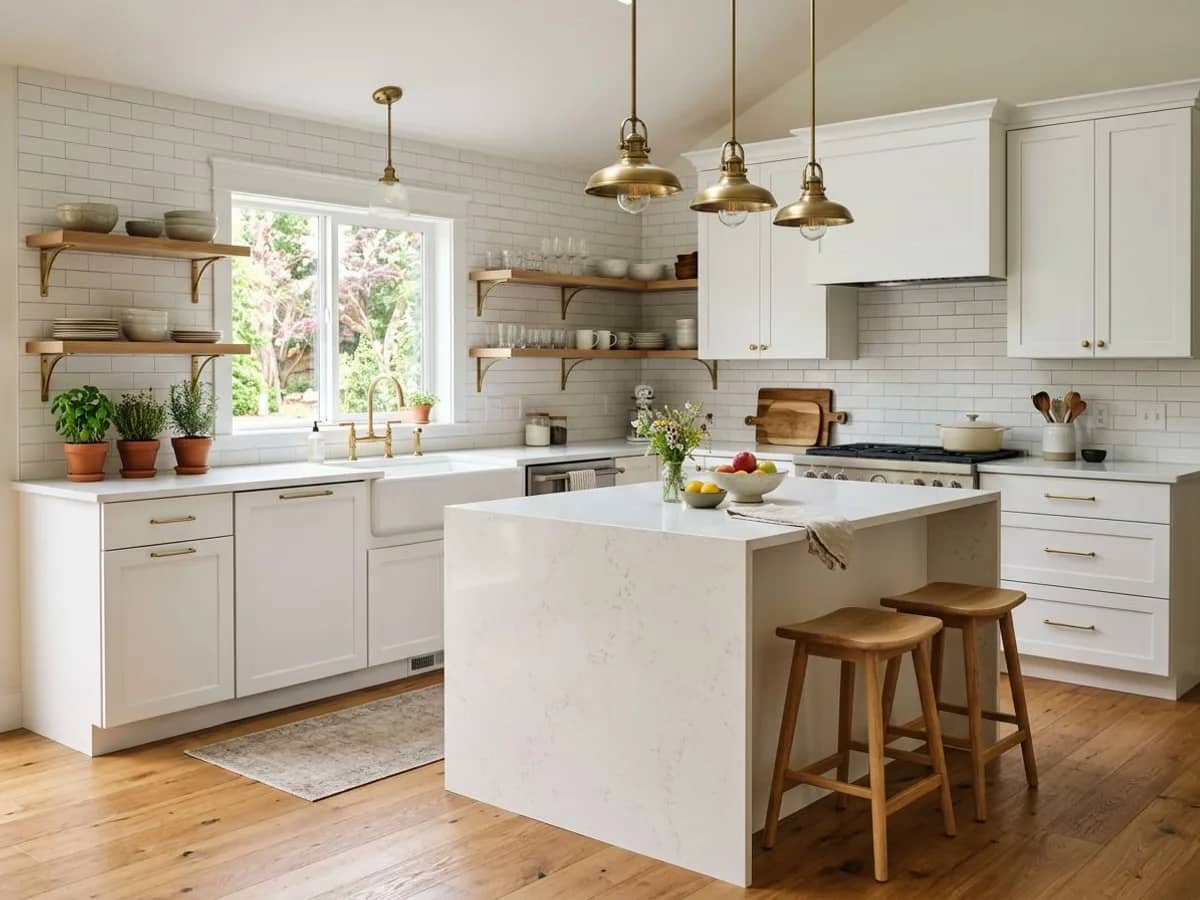
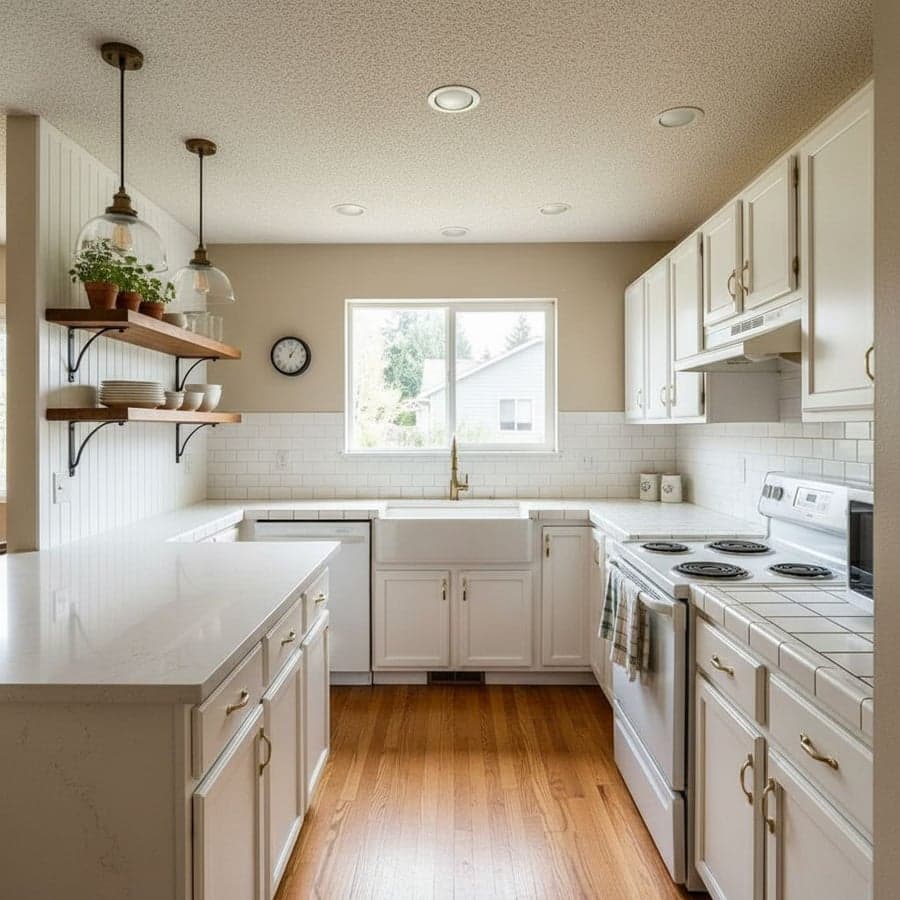
Modern Farmhouse kitchen - virtual room planner preview by Decoratly
โœจ Preview

Modern Farmhouse

Kitchen
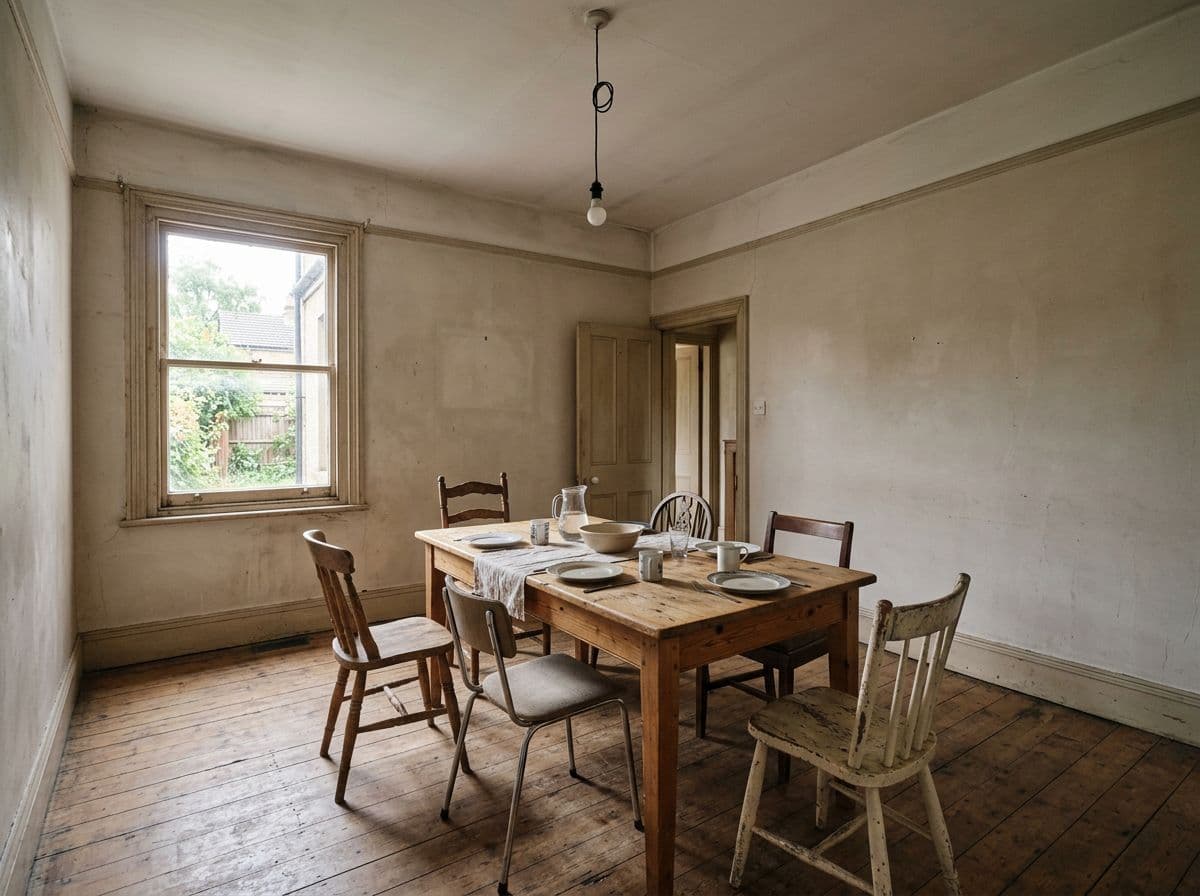
Before - dining room before virtual room planning
๐Ÿ“ท Before
Contemporary Warm dining room - virtual room planner preview by Decoratly
โœจ Preview

Contemporary Warm

Dining Room
Preview any room

Works for every room you're rethinking

The same upload-and-preview process applies whether it's one wall or a whole room.

๐Ÿ›‹๏ธ

Living room

Preview a new sofa color, rug or accent wall before bringing anything home.

๐Ÿ›๏ธ

Bedroom

See how a new comforter, headboard or wall color would look against your existing furniture.

๐Ÿณ

Kitchen

Preview cabinet repaints or hardware changes before committing to a kitchen refresh.

๐Ÿ›

Bathroom

Test tile and vanity color combinations before any renovation work begins.

๐Ÿฝ๏ธ

Dining room

See how a new light fixture or wall treatment changes the whole room's mood.

๐Ÿ’ป

Home office

Preview a calmer or more energizing setup before you rearrange anything.

How people usually decide

Other ways to preview a room (and where they fall short)

None of these are bad - they're just answering a slightly different question than 'what will my room look like?'

๐ŸŽจ

Paint swatches & samples

Accurate for color, but a 2-inch chip on a wall doesn't show how the whole room - furniture, lighting and all - will actually feel once it's painted.

๐Ÿ“Œ

Pinterest & mood boards

Great for gathering inspiration, but the photos are someone else's room, not yours. It's hard to judge whether a look will actually suit your space.

๐Ÿฌ

Showroom displays

Showrooms are staged in ideal lighting and layouts. A sofa that looks great there can feel completely different in your room's size and light.

โœ๏ธ

Hiring a designer for renderings

Professional renders are accurate and worth it for big projects, but they take days and cost real money - overkill for deciding on a paint color.

A virtual preview from a photo of your actual room sits between these - faster than a designer rendering, more specific to your space than a mood board, and more complete than a single paint chip.

Get better previews

A few tips before you upload

Small details in your photo make a noticeable difference in the preview.

Photograph the area you're actually changing

If you're testing a wall color, make sure that wall is clearly visible in the photo - the AI works best when the relevant surface takes up a good portion of the frame.

Preview more than one option

Since each preview only takes about 30 seconds, it's worth generating 2-3 versions - a lighter and a bolder option, for example - before deciding.

Use Enhance mode for subtle changes

If you're only testing a color or a single piece of furniture, Enhance mode keeps the rest of the room close to how it looks now, making the comparison easier.

Treat it as a direction, not a guarantee

The preview is a strong guide for color, materials and overall feel - but actual paint and products can look slightly different depending on lighting and finish.

Pricing

Free to start, simple pricing after that

No subscription required - pay once for 24 hours, or go monthly. 30-day money-back guarantee on both.

Free
$0
No credit card
  • โœ“2 room uploads
  • โœ“2 AI-generated previews
  • โœ“Full access to all 30+ styles
  • โœ“Style Builder & text prompts
  • โœ“AI chat designer
Start free
Most popular
Monthly
$14.99
Per month ยท cancel anytime
  • โœ“Everything in 24-Hour Pro
  • โœ“30 days of unlimited access
  • โœ“Best for testing multiple rooms
  • โœ“Time to compare options
  • โœ“Cancel anytime
Go monthly
24-Hour Pro
$3.99
One-time ยท 24 hours
  • โœ“Unlimited rooms & previews
  • โœ“All 30+ styles + Style Builder
  • โœ“Full Edit toolkit
  • โœ“Clone Design + batch processing
  • โœ“4K export
Unlock 24-hour Pro
FAQ

Virtual room planner questions, answered

What is a virtual room planner?

A virtual room planner lets you preview design changes - new colors, furniture, layouts or styles - on your actual room before making any real-world decisions. Decoratly does this by generating a redesigned version of your room from a photo, so you can see the result before you buy paint, furniture, or commit to a renovation.

Do I need to take measurements or draw a floor plan?

No. Unlike traditional virtual planners that need a floor plan or 3D model, you just upload a photo of your room. The AI works directly from the photo and keeps your room's actual layout, so there's nothing to draw or measure.

Can I use this to decide on paint colors?

Yes - this is one of the most common uses. Upload a photo of your room and generate a redesign in the style or color palette you're considering. Seeing it on your actual walls, in your actual lighting, is far more useful than a small paint swatch.

Will the preview look exactly like the real result?

It's a strong visual guide rather than a guaranteed match - the AI preserves your room's layout and gives a realistic sense of color, materials and overall feel, but exact paint colors or specific furniture pieces may vary slightly from the generated image. It's most useful for deciding on direction and style before you shop.

Is it free to try?

Yes - the free plan includes 2 room uploads and 2 AI-generated designs, no credit card required. That's enough to preview one or two ideas on your room before deciding if you want more.

What's the difference between this and /plan-your-room?

/plan-your-room is about exploring layout and design directions broadly. This page focuses specifically on the 'preview before you commit' use case - testing paint colors, furniture or styles before spending money - using the same underlying AI redesign tool.

Is my room photo kept private?

Your photos are used to generate your previews and aren't shared publicly or used to advertise to others. You can delete your uploads and generated previews from your account at any time.

Can I preview more than one idea for the same room?

Yes - each preview takes about 30 seconds, so it's common to generate a few versions of the same room (different colors, styles or furniture directions) and compare them side by side before deciding.
Free to try

Don't guess. See it first.

Upload a photo and get 2 free previews - test a paint color, a furniture idea, or a whole new style before you commit to anything.