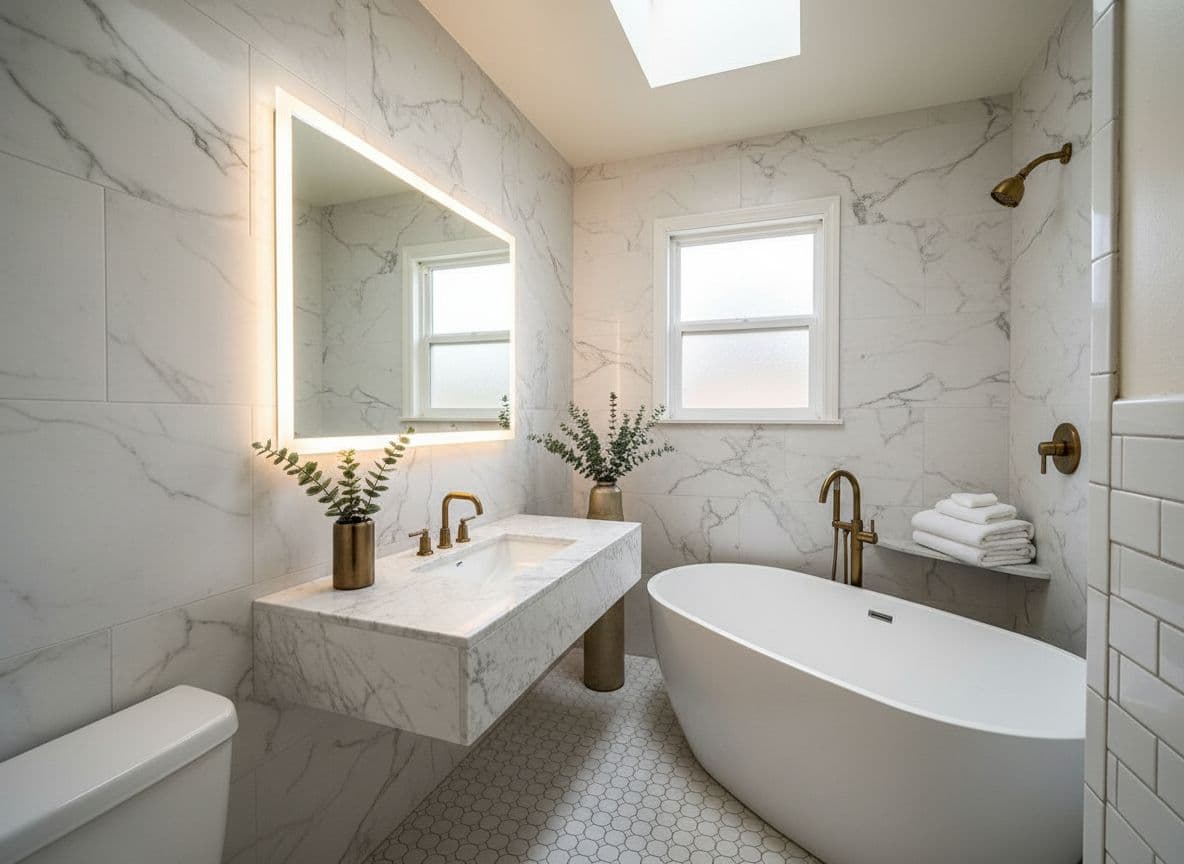
Decoratly's AI room planner reads your room's real layout from a photo, then generates redesigns in any of 75+ styles - or one you describe yourself. Here's exactly how it works.
Both use the same AI - the difference is how much creative freedom it takes with your room.
🪄
Makeover mode
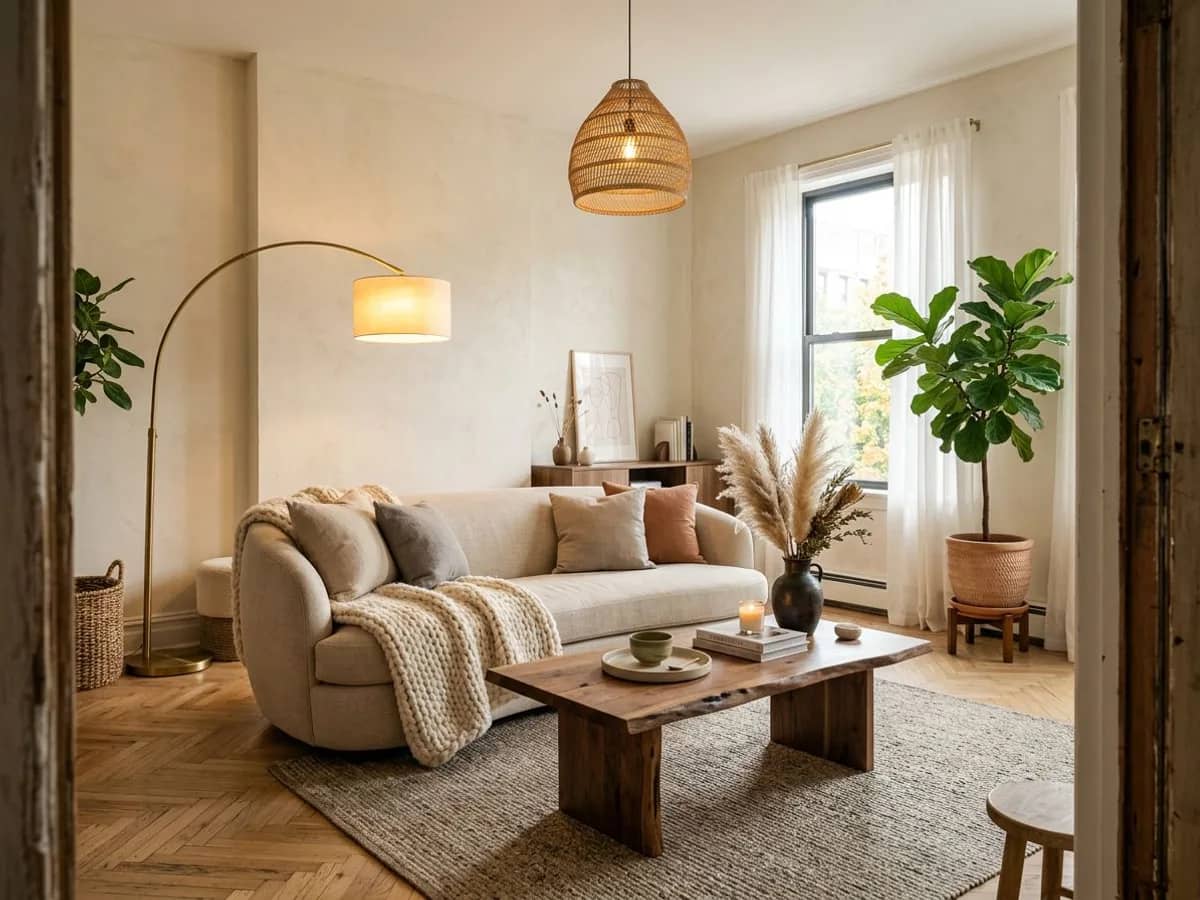
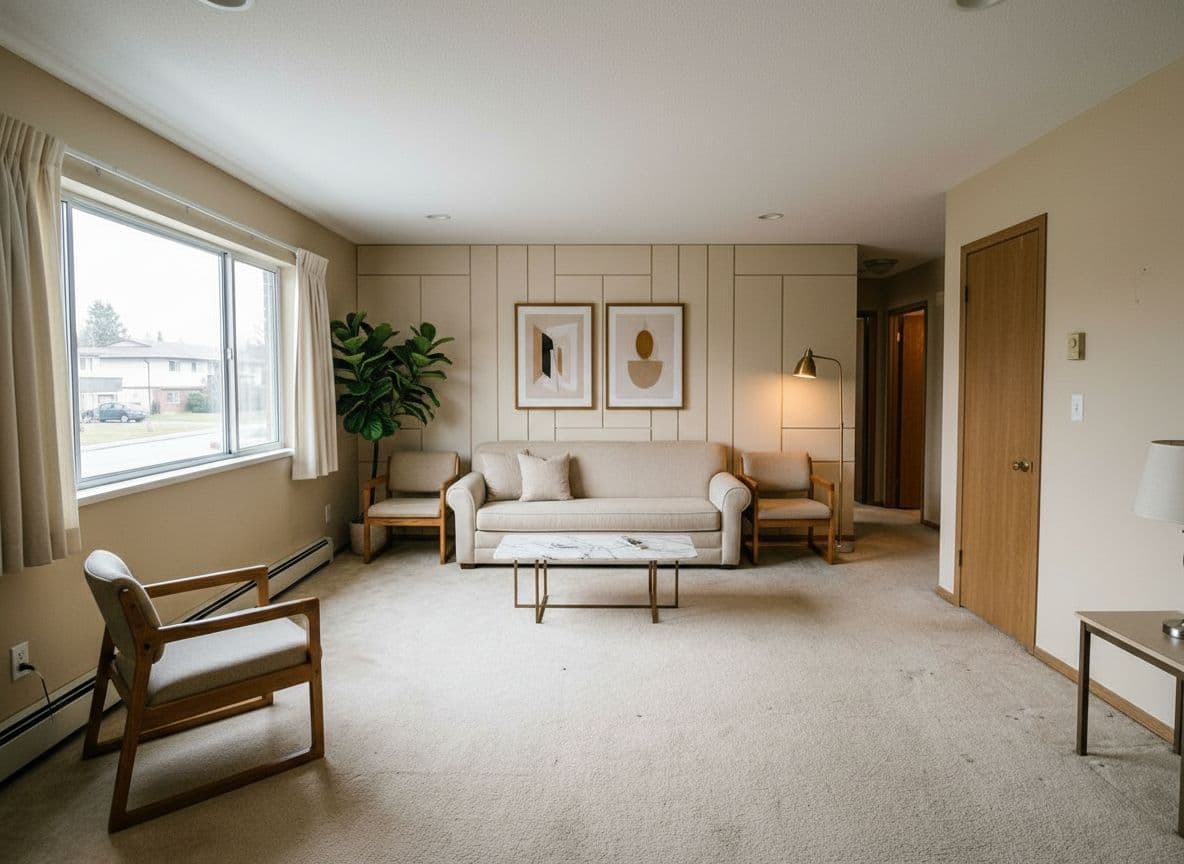
For bigger transformations. The AI can change wall colors, flooring, furniture and decor for a bold new direction - ideal when you want to explore a completely different style.
Best for: exploring new directions
🔧
Enhance mode
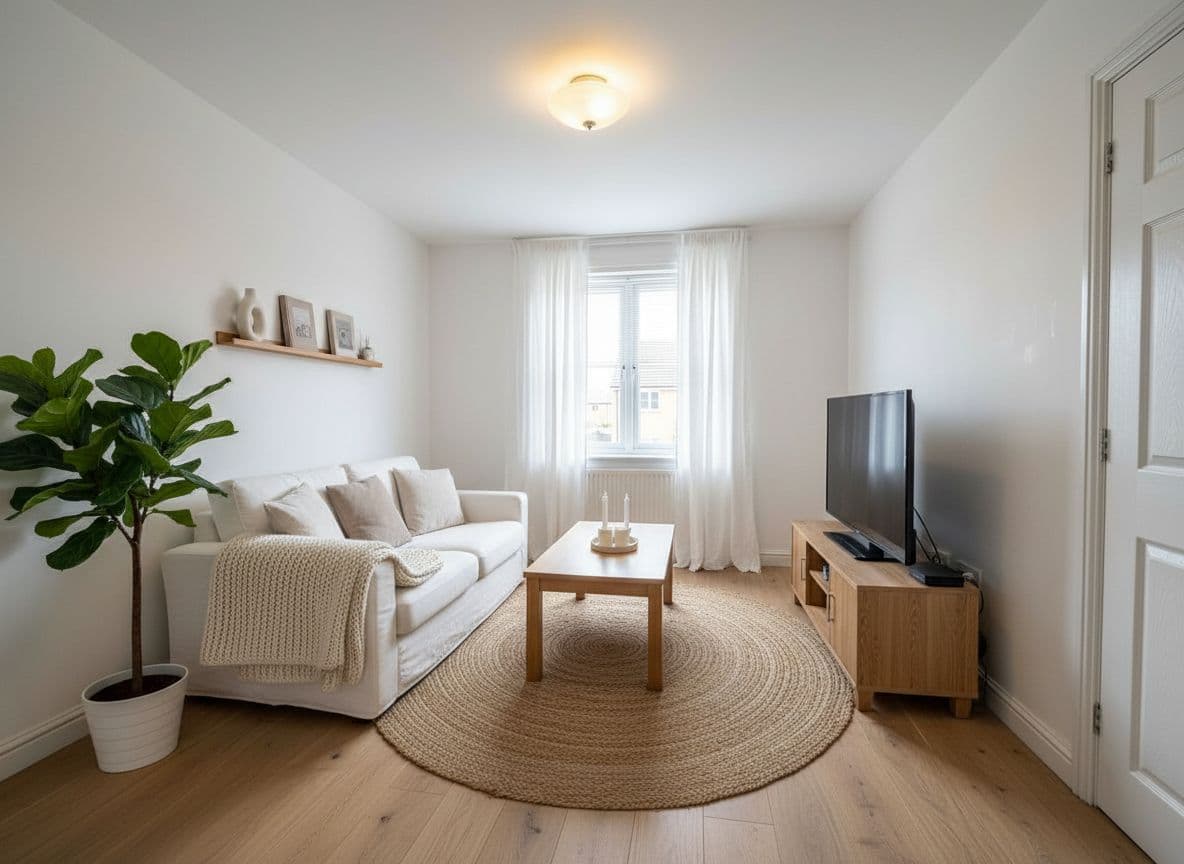
For refined updates. The AI preserves more of your room's existing elements while upgrading colors, materials and decor - ideal when you like your room's layout and just want it to look better.
Best for: realistic, grounded updates
🧙
Style Builder: build a custom look piece by piece
Instead of applying one preset style to the whole room, the Style Builder lets you choose wall color, flooring and furniture style separately - then combines them into one redesign. It's the fastest way to land on a specific combination without writing a text description.
75+ styles
A style for whatever direction you're considering
Apply any of these with one click, or use the Style Builder to mix elements from a few of them.
Modern & minimal
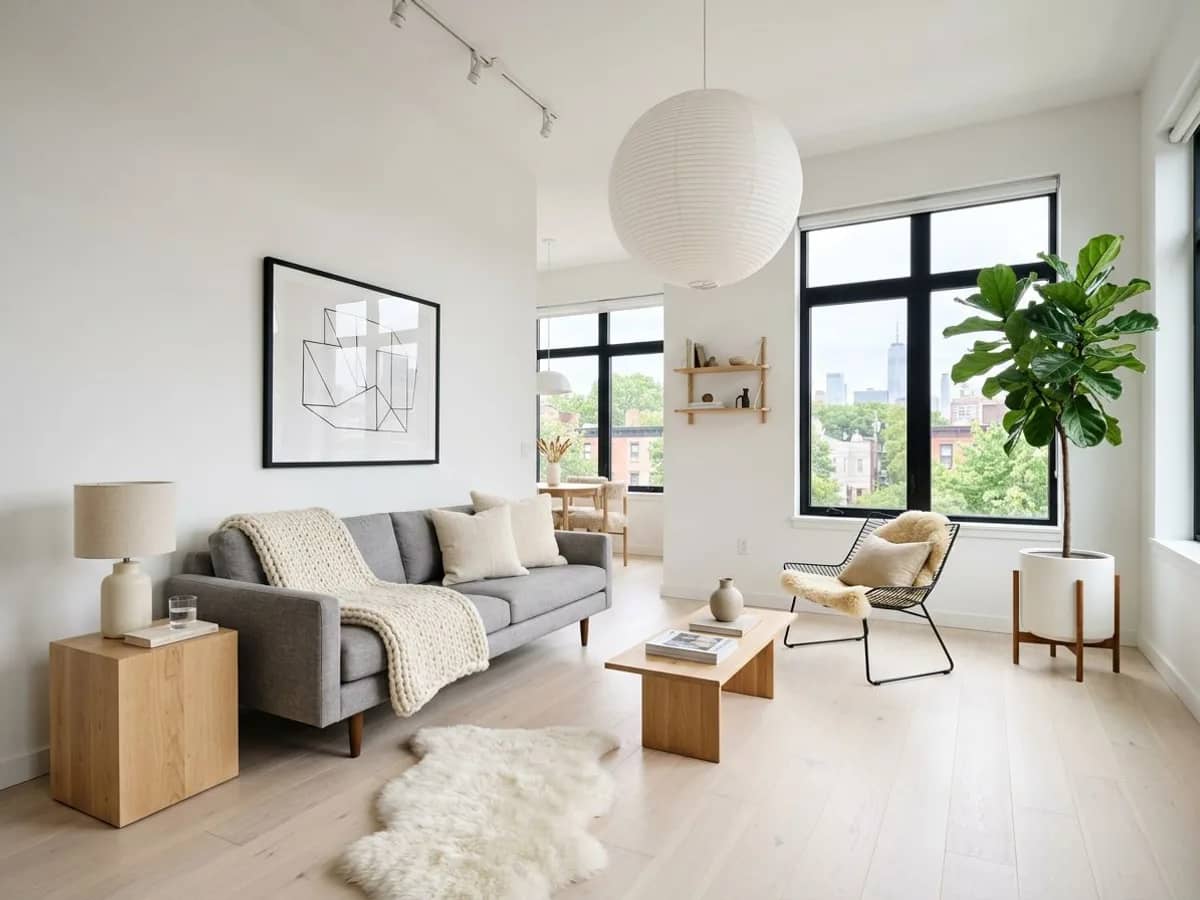
•Scandinavian
•Modern Minimalist
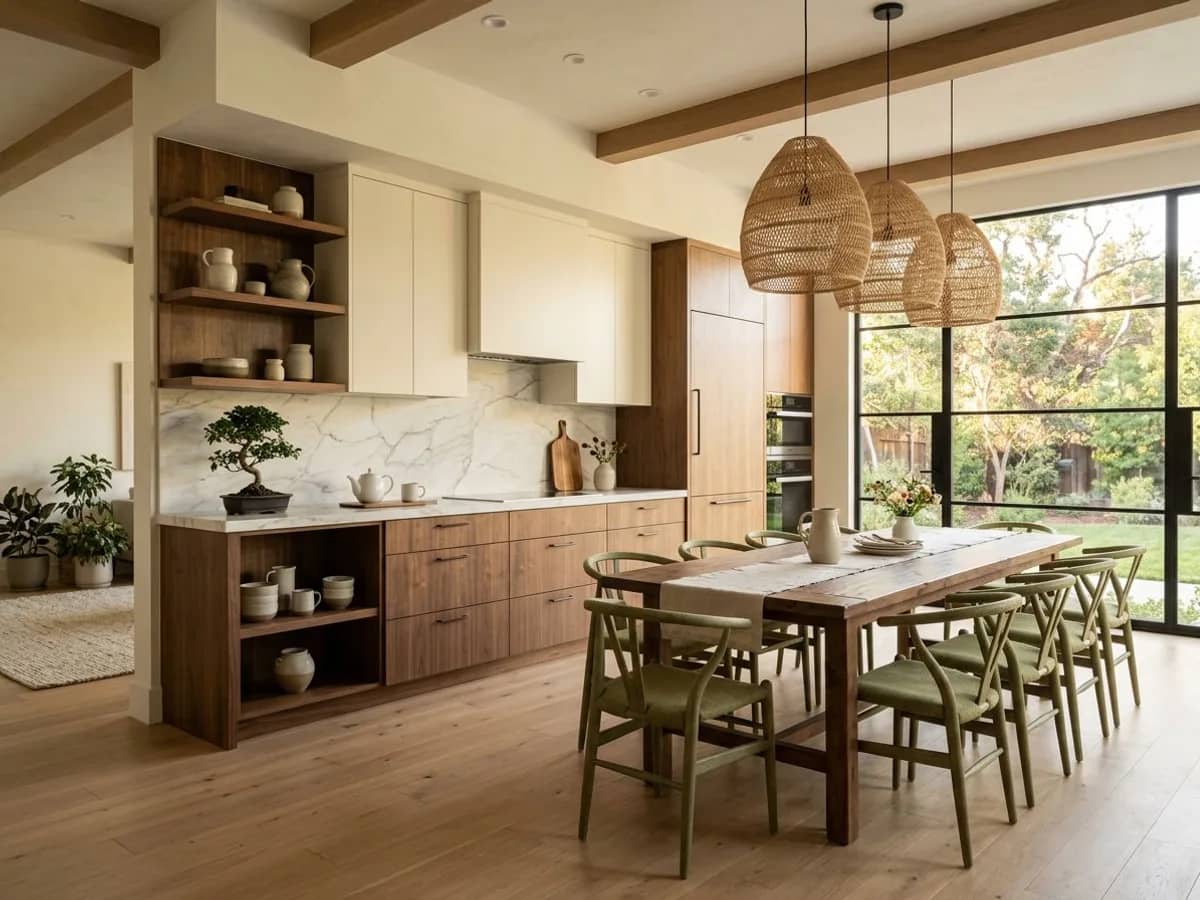
•Japandi
•Mid-Century Modern
•Contemporary
Warm & cozy
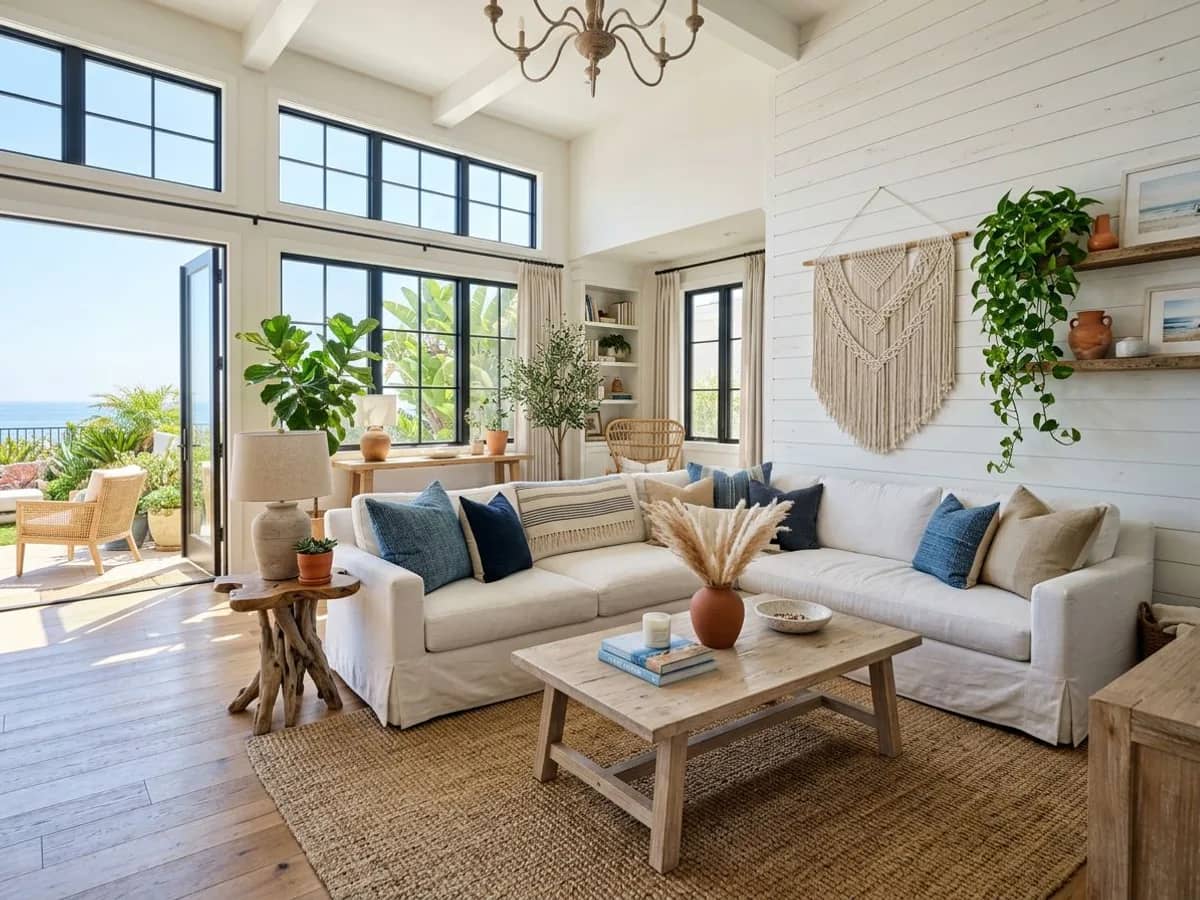
•Coastal
•Modern Farmhouse
•Quiet Luxury
•Warm Industrial
•Rustic
Bold & eclectic
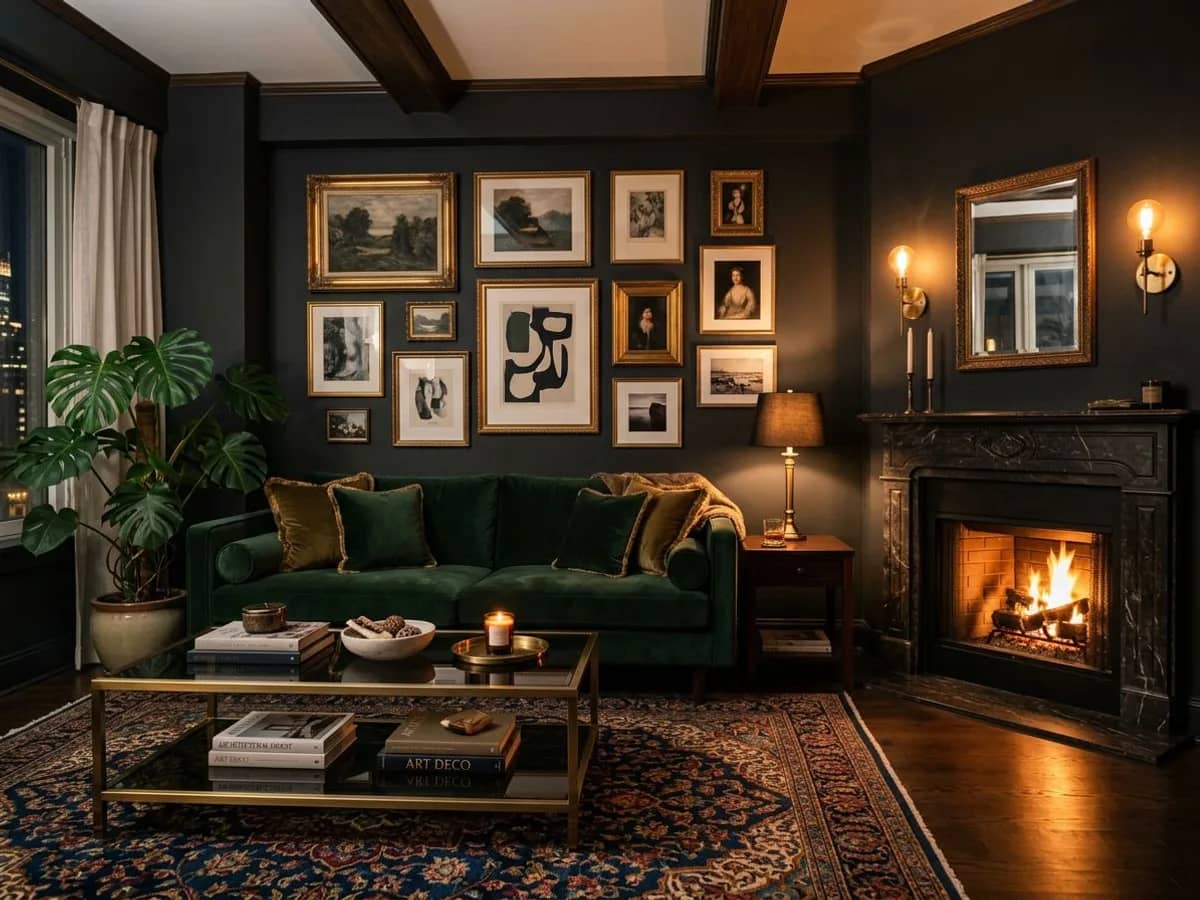
•Dark Luxe
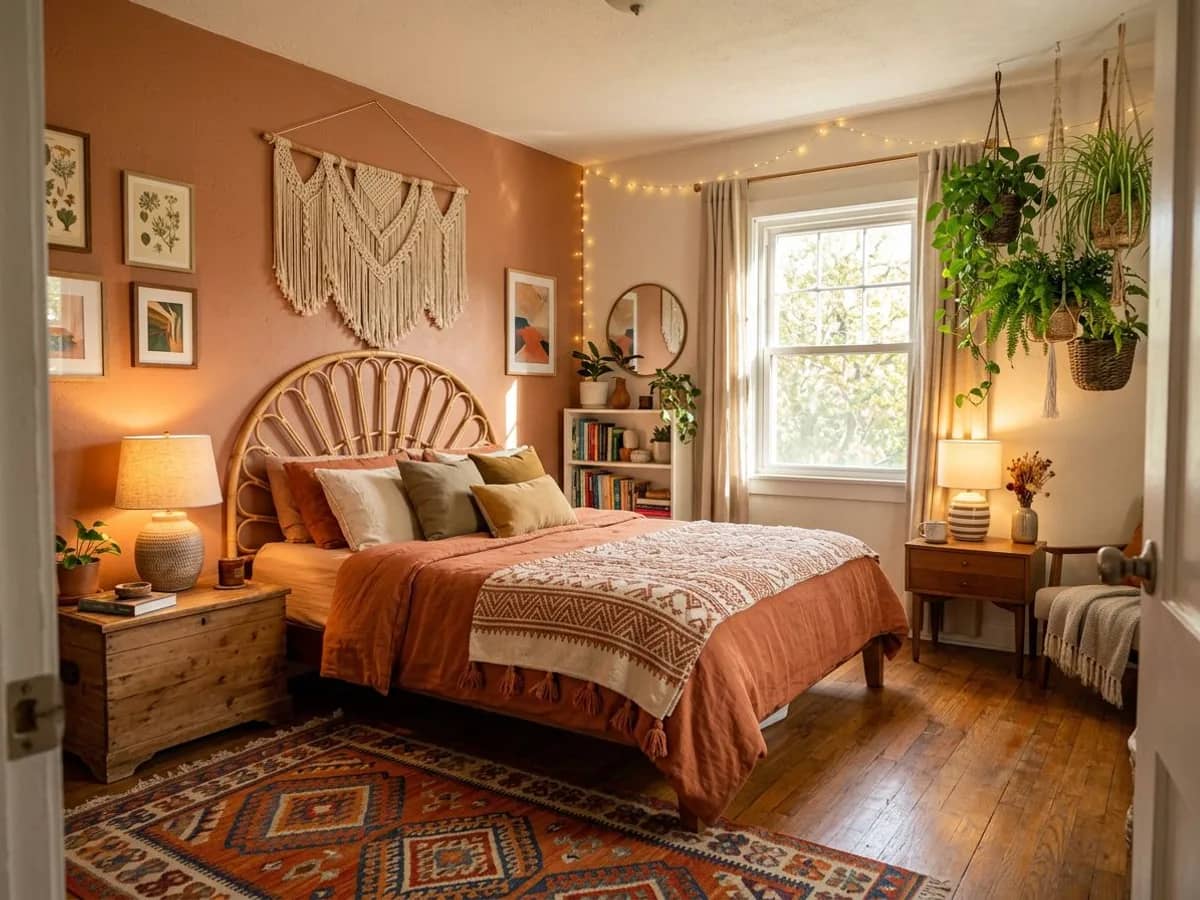
•Bohemian
•Art Deco
•Maximalist
•Eclectic Vintage
Don't see the exact look you're after? Describe it in your own words - the AI can work from a written description just as well as a preset style.
Plan any room
One tool, every room in the house
The same upload-and-generate process works for any space - here's how people typically use it.
🛋️
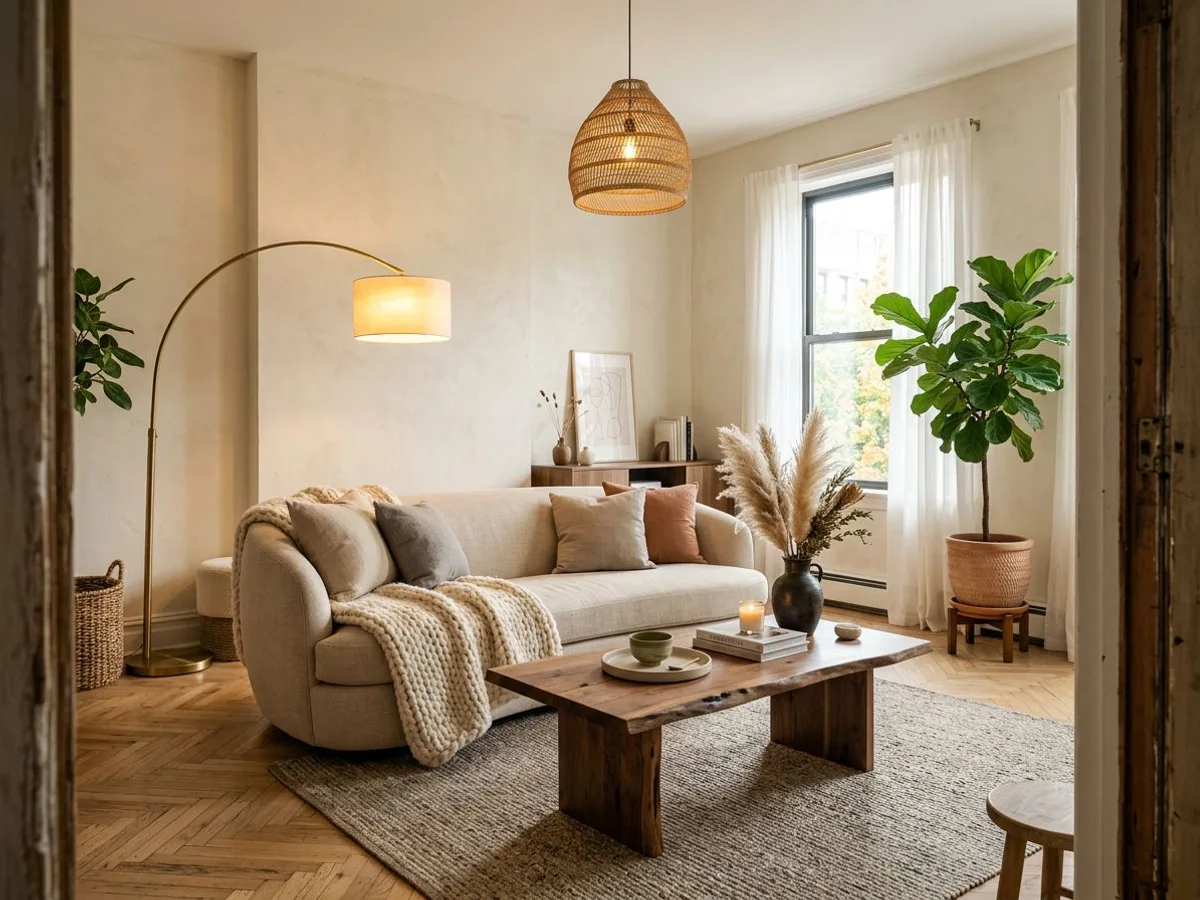
Living room
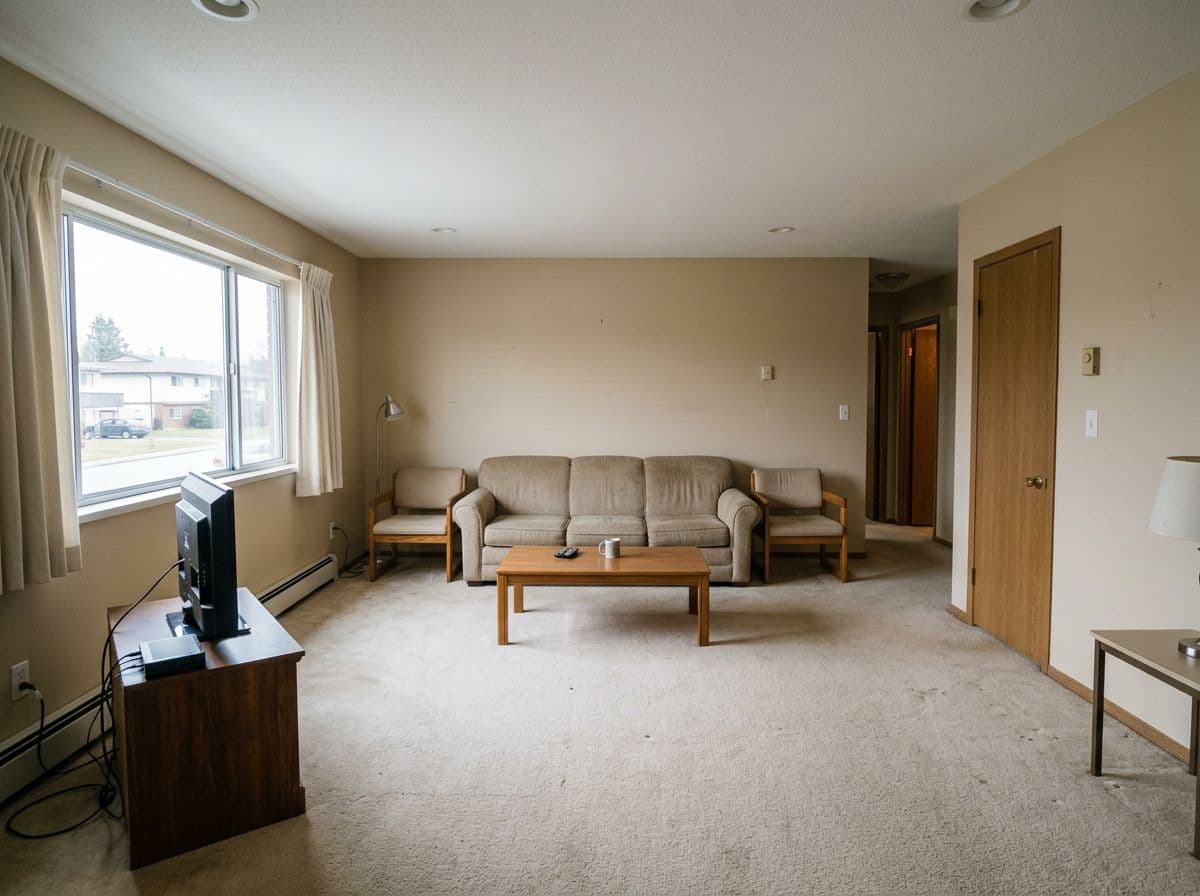
Test new color schemes, furniture arrangements and accent pieces on your actual seating area.
🛏️
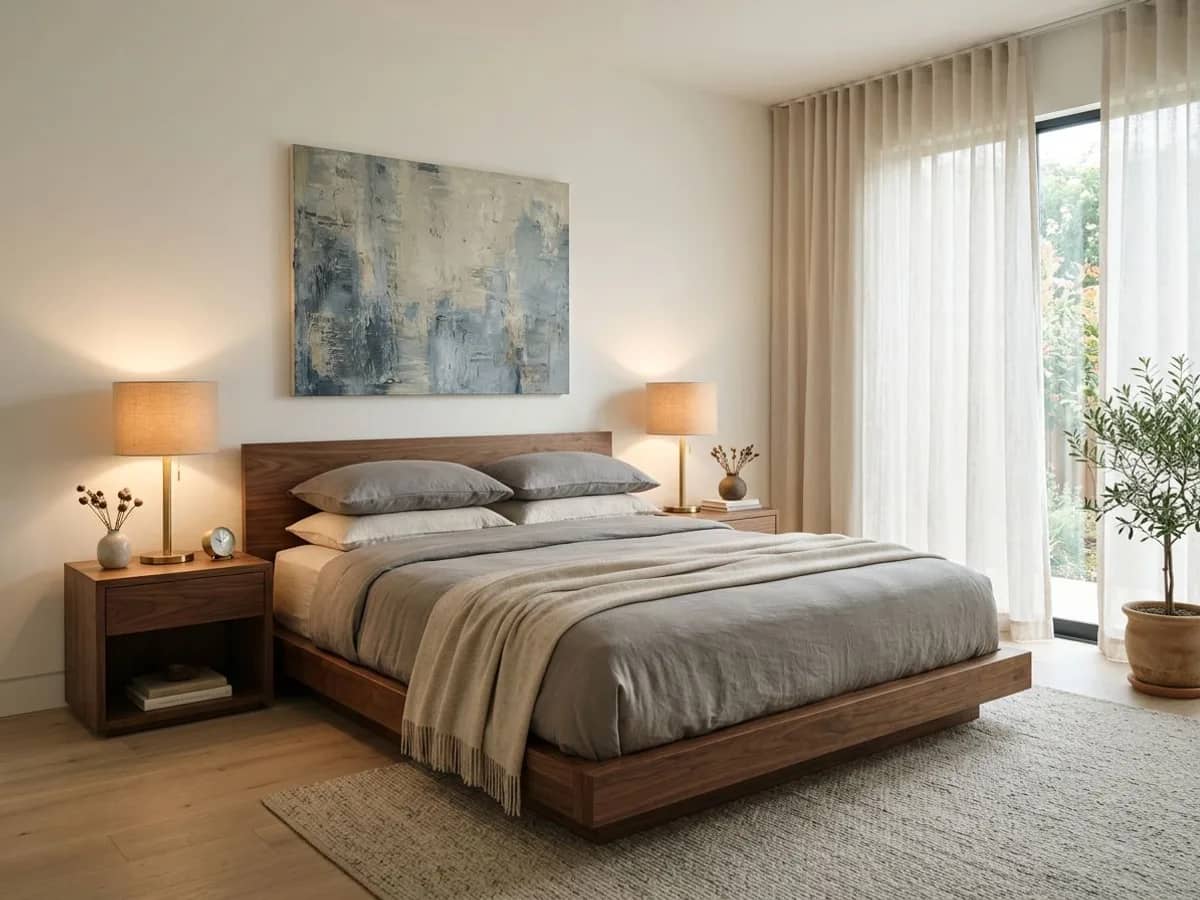
Bedroom
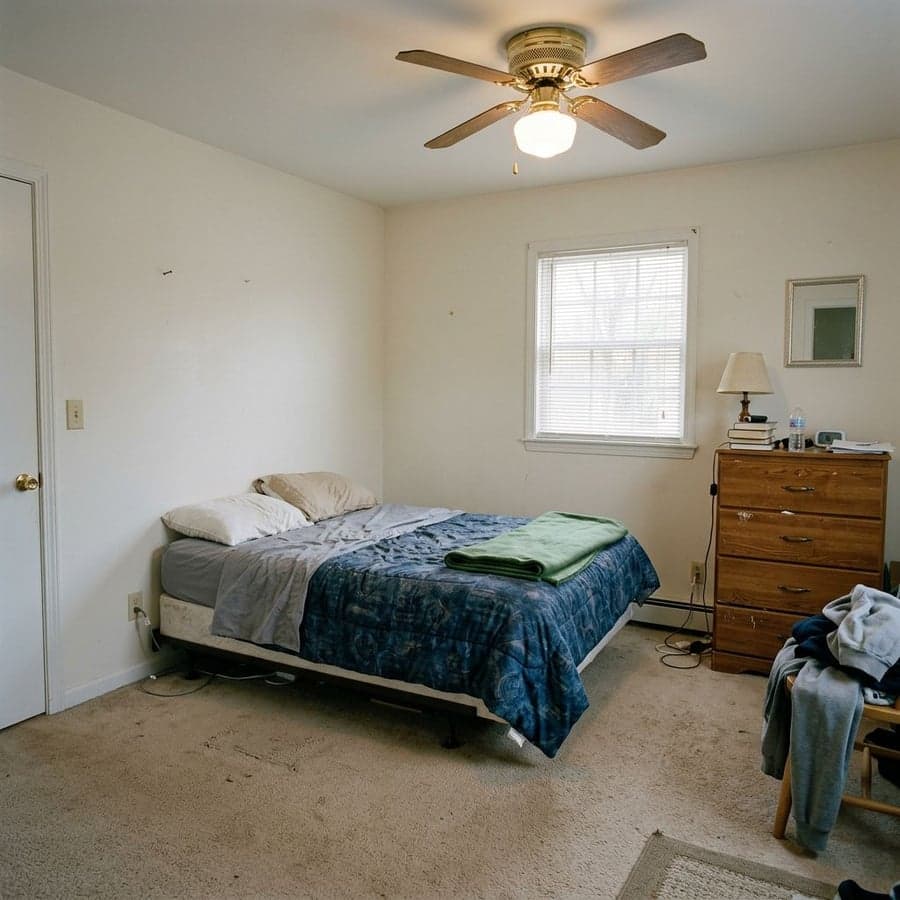
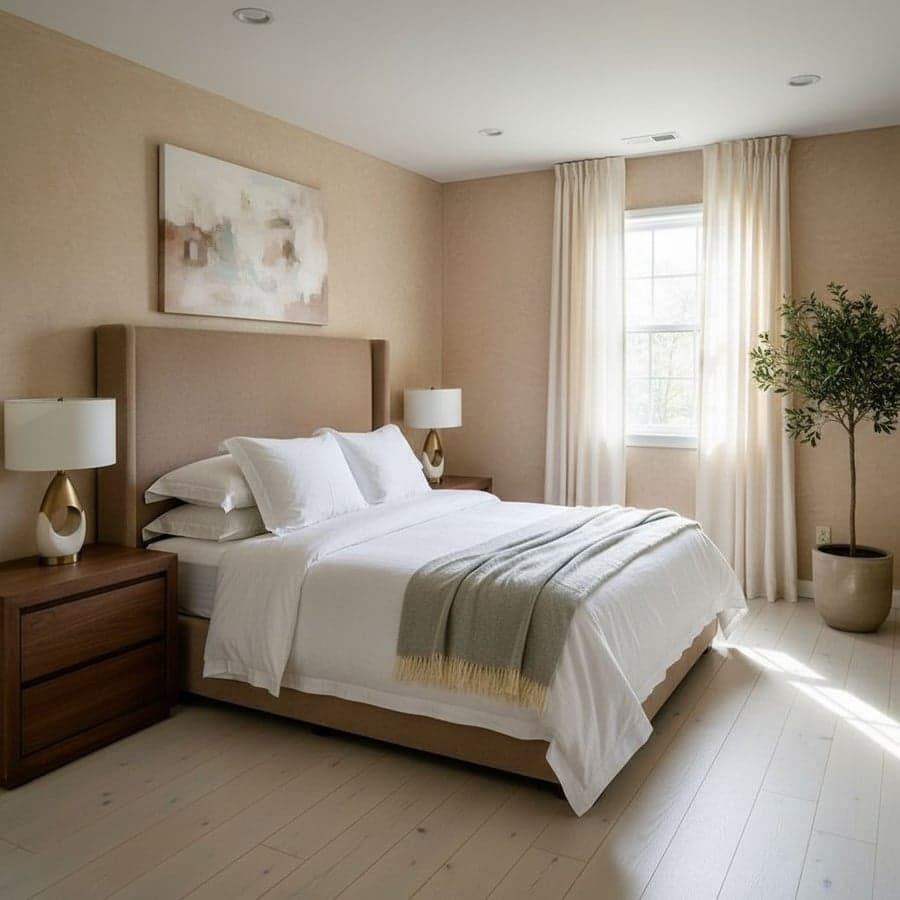
Explore calmer palettes, headboard styles and lighting before changing anything in real life.
🍳
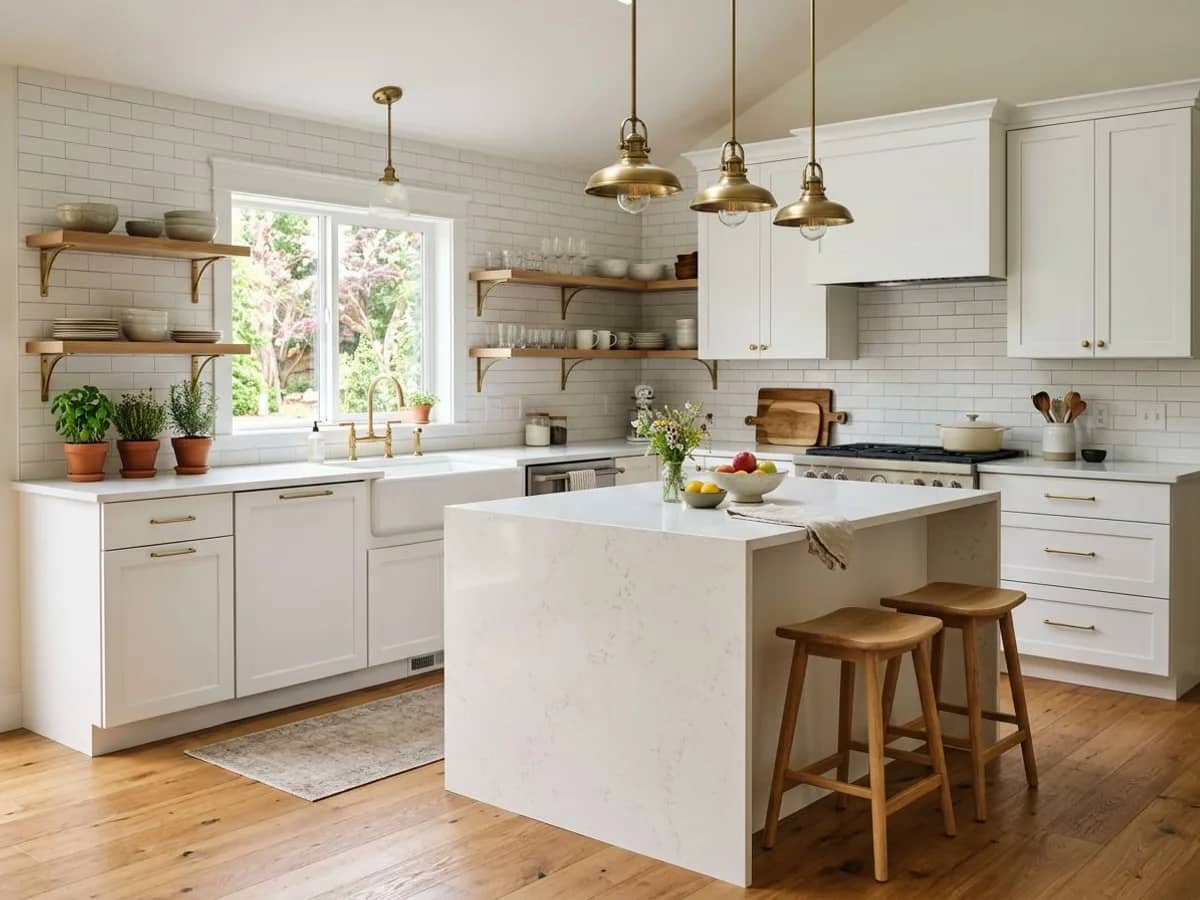
Kitchen
See how new cabinet colors or finishes would look without touching a single cabinet door.
🛁
Bathroom
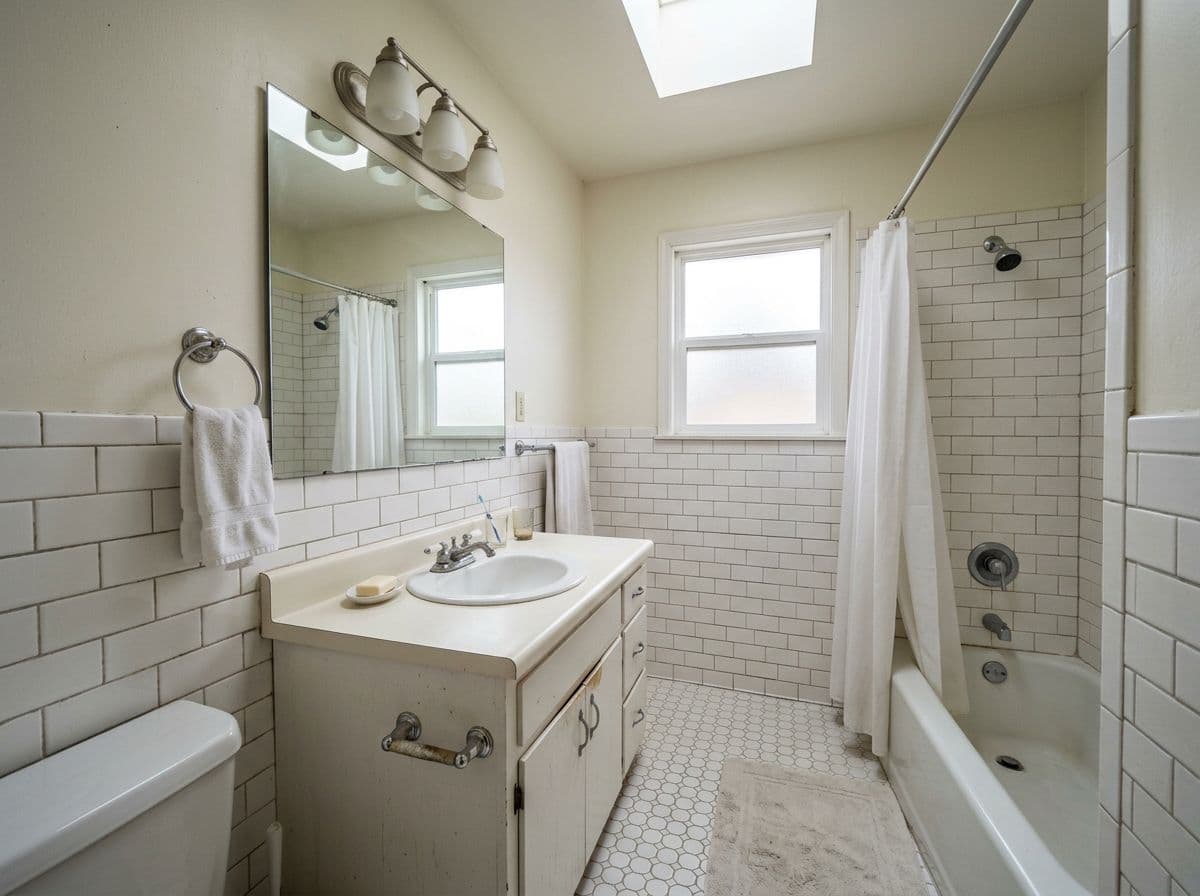
Preview tile, vanity and color combinations before booking any renovation work.
🍽️
Dining room
Get a feel for a new table, lighting fixture or wall treatment before you shop.
💻
Home office
Plan a workspace that looks as good on camera as it does in person.
Who uses this
Built for the 'what if' moment
Whatever's prompting you to think about your room, seeing it before you commit usually helps.
🏠
Homeowners planning a refresh
See a handful of style directions on your actual room before deciding where to spend your renovation budget.
🔑
Renters who can't make permanent changes
Get a realistic sense of what paint, decor or furniture changes would look like - useful for deciding what's worth doing within lease limits.
🛍️
Shoppers deciding before they buy
Before committing to a sofa, rug or paint color, preview it in your room's actual lighting and layout.
🏡
Anyone touring a new space
Upload a listing photo of a home or apartment you're considering to get a sense of its potential before you move in.
Get better results
A few tips before you upload
Small details in your photo make a noticeable difference in the output.
Photograph the room from a corner
A corner angle captures more of the walls, floor and ceiling, giving the AI more to work with and producing a more complete redesign.
Use natural daylight when possible
Photos taken in daytime light tend to produce the most accurate and realistic-looking results.
Start broad, then refine
Try a couple of different styles first to see what direction you're drawn to, then use the Style Builder to fine-tune the details.
Use Enhance mode for a 'is this even possible' check
If you're not sure a style will suit your room, Enhance mode shows a more conservative version that's easier to compare to what you have now.
Pricing
Free to start, simple pricing after that
Try it free, then $12.99/month for unlimited rooms and styles. Cancel anytime.
How does Decoratly's AI room planner actually work?
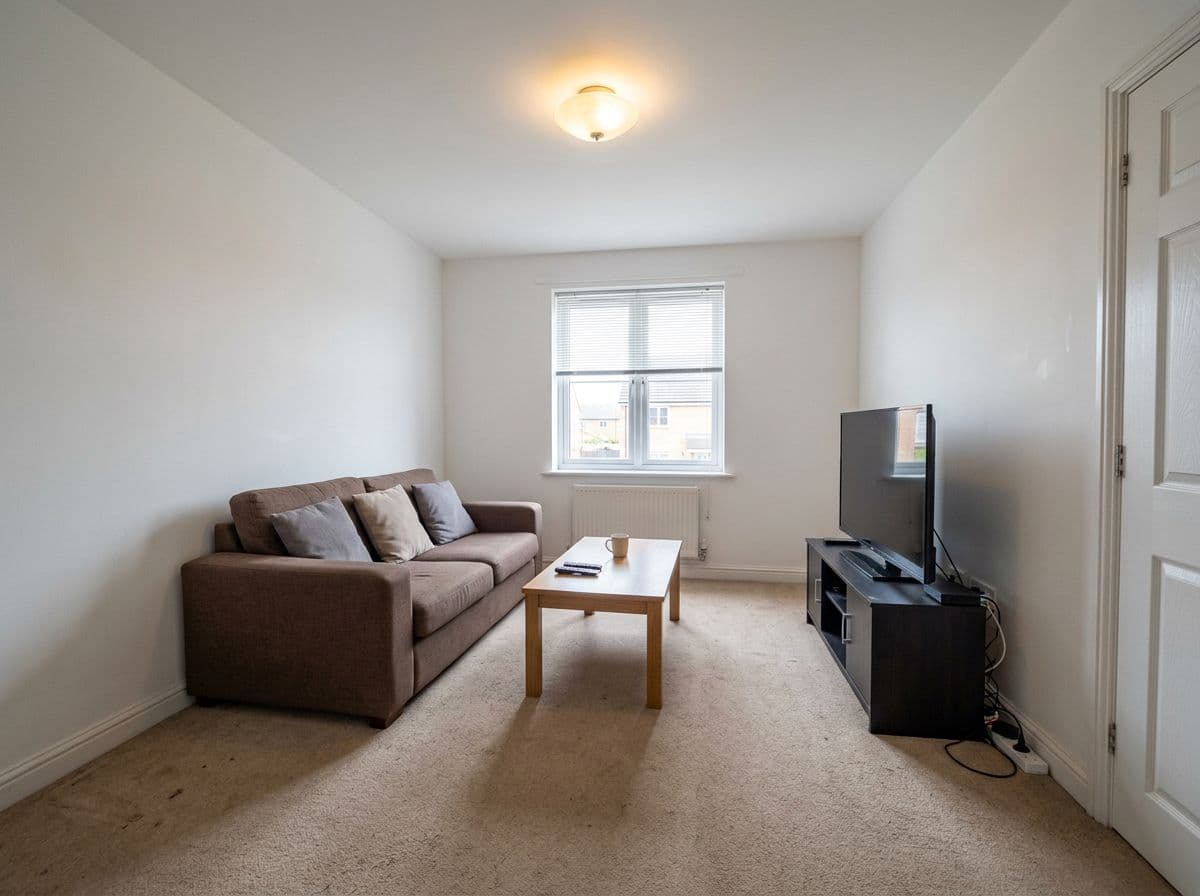
When you upload a photo, the AI analyzes your room's structure - walls, windows, floor, furniture and lighting - then generates a new version of that same space in the style you choose. It's an image-to-image model, not a generic image generator, so the output reflects your room's real layout and proportions rather than a stock photo of someone else's space.
What's the difference between Makeover mode and Enhance mode?
Makeover mode gives the AI more creative freedom - it can change wall colors, flooring, furniture and decor for a bigger transformation, useful when you want to see a dramatically different direction. Enhance mode makes more conservative changes that preserve more of your room's existing elements, useful when you like your room's bones and just want a refined, realistic update.
What is the Style Builder and how is it different from picking a style?
Picking a style applies one of 75+ designer-curated looks to your whole room in one click. The Style Builder lets you control individual elements - wall color, flooring, furniture style - separately, so you can mix and match to build a custom combination instead of using a preset.
Can I describe what I want instead of choosing from a list?
Yes - you can type a description in plain English, like "a bright Scandinavian living room with natural wood accents and a large rug," and the AI will generate a redesign based on that description while keeping your room's actual layout.
How accurate is the AI to my room's real layout?
The AI preserves your room's walls, windows, doors and overall proportions, so the layout and spatial feel are a reliable guide for real decisions like paint colors or furniture styles. It can take more creative liberties with specific objects, especially in Makeover mode - think of it as a strong visual direction rather than a measured plan.
How many designs can I generate?
The free plan includes 1 room upload and 2 AI-generated designs, no credit card required. The $12.99/month plan unlocks unlimited rooms and redesigns, plus 4K exports and the full Edit toolkit.
Can I use the AI room planner for more than one room?
Yes - each room is processed independently, so you can plan a whole home one room at a time. Pro plans remove the 2-room limit, which makes it practical for multi-room projects where you want a consistent style across several spaces.
Is my room photo private?
Your photos are used to generate your designs and are not shared publicly or used to advertise to others. You can delete your uploads and generated designs from your account at any time.
What kind of photo works best?
A clear, well-lit photo taken from a corner of the room, showing as much of the space as possible, gives the AI the most to work with. Avoid heavily cropped or very dark photos - the more of the room visible, the more accurate the redesign.
Free to try
See what the AI does with your room.
Upload a photo and get 2 free AI-generated designs - try Makeover and Enhance mode to see the difference for yourself.