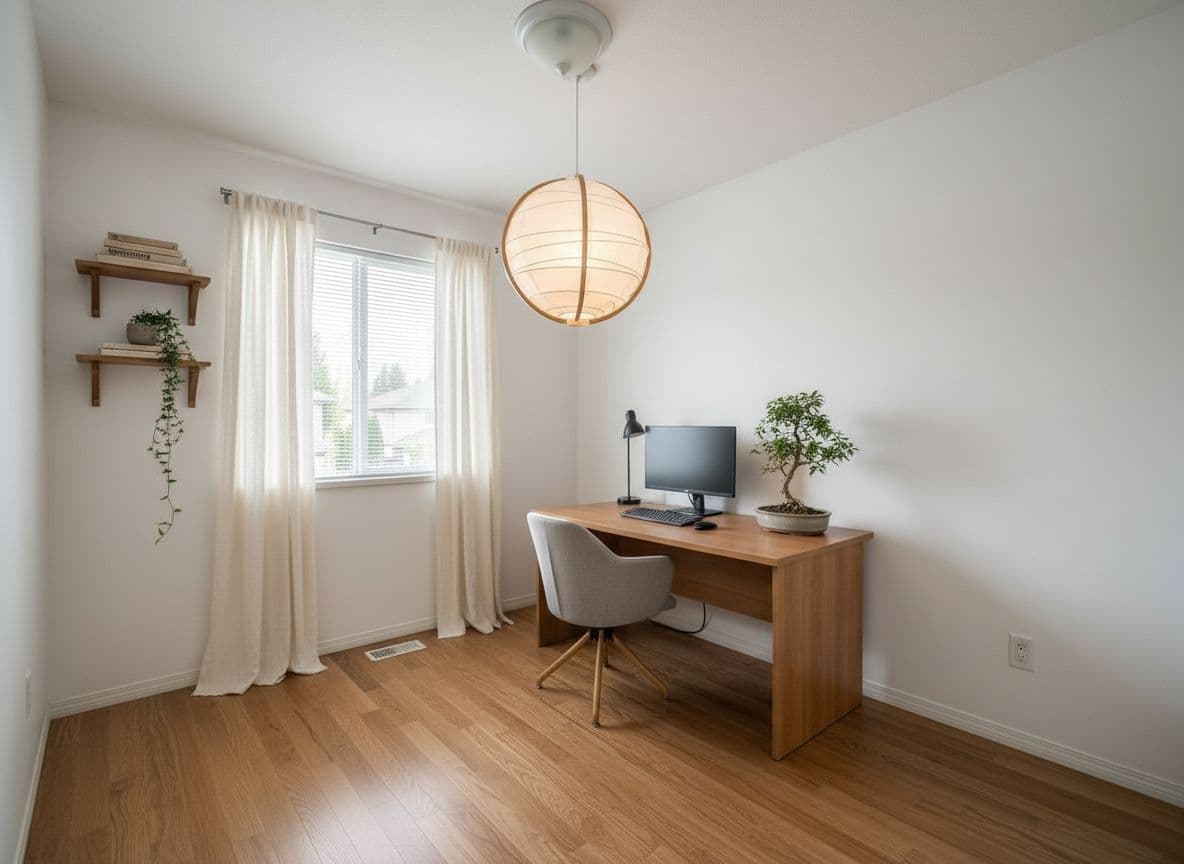
Skip the 3D modeling. See your real room redesigned.
3D room planners make you build a model from scratch before you see anything useful. Decoratly works from a photo of your actual room and shows you a redesign in about 30 seconds - free to start.
🛋️ 25,000+ rooms redesigned⚡ 30 seconds, no modeling
Side by side
3D room planner vs. Decoratly
Different tools for different jobs - here's how they actually compare.
Category
3D Room Planner
Decoratly
Setup required
Build a 3D model from scratch
None - upload a photo
Time to first result
30-60+ minutes
About 30 seconds
Skill needed
Learning curve for the software
None
Based on your real room
Only if you model it accurately
Yes, from your photo
Best for
Precise floor plans & measurements
Seeing styles on your actual space
⭐
The honest version
A 3D room planner is the right tool when you need an accurate floor plan or want to test exact furniture dimensions. Decoratly is the right tool when your question is "what would this room actually look like?" - and you'd rather see it on a photo of your real space than imagine it from a wireframe model.
Real redesigns
What you'd actually get back
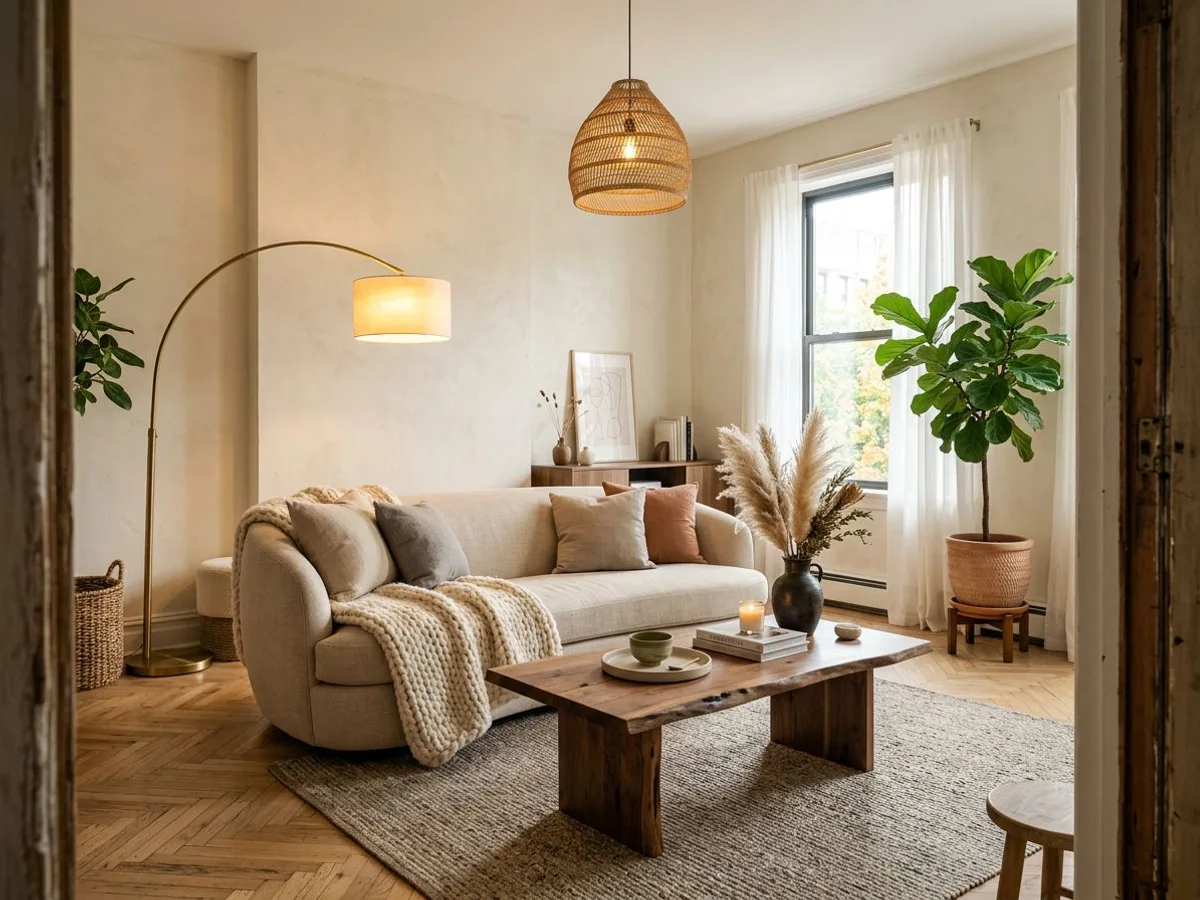
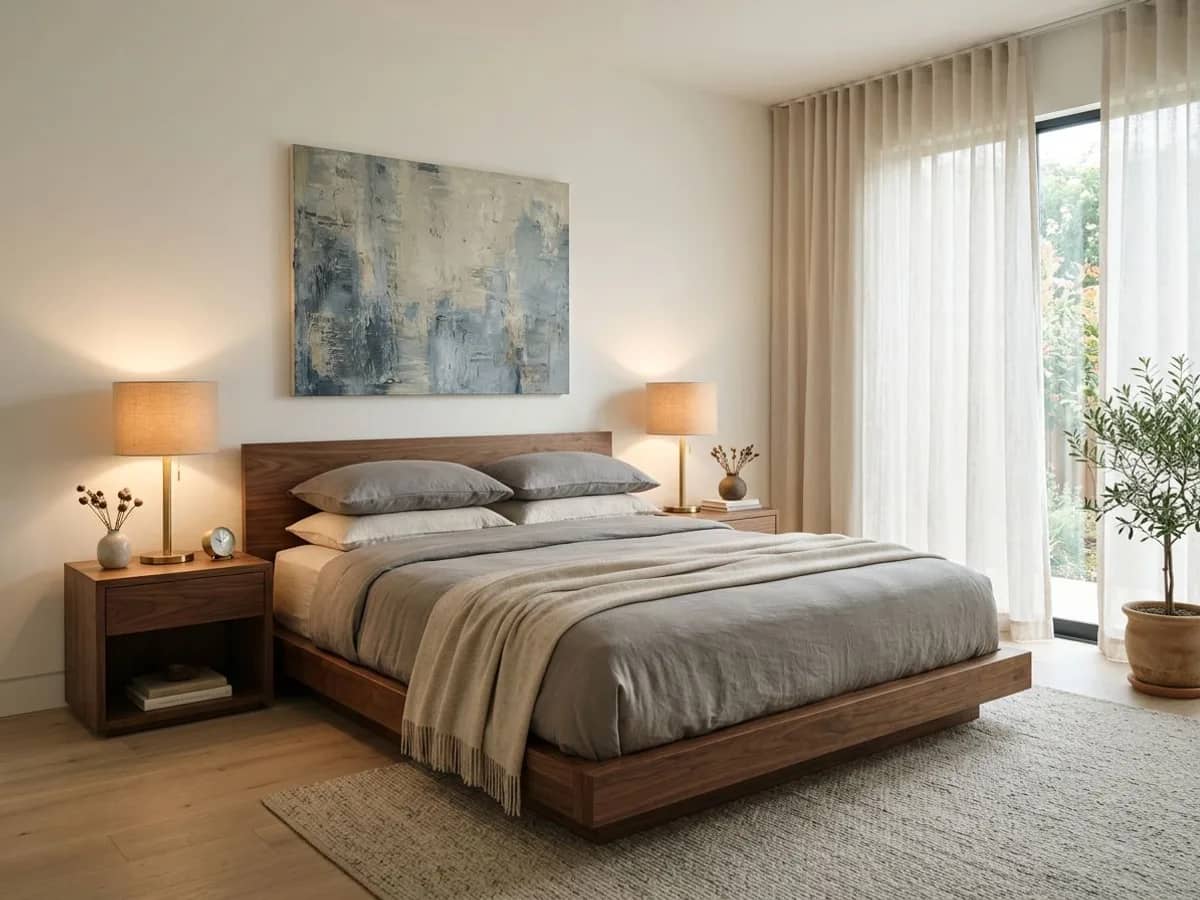
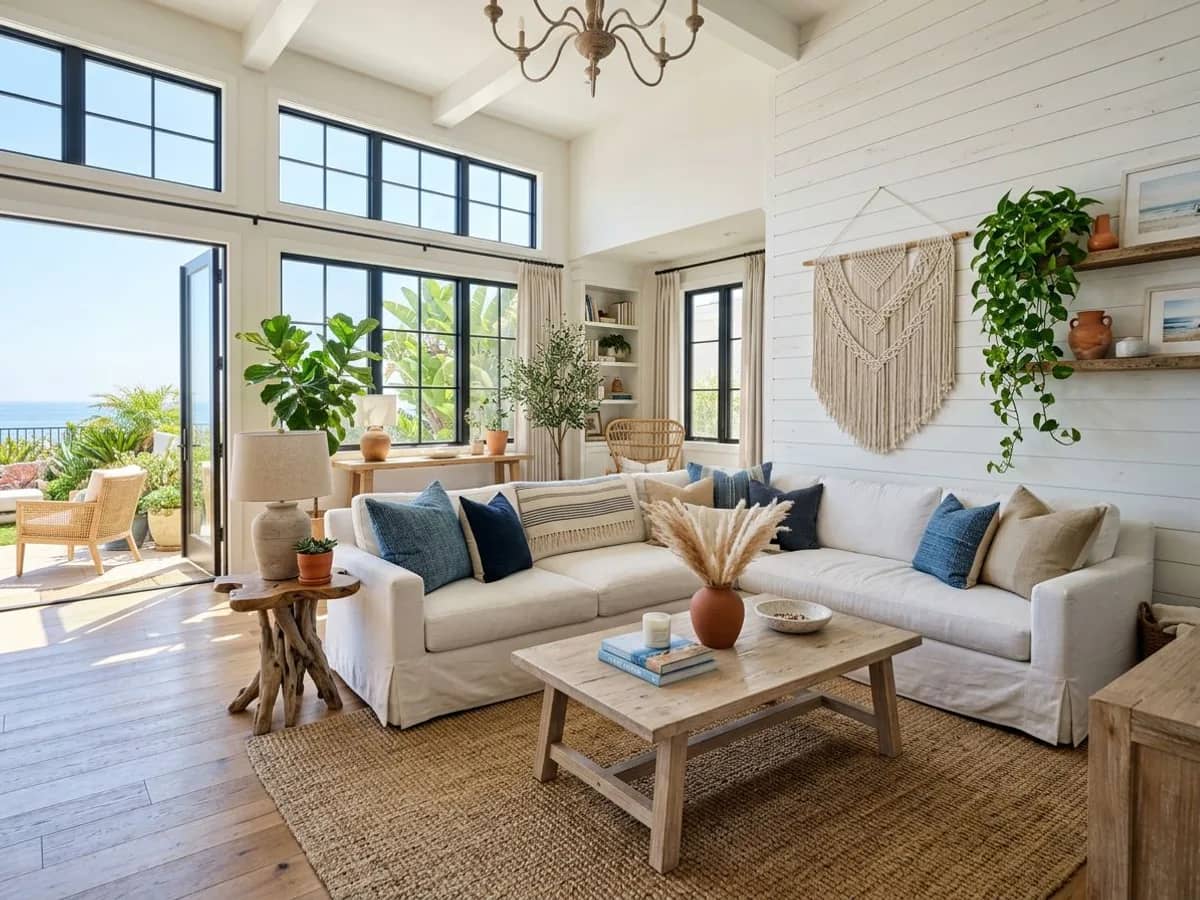
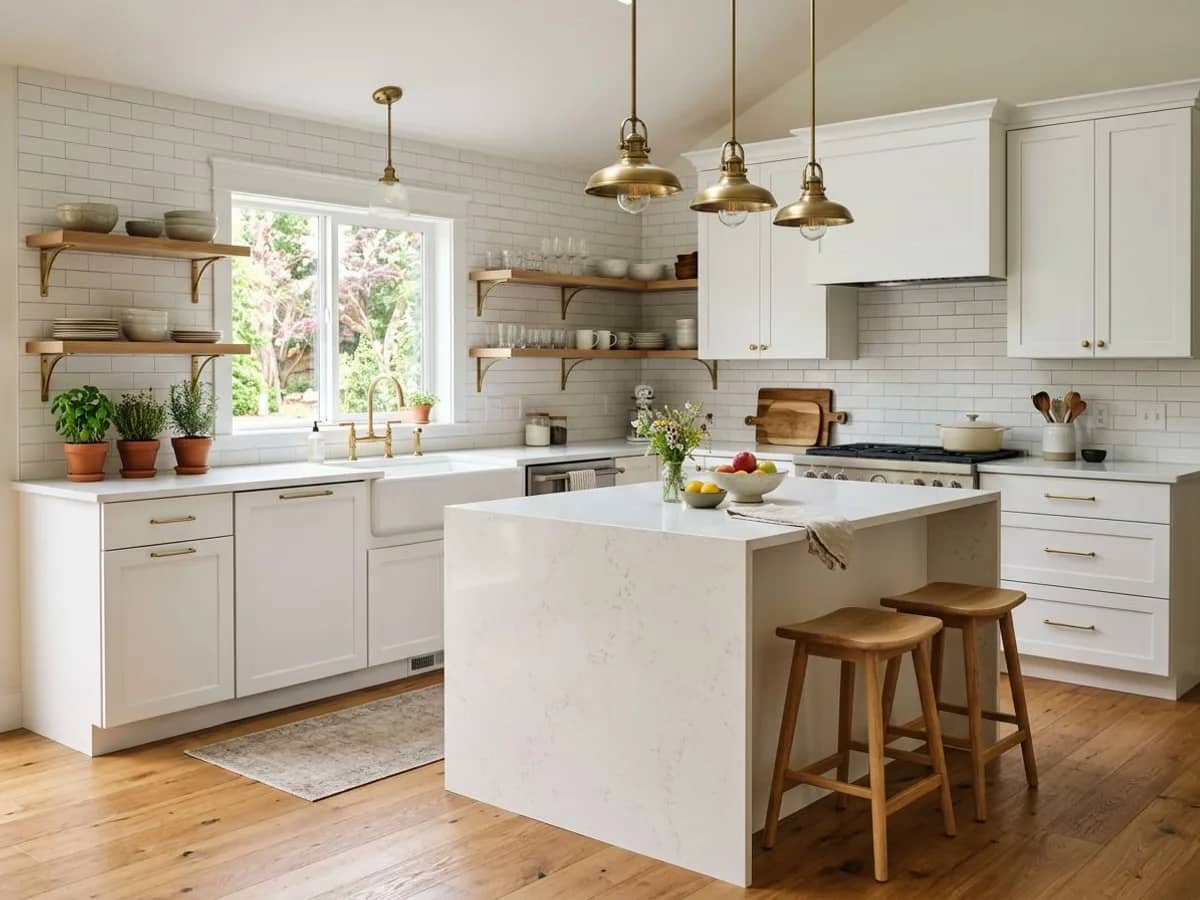
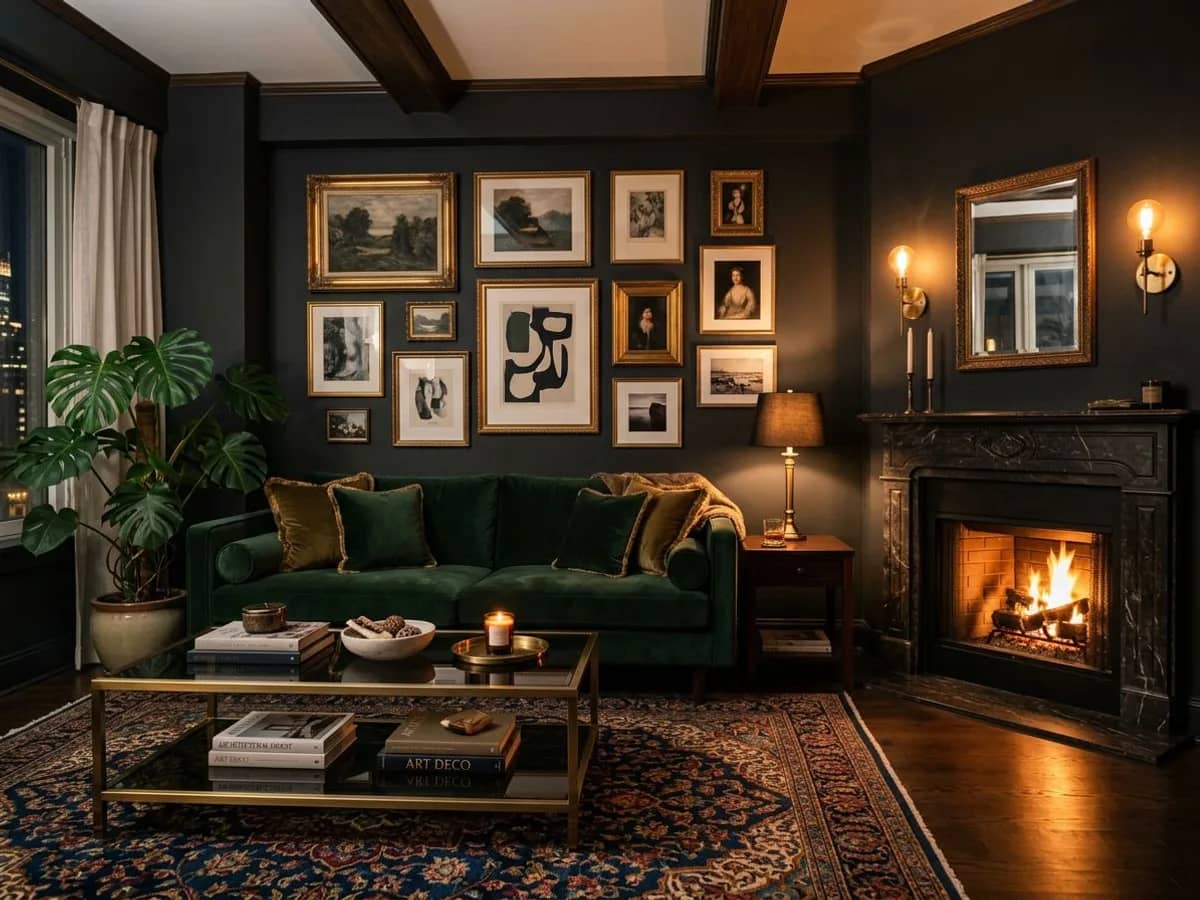
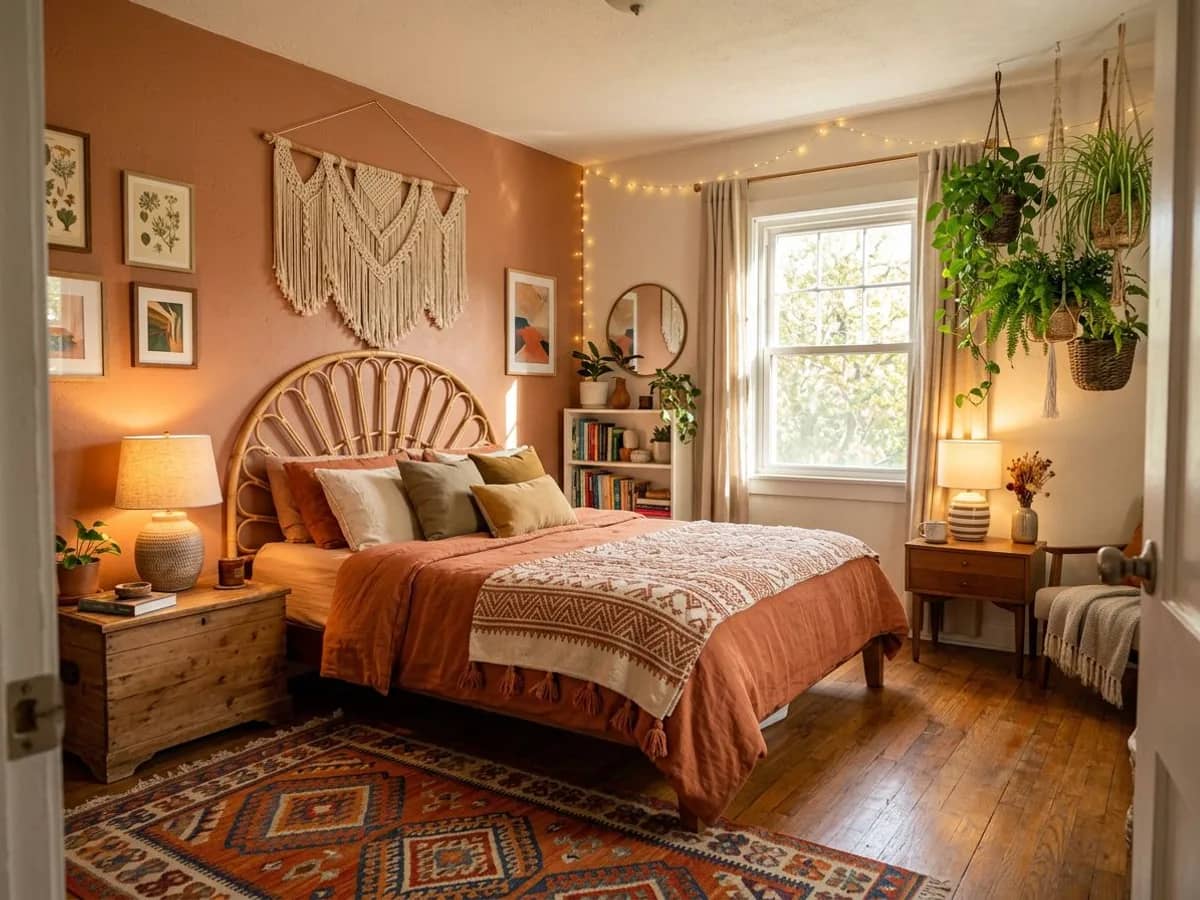
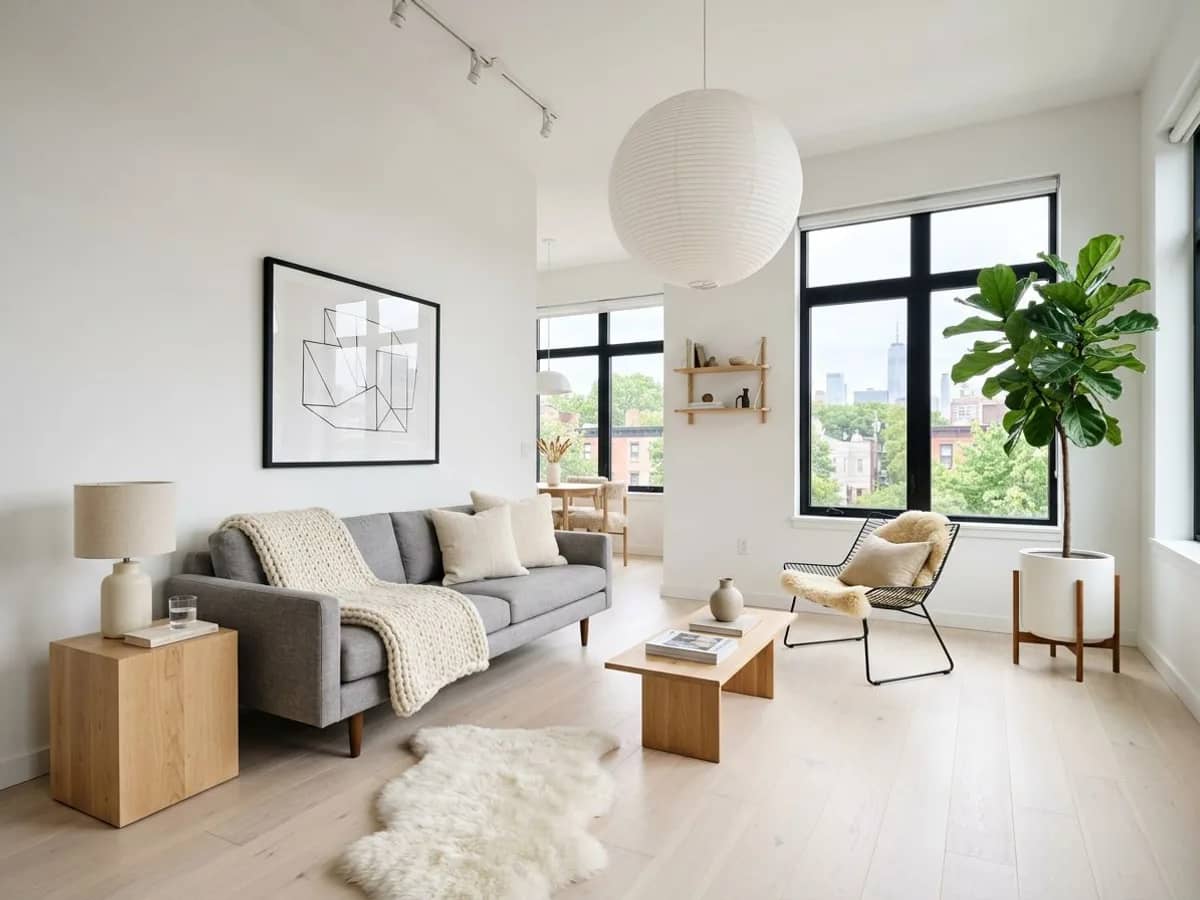
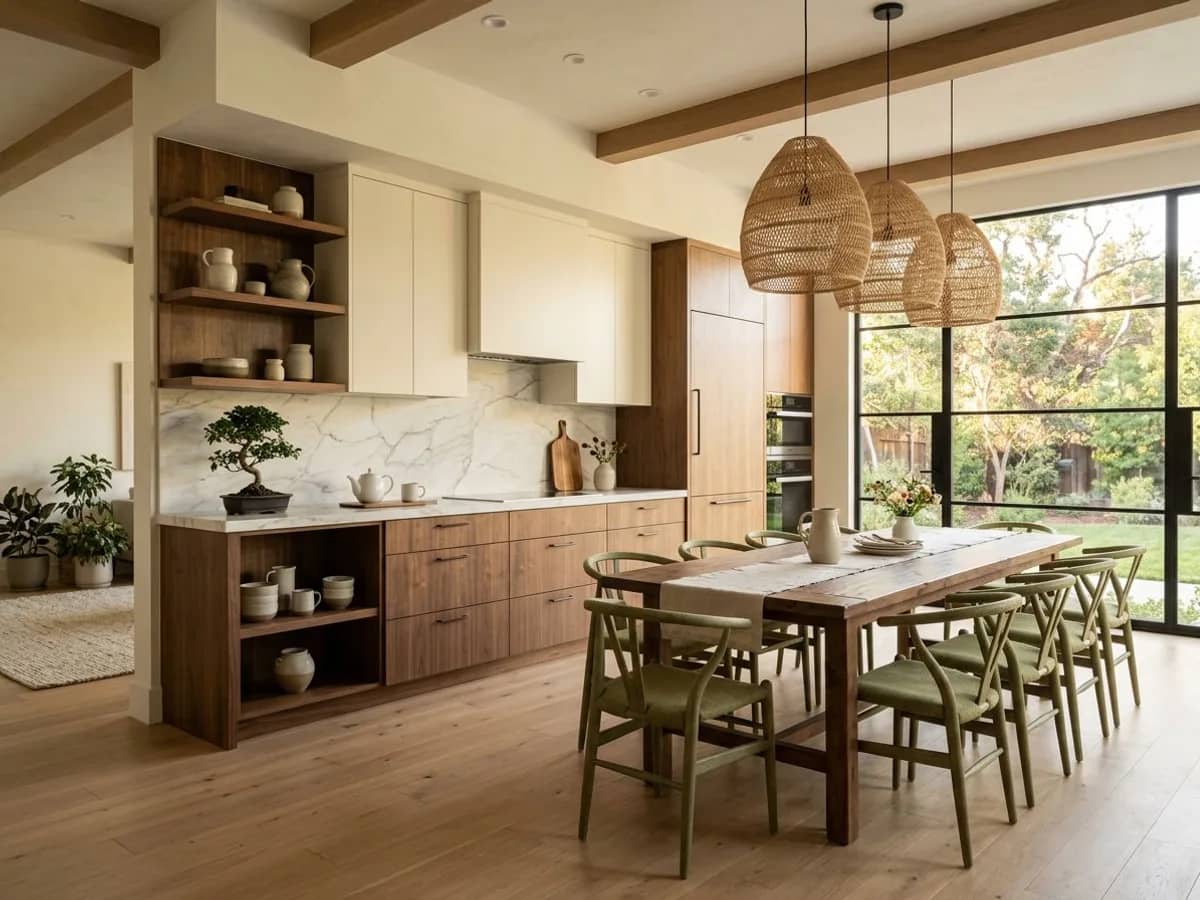
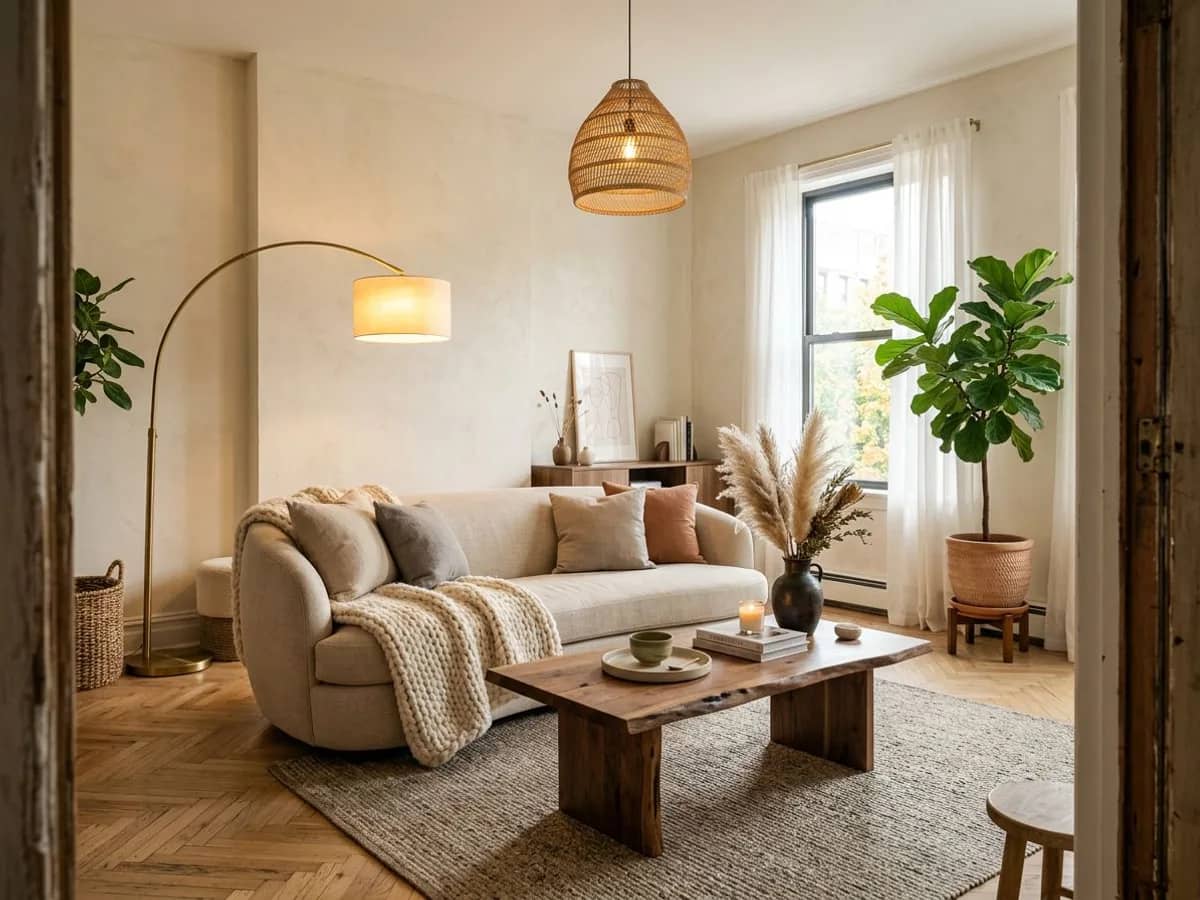
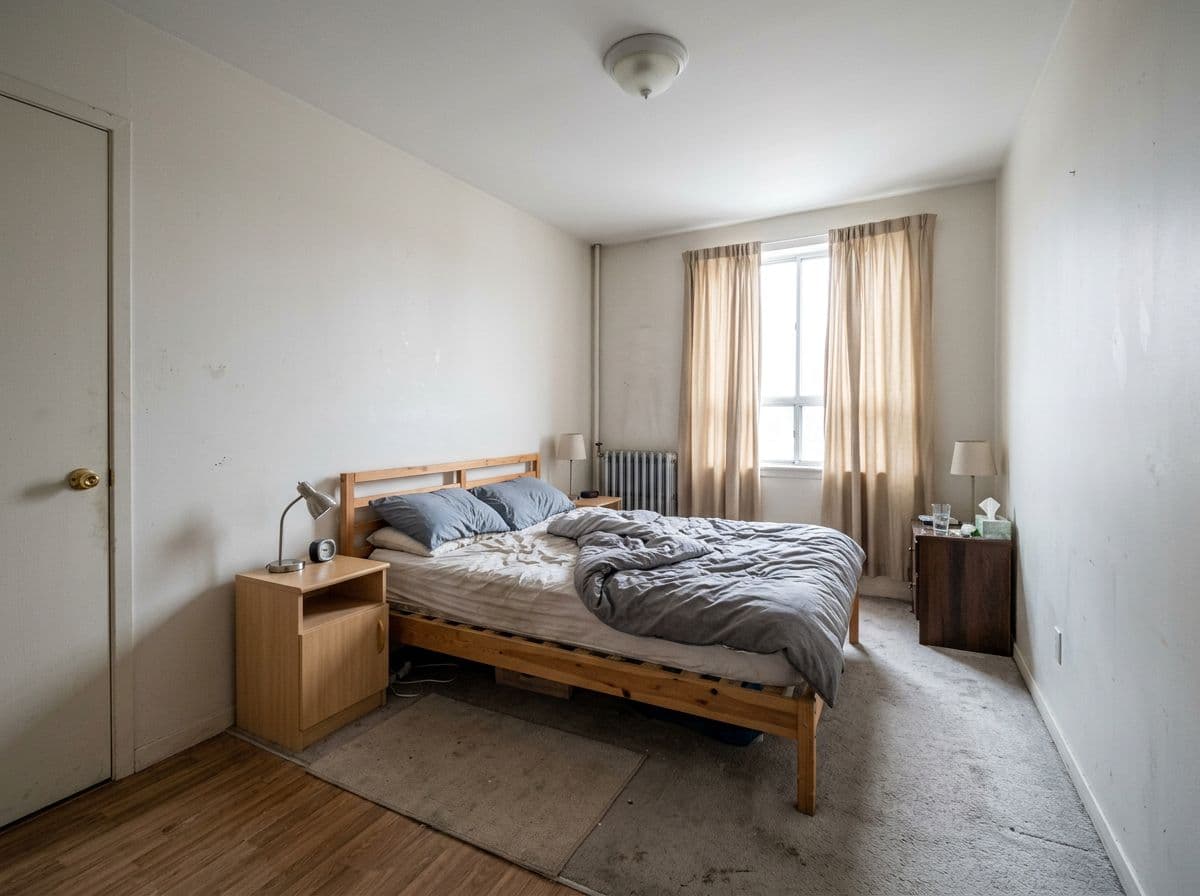
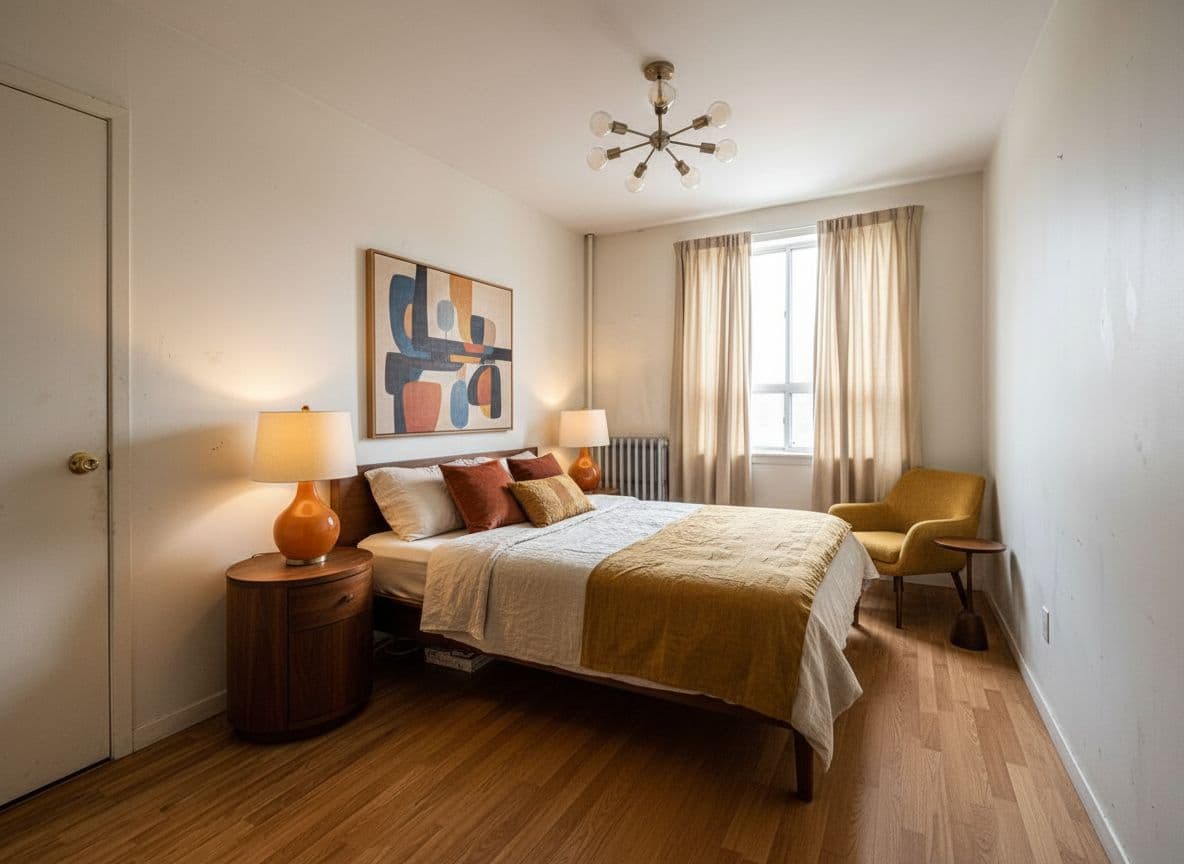
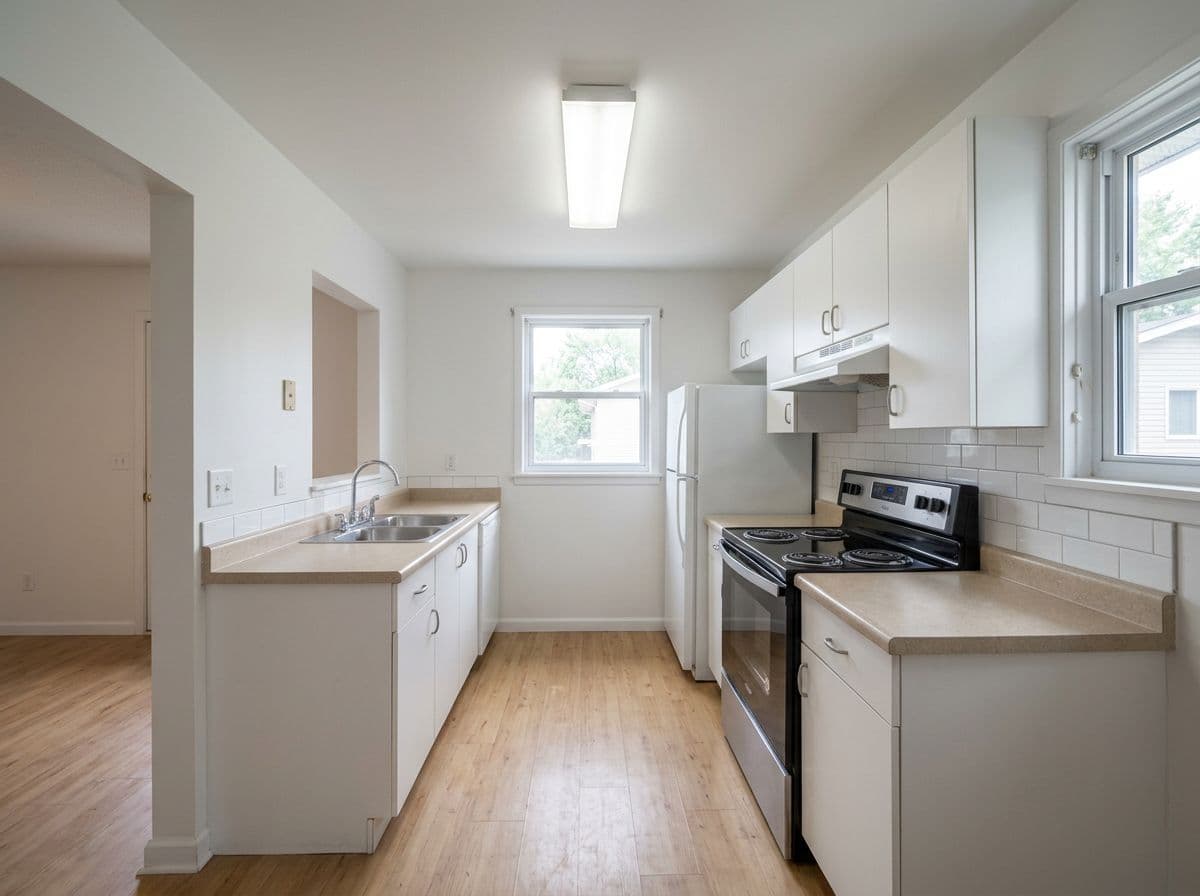
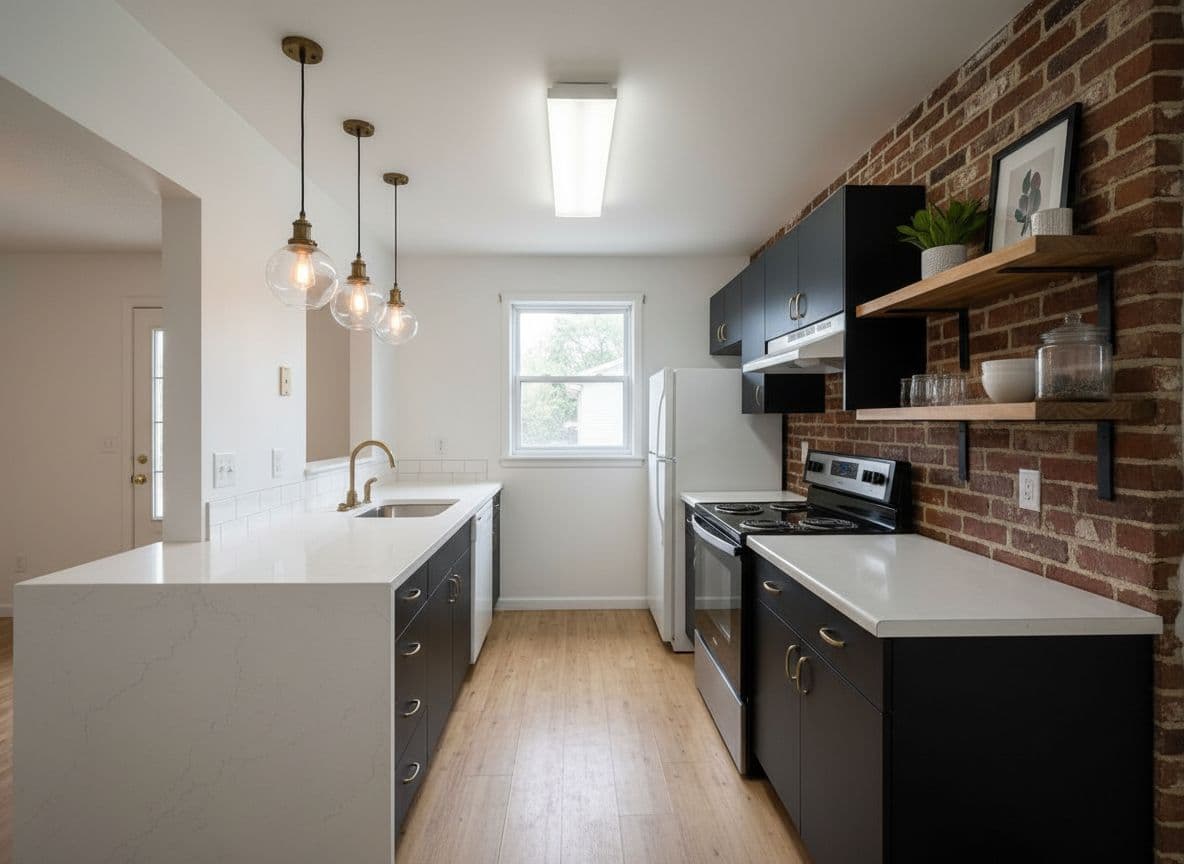
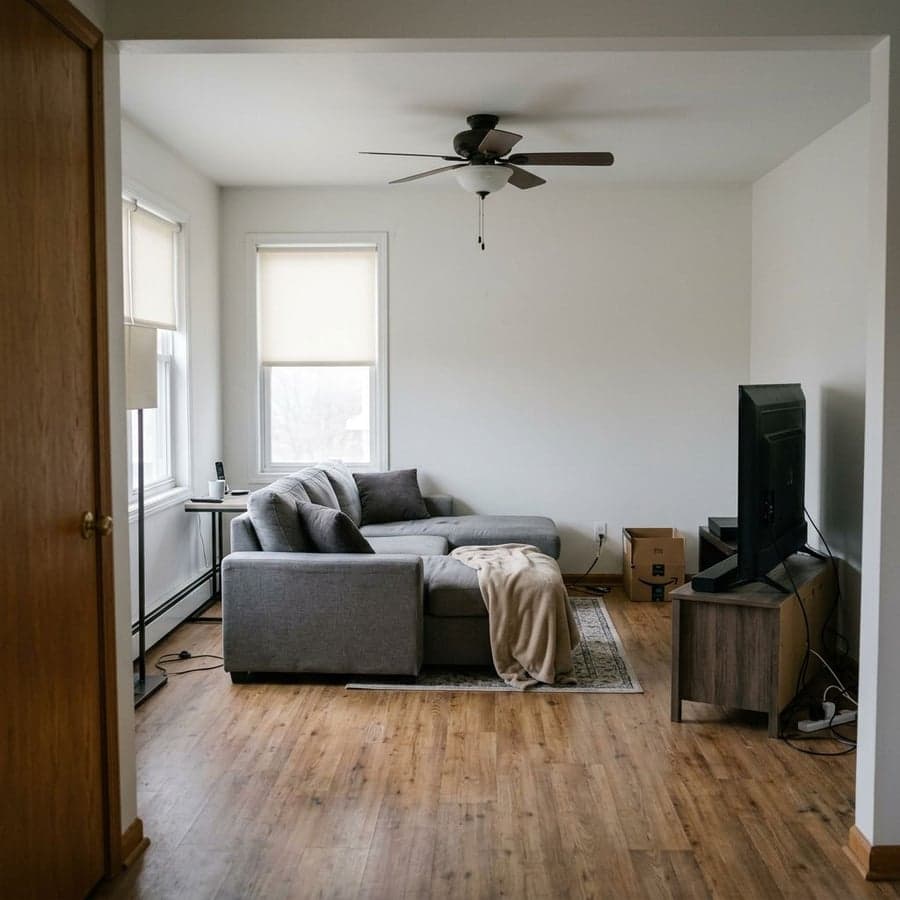
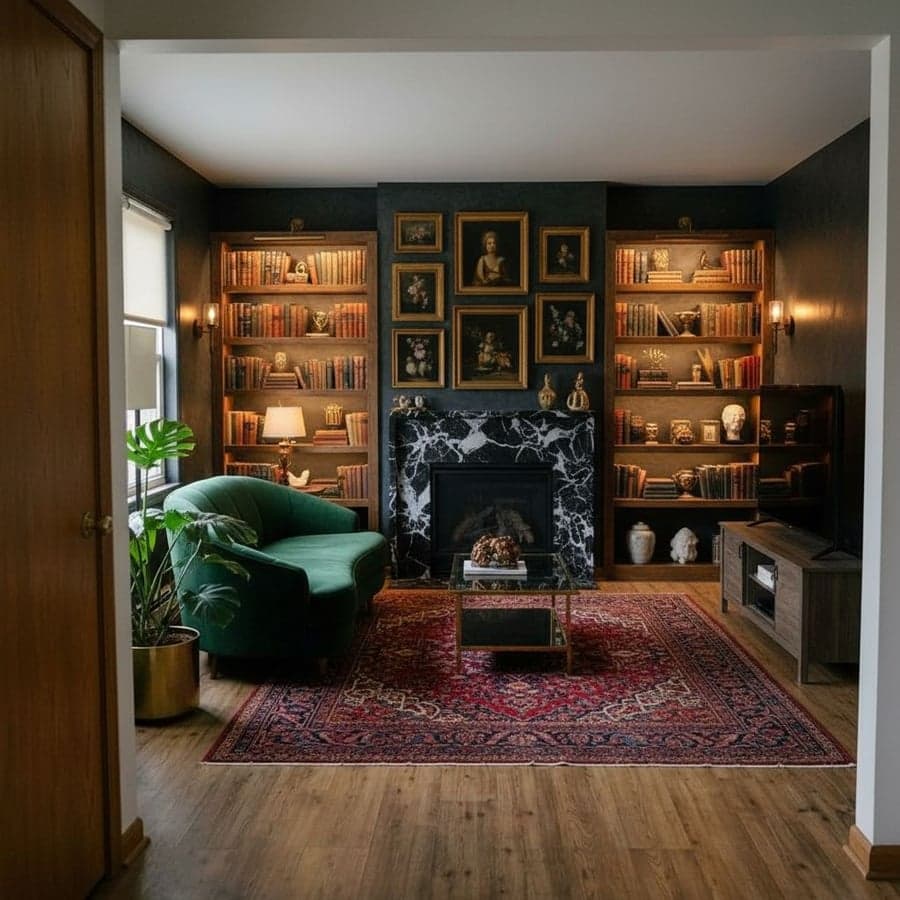
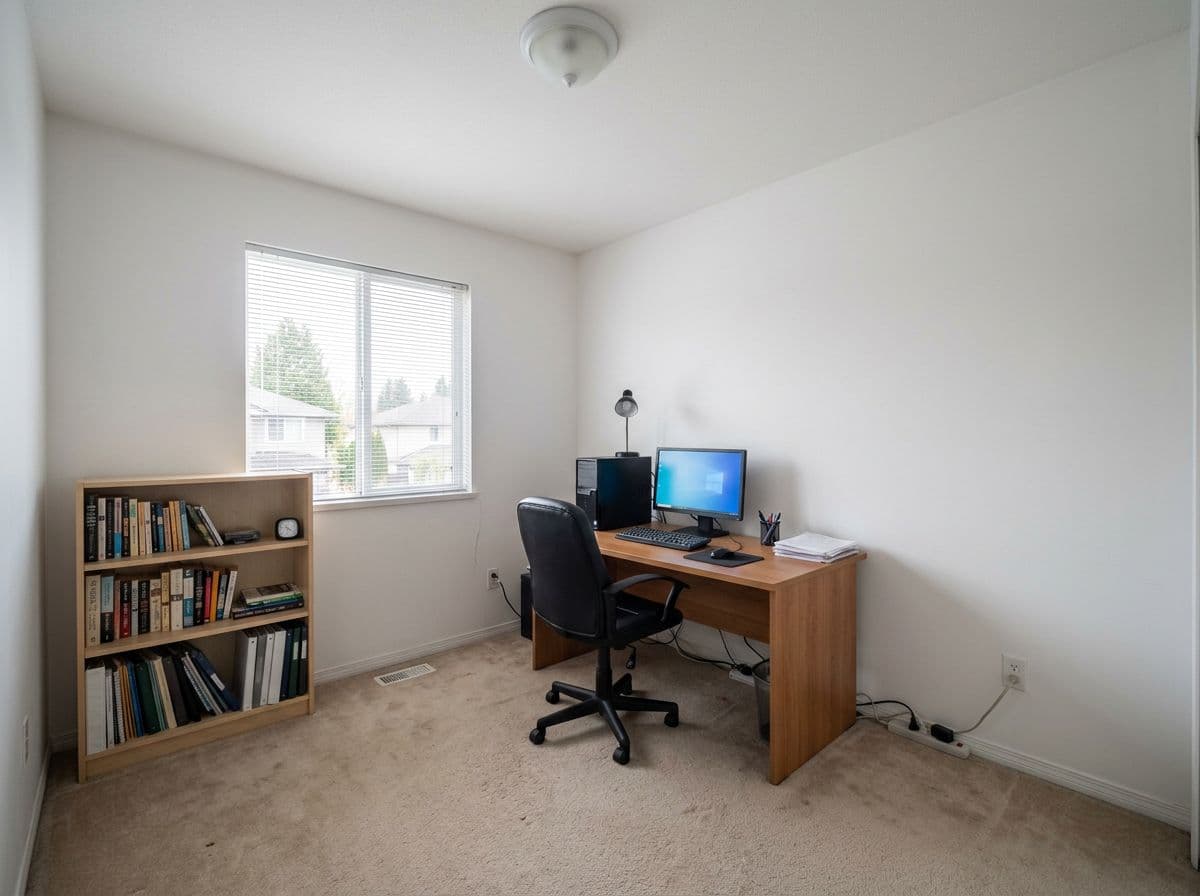
Every result below was generated from a single uploaded photo - no 3D model, no manual placement.
Any room, as it looks now. Decoratly reads the walls, windows, floor and lighting straight from your photo.
2
🎨
Pick a style or describe one
Choose from 75+ designer styles, or describe the look you're after in plain English.
3
⚡
See your room redesigned
In about 30 seconds, get a photorealistic version of your actual room in the new style - then try other directions.
Plan any room
Works for every room in the house
The same one-photo process applies whether you're redesigning a living room or a half-bath.
🛋️
Living room
Layout ideas, furniture styles and color palettes for your main living space.
🛏️
Bedroom
From headboards to lighting, see calmer or bolder directions for your bedroom.
🍳
Kitchen
Preview cabinet colors, countertops and overall style without touching a cabinet.
🛁
Bathroom
Try tile, vanity and color combinations before any renovation work starts.
🍽️
Dining room
See how a new table, lighting or wall color changes the whole feel of the room.
💻
Home office
Plan a workspace that actually looks good on video calls and in person.
Get better results
Tips for the best redesign
A few small things make a big difference in the quality of your AI redesign.
Use a wide, well-lit photo
Shoot from a corner so the AI can see as much of the room as possible - walls, floor and ceiling included. Natural daylight gives the most accurate base for the redesign.
Start with Enhance mode if you like your layout
Enhance mode keeps more of your room's existing elements and focuses on refining colors, materials and decor - useful for a first pass before trying bigger changes.
Try Makeover mode for bigger swings
If you want to see a dramatically different direction - new wall colors, flooring, furniture - Makeover mode gives the AI more creative freedom to reimagine the space.
Generate a few variations before deciding
Styles can look different depending on your room's lighting and proportions. Generating 2-3 versions in different styles gives you a much better basis for comparison than just one.
Which is right for you
3D modeling, AI redesign, or both
Most home projects benefit from a mix of the two.
📐
Use a 3D planner if...
✓You need an accurate floor plan
✓You're checking exact furniture dimensions
✓You're sharing measured plans with a contractor
🤖
Use Decoratly if...
✓You want to see new styles on your real room
✓You don't want to learn 3D software
✓You want results in seconds, not an hour
Most thorough
🔁
Use both if...
✓You're planning a full renovation
✓You need both a floor plan and a visual direction
✓You want to brief a contractor with both
Looking for alternatives
Popular 3D room planners (and how Decoratly fits in)
If you've tried tools like these, here's where Decoratly is similar - and where it's different.
SketchUp
Powerful for precise 3D models and architectural drawings, but it has a real learning curve and renders still look like renders, not your room.
RoomSketcher
Good for 2D/3D floor plans and measurements. You still build the room from scratch and the visual style is limited to its furniture catalog.
Planner 5D
Popular drag-and-drop 3D layout tool. Great for trying furniture placements, but the finished look is a stylized render, not a photo of your space.
Roomstyler 3D Home Planner
A community-driven 3D room builder with a large furniture catalog - best if you enjoy building scenes piece by piece.
Sweet Home 3D
Free, open-source 3D floor planning software. Solid for layout and measurements, but requires installation and a bit of a learning curve.
HomeByMe
Browser-based 3D home design with catalog furniture from real retailers - useful for shopping, less useful for seeing your actual room.
Decoratly isn't trying to replace any of these tools for floor plans or precise measurements. It's a much faster answer to a different question: "what could my actual room look like in a new style?" - without opening any 3D software.
Pricing
Free to start, simple pricing after that
Try it free, then go unlimited for one flat monthly price. Cancel anytime.
Not in the traditional sense - Decoratly doesn't have you build a 3D model or place furniture piece by piece in a virtual room. Instead, it works directly from a photo of your real room: upload it, pick a style, and the AI generates a photorealistic redesign of that exact space in about 30 seconds. If you specifically need a measured 3D floor plan to send to a contractor, a dedicated 3D modeling tool is still the right choice for that step.
Why would I use this instead of a 3D room planner?
Speed and realism. Building an accurate 3D model of your room - walls, windows, furniture - typically takes 30-60 minutes even with an easy tool, and the result still looks like a 3D render, not your actual room. Decoratly skips all of that: upload one photo and see your real walls, windows and layout redesigned in a new style in about 30 seconds.
Can I see my room from different angles like in a 3D planner?
Decoratly redesigns the photo you upload - it doesn't generate a navigable 3D environment you can walk through. If you want to see multiple views, upload photos from different angles of the same room and redesign each one in the same style for a more complete picture.
Does it give me exact measurements like a 3D planner?
No - for precise measurements and floor plans, use a dedicated room size or 3D planning tool (our free Room Size Calculator can help with square footage). Decoratly is focused on the visual question: 'what would this room actually look like in a new style?' rather than producing technical drawings.
What's the best way to use both a 3D planner and Decoratly?
Many people use a 3D/measurement tool to plan the layout and confirm furniture will fit, and Decoratly to see what the finished room could actually look like - color, materials, furniture style and mood - on a photo of their real space. The two cover different parts of the same project: layout accuracy versus visual direction.
How is Decoratly different from SketchUp, Planner 5D or RoomSketcher?
Those tools are model-builders - you place walls, furniture and fixtures piece by piece to construct a 3D scene from scratch, which is great for precise layouts but takes time to learn and use. Decoratly skips the building step entirely: you upload a photo of your actual room and the AI generates a redesigned version of it. They solve different problems - measured planning versus fast visual direction - and many people use both.
Can I use this to plan a specific room, like a kitchen or bathroom?
Yes - upload a photo of any room and the AI will generate redesigns specific to that space. Kitchens, bathrooms, bedrooms, living rooms, dining rooms and home offices all work the same way: one photo, then a redesign in the style you choose.
How much does Decoratly cost?
It's free to start - 2 room uploads and 2 AI-generated redesigns, no credit card required. After that, it's $12.99 per month for unlimited rooms and redesigns.
Free to find out
See your room redesigned - no modeling required.
Upload a photo and get 2 free AI redesigns - no credit card, no download, no software to learn.