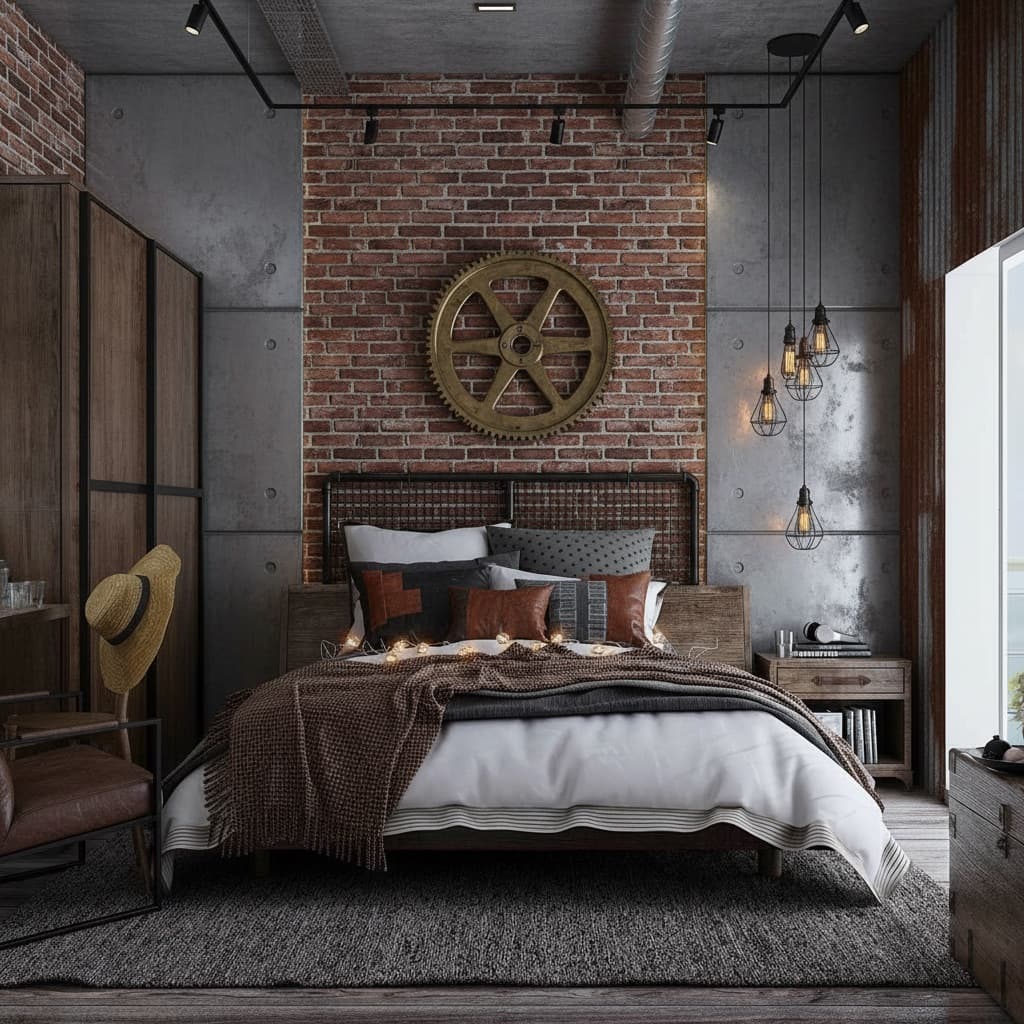
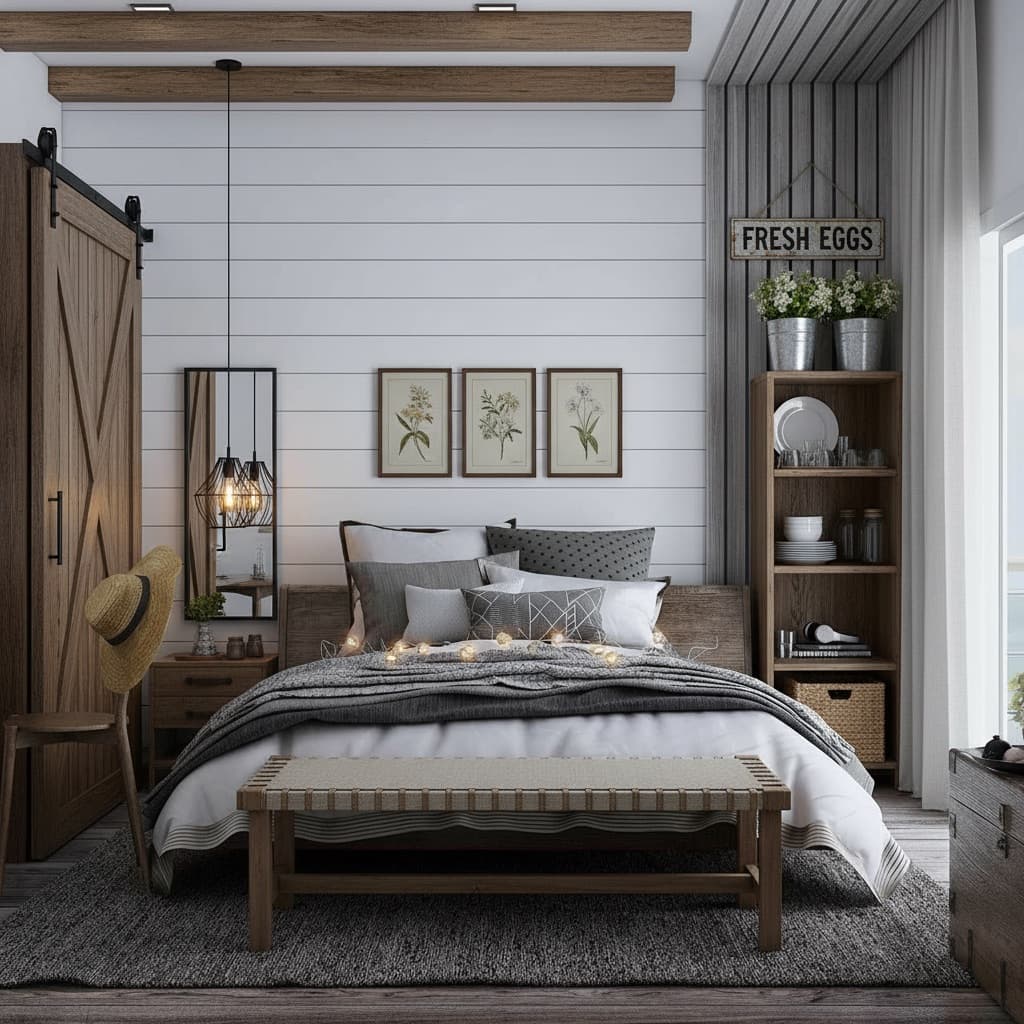
decoratly logo
AI Interior DesignBy Kamil UhrynUpdated June 20268 min read

Reimagine Your Space - any room, any style, from a single photo

Upload a photo and the AI redesigns your actual room in about 30 seconds. Pick a style, describe your own, or build one from scratch - then refine every detail until it feels like yours.

โœ“ 2 spaces freeโœ“ No credit cardโœ“ Watermark-freeโœ“ Results in ~30s
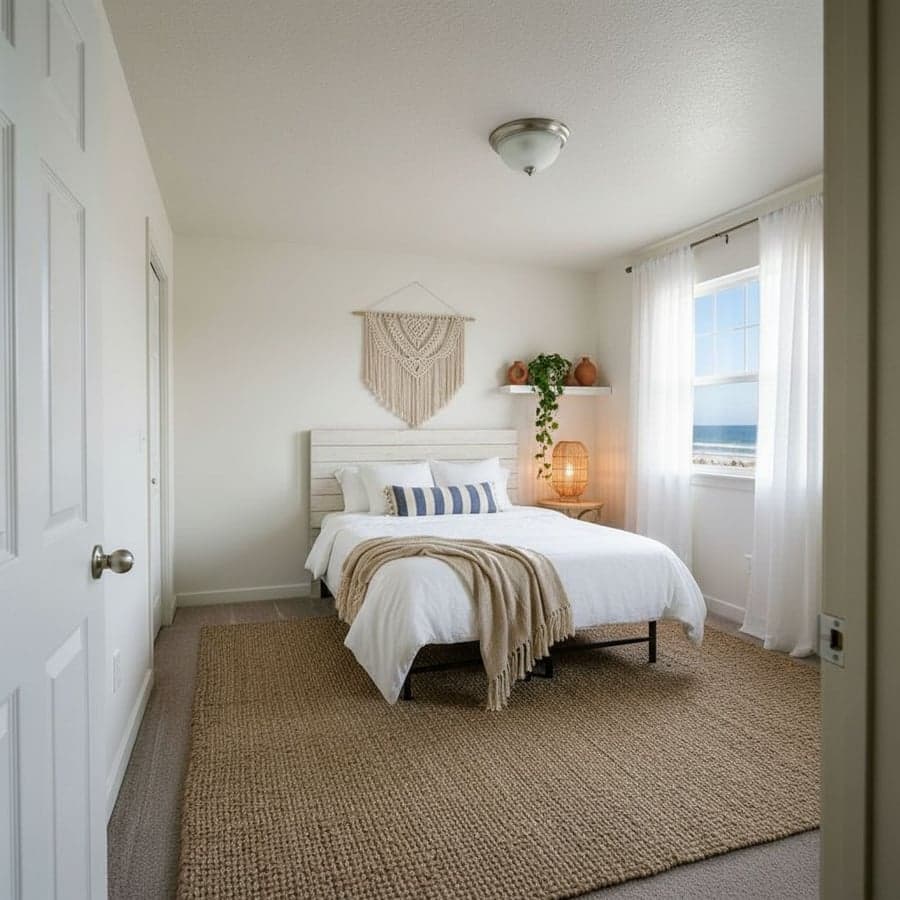
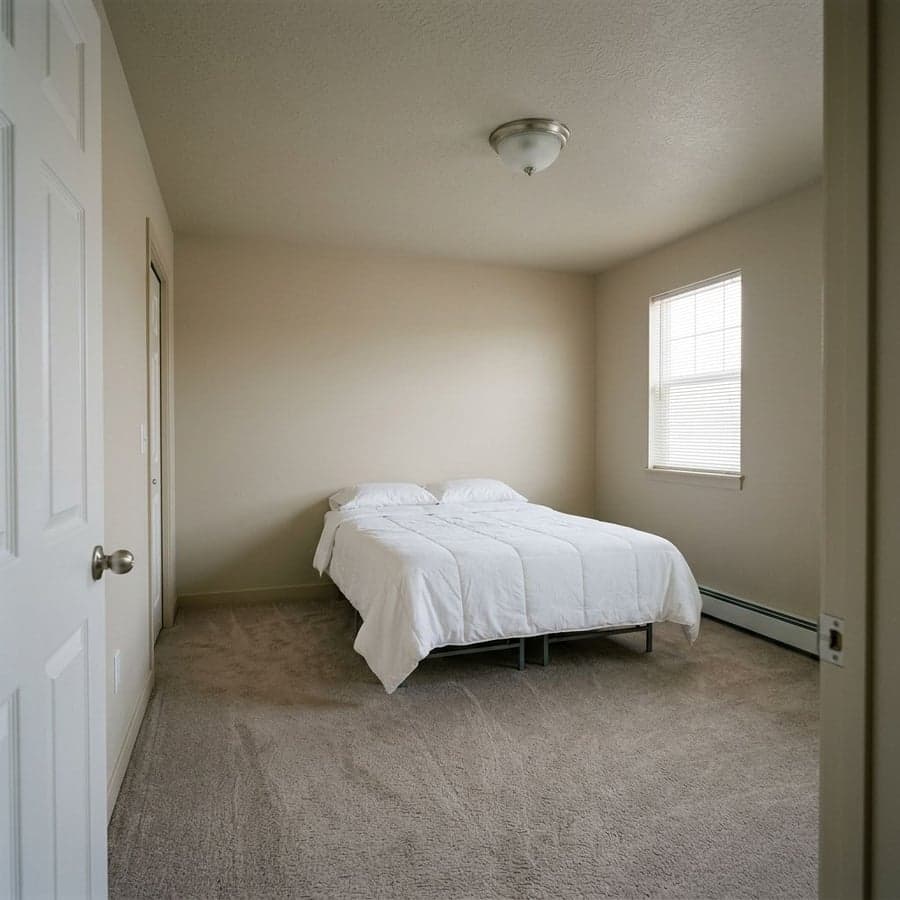
Bedroom before being reimagined with AI
BEFORE
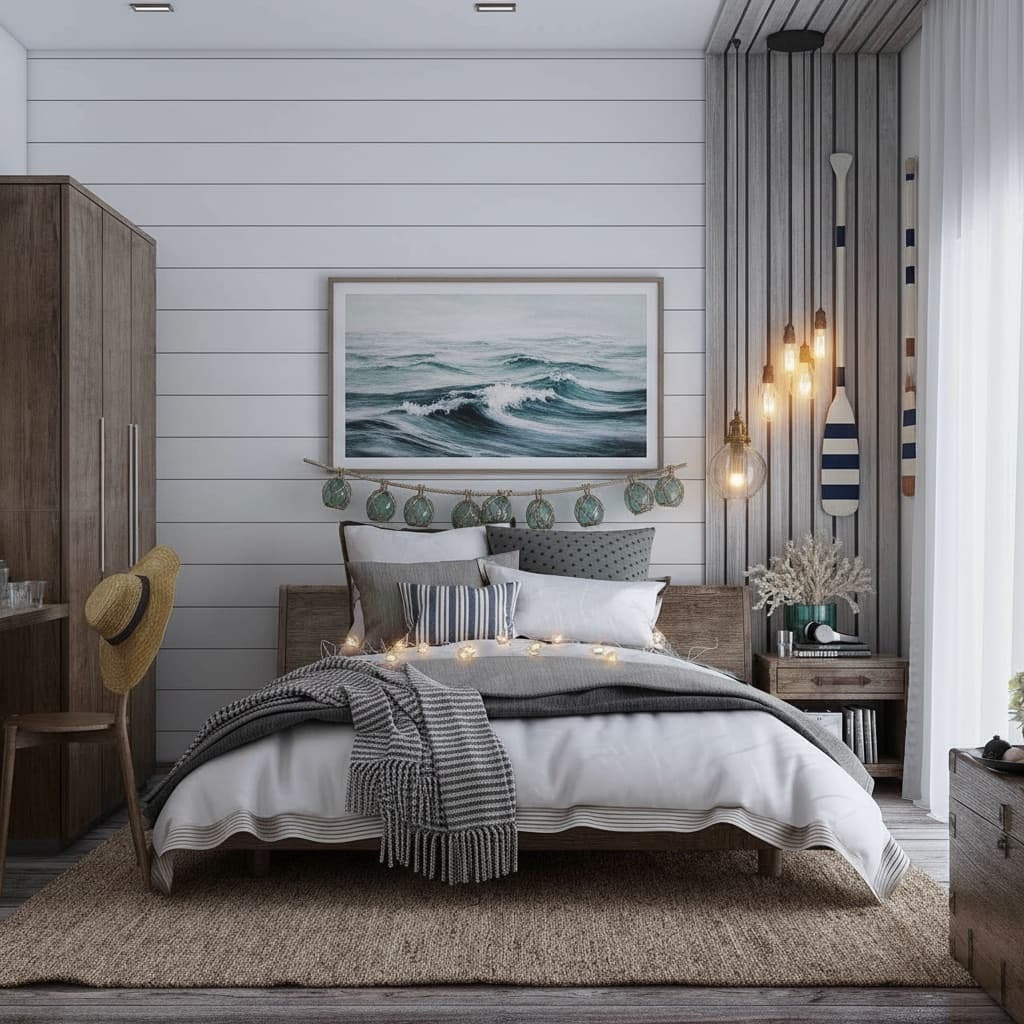
Bedroom reimagined in Coastal California style with AI
AFTER
Coastal
AI
Reimagined in ~30 seconds
500k+ rooms
๐ŸŽจ
30+ styles
+ build your own
๐Ÿ 
Any space
Rooms ยท studios ยท rentals

Quick Answer

What does it mean to reimagine your space with AI?

Reimagining your space means uploading a photo of your actual room and seeing it redesigned in a new style - instantly. Not a generic moodboard or a stock photo, but your real walls, windows, and layout with a fresh look rendered on top of them.

The AI reads your room's geometry, proportions, and lighting from the photo, then applies a new design to that exact space. The result looks like a photo of your room after a redesign - realistic enough to brief a contractor or get a partner on board.

What makes it powerful is the freedom: tap a ready-made style, describe your dream space in your own words, or build a look element by element - then keep iterating until it feels like yours.

๐Ÿ’ก Start free: Reimagine 2 spaces with no credit card. Most people test it on their own room first, then decide whether to unlock unlimited.

Step-by-Step

How to reimagine your space in 3 steps

The whole process takes under a minute. No account required to start.

  1. 1.Upload a photo of any space - phone camera is fine
  2. 2.Choose a style, describe your own, or build one with the Style Builder
  3. 3.Render in about 30 seconds, refine, and download
๐Ÿ“ท
01

Show the AI your space

10 seconds

Upload a photo of any room with your phone or an existing image. The AI reads the geometry, proportions, and lighting automatically - furnished or empty, big or small. You don't need to describe anything about the room itself.

โœจ
02

Choose, describe, or build a look

5 seconds

Tap one of 30+ style presets, type your dream space in plain English, or open the Style Builder to design it element by element. Not sure where to start? Chat with the AI designer for ideas tailored to your room.

๐Ÿช„
03

Render, refine, and download

~30 seconds

See your reimagined space in about 30 seconds. Switch between Makeover and Enhance modes, fine-tune with the edit tools, save favorites, and download the full-resolution, watermark-free result.

Creative Freedom

Six ways to reimagine your space

Most AI room tools are a single button. Decoratly gives you real control over how you design - from one-tap presets to building a look entirely your own.

๐ŸŽจ

Pick a style preset

Browse 30+ curated looks - Japandi, Coastal, Quiet Luxury, Industrial and more - and apply one to your space in a single tap. The fastest way to explore directions.

โœ๏ธ

Describe it in words

Type your dream space in plain English - 'sun-filled bohemian sanctuary with natural textures' - and the AI renders exactly that, on your actual room.

๐Ÿงฑ

Build a custom style

Use the Style Builder to choose specific elements piece by piece - palette, materials, mood, furniture - and create a look that's entirely your own.

๐Ÿ’ฌ

Chat with an AI designer

The built-in AI design chat reads your room photo, suggests ideas tailored to your space, and generates visualizations you can apply on the spot.

๐Ÿ“Œ

Clone a design you love

Paste an image from Pinterest or anywhere else, and the AI recreates that look in your own space - turning inspiration into something real.

๐Ÿ›’

Shop the result

Tap any piece in a render and the built-in Google Shopping finds visually similar real products, with links to retailers. The render is AI; the products are real.

Any Room, Any Space

If you can photograph it, you can reimagine it

The AI adapts to the room in your photo - furnished or empty, compact or open-plan. Here are the spaces people reimagine most.

๐Ÿ›‹๏ธ

Living rooms

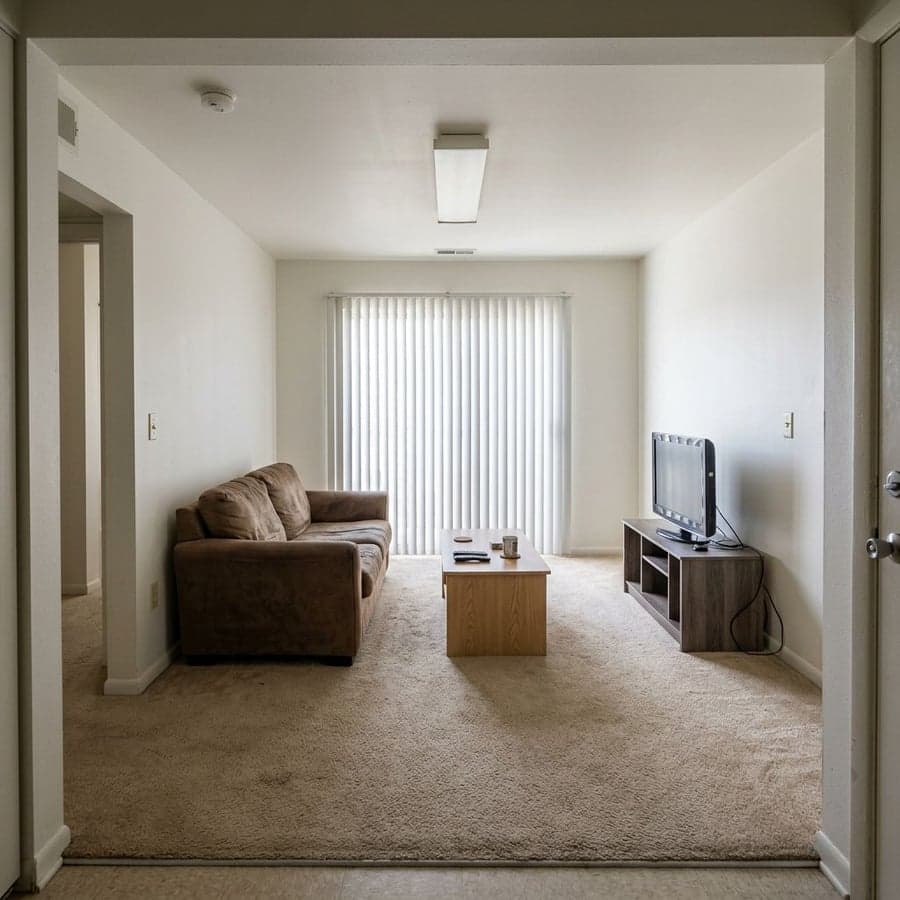
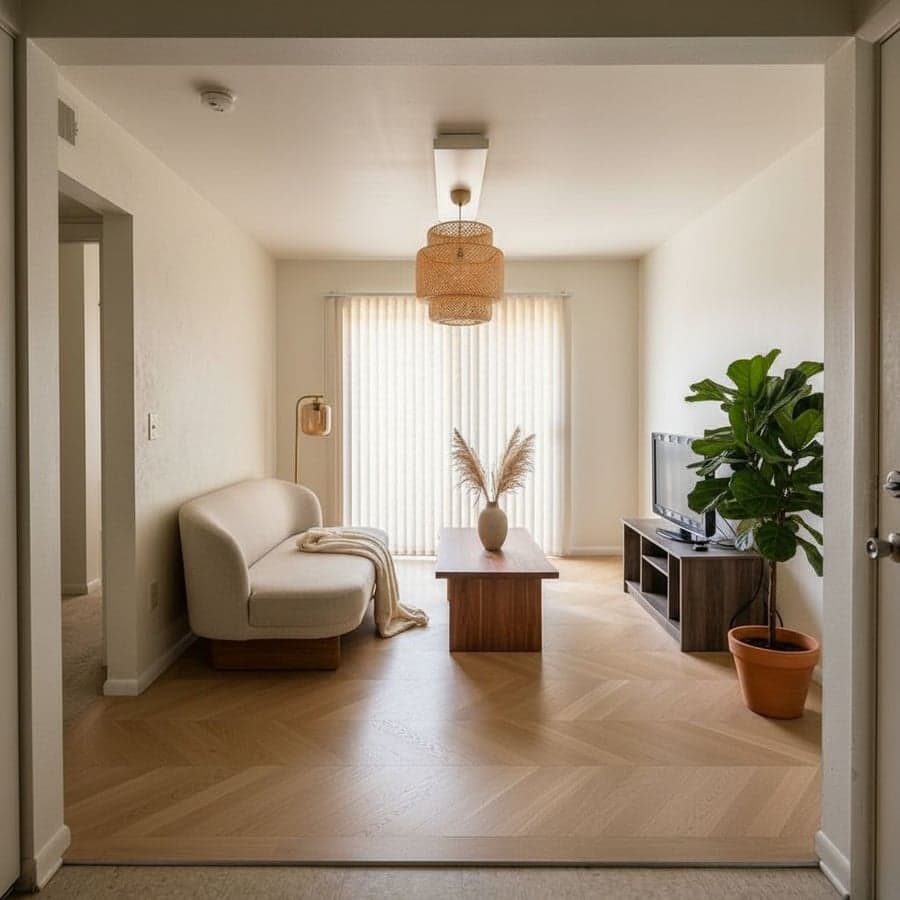
Test sofas, flooring, and whole moods before you commit to anything.

๐Ÿ›๏ธ

Bedrooms

See new bedding, headboards, and color palettes in your real light.

๐Ÿ’ป

Home offices

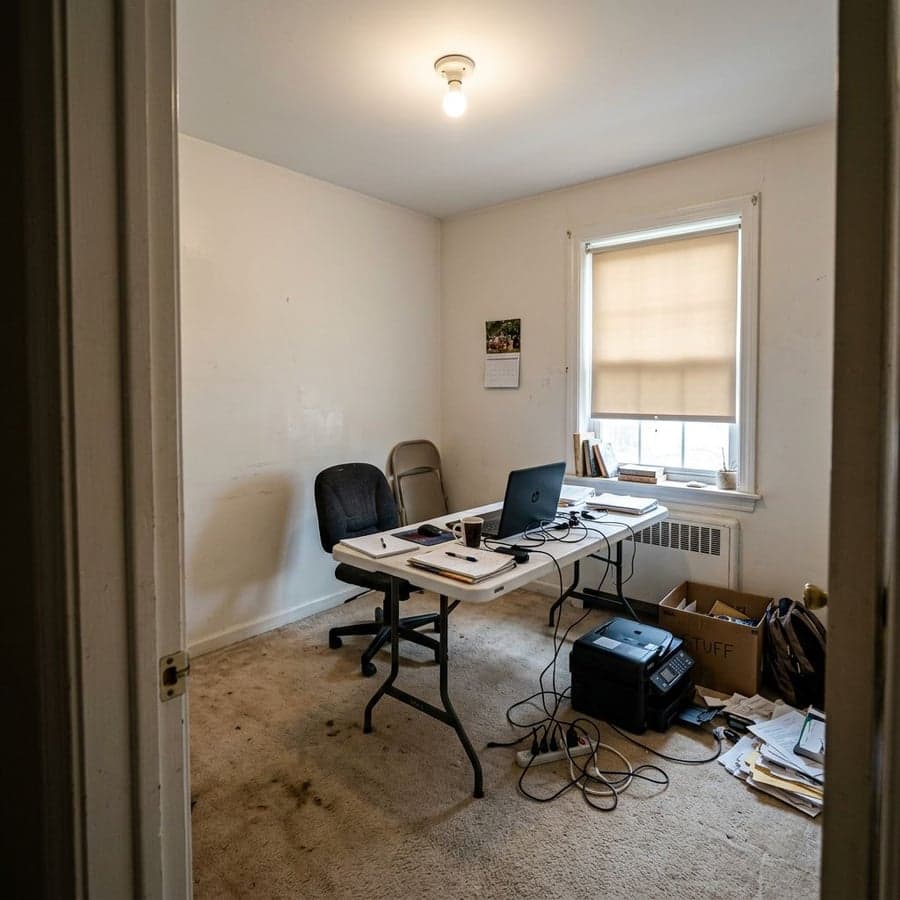
Plan a desk wall, shelving, or a calmer palette for focus.

๐Ÿข

Studios & small spaces

Make a compact apartment feel bigger, brighter, and intentional.

๐Ÿณ

Kitchens

Preview cabinet colors, countertops, and backsplash finishes.

๐Ÿ›

Bathrooms

Try tile, vanities, and fixture finishes without the demolition.

๐Ÿงธ

Kids' rooms & nurseries

Explore playful, calming, or grown-up-ready directions safely.

๐Ÿ”‘

Rentals

Reimagine a space you can't renovate - purely visual, no permanent changes.

Reimagine Any Space Free โ†’

2 free spaces ยท No account needed ยท Results in ~30 seconds

Two Ways to Transform

Go bold, or keep it realistic

Two render modes for two kinds of decisions. Most people explore with Makeover, then refine with Enhance.

๐ŸŽจ

Makeover Mode

Bold

Total creative freedom. The AI can change everything - furniture, flooring, even doors and windows - for a complete transformation. Perfect for exploring dramatic directions and seeing what's possible.

  • โ†’ Reinvents the whole room
  • โ†’ Explores dramatic style shifts
  • โ†’ Best for first-pass inspiration
๐ŸŒŸ

Enhance Mode

Realistic

Precise and grounded. It preserves your room's structure and makes targeted changes - repaint walls, swap a sofa, remove clutter, adjust lighting. Ideal when you want something achievable in real life.

  • โ†’ Keeps your room's structure
  • โ†’ Makes precise, realistic edits
  • โ†’ Best for plans you'll actually execute

Fine-Tune Everything

Adjust any detail, not just the whole room

Enhance Mode opens a full edit toolkit so you can change one thing at a time and get the space exactly right.

๐Ÿ–Œ๏ธ

Paint the walls

Preview any color rendered in your room's actual lighting - no guessing from a swatch.

๐Ÿ›‹๏ธ

Add furniture from a photo

Snap a sofa or wardrobe you like and the AI places it in your room at the right scale.

๐Ÿ—‘๏ธ

Remove objects

Erase clutter, an old shelf, or cable spaghetti - the AI fills in what was behind it.

๐ŸŒฟ

Add objects & plants

Drop in a fiddle-leaf, a rug, or art, placed where it actually fits the space.

๐ŸŽฏ

Recolor anything

Change one piece - the sofa, the cabinets, the trim - without touching the rest.

๐Ÿ’ก

Adjust lighting

Add a pendant or shift to evening, and the room re-renders with the new light.

30+ Curated Styles

Start from a style - or invent your own

Tap a preset to apply it instantly, or use the Style Builder and custom prompts to design something no preset can.

Browse All Styles โ†’

Transparent Pricing

Free to start, simple to upgrade

Pro is a one-time unlock - no subscription trap, no auto-renew.

Start here

Free

$0forever
  • Spaces2
  • Renders2
  • Edits1
  • WatermarkNone
  • Credit cardNot required
โญ Quick project

24-Hour Pro

$3.99one-time
  • SpacesUnlimited
  • RendersUnlimited
  • EditsFull toolkit
  • Export4K
  • Auto-renewNever
Whole home

Monthly Pro

$14.99one-time
  • SpacesUnlimited
  • RendersUnlimited
  • EditsFull toolkit
  • Export4K
  • Auto-renewNever

Start with 2 free spaces - no credit card, no timer.

Try Free - No Card Needed โ†’

FAQ

Frequently asked questions

From how realistic the results are to what it costs after the free tier.

What does it mean to reimagine your space with AI?โ–พ
It means uploading a photo of your actual room and seeing it redesigned in a new style - not a generic template, but your real walls, windows, and layout with a fresh look applied. The AI reads your space's geometry and lighting, then renders a photorealistic version in about 30 seconds. You can explore different styles until one feels right.
How do I reimagine my space?โ–พ
Upload a photo of any room, then choose a style from 30+ presets, describe what you want in plain English, or build a custom look with the Style Builder. The AI renders a redesigned version of your actual space in about 30 seconds, and you can refine it with the edit tools or download it straight away.
Is it free to reimagine my space?โ–พ
Yes. The free plan lets you reimagine 2 spaces with 2 renders and 1 edit - watermark-free, no credit card required. If you want unlimited spaces, renders, and 4K export, Pro is a one-time unlock: $3.99 for 24 hours or $14.99 for a month.
What kinds of spaces can I reimagine?โ–พ
Any indoor space: living rooms, bedrooms, kitchens, bathrooms, home offices, studio apartments, kids' rooms, nurseries, dining rooms, hallways, and more. The AI adapts to furnished or empty rooms, small spaces and large ones, reading each room's specific geometry from your photo.
What's the difference between Makeover and Enhance mode?โ–พ
Makeover Mode gives the AI creative freedom for a total transformation - it can change everything, including flooring, furniture, and even doors and windows. Enhance Mode is more conservative and realistic: it preserves your room's structure and makes precise changes like repainting walls, swapping a sofa, removing objects, or adjusting lighting. Most people explore with Makeover, then refine with Enhance.
Can I describe my own style instead of using presets?โ–พ
Yes. Alongside 30+ presets, you can type a description in plain English - like 'sun-filled bohemian sanctuary with natural textures' - and the AI renders it. The Style Builder goes further, letting you choose specific elements piece by piece to create a custom look that's entirely your own.
How realistic are the results?โ–พ
Very realistic, because the AI works from your actual photo rather than a stock room. It preserves your space's true proportions, window positions, and lighting, then applies the new design onto that structure. The result looks like a photo of your room after a redesign, so it's detailed enough to brief a contractor or get a partner on board.
Can I reimagine a rented space without renovating?โ–พ
Yes. Reimagining your space is purely visual, so it's ideal for renters who can't make permanent changes. Use it to test furniture, textiles, paint colors, and layouts before you buy anything - you'll know what actually works in your space without touching a wall.
Can I reimagine more than one space at a time?โ–พ
Yes. You can reimagine room after room in a single session and compare results side by side. You can also upload multiple angles of the same space and redesign them together, so a whole room stays consistent across every view.
Can I find and buy the furniture I see in a render?โ–พ
Yes. Decoratly has a built-in Google Shopping integration - tap a piece in your reimagined space and it finds visually similar real products at multiple price points, with links to retailers. The renders are AI; the products you click through to are real.
Can I share or download my reimagined space?โ–พ
Yes. Every render downloads as a full-resolution, watermark-free image on all plans, including the free tier. You can save designs to favorites and share them with family, friends, a contractor, or a designer to communicate your vision clearly.
How much does Decoratly cost?โ–พ
Starting is free - 2 spaces, 2 renders, and 1 edit with no credit card. Pro is a one-time unlock with no subscription trap: $3.99 for 24 hours or $14.99 for a month, each with unlimited spaces, unlimited renders, the full edit toolkit, and 4K export.

Ready to see your space reimagined?

2 free spaces ยท No credit card ยท Download in 30 seconds

Reimagine My Space โ†’
Editorial

Why reimagining your space changed in 2026

By Kamil Uhryn ยท Updated June 2026 ยท 4 min read

For a long time, "reimagining" a room meant imagining it - squinting at a paint chip, scrolling Pinterest, hoping the sofa you ordered would actually fit the feeling you had in your head. The gap between idea and reality was where most projects stalled.

What changed is that the AI now works from your real photo, not a stock room. It keeps your actual proportions, your windows, your light - and renders the new look onto that. You're not looking at someone else's beautiful living room anymore. You're looking at yours, reimagined.

From one button to real creative control

The first wave of AI room tools gave you a single button: upload, render, done. Useful, but shallow. The interesting shift is control - being able to describe a look in your own words, build one element by element, or talk to an AI designer about your specific room. That's the difference between a novelty and a tool you actually design with.

"The moment you see your own room in a style you weren't sure about, the decision gets easy. You stop guessing."

- Decoratly team, 2026

It works because it's low-stakes

The real value isn't the render - it's the freedom to be wrong cheaply. Try the bold direction. Try the safe one. Repaint the walls five times. None of it costs anything but a few seconds, so you explore further than you ever would with physical samples. By the time you spend real money, you've already seen it.

How to get the most out of it

Shoot a wide photo that captures the corners, floor, and ceiling edge. Start in Makeover Mode to find a direction you love, then switch to Enhance Mode to make it realistic and achievable. Use the edit tools to nudge the details - a different wall color, the right sofa, better lighting. The free tier gives you two spaces to experiment with before you commit to anything.

2 free spaces, full resolution, watermark-free download. No account required to start.

Reimagine My Space Free โ†’
Ready to see it?

Stop imagining your space.
Start seeing it.

Upload one photo. Reimagine your room in about 30 seconds - pick a style, describe your own, or build it from scratch.

Reimagine My Space Free โ†’

โœจ 2 free spaces ยท No credit card ยท Watermark-free downloads