
See your room redesigned before you move a single thing.
Upload one photo. Pick a style. Decoratly's room AI returns a photorealistic render of your actual space in about 30 seconds. Same walls. Same light. Completely different look.
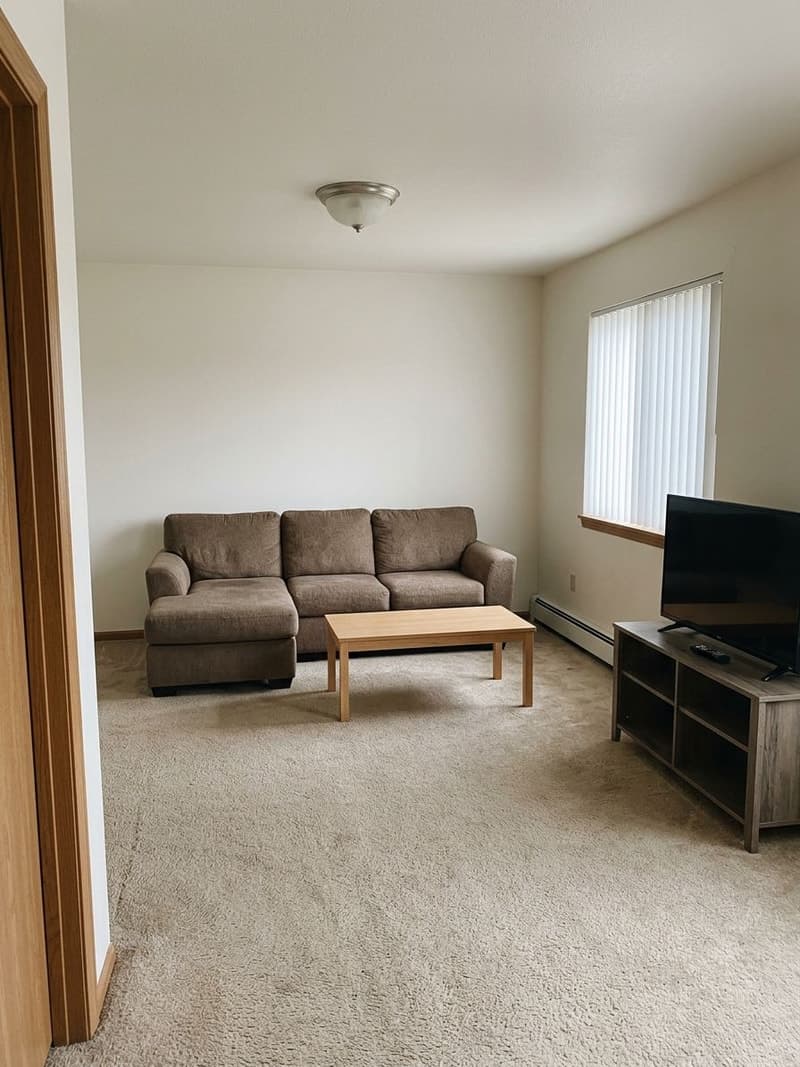
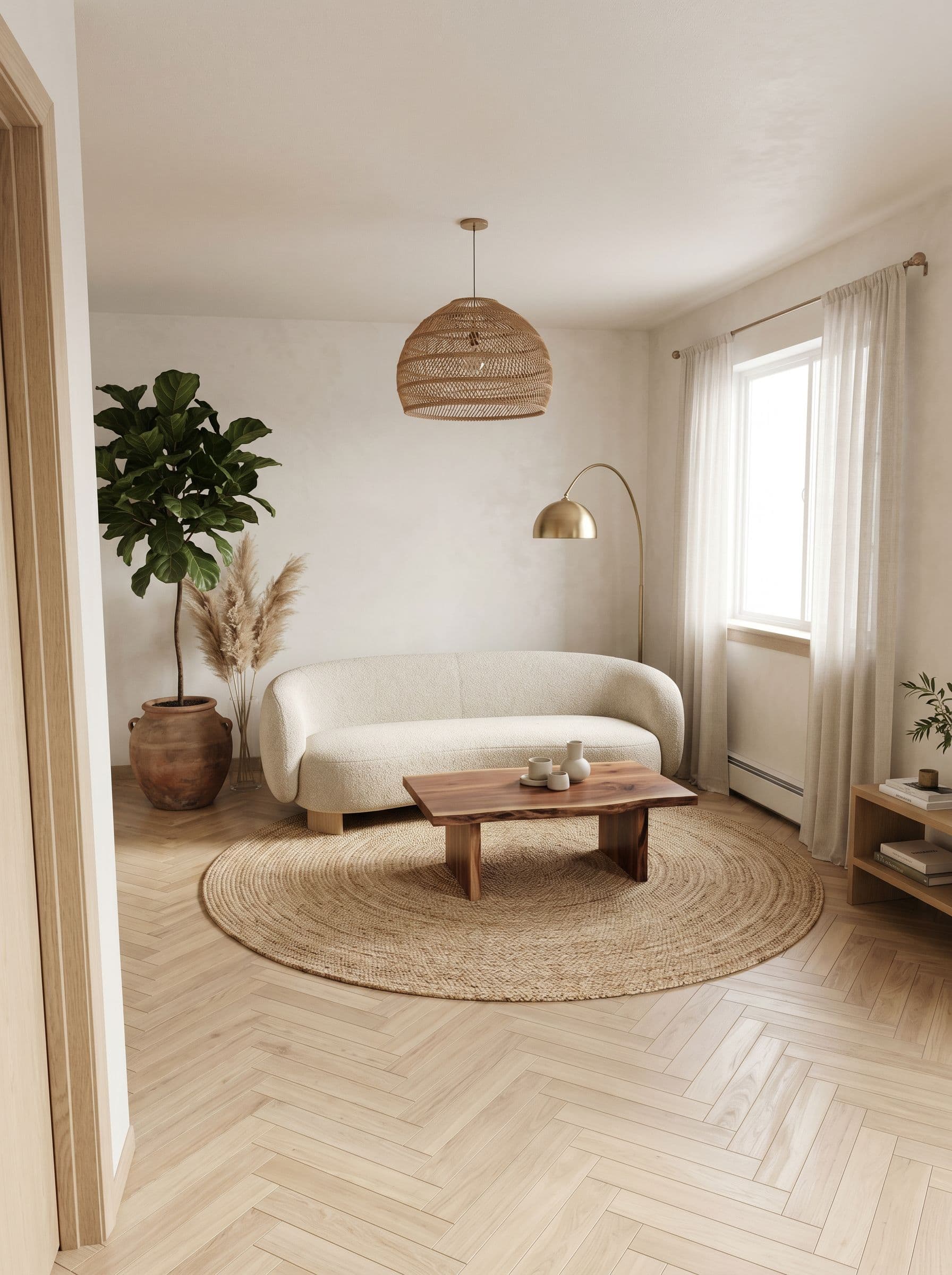
Living room. Kitchen. Bedroom. Bathroom.Room AI works on all of them.
Upload any indoor photo. The AI reads the proportions, light, and geometry of that specific room and renders the new design in context. Not a generic render. Your room, redesigned.
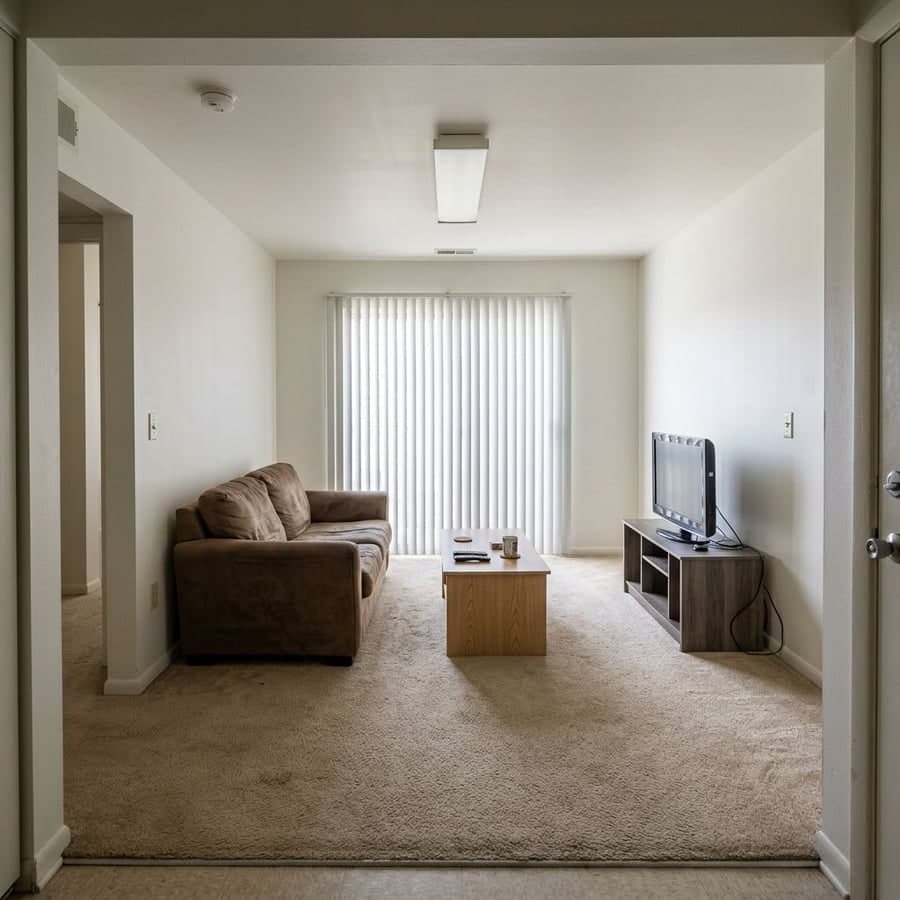
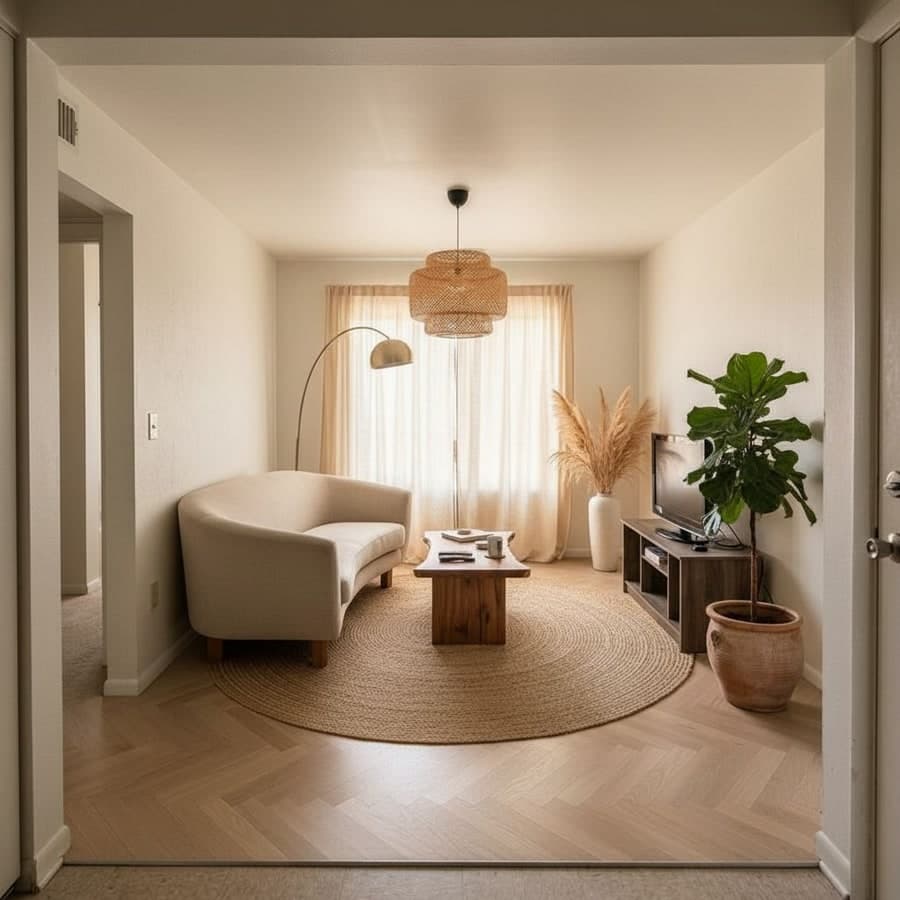
Living Room
Warm Japandi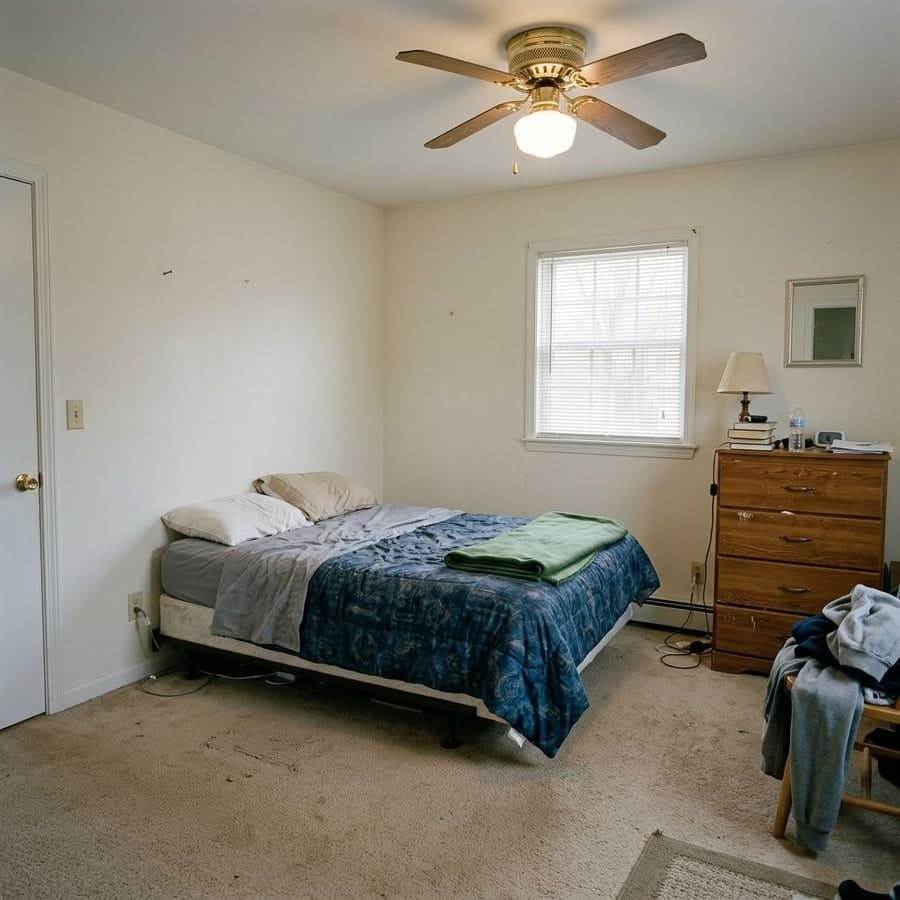
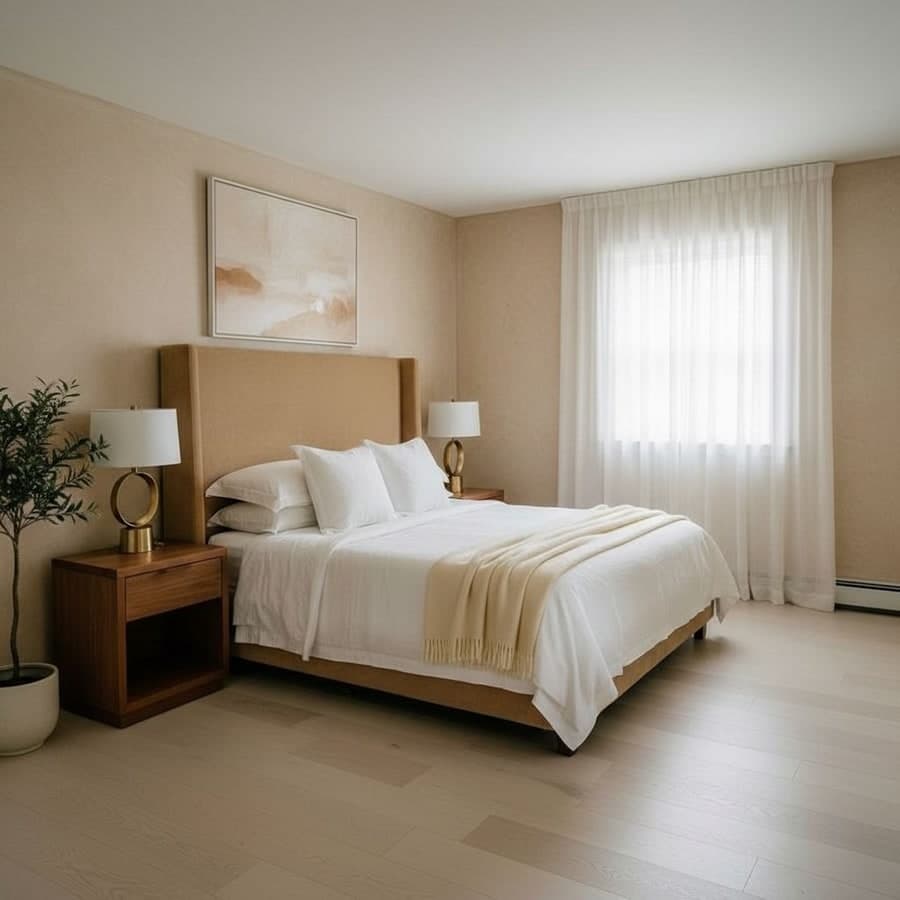
Bedroom
Quiet Luxury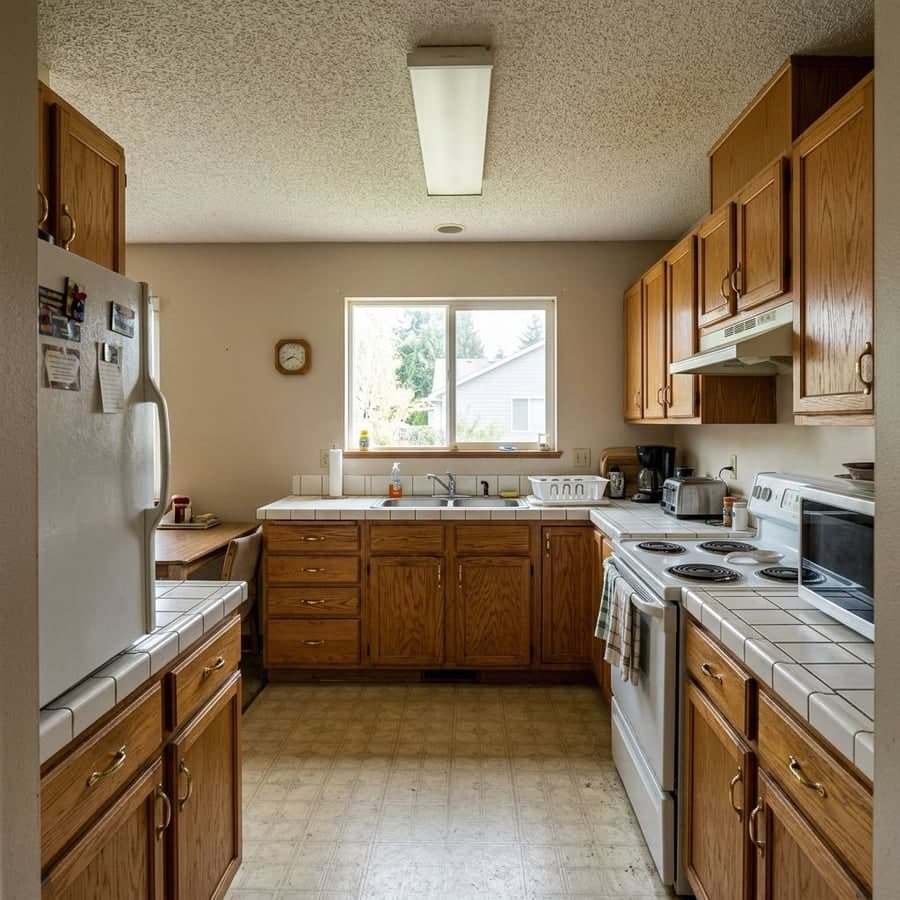
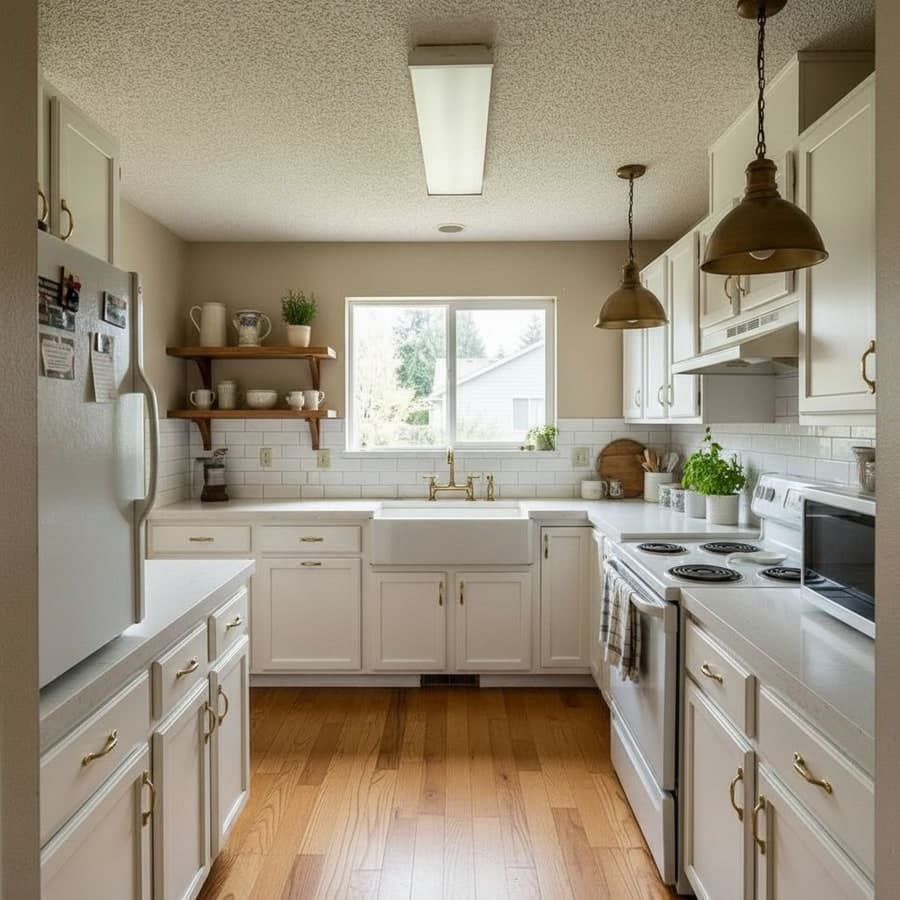
Kitchen
Modern Farmhouse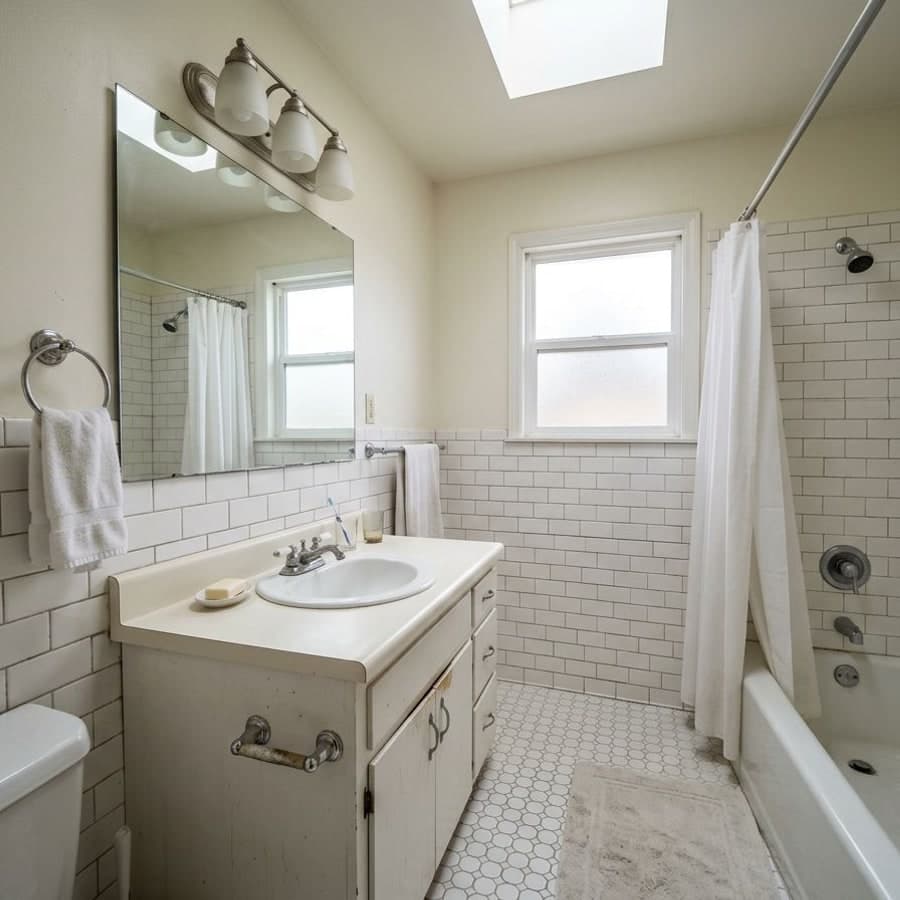
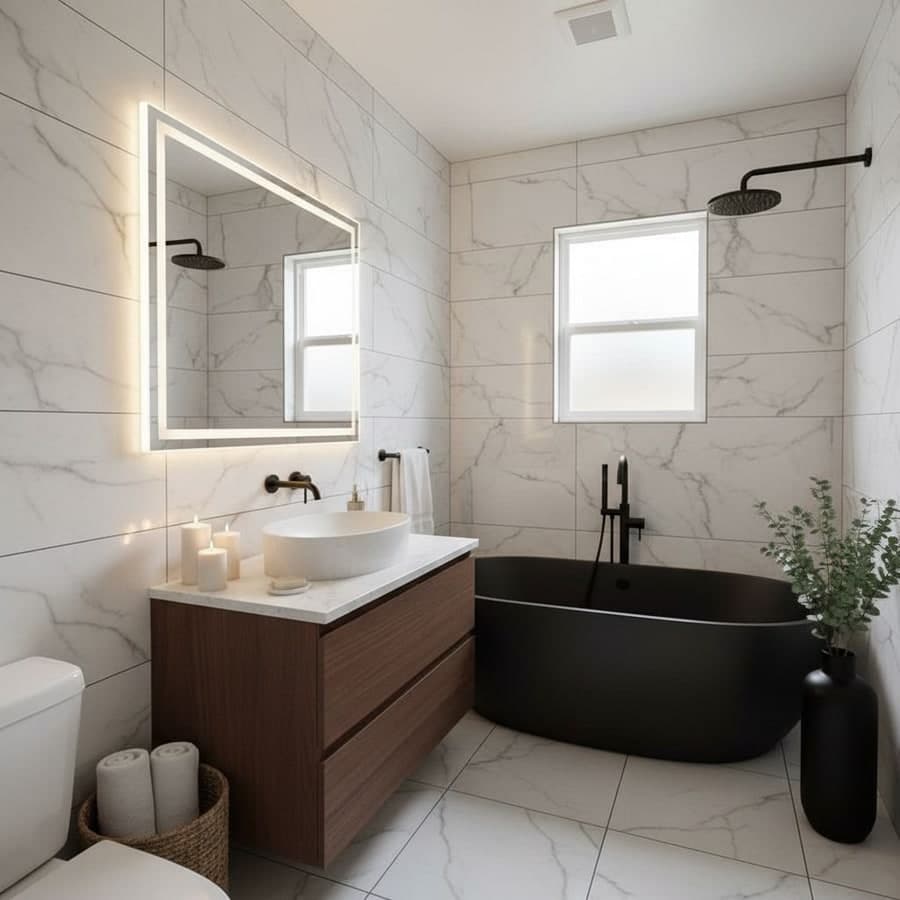
Bathroom
Spa Luxe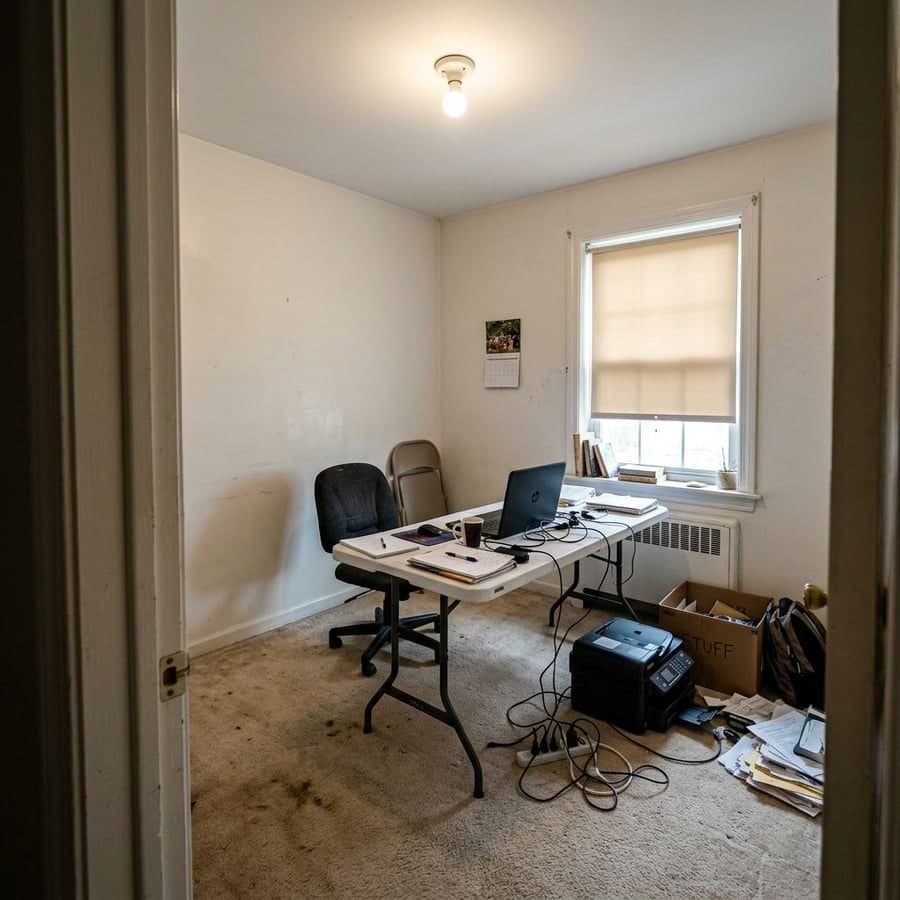
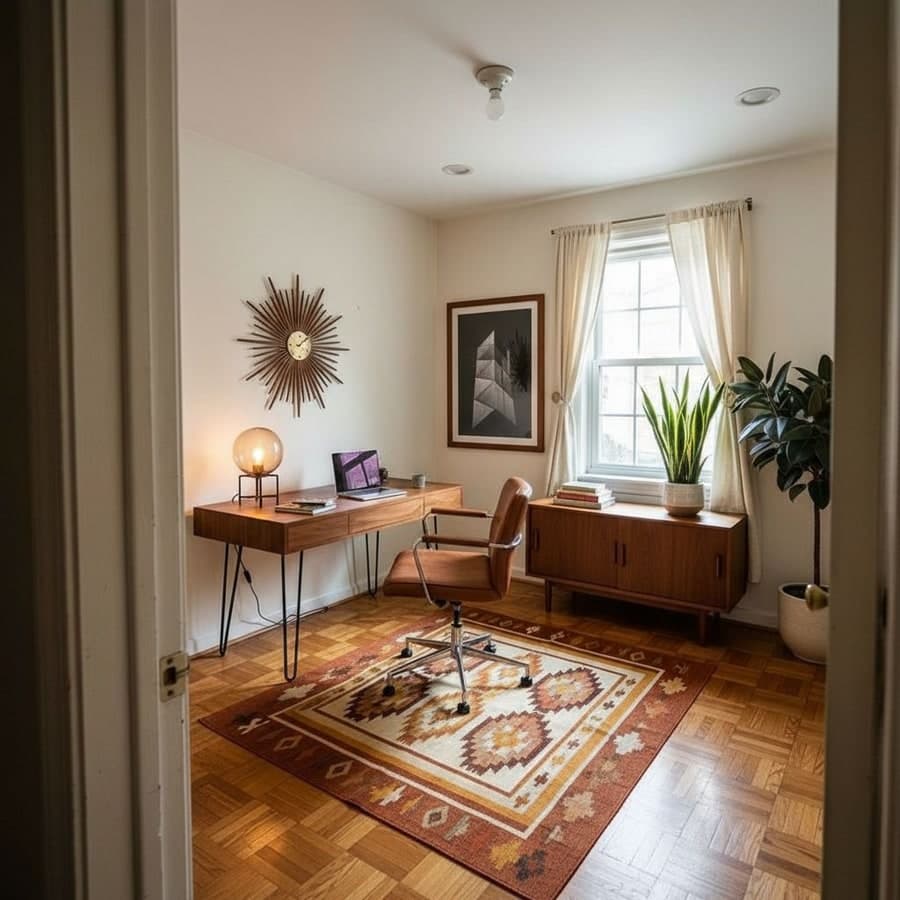
Home Office
Mid-Century Modern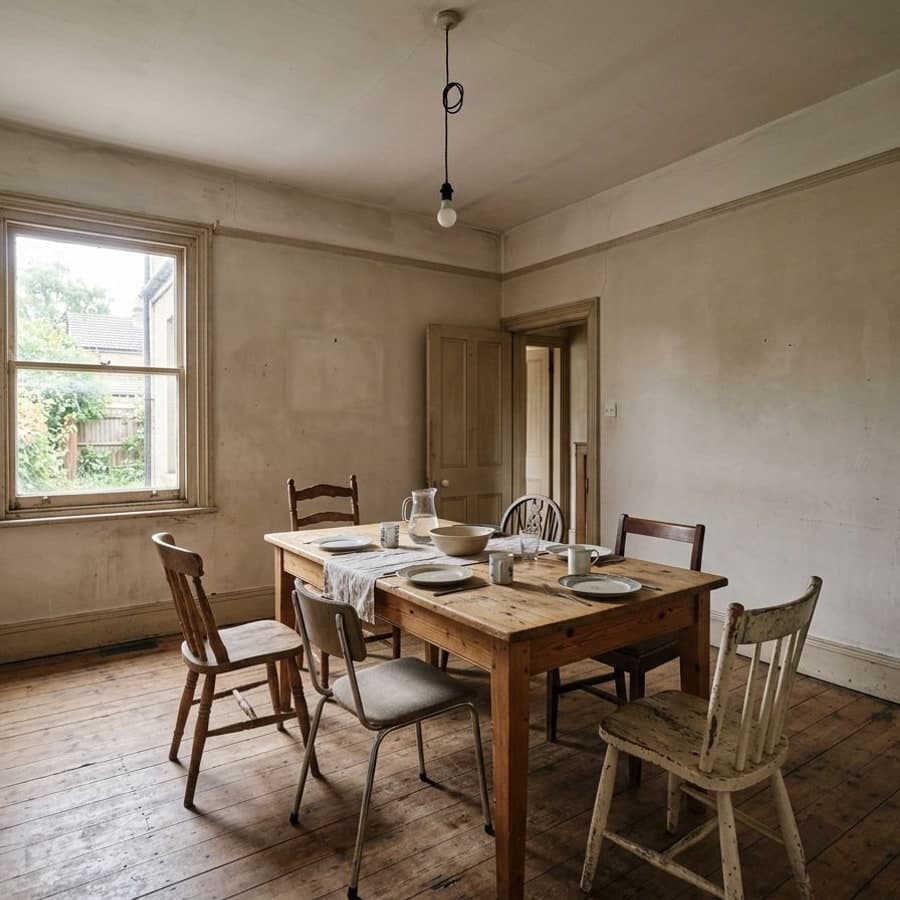
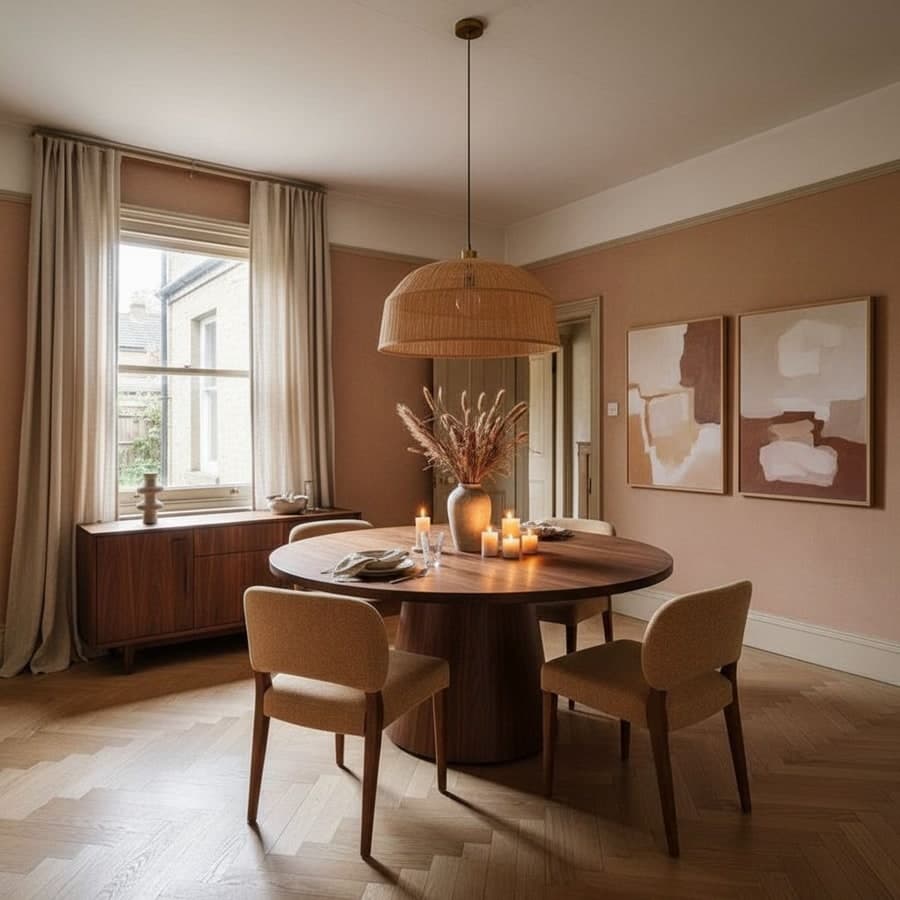
Dining Room
ContemporaryEvery result above was generated from a single photo. No staging. No Photoshop.
From photo to render. In about a minute.
No design background needed. No complex settings. Just a photo and a style choice.
Take a photo of your room
Any phone camera works. Stand in the doorway or at a corner. The clearer the shot, the better the render. The AI reads your actual geometry and light from the image.
Pick a style or describe your vision
Choose from 75+ curated styles, write a custom prompt in plain English, or use the Style Builder to mix era, palette and materials. The AI is flexible.
Get a photorealistic redesign
About 30 seconds later, your room looks completely different. Save it, iterate on it, edit specific pieces, or shop the furniture you see in the render.
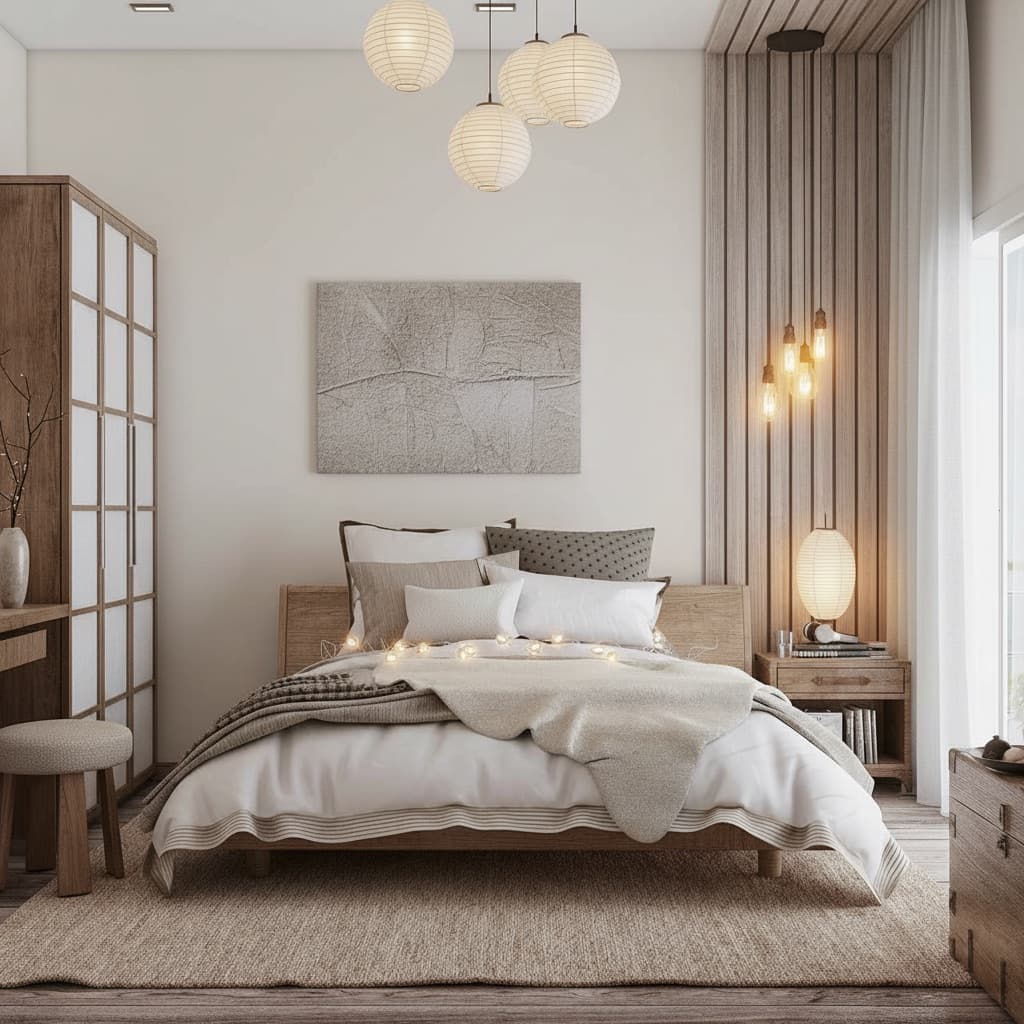
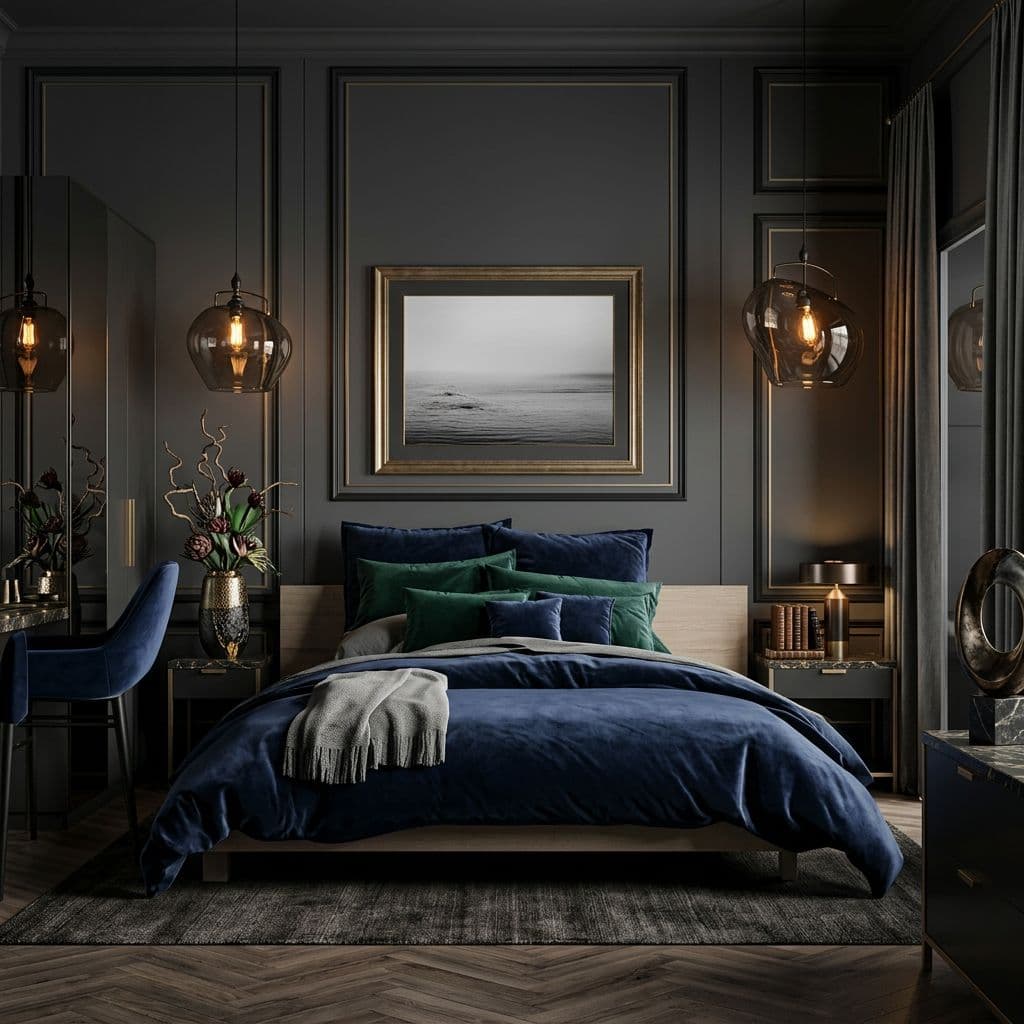
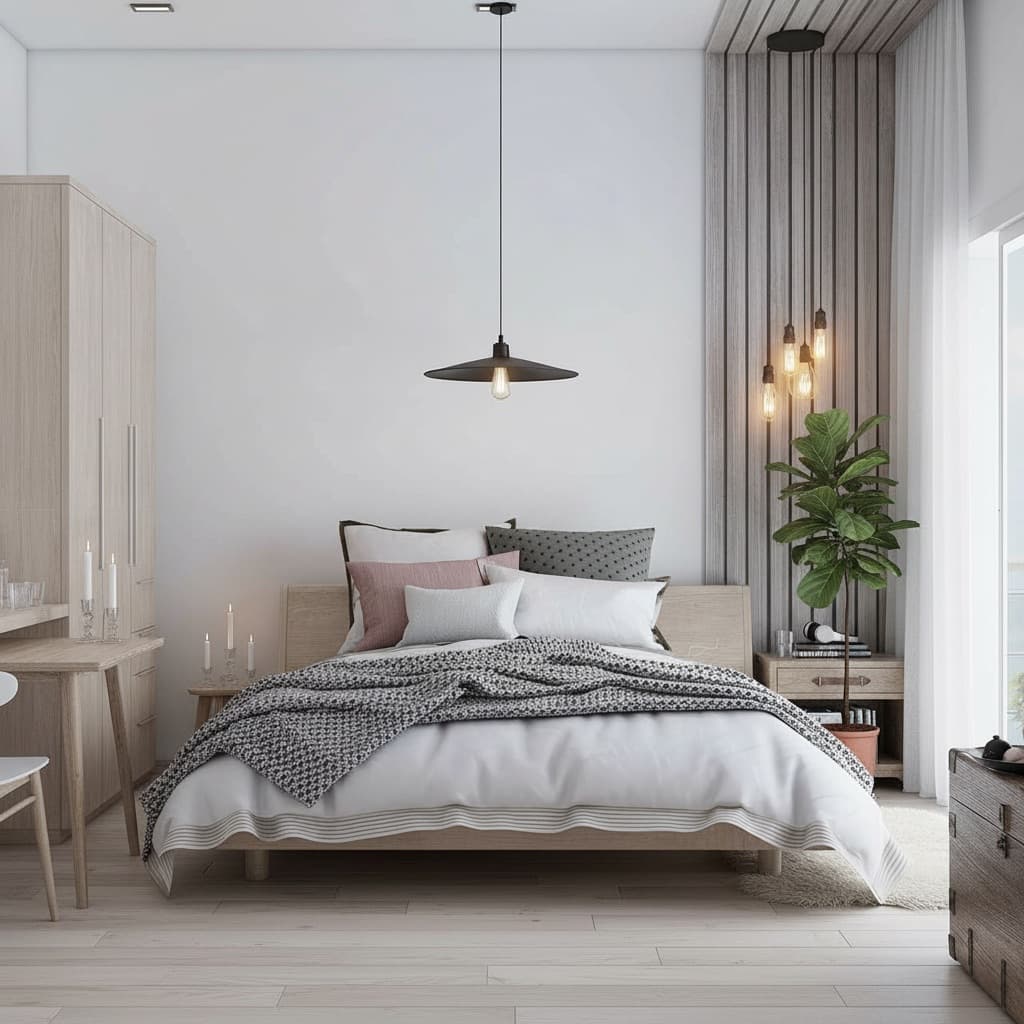
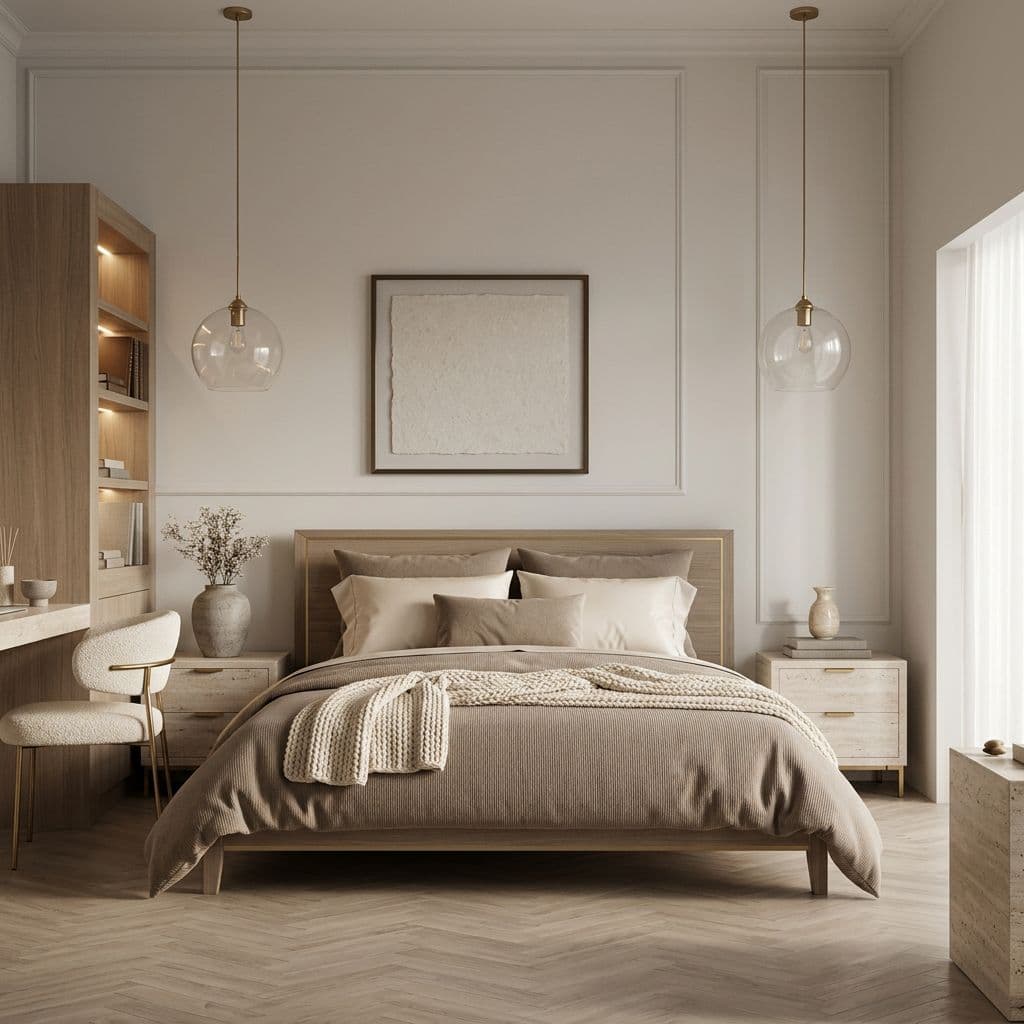
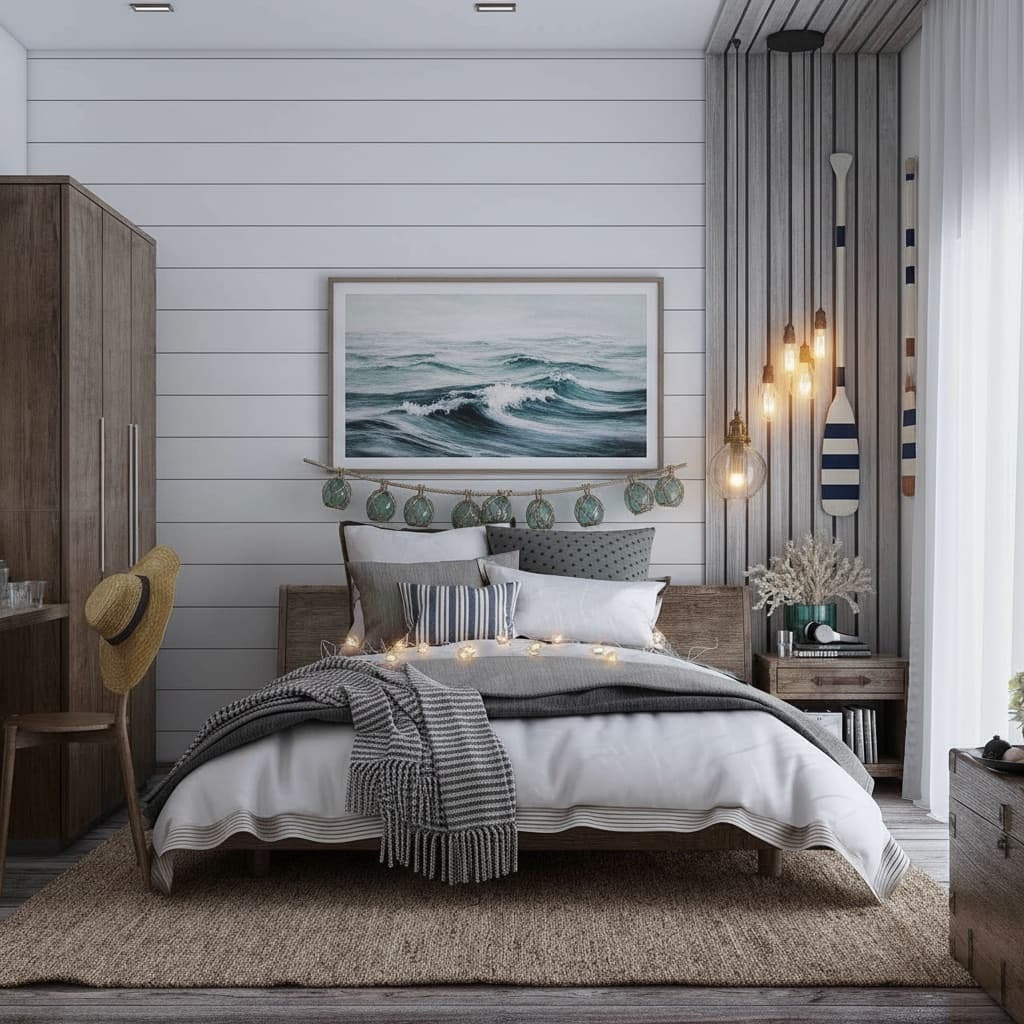
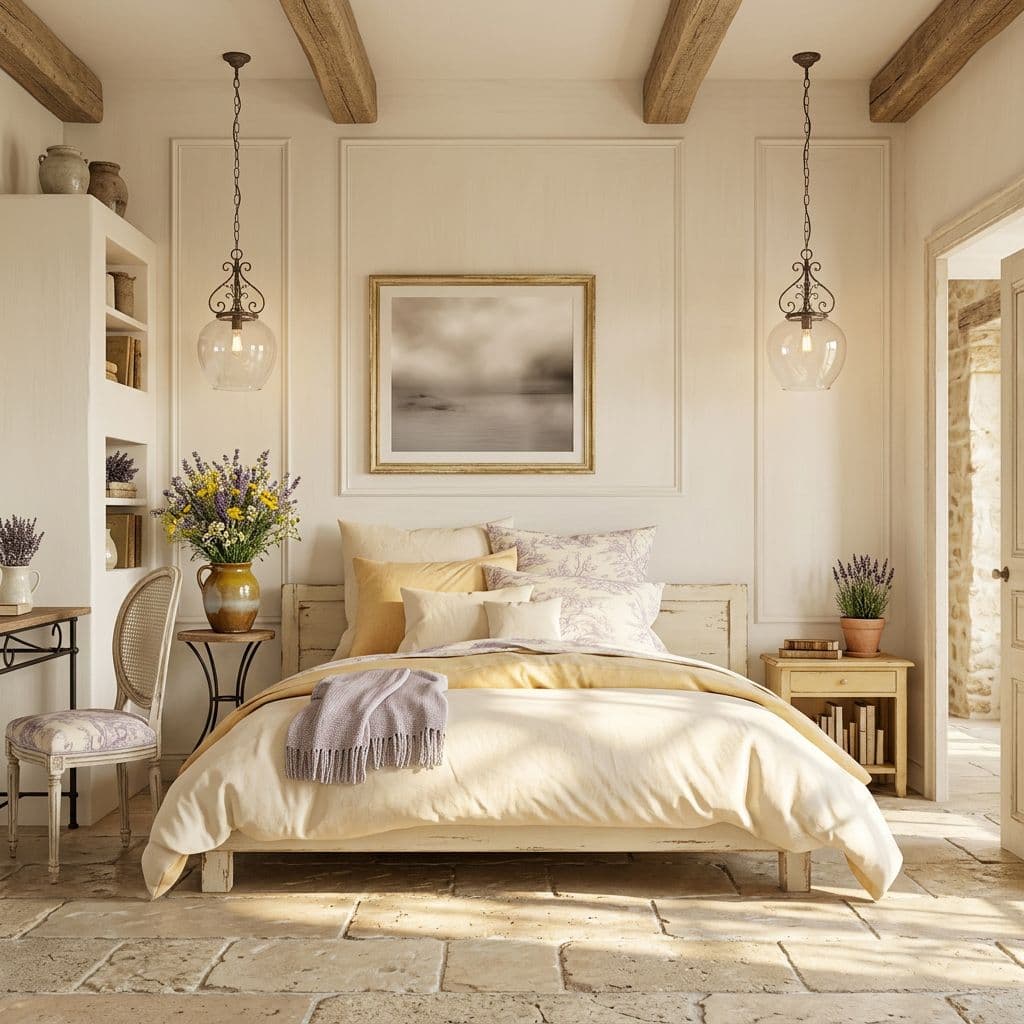
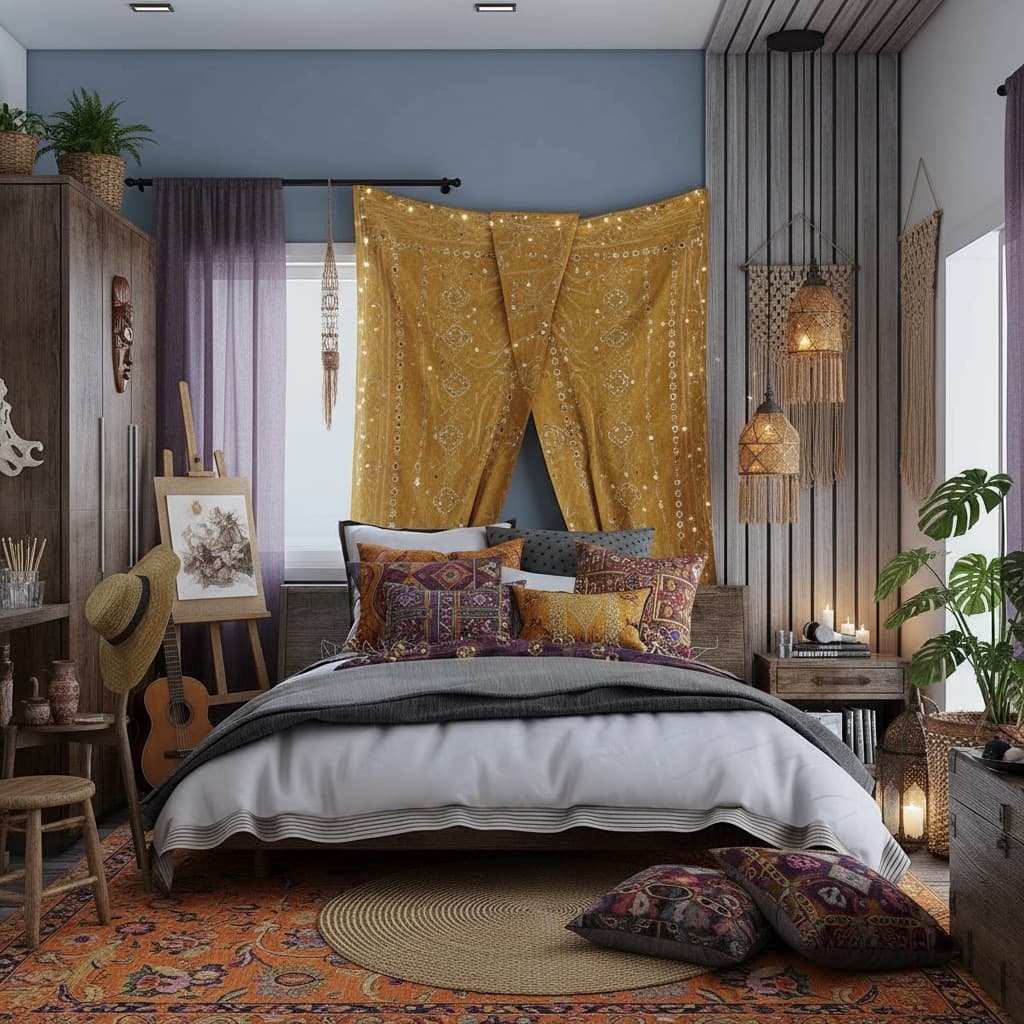
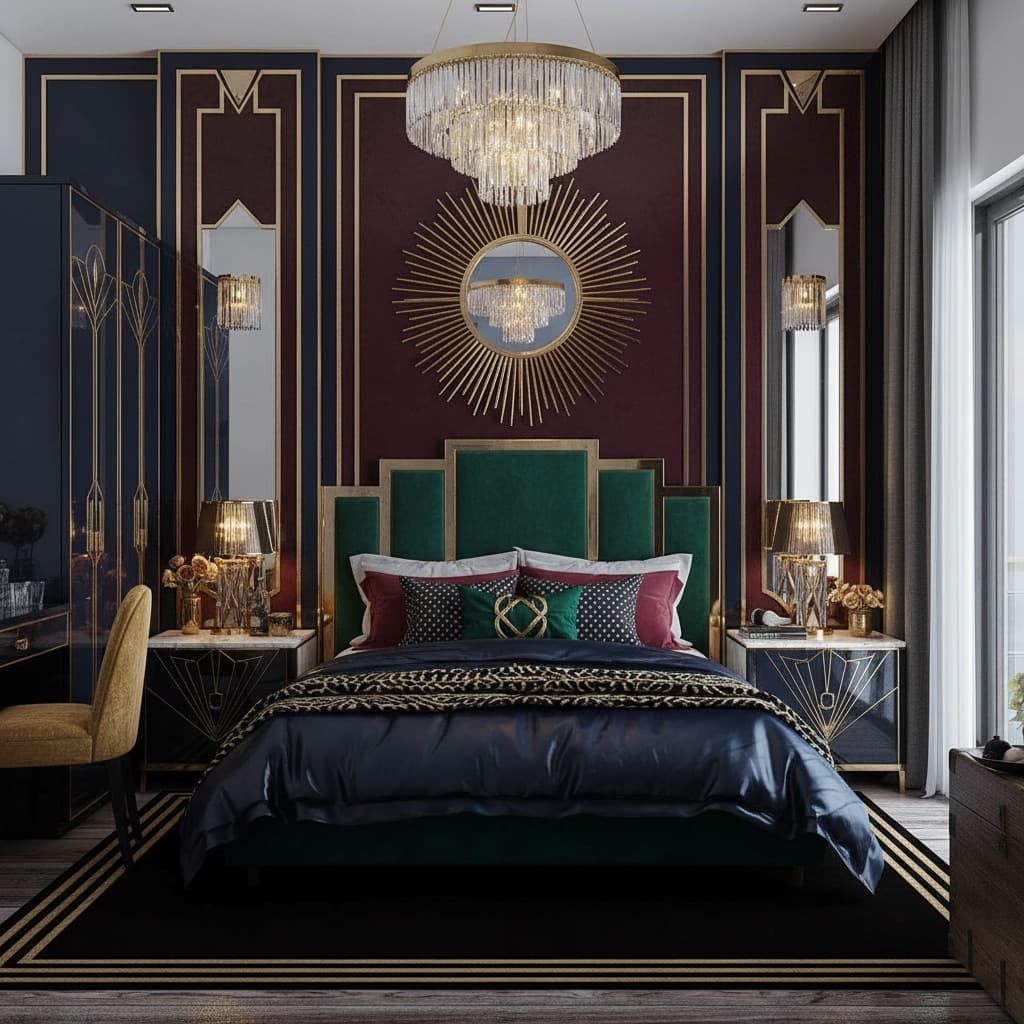
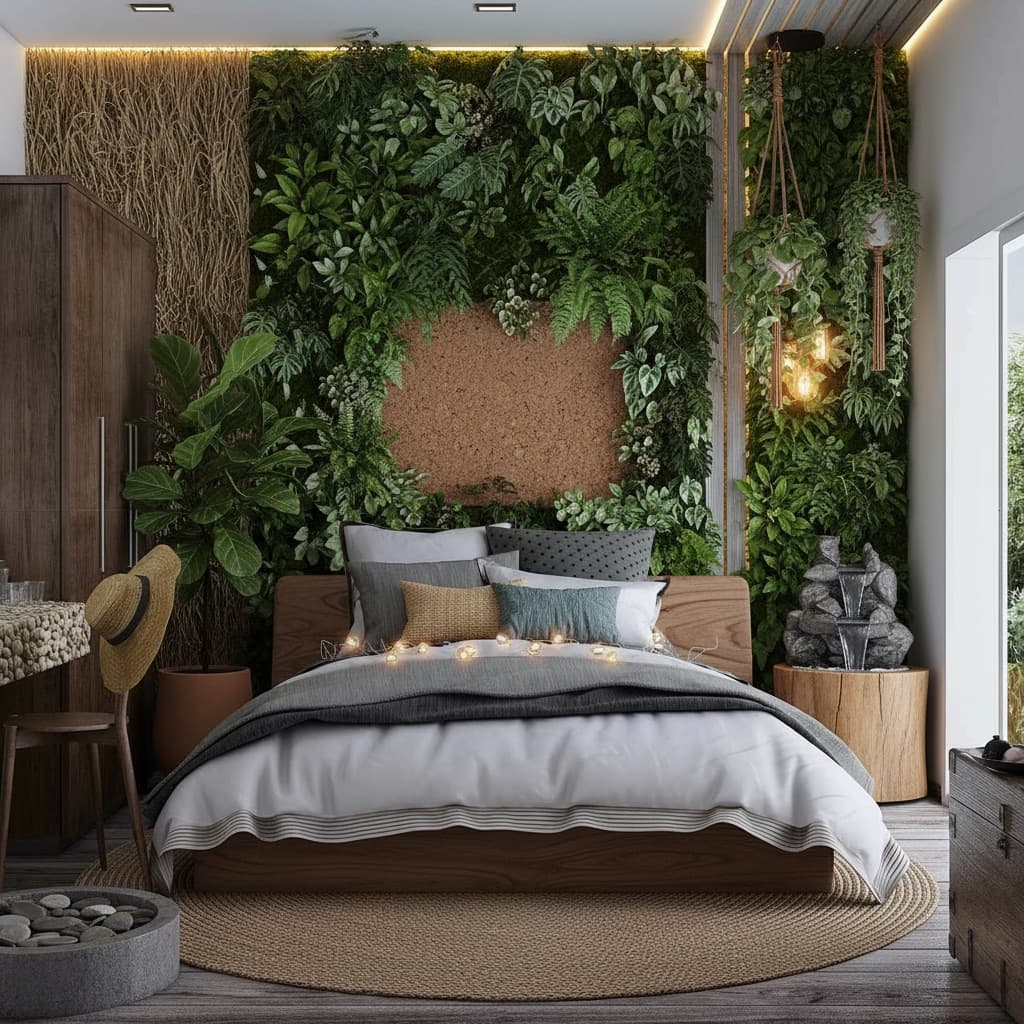
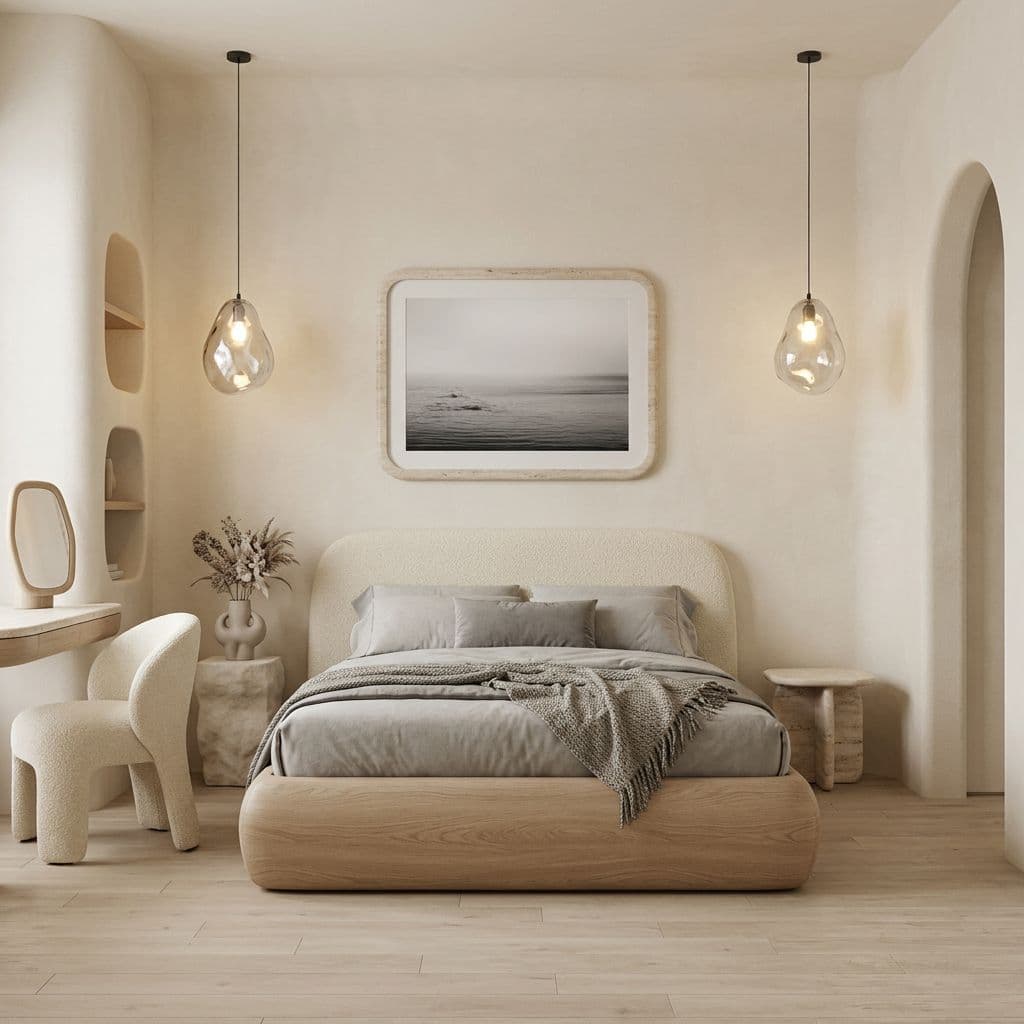
Your room has a style you haven't seen yet.
Most people discover their real taste by seeing their own room in different styles. That's what the style library is for. Thirty professionally curated looks, plus tools to build something completely your own.
Like the direction. Hate the sofa. Just change the sofa.
Once you have a render, you can edit it as precisely as you want. Swap one piece, repaint one wall, add a plant. Every change keeps the rest of the room exactly as it is.
Swap furniture
Drop in a photo of a piece you like. The AI places it in your room at the right scale and light.
Repaint any wall
Preview exact paint colors rendered in your room's real lighting. No more guessing from a swatch.
Remove objects
Erase anything that shouldn't be there. The AI fills in what's behind it.
Change the lighting
Add a pendant, shift to evening mood, try different fixtures. The room re-renders with the new light.
Add plants and objects
Drop in a fiddle-leaf, a rug, a piece of art. AI places it where it actually fits.
Clone a Pinterest room
Drop in any inspiration image. The AI extracts its palette and mood, then applies it to your room.
What happened after they tried room AI.
"I showed my husband the Japandi render and he said let's actually do this. We did. The room looks exactly like the AI showed."

"I use Decoratly before every client meeting. I can show three full room directions in the time it used to take me to build one moodboard."

"Uploaded a photo of my rental living room on Sunday night. By Monday I knew exactly which rug, which sofa, which paint. Ordered everything by Tuesday."

Joined by 25,000+ homeowners, designers and realtors
Try it on your room — freeNot a replacement for designers. A better way to start.
Room AI handles the part most people struggle with: figuring out what they actually want before spending money. Designers still win on execution.
AI
Designer
Many professional designers use Decoratly in the exploration phase with clients — before the real work begins.
Start free. Upgrade when you want unlimited.
Try it with 2 free AI designs, no card needed. Then $12.99/month unlocks unlimited rooms and renders. Cancel anytime.
- ✓2 free AI designs
- ✓1 precision edit
- ✓All 75+ styles
- ✓AI chat designer
- ✓Google Shopping integration
- ✓Unlimited rooms and renders
- ✓All 75+ styles + Style Builder
- ✓Full precision Edit toolkit
- ✓AI chat designer
- ✓Clone Design + Batch processing
- ✓4K export
Questions about room AI — answered honestly.
Does room AI work on any type of room?
What kind of photo do I need?
Will the AI change my room's shape and layout?
Can I describe a style that isn't in the presets?
How does the free version work exactly?
How is Decoratly different from other room AI tools?
What room AI actually is and when it's worth your time.
The short version
Room AI tools take a photograph of a real room and use a generative model to render that room in a new visual style. The model reads your room's specific geometry, proportions, and light from the photo, then produces a new image that shows the same space with different furniture, finishes, walls, or layout. The result looks like your room, because it is. Not a showroom. Not a stock photo. Yours.
✅ Where room AI genuinely helps
- →Deciding on a direction before spending on furniture
- →Showing a partner or contractor exactly what you mean
- →Testing paint colors in real room lighting
- →Exploring styles you'd never have considered
- →Staging a listing without a photography crew
🙋 What it can't replace
- →Structural decisions (walls, plumbing, load bearing)
- →On-site project management
- →Trade-only supplier sourcing
- →Complex renovation coordination
- →Anything requiring a site visit
Tips for getting great results
Room AI by room type — more specific guides
If you're working on a specific room, these pages go deeper on style choices, common mistakes, and before/after examples.
Your room is one photo away from looking completely different.
Free to try. No credit card. Two full renders and an edit — enough to see exactly what room AI does with your space.
✨ 2 free renders · No credit card · No watermark