decoratly logo
AI Interior DesignBy Kamil UhrynUpdated June 20267 min read

Decorate a room with an app - no download required

Decoratly runs entirely in your browser - there's no app to find in a store, install, or update. Upload a photo of your room, pick a style, and see it redecorated in about 30 seconds, from your phone or your computer.

โœ“ No downloadโœ“ 2 rooms freeโœ“ Works on any deviceโœ“ Results in ~30s
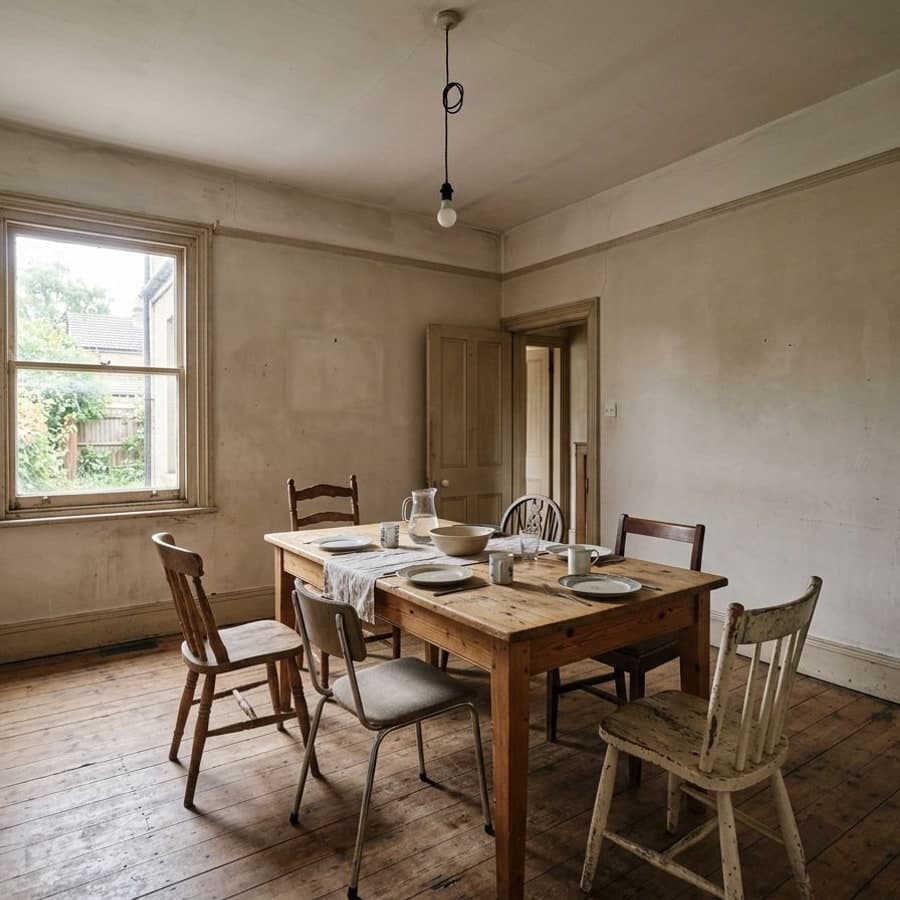
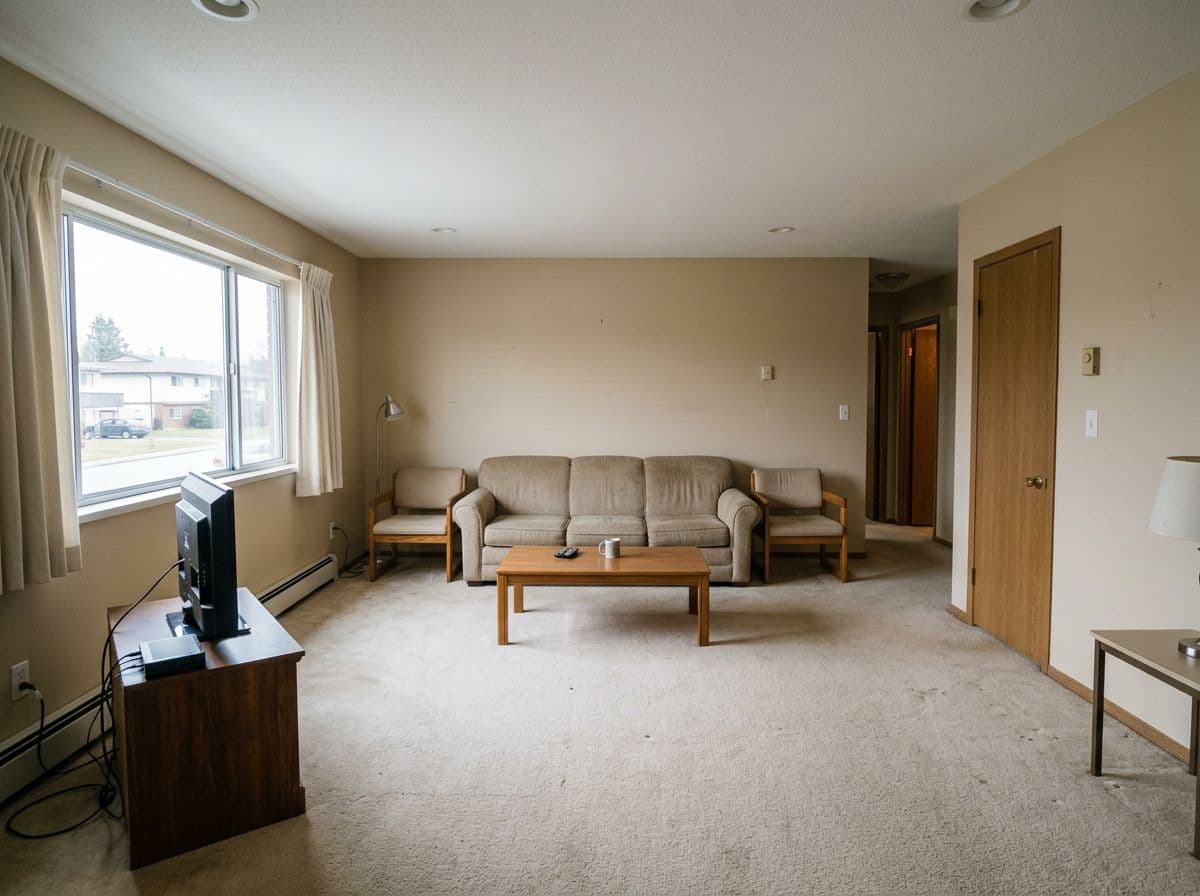
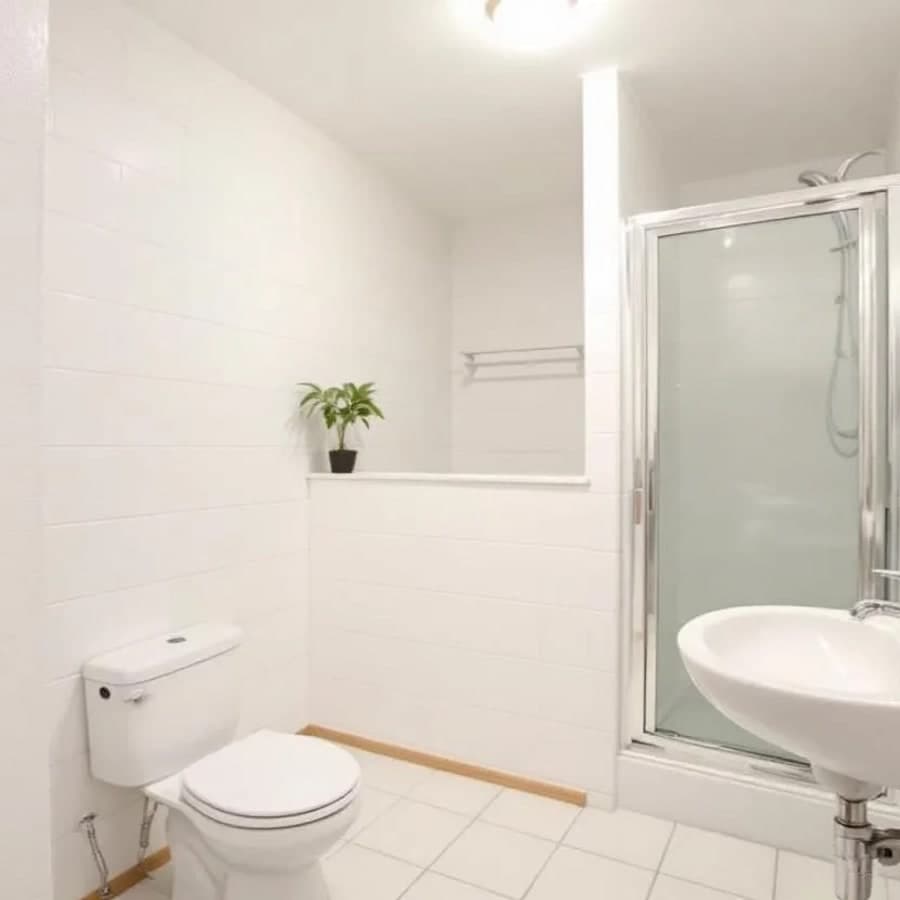
Bathroom before AI decorating
BEFORE
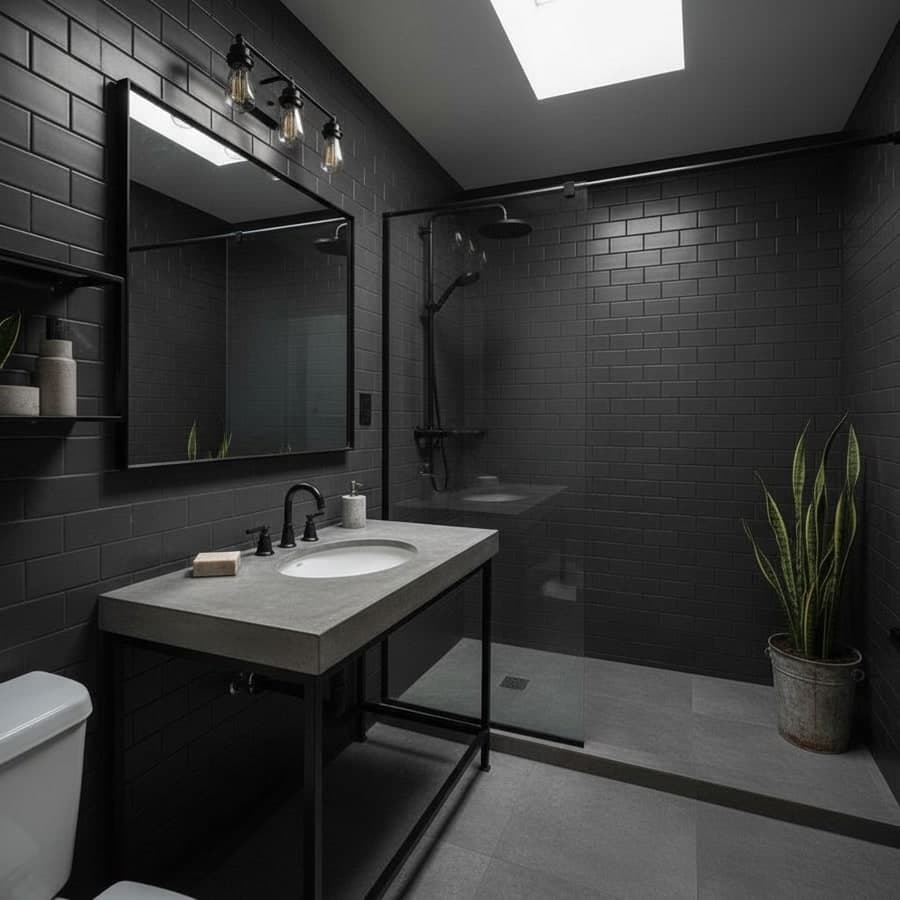
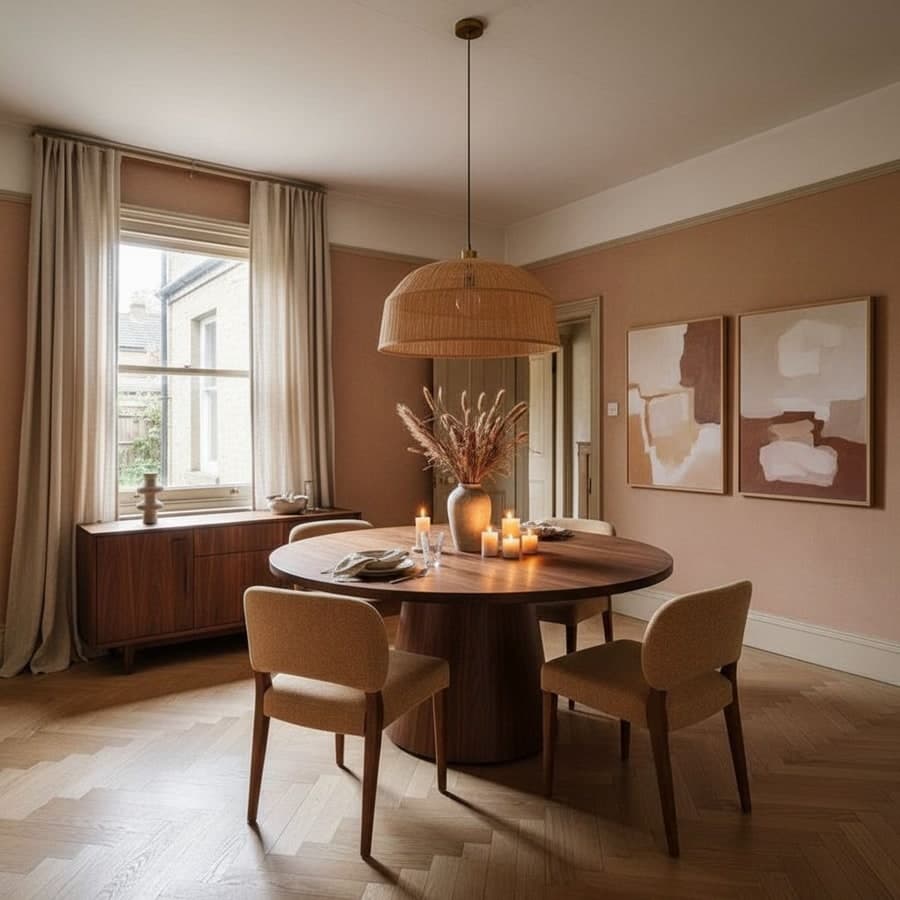
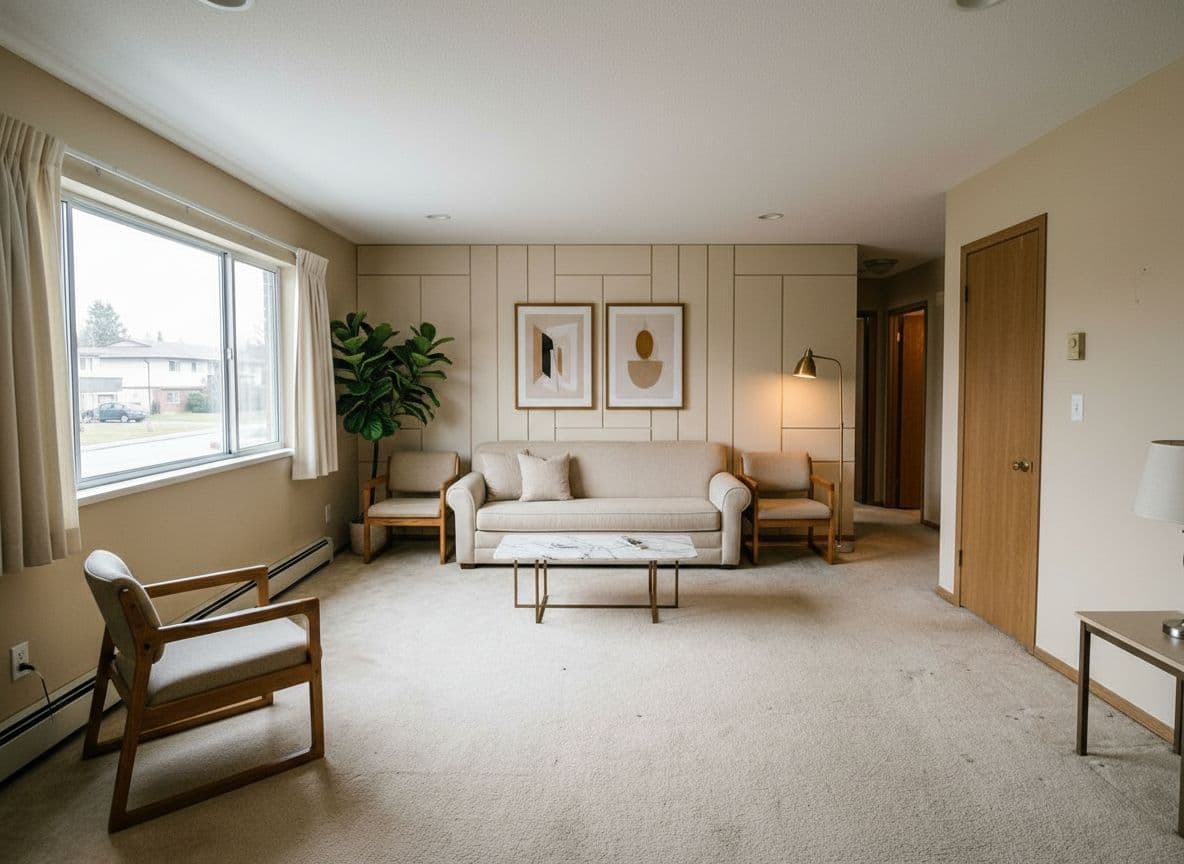
Bathroom decorated with AI in Industrial style
AFTER
Industrial
AI
Rendered in ~30 seconds
No download
๐Ÿ“ฑ
Any device
Just a browser
๐ŸŽจ
30+ styles
+ build your own

No app, no problem

Why a browser-based decorating tool beats a native app

You don't need a dedicated app to decorate a room - you need the result. Here's what skipping the download actually gets you.

๐Ÿ“ต

Nothing to install

No app store listing to search for, no storage space used on your phone, no update prompts. Open the website and start.

๐Ÿ”„

Works the same everywhere

Phone, tablet, laptop - the experience is identical because it's just your browser. Start on your phone, finish on your laptop.

โšก

No setup delay

Downloading and opening a native app takes longer than just visiting a page. You can upload your first photo within seconds of arriving.

How it works

Three steps, no install

From opening the page to seeing your decorated room takes about a minute.

01

Open the site, no install

Go to Decoratly in any browser - phone, tablet, or computer. Nothing to download, no account needed to try it.

02

Upload a photo of your room

Any room works - furnished or empty, any lighting. The AI reads the room's actual layout and proportions from the photo.

03

Pick a style and see it decorated

Choose from 30+ presets or describe your own in plain English. Get a photorealistic redecoration of your real room in about 30 seconds.

Decorate My Room Free โ†’

2 rooms free ยท No credit card ยท No download

Any layout

Built to work with your room's actual shape

The AI reads the geometry directly from your photo, so awkward layouts get a decorating plan that actually fits.

๐Ÿ“

Sloped ceilings & attics

The AI works with the actual ceiling line it sees in your photo - it won't suggest furniture or fixtures that wouldn't physically fit.

๐Ÿ“

Narrow or galley layouts

Long, narrow rooms get decorating suggestions that respect the real width, not a generic square-room template.

๐Ÿ”ฒ

Awkward corners & nooks

Underused corners, odd angles, or oddly-placed windows are read directly from your photo rather than smoothed over.

๐Ÿ 

Open-plan spaces

Combined living/dining/kitchen areas are decorated as one cohesive space rather than disconnected zones.

Beyond full redecorating

Fine-tune the details, not just the whole room

Once you've found a direction you like, these tools refine specific pieces without redoing the whole render.

๐Ÿ–Œ๏ธ

Paint the walls

Preview any color rendered in your room's actual lighting.

๐Ÿ›‹๏ธ

Add furniture from a photo

Snap a piece you like and the AI places it in your room at the right scale.

๐Ÿ—‘๏ธ

Remove objects

Erase clutter or an old fixture - the AI fills in what was behind it.

๐ŸŒฟ

Add objects & plants

Drop in a plant, a rug, or art, placed where it actually fits.

๐ŸŽฏ

Recolor anything

Change one piece - the sofa, the cabinets - without touching the rest.

๐Ÿ’ก

Adjust lighting

Shift to evening light or add a lamp, and the room re-renders accordingly.

30+ styles

Every major decorating direction, ready to try

Pick a preset, describe your own in plain English, or build a custom look with the Style Builder.

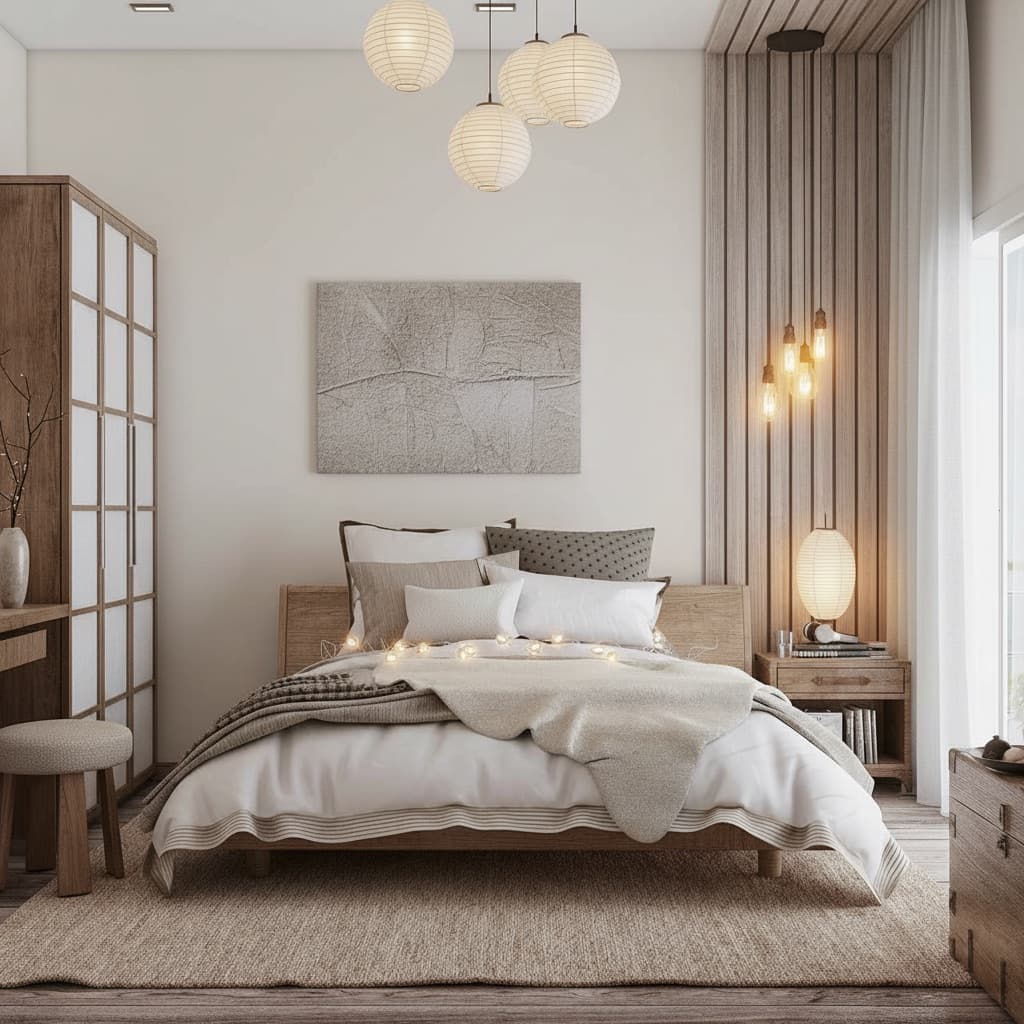
Japandi room decorating style

Japandi

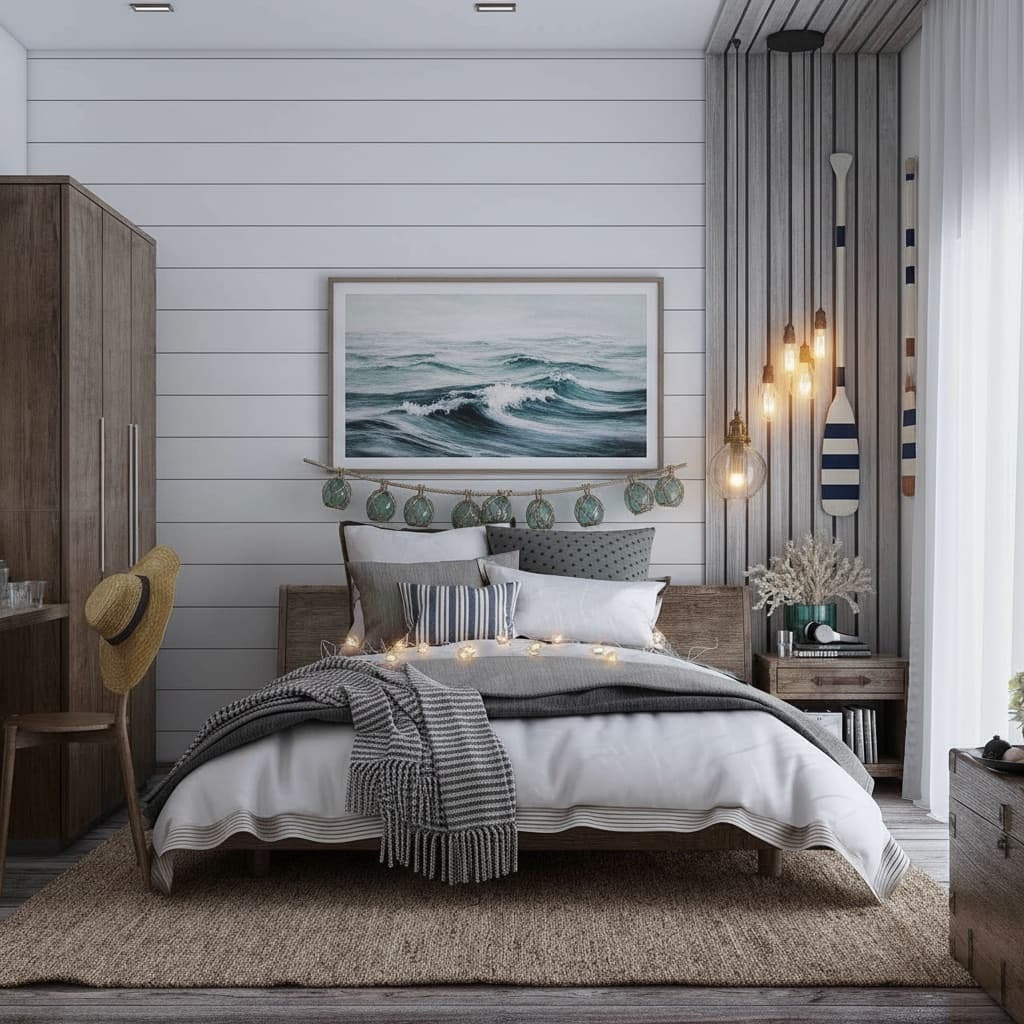
Coastal room decorating style

Coastal

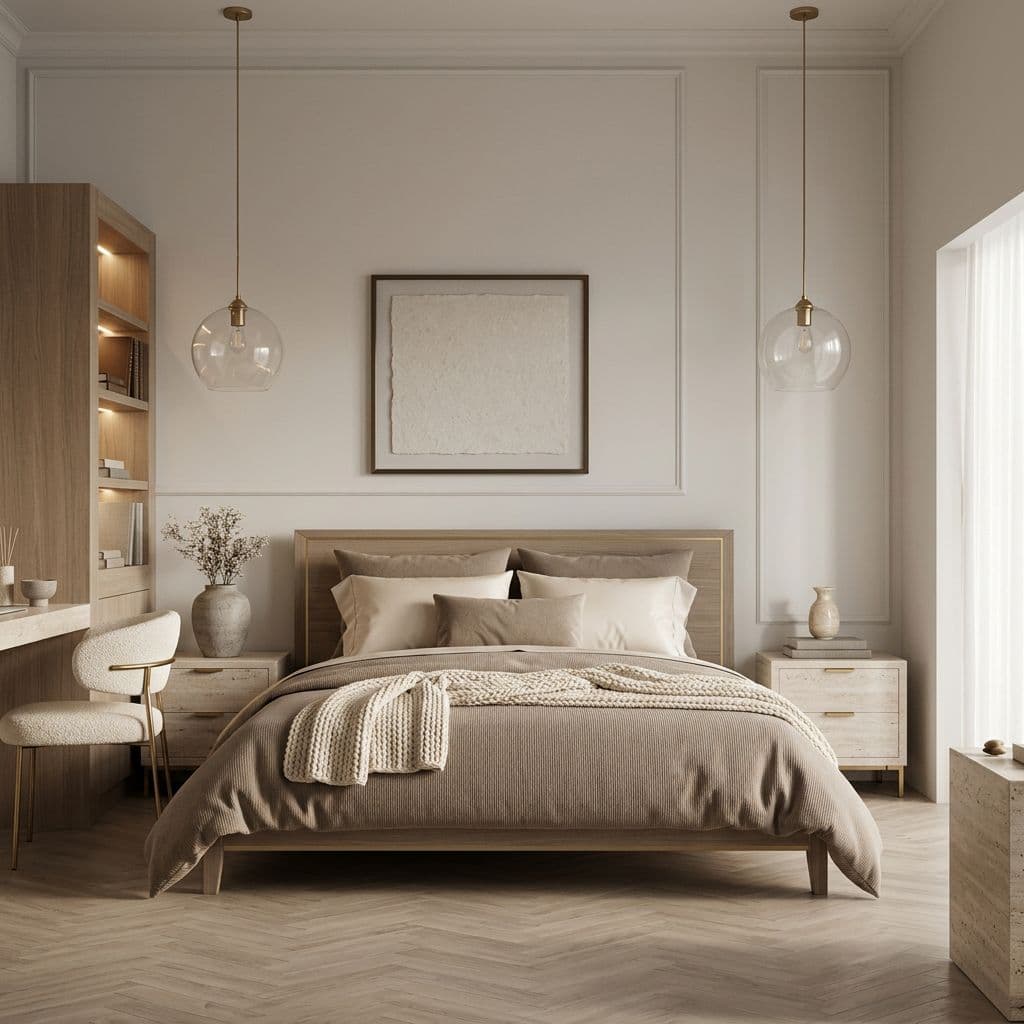
Quiet Luxury room decorating style

Quiet Luxury

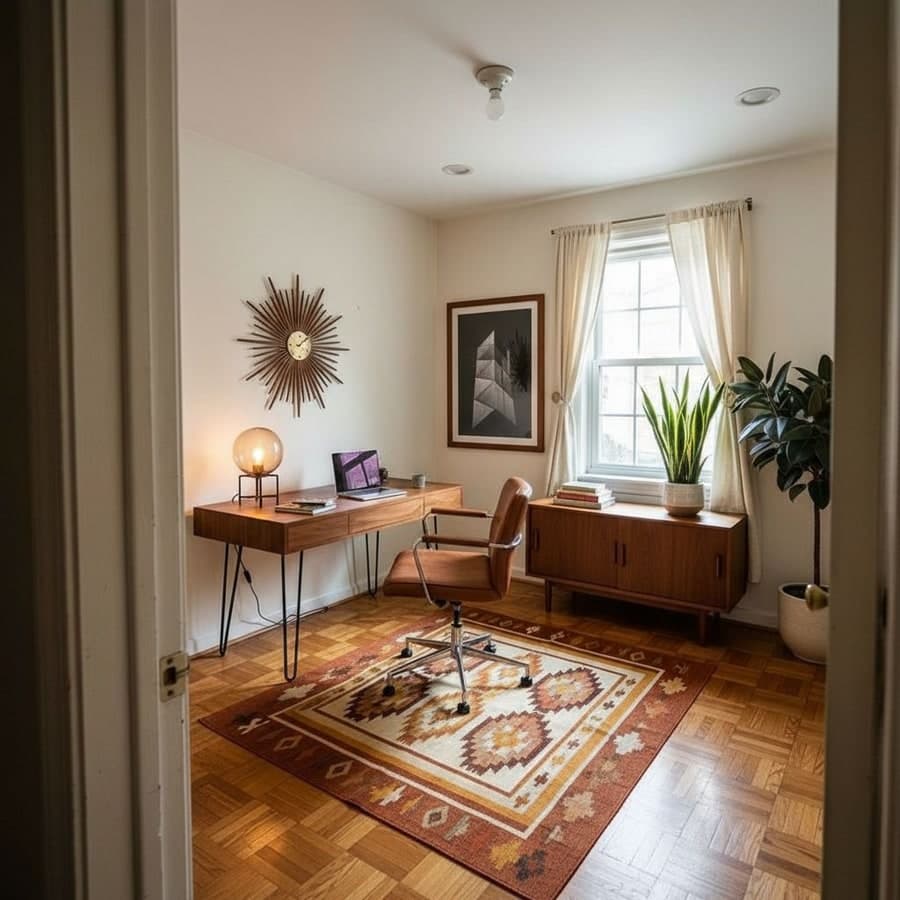
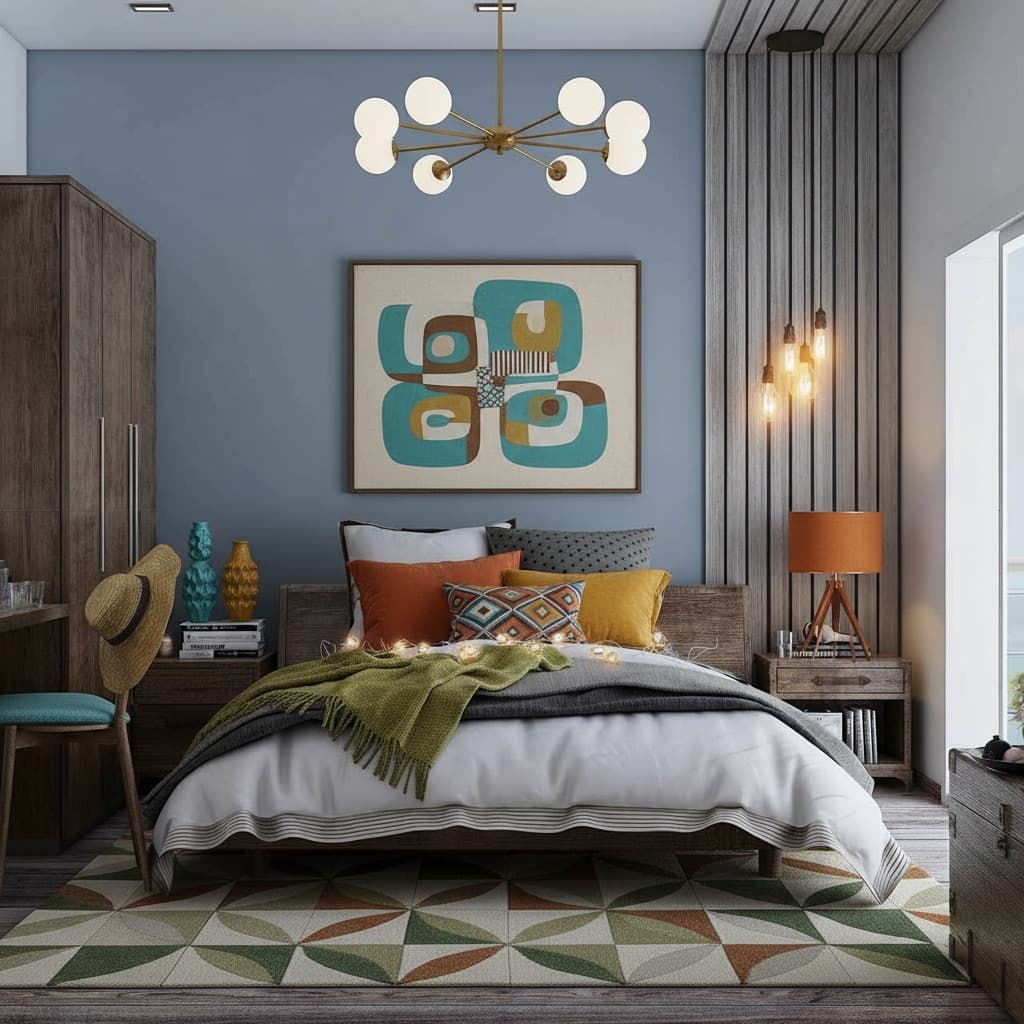
Mid-Century Modern room decorating style

Mid-Century Modern

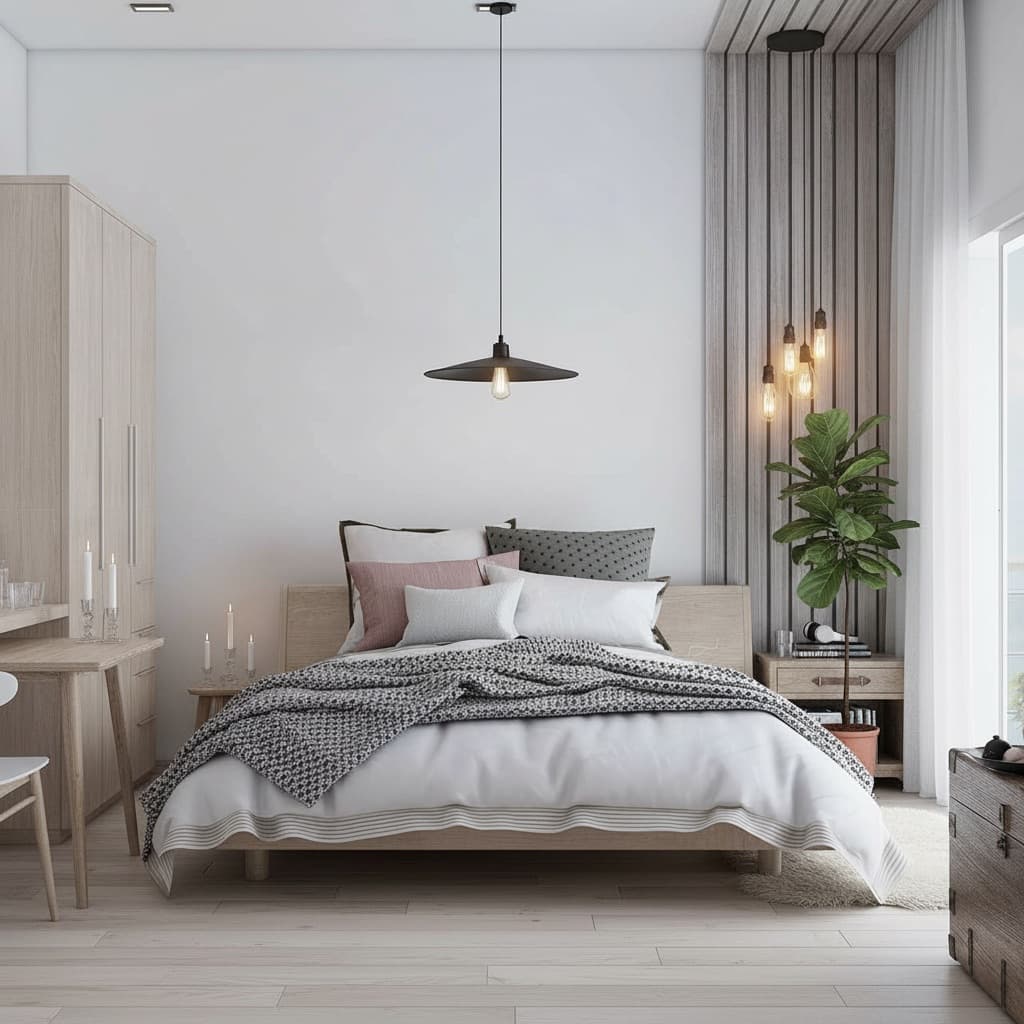
Scandinavian room decorating style

Scandinavian

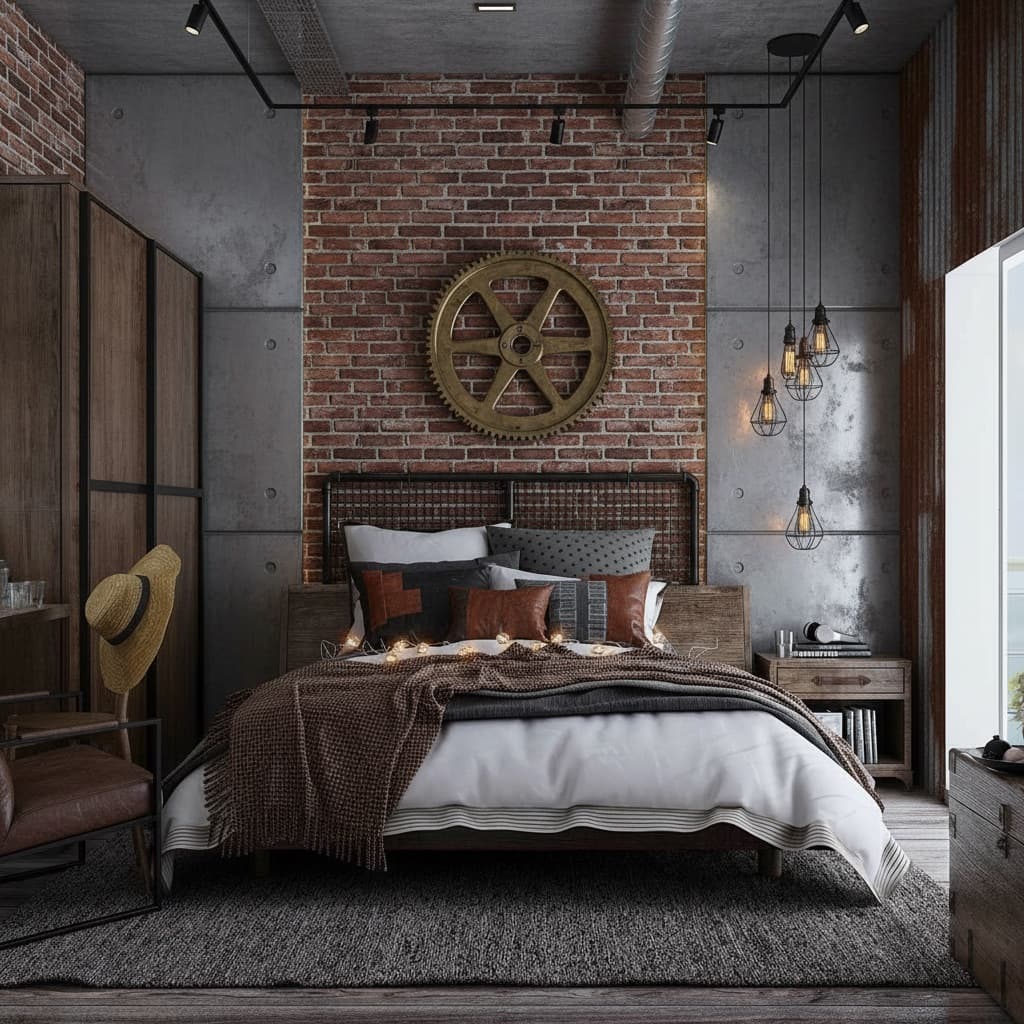
Industrial room decorating style

Industrial

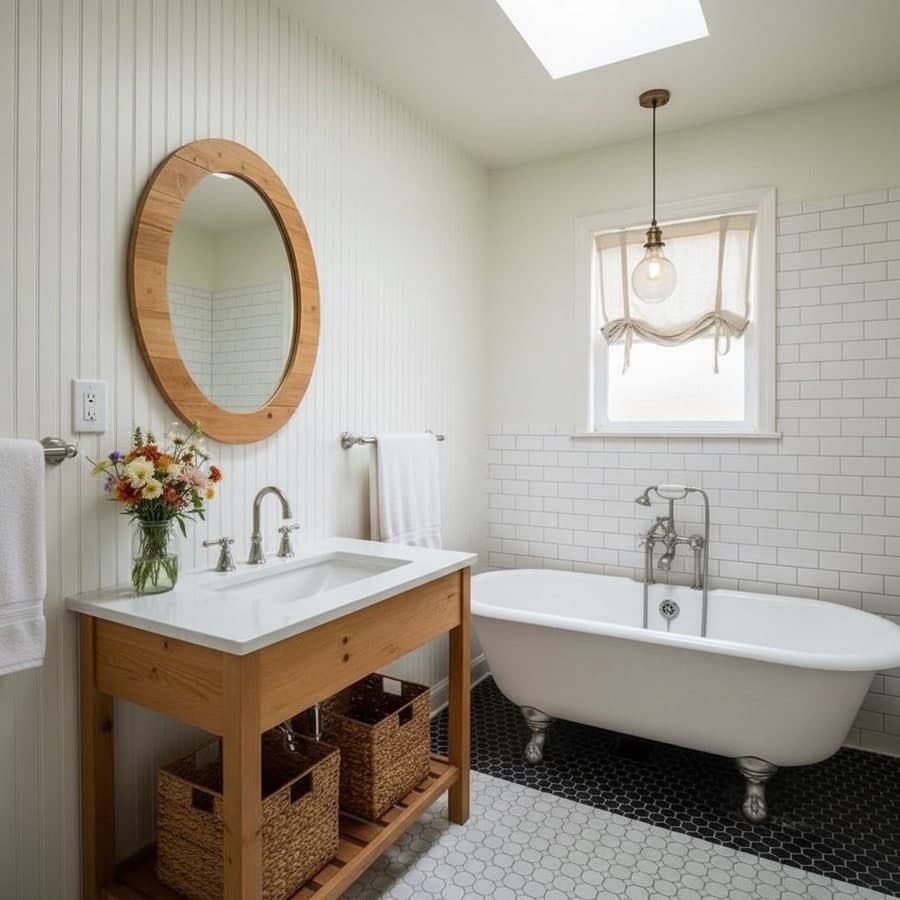
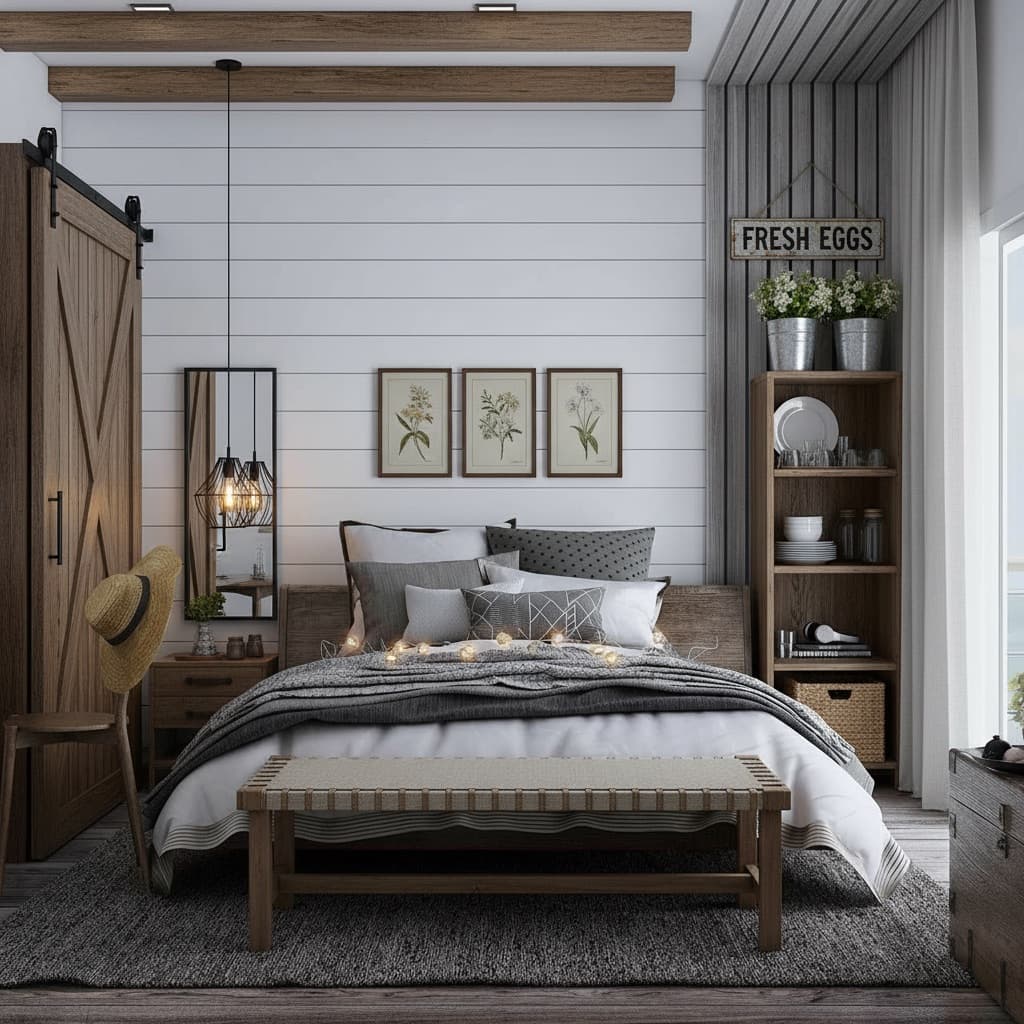
Farmhouse room decorating style

Farmhouse

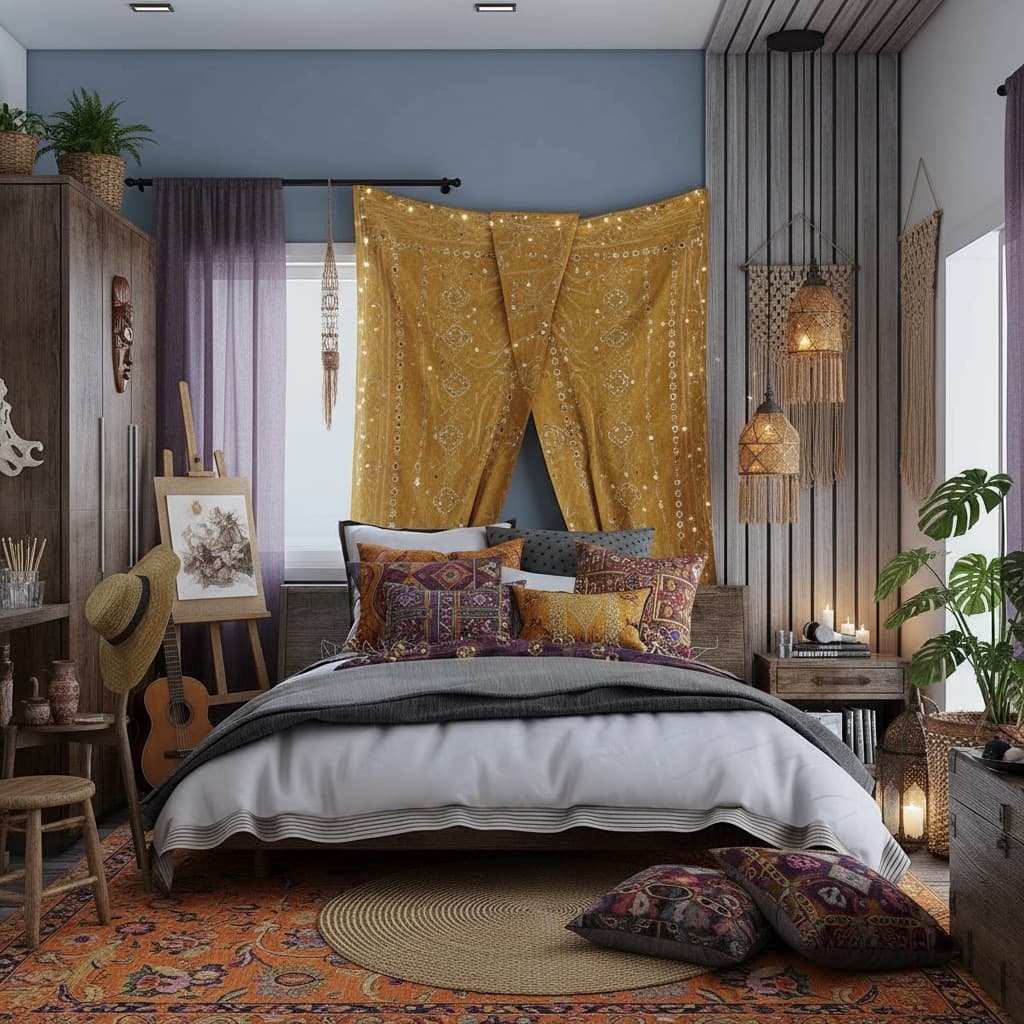
Bohemian room decorating style

Bohemian

Japandi ยท Coastal ยท Quiet Luxury ยท Mid-Century Modern ยท Scandinavian ยท Industrial ยท Farmhouse ยท Bohemian ยท and 20+ more

Pricing

Free to start, no subscription required

Pro is a one-time unlock - pay for 24 hours or a month, whichever fits.

Free

$0forever
  • โœ“ 2 full room redesigns
  • โœ“ 1 edit tool use
  • โœ“ Watermark-free downloads
  • โœ“ Full resolution
Start Free
Best to explore

Day Pass

$3.99/ 24 hours
  • โœ“ Unlimited rooms
  • โœ“ Unlimited renders
  • โœ“ Full edit toolkit
  • โœ“ 4K export
Get Started

Pro Monthly

$14.99/ month
  • โœ“ Unlimited rooms
  • โœ“ Unlimited renders
  • โœ“ Full edit toolkit
  • โœ“ 4K export
Get Started

One-time payment ยท No subscription ยท No app to manage

FAQ

Common questions about decorating with the app

Is there a Decoratly app to download?

No - and that's intentional. Decoratly runs entirely in your browser, on phone, tablet, or computer, so there's nothing to download, no app store listing to find, and no storage space taken up on your device. You get the same experience by just opening the website.

How do I decorate a room using an app?

Open Decoratly in any browser, upload a photo of the room, and choose a decorating style or describe one in plain English. The AI renders a photorealistic redecoration of your actual room in about 30 seconds. No installation, no account required to try it.

Is it free to decorate a room with the app?

Yes. The free plan includes 2 full room redesigns plus 1 edit - watermark-free, full resolution, no credit card required. Pro is a one-time unlock if you want unlimited rooms: $3.99 for 24 hours or $14.99 for a month.

How realistic are the room decorating previews?

Very realistic, because the AI works from your actual room photo rather than a generic template. It preserves your room's true proportions, window positions, and lighting, then applies the new decorating style onto that structure. The result looks like a photo of your room after decorating.

Can the app handle awkward or unusual room layouts?

Yes. The AI reads the specific geometry of whatever room you upload - sloped ceilings, narrow layouts, odd corners - and works within those real constraints rather than suggesting something that wouldn't fit. Results are tailored to your room, not a generic floor plan.

Does decorating with the app work on mobile?

Yes. Decoratly is fully responsive, so it works the same way on a phone browser as it does on desktop. Most people upload a photo straight from their phone's camera roll.

Is my room photo kept private?

Room photos are used only to generate your design previews and are handled according to Decoratly's privacy policy. They are not sold or shared with third parties.

What decorating styles are available?

30+ curated styles covering Japandi, Scandinavian, Modern Minimalist, Coastal, Farmhouse, Industrial, Quiet Luxury, Mid-Century Modern, and more. You can also describe a custom look in plain English, or use the Style Builder to design one element by element.

Can I edit the decorating result after it's generated?

Yes. Beyond full-room redecorations, Decoratly includes targeted edit tools: paint walls in different colors, add furniture from a reference photo, remove objects, add plants or decor, and adjust lighting - all applied directly to your uploaded room photo.

How is this different from hiring a decorator?

It's a different tool for a different stage. An app can't physically paint a wall or install flooring, but it shows you what a decorating direction would actually look like in your specific room, in seconds, for a fraction of the cost - useful before you commit money to a real decorator or buy furniture.

Can I find and buy the products shown in a decorated room?

Yes. Decoratly has a built-in Google Shopping integration - tap a piece of furniture or decor in your render and it finds visually similar real products at multiple price points, with links to retailers.

From the editor

"We deliberately never built a native app. Every time we tested it internally, the download step was where people dropped off - they wanted to see their room decorated right then, not after finding the right app store listing. Keeping it in the browser meant the only friction left was uploading a photo, which is the part people actually want to do."
Kamil Uhryn ยท Founder, Decoratly

No download needed

Decorate your room right now, in your browser

Upload a photo, pick a style, and see your actual room decorated in about 30 seconds. 2 rooms free - no credit card, no app store.

2 rooms free ยท Watermark-free downloads ยท No app to install