decoratly logo

Furniture visualizer

Furniture visualizer: see a piece in your room before you buy it

Upload a photo of your room and a photo of the sofa, chair or table you are considering. Decoratly places that piece in your room in about 30 seconds, and leaves everything else as it is.

Add Furniture is part of Pro (a one-time $14.99 for 30 days, nothing renews). You can try a free style redesign first: 1 free design, no signup.

Example

Two pieces, placed in real rooms

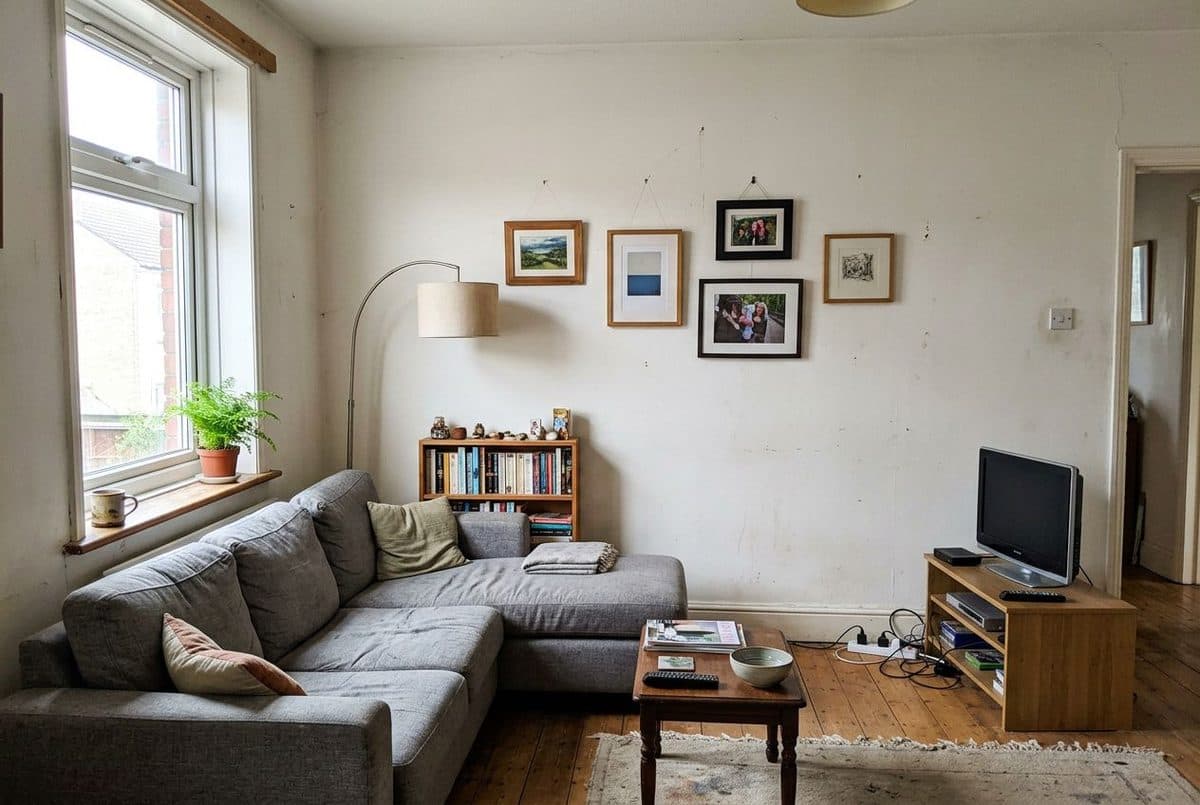
room before adding furniture

Before

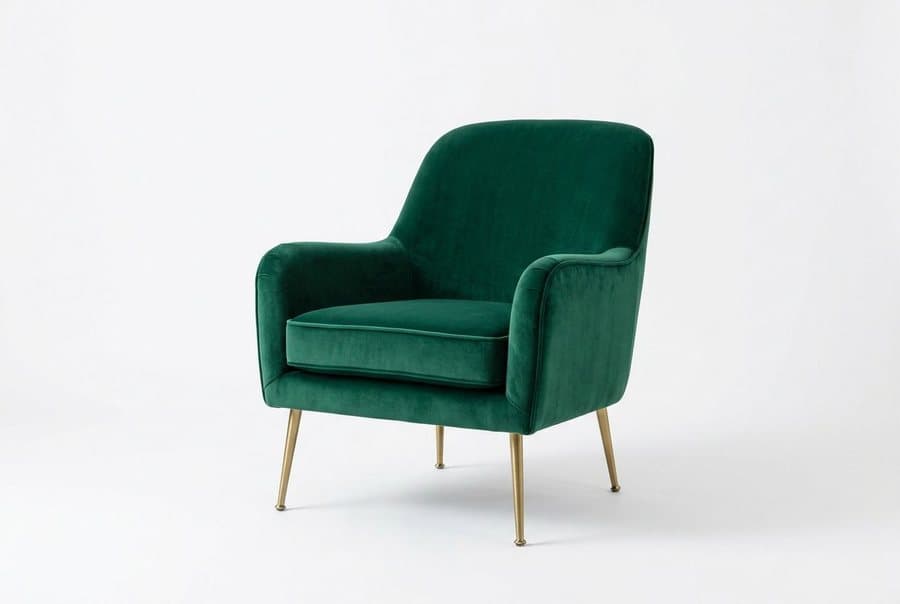
room furniture photo adding furniture

Furniture photo

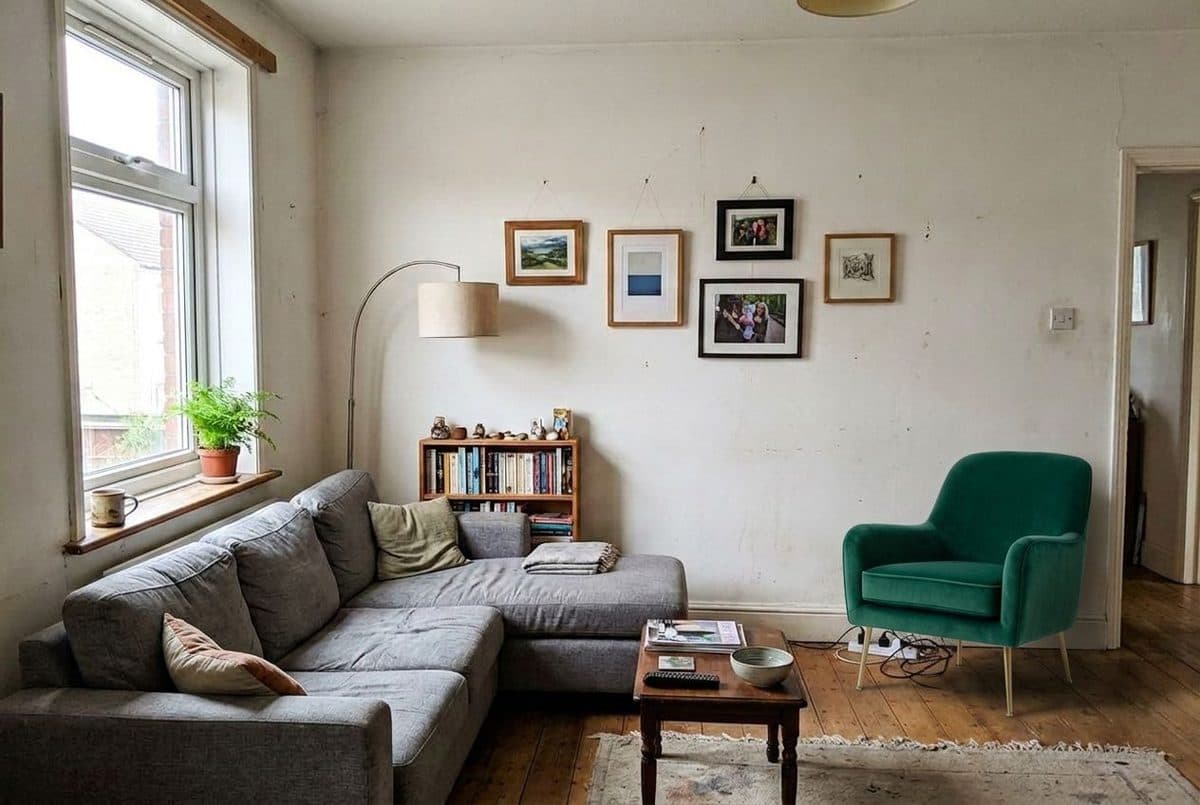
room after adding furniture

After

An emerald velvet armchair placed in the right corner of a living room. That corner held a TV unit in the original photo, and the tool replaced it with the chair, so choose a free spot. The sofa, lamp, bookshelf, floor and window are unchanged.
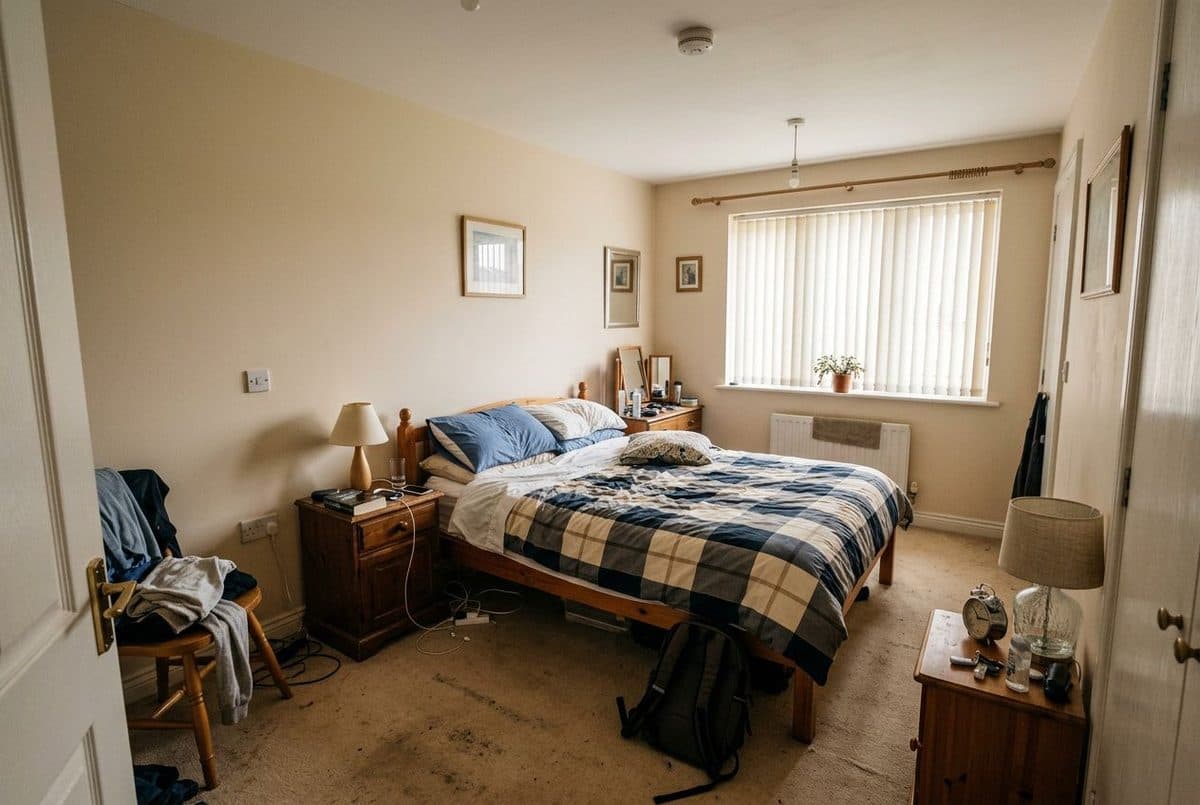
room before adding furniture

Before

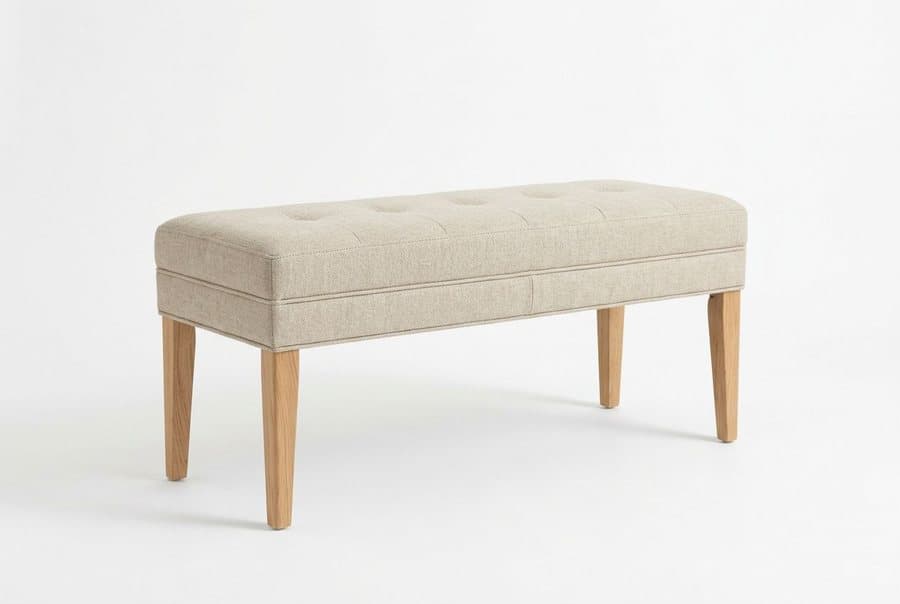
room furniture photo adding furniture

Furniture photo

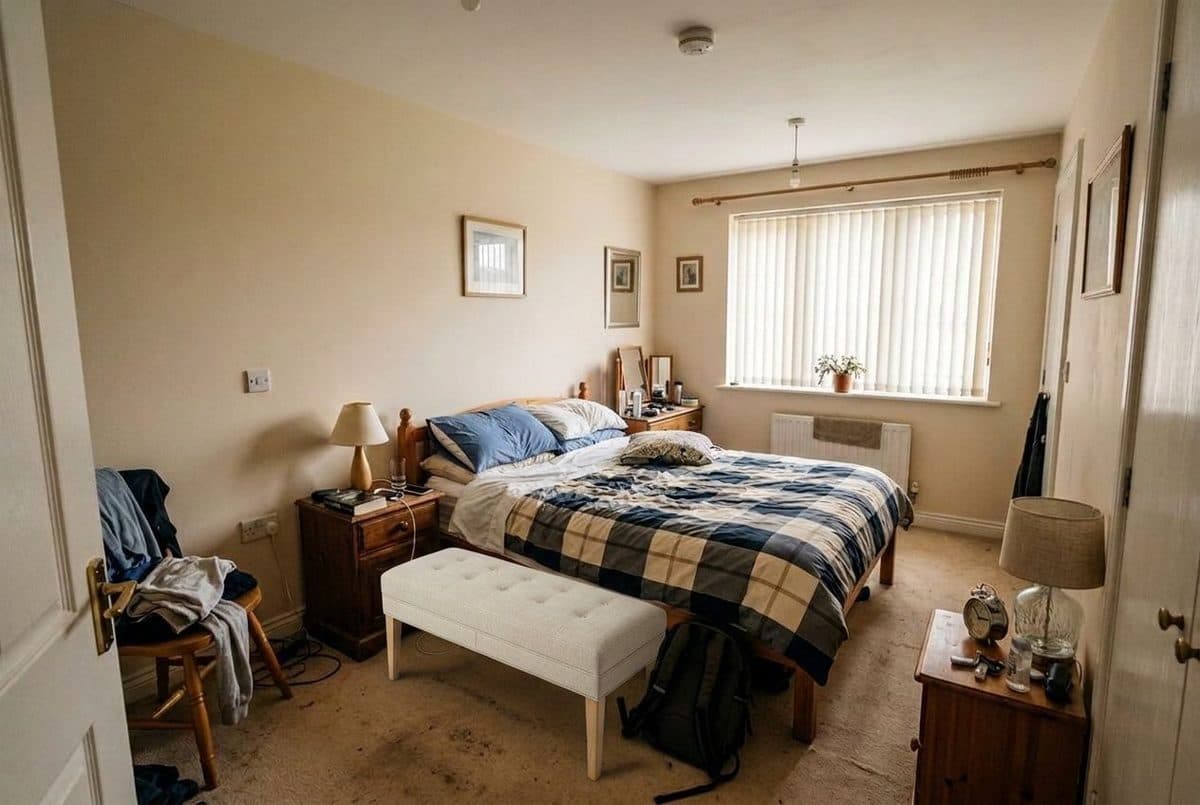
room after adding furniture

After

A linen bench placed at the foot of the bed. The bed, nightstands, curtains and carpet are unchanged.

Example rooms are AI-generated. Each redesign was made with Decoratly.

How it works

Try furniture in your room in three steps

  1. 1

    Upload your room and the furniture

    Add a photo of your room, then upload a photo of the piece you are considering. A product photo from a store page works, as long as the item is clear. JPEG, PNG and WebP up to 10MB are supported, and you can upload several pieces and keep them in your own furniture library.

  2. 2

    Choose where it goes

    Pick a side (left, right, front, back or center) and, if you like, a spot (wall, corner, side, window, door or area). Or describe the position in your own words, for example "in front of the window".

  3. 3

    See it in your room

    In about 30 seconds you get your room with that piece placed in it. The walls, floor, lighting and your other furniture are kept as they are. Try another position or another piece on the same photo.

Getting a useful result

How to get a preview you can trust

Use a clear product photo

A photo of the item on a plain background, from a slight angle, gives the tool the cleanest view of its shape, color and legs. Busy lifestyle photos with several items can confuse which piece you mean.

Measure before you trust the size

The tool shows how a piece looks in your room, but it estimates scale and cannot honour exact measurements. Check the real dimensions against your space before you order. Our room size calculator helps.

Take the room photo from a corner

A view that shows the floor and the walls around the spot gives the piece a believable place to sit, and makes it easier to judge how it fits next to your other furniture.

Pick a free spot

If the spot you choose is already occupied, the new piece can replace what is there. In our armchair example the chair took the corner where a TV unit stood. Choose an empty area, or remove the old piece first.

Say exactly where it goes

"To the right corner" or "in front of the window" is clearer than a general instruction. If the first result is not where you wanted it, change the position and run it again.

Compare two or three options

Try the same spot with different colors or shapes. Comparing a few options in your own room is the point of the tool, so it helps to test more than one before buying.

Check the color against real light

Screens and generated images shift colors slightly. If the color matters, order a fabric or finish sample and look at it in your room at different times of day.

Styles

Choosing where the piece goes

Avoid

Mistakes to avoid

Questions

Furniture visualizer: FAQ

Can I see furniture in my room before I buy it?

Yes. Upload a photo of your room and a photo of the piece you are considering, choose where it goes, and Decoratly places it in your room in about 30 seconds. It keeps your walls, floor, lighting and other furniture as they are.

What kind of furniture photo works?

A clear product photo works best, for example from a store page. JPEG, PNG and WebP files up to 10MB are supported, and you can upload several pieces at once.

Is the size accurate?

No. The image shows how the piece looks in your room, but the AI estimates scale and cannot honour exact measurements. Check the real dimensions of the piece and your space before you buy.

Does it match the exact piece I upload?

It aims to match the shape, color and style of the piece in your photo. Because the result is generated, small details such as stitching, legs or patterns can differ from the real product, so treat it as a preview.

Can I choose where the furniture goes?

Yes. Choose a side (left, right, front, back or center) and a spot (wall, corner, side, window, door or area), or describe the position in your own words.

Is it free?

Add Furniture is part of Pro, a one-time payment of $14.99 for 30 days with nothing renewing. You can try Decoratly first with 1 free design and no signup, which are style redesigns.

See the piece in your own room

Upload a room and a furniture photo. About 30 seconds. Part of Pro, one-time payment.

Try it free โ†’

Written and maintained by Kamil Uhryn, founder of Decoratly. Last updated September 2026. About Decoratly