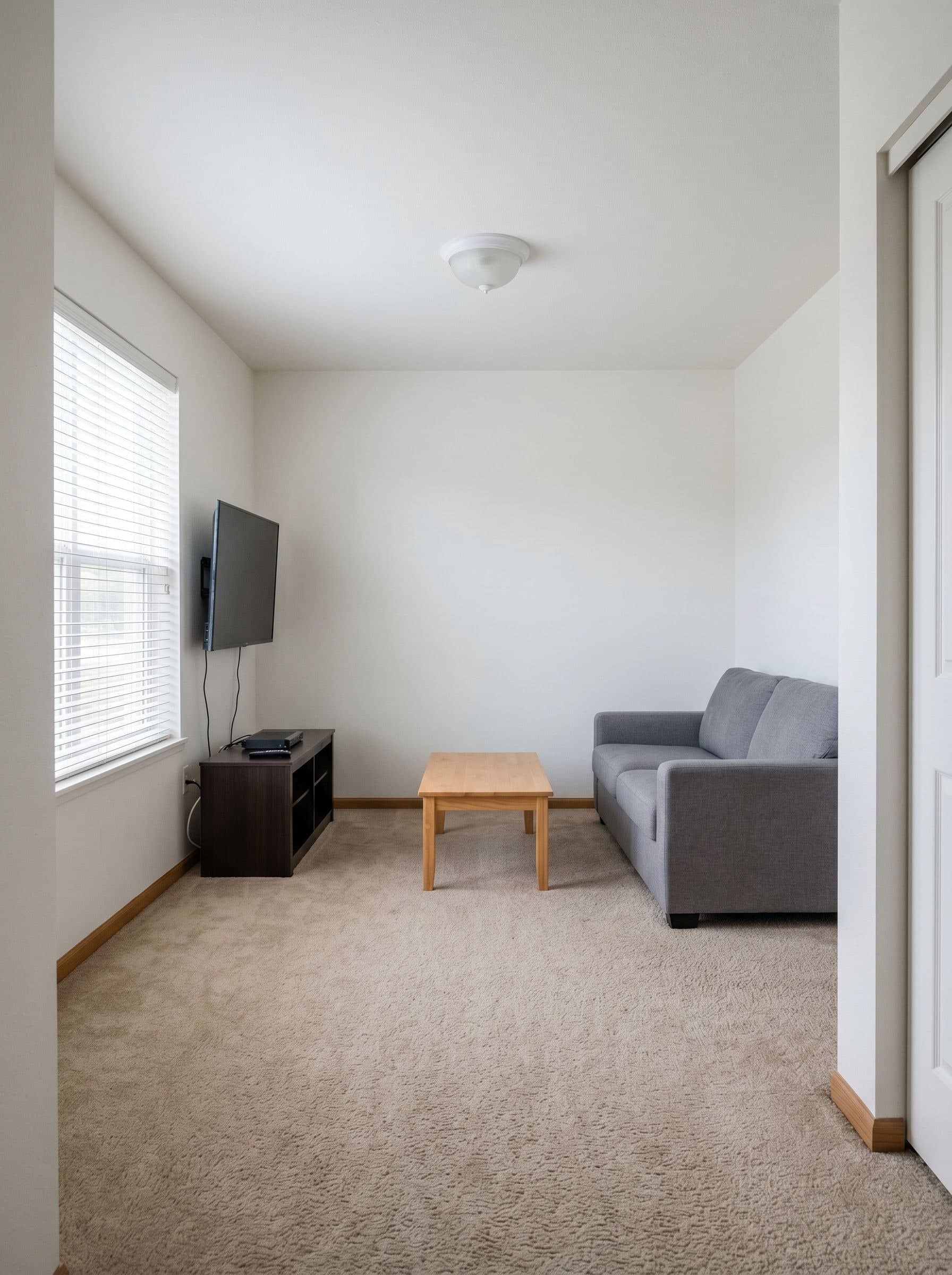
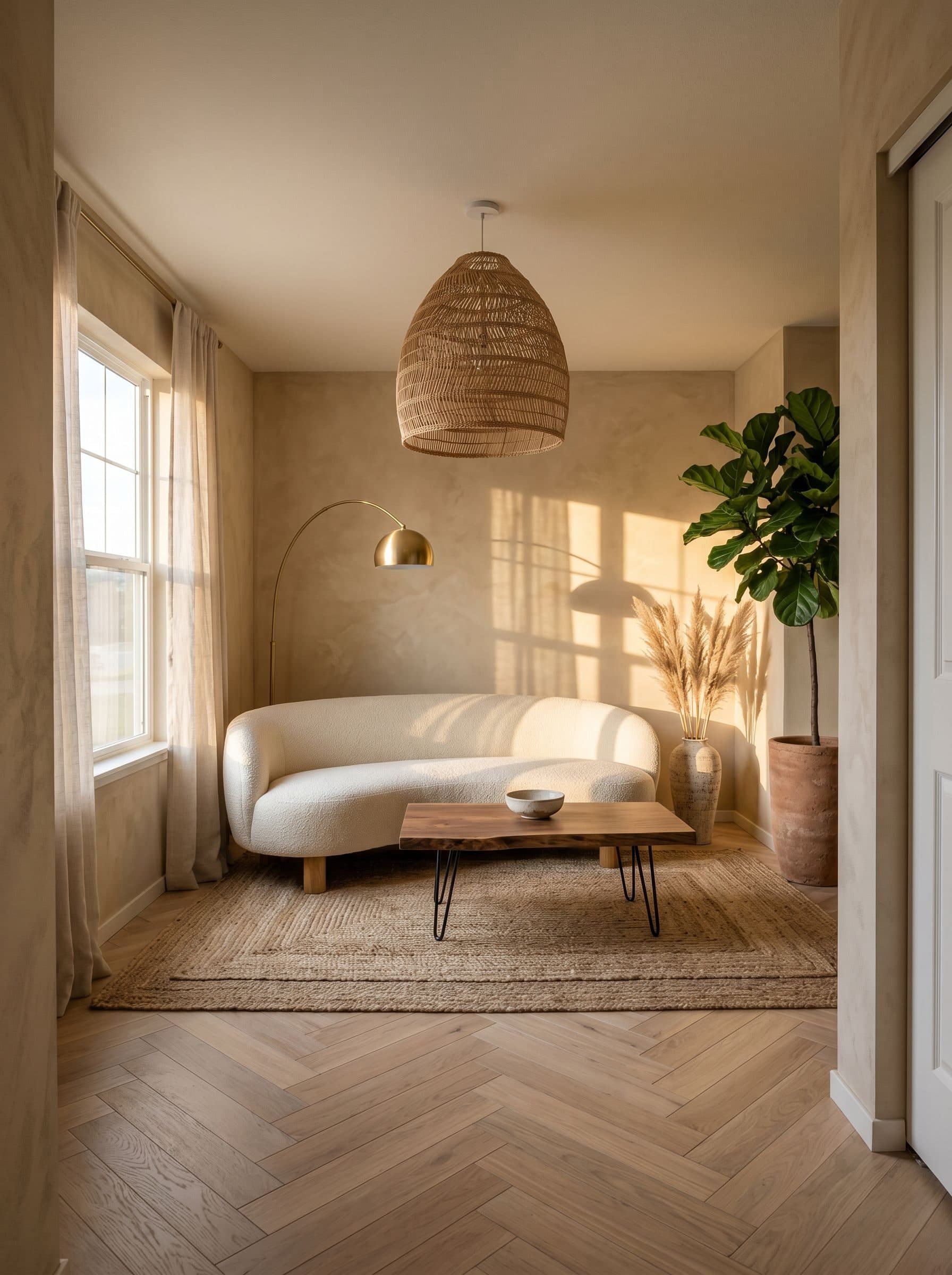
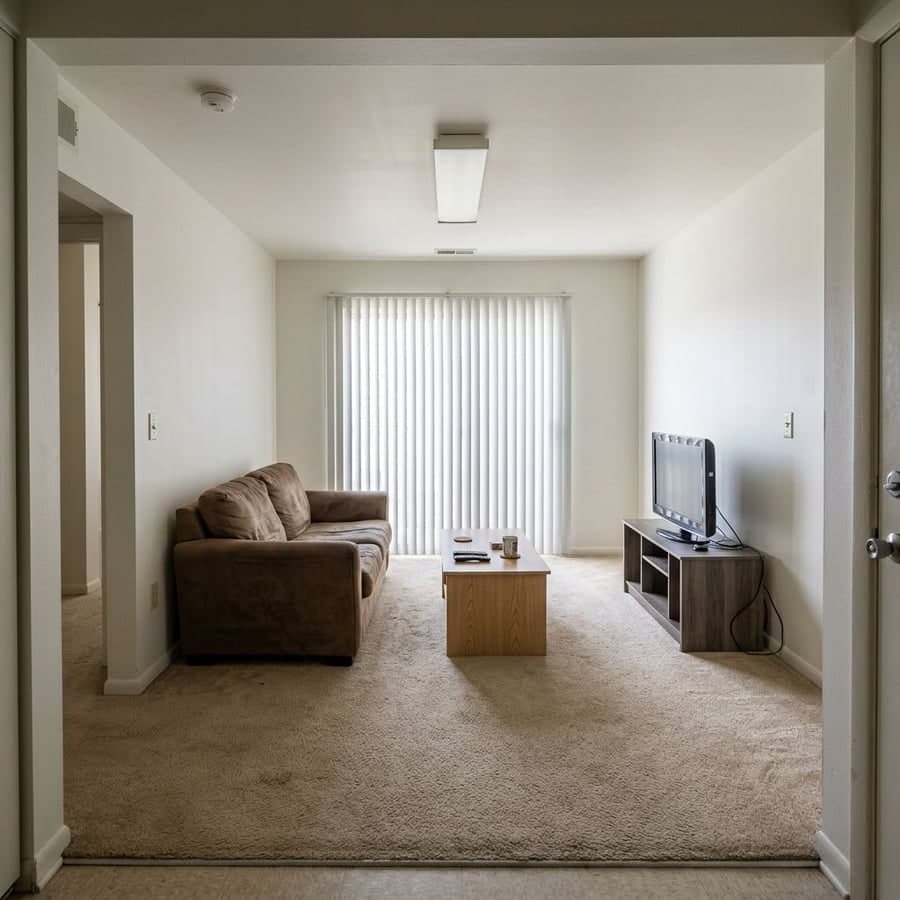
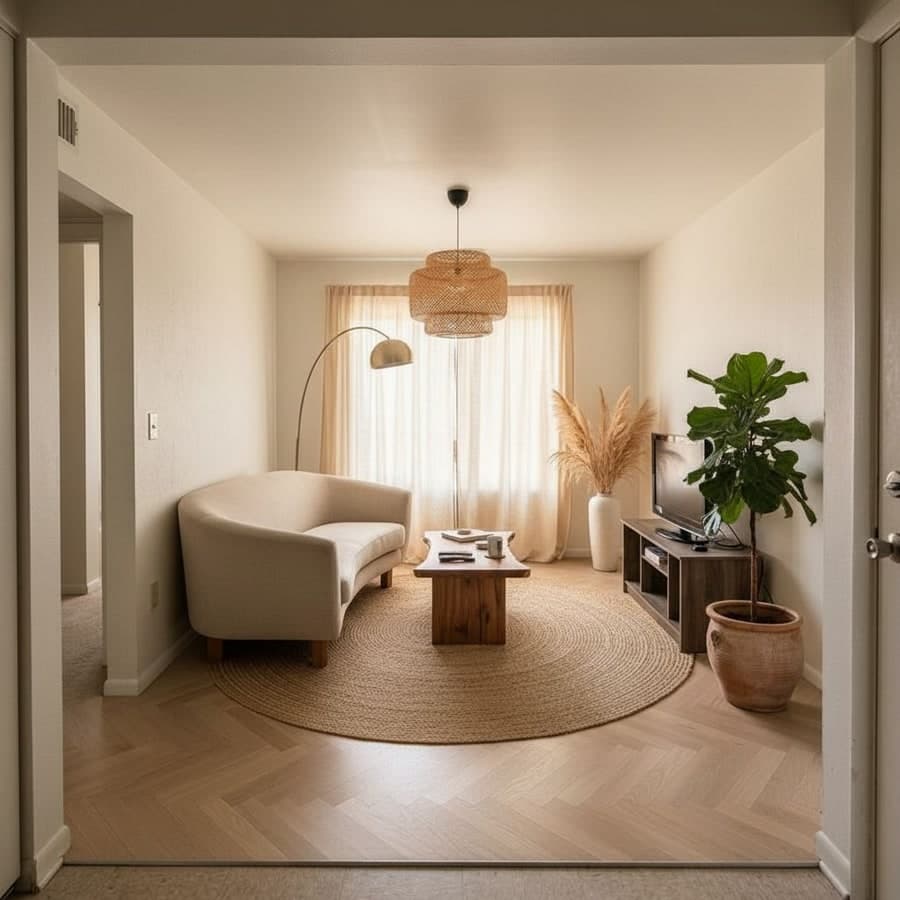
Pricing, free credits, alternatives, and how Decoratly compares.
Is RoomGPT free?+
RoomGPT offers a limited free tier. New users typically get 1 free credit, enough for one room redesign. After that, additional credits must be purchased at roughly $1-2 each. Decoratly gives you 2 free room redesigns plus 1 free edit in Enhance mode, with no credit card required.
How much does RoomGPT cost?+
RoomGPT uses a credit-based pricing model. Credits are typically $1-2 each, so experimenting with multiple rooms or styles quickly adds up to $20-50+. Decoratly uses flat-rate pricing: $12.99/month for unlimited designs, no per-credit charges. For most users that's a fraction of what RoomGPT would cost for the same number of designs.
How many free credits does RoomGPT give?+
RoomGPT typically gives 1 free credit, enough for one room redesign. Decoratly gives 2 free redesigns plus 1 free edit. That's enough to try your living room and bedroom and test the edit mode before deciding whether to upgrade.
Does RoomGPT offer a free trial?+
RoomGPT doesn't have a traditional free trial. There's no time-limited access, no card-to-cancel, no refund window. You get 1 free credit on sign-up, enough for one room redesign. After that, every design costs a credit. If you want a proper try-before-you-buy experience, Decoratly gives 2 free redesigns plus 1 free edit with no credit card required - enough to test two different rooms and get a real feel for the tool.
Is there a RoomGPT app?+
RoomGPT runs as a web app in your browser. There's no dedicated iOS or Android app in the App Store or Google Play, just the mobile browser version. Decoratly is the same - runs entirely in the browser on any device, so you just go to the website on your phone and upload a photo.
What are the best RoomGPT alternatives?+
The top alternatives in 2026: Decoratly is the closest like-for-like replacement - same upload-a-photo workflow, more generous free tier, plus an edit mode. REimagineHome is good for virtual staging. Adobe Firefly is professional-grade but has a steep learning curve. Midjourney has incredible image quality but no room photo upload. For most people switching from RoomGPT, Decoratly is the easiest transition.
Can I use Decoratly as a RoomGPT replacement?+
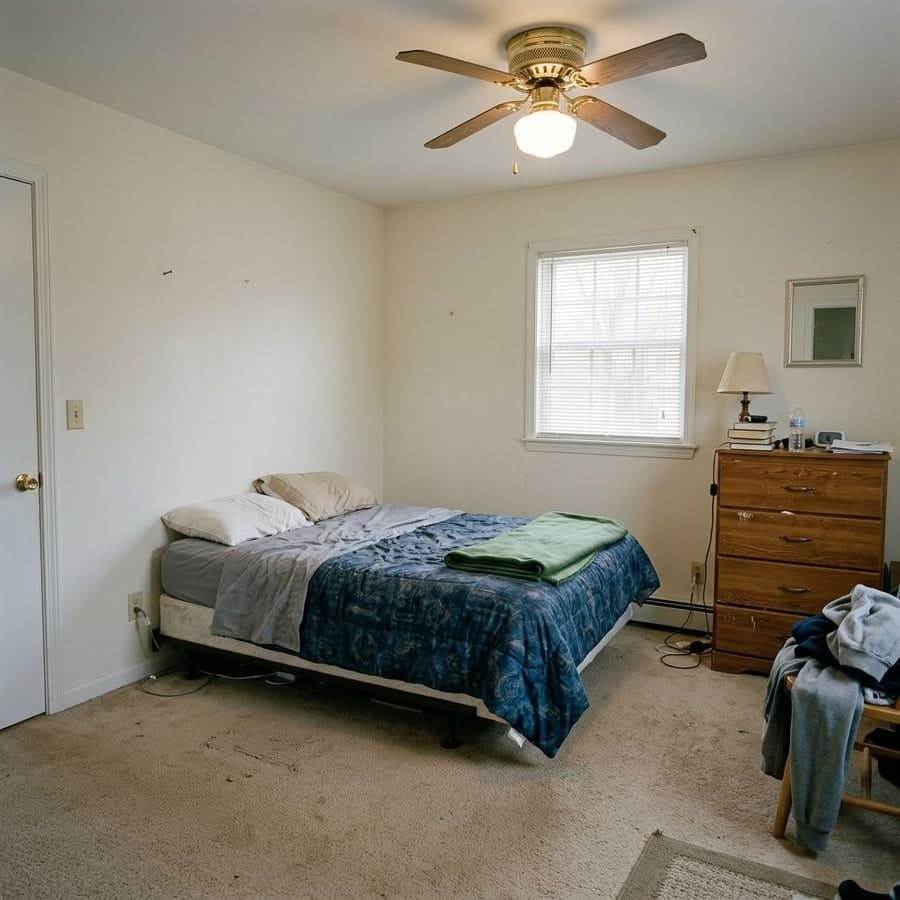
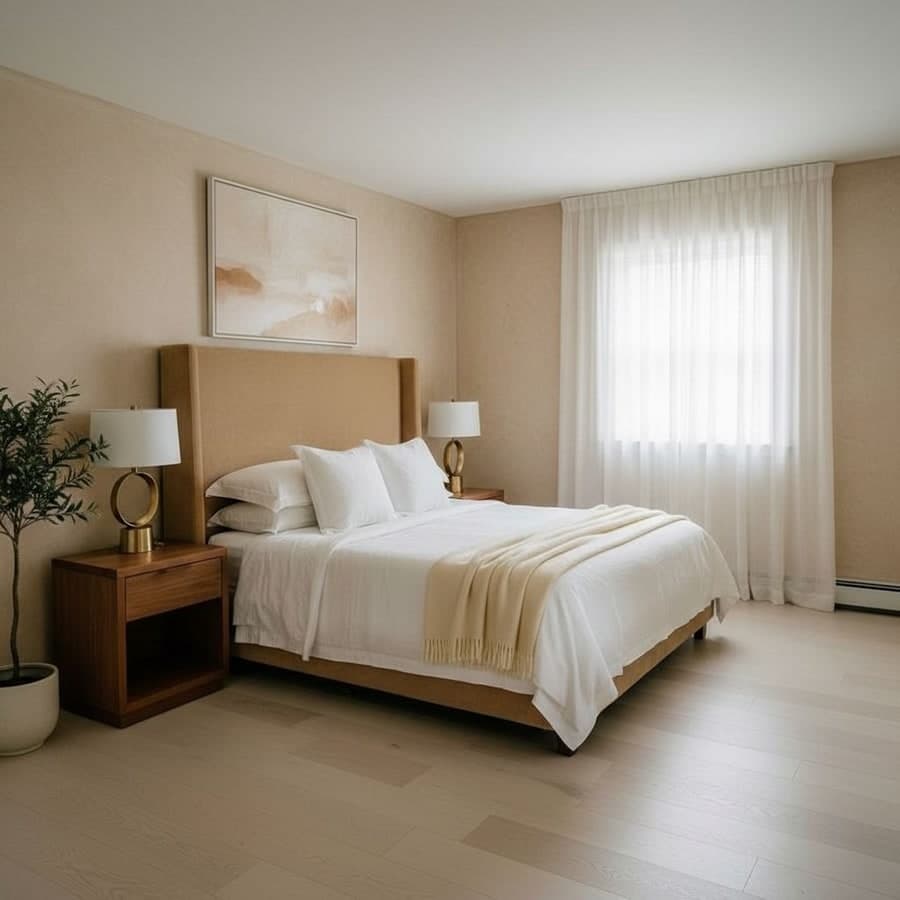
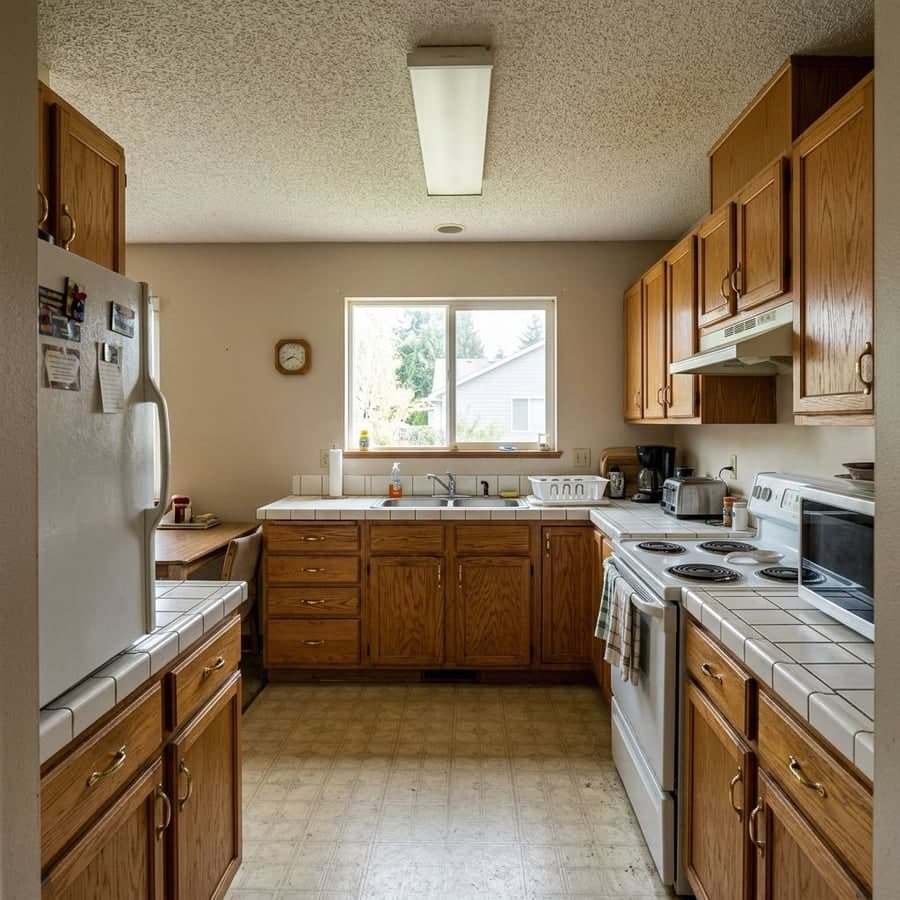
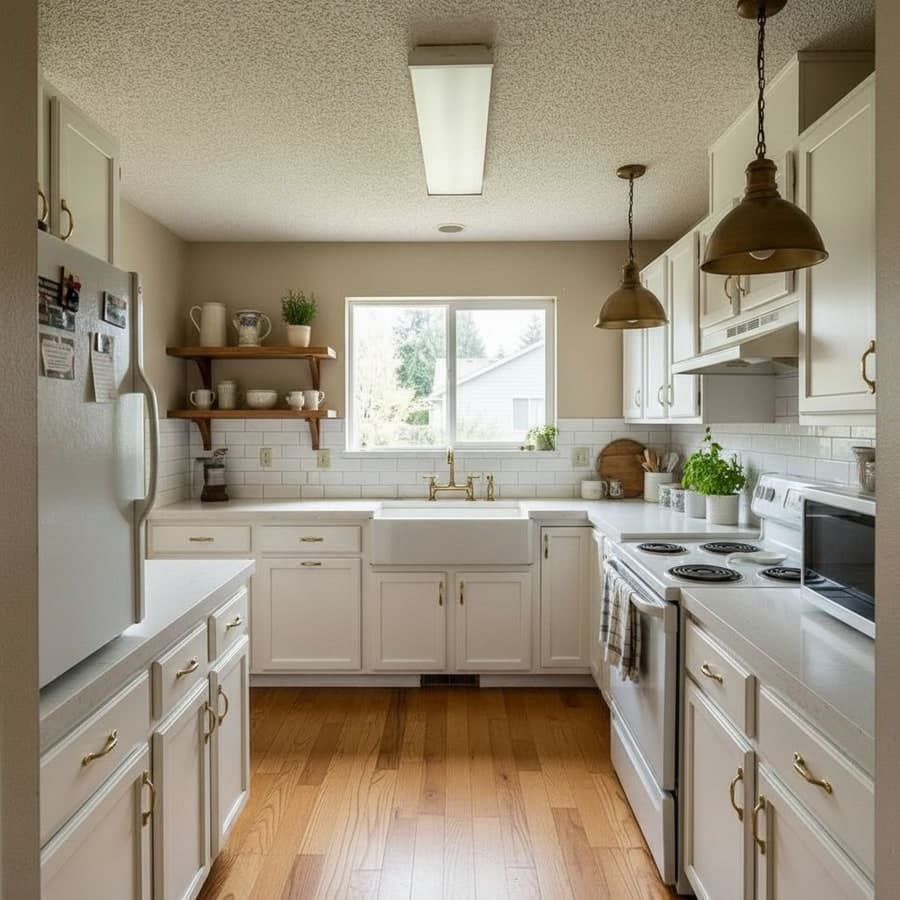
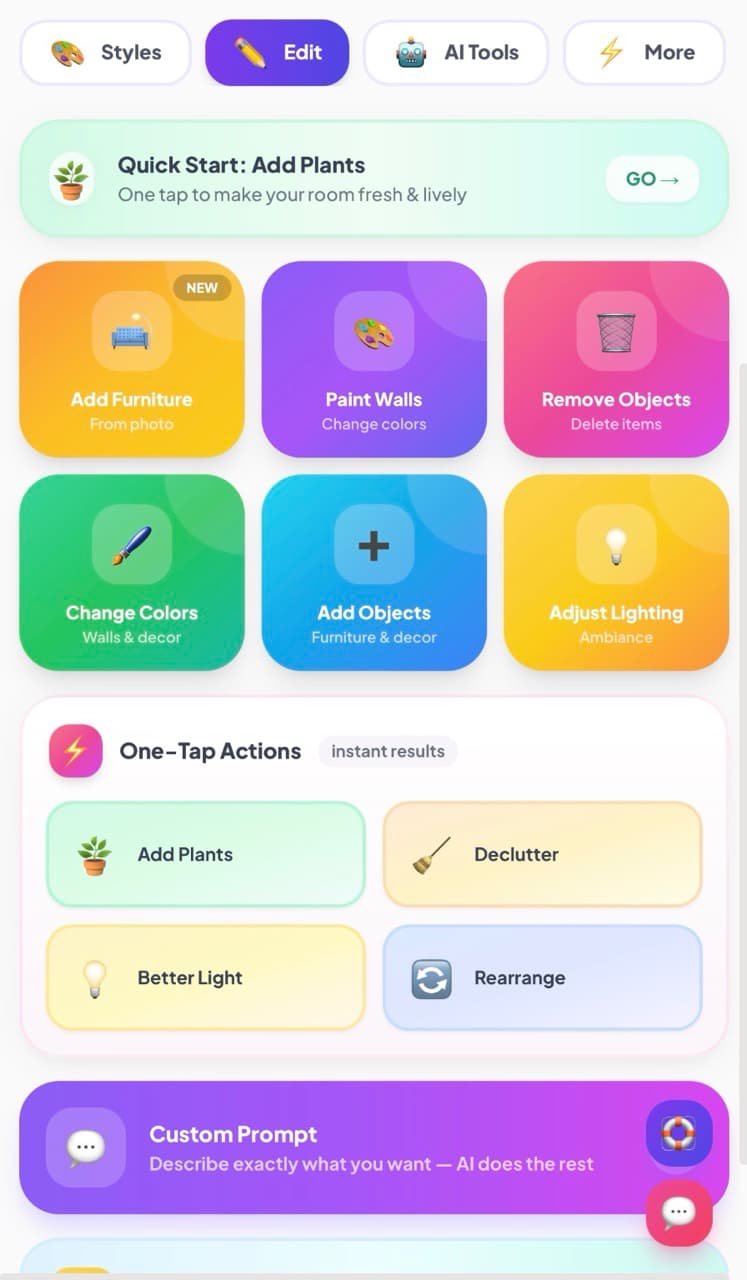
Yes. The core workflow is the same: upload a room photo, choose a style, get a photorealistic redesign in about 30 seconds. Where Decoratly goes further is after the generation - you can edit the result, paint walls, add furniture, remove objects, change colors. RoomGPT gives you one result with no way to refine it. You also get two render modes: Makeover for dramatic transformations and Enhance for more realistic, detail-focused results.
What makes Decoratly different from RoomGPT?+
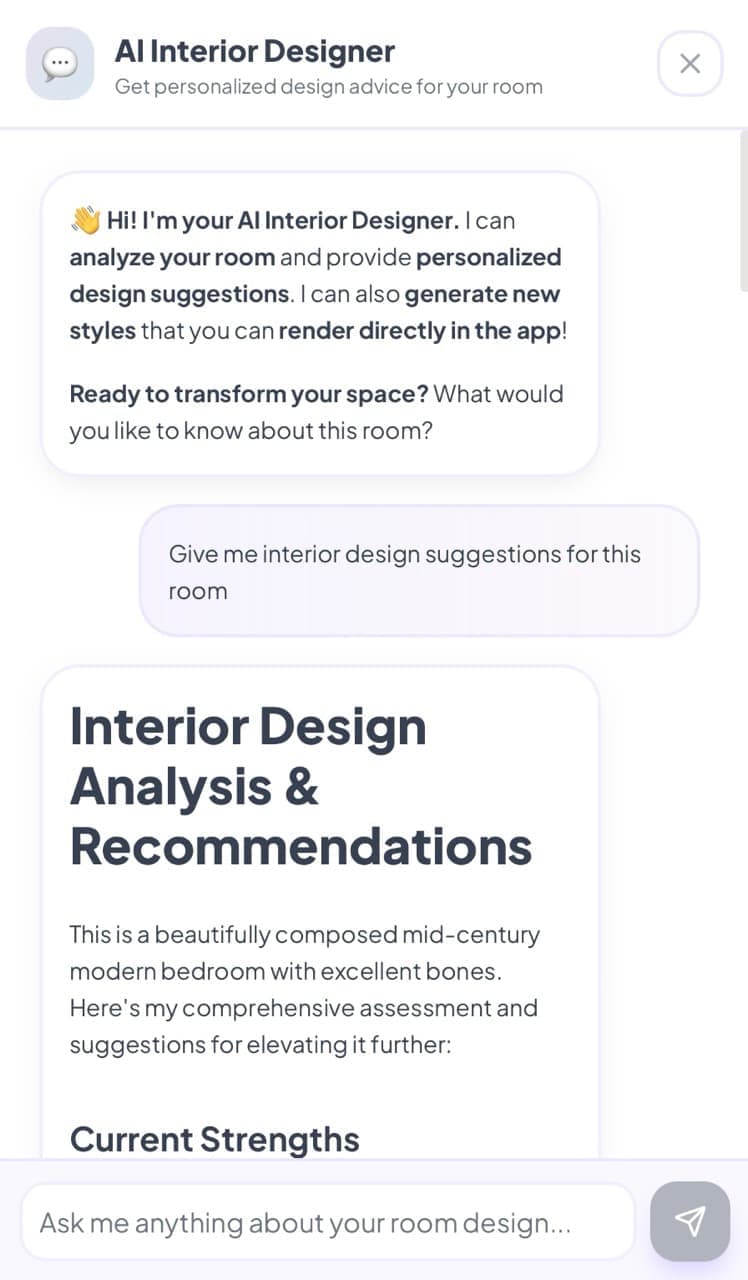
The main thing is the edit mode. After Decoratly generates a design, you can actually edit it: paint walls, swap furniture, add plants, remove objects. RoomGPT gives you one result and that's it. Beyond that, Decoratly has two render modes (Makeover for dramatic changes, Enhance for realistic ones), an AI design chat where you describe your dream room and it builds a style for you, a clone design feature that replicates any Pinterest look on your actual room, and Google Shopping so you can find and buy the products shown in your renders.
What styles does Decoratly offer?+
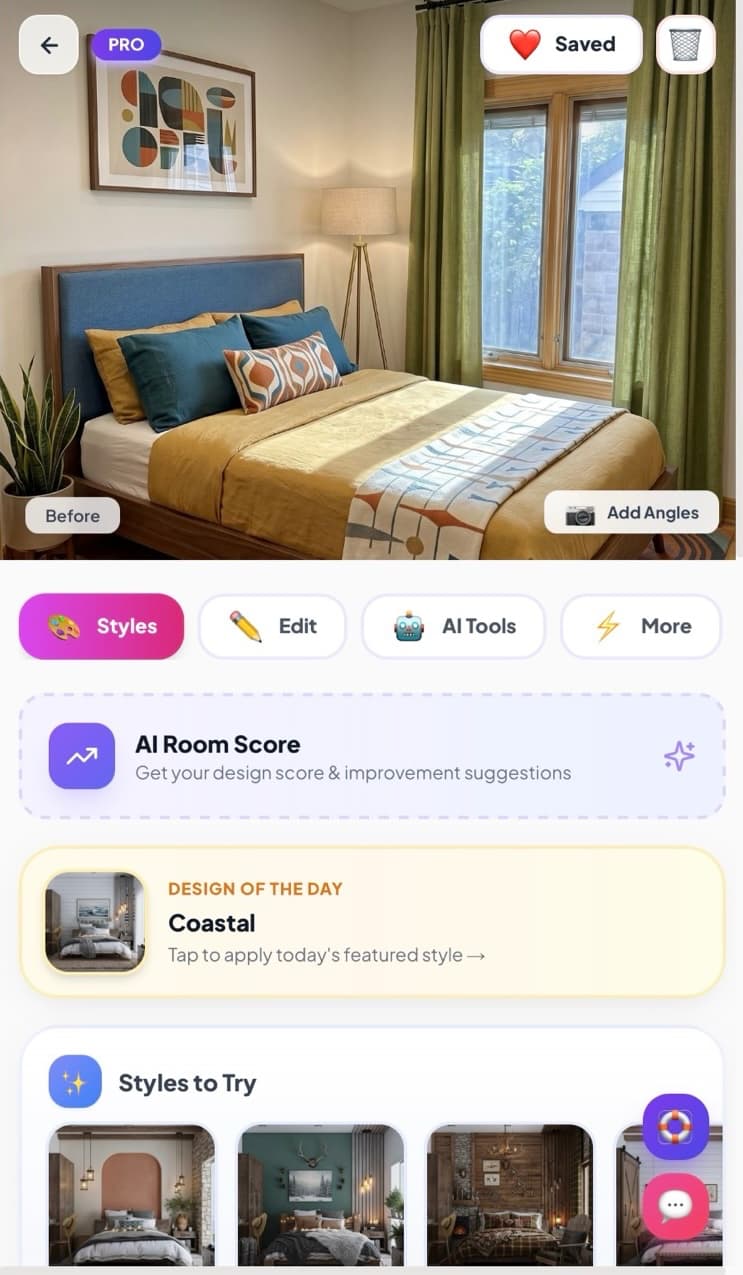
75+ curated AI design styles: Warm Japandi, Quiet Luxury, Modern Minimalist, Scandinavian, Bohemian, Mid-Century Modern, Dark Luxe, Coastal, Industrial, Contemporary, Farmhouse, and more. You can also write a custom prompt in plain English, or use the visual Style Builder to mix and match walls, floors, and furniture separately.
How realistic are the AI room redesigns?+
Very realistic. The AI works from your actual room photo, so it preserves the real geometry: ceiling height, window positions, wall proportions. Enhance mode focuses on photorealistic, detail-preserving results. The output is good enough to share with a contractor or use as a design brief.
Does it work on mobile?+
Yes. Decoratly runs in your browser, so it works on any iPhone, Android, tablet, or computer. No app download required. You can upload photos directly from your camera roll.
Does RoomGPT charge per design?+
Yes. RoomGPT currently uses a credit-based model: 1 free credit on sign-up, then a charge per design after that. Credit-based pricing is common among AI image tools, but it means the cost scales with how much you experiment. Flat-rate alternatives like Decoratly charge once for a block of time instead of per design, which works out cheaper for anyone doing more than one or two redesigns.
Can Decoratly handle any room type?+
Yes. Living rooms, bedrooms, kitchens, bathrooms, dining rooms, home offices, nurseries, entryways, outdoor spaces and more. The AI adapts each style to the room type automatically, so a Warm Japandi kitchen looks different from a Warm Japandi bedroom.