AI kitchen design, before you spend a dollar.
Upload a photo of your kitchen and see it restyled in about 30 seconds, on your real layout: new walls, floor, counters, lighting and decor around the cabinets and appliances you already have. A cheap way to decide between a refresh and a remodel.
Your first design is free in one of six free styles, with no signup and no card (available in the US, Canada, the UK and several European countries). All 75+ styles and the recolor tool come with the $14.99, 30-day pass.
By Kamil Uhryn, founder of Decoratly · Updated October 2026
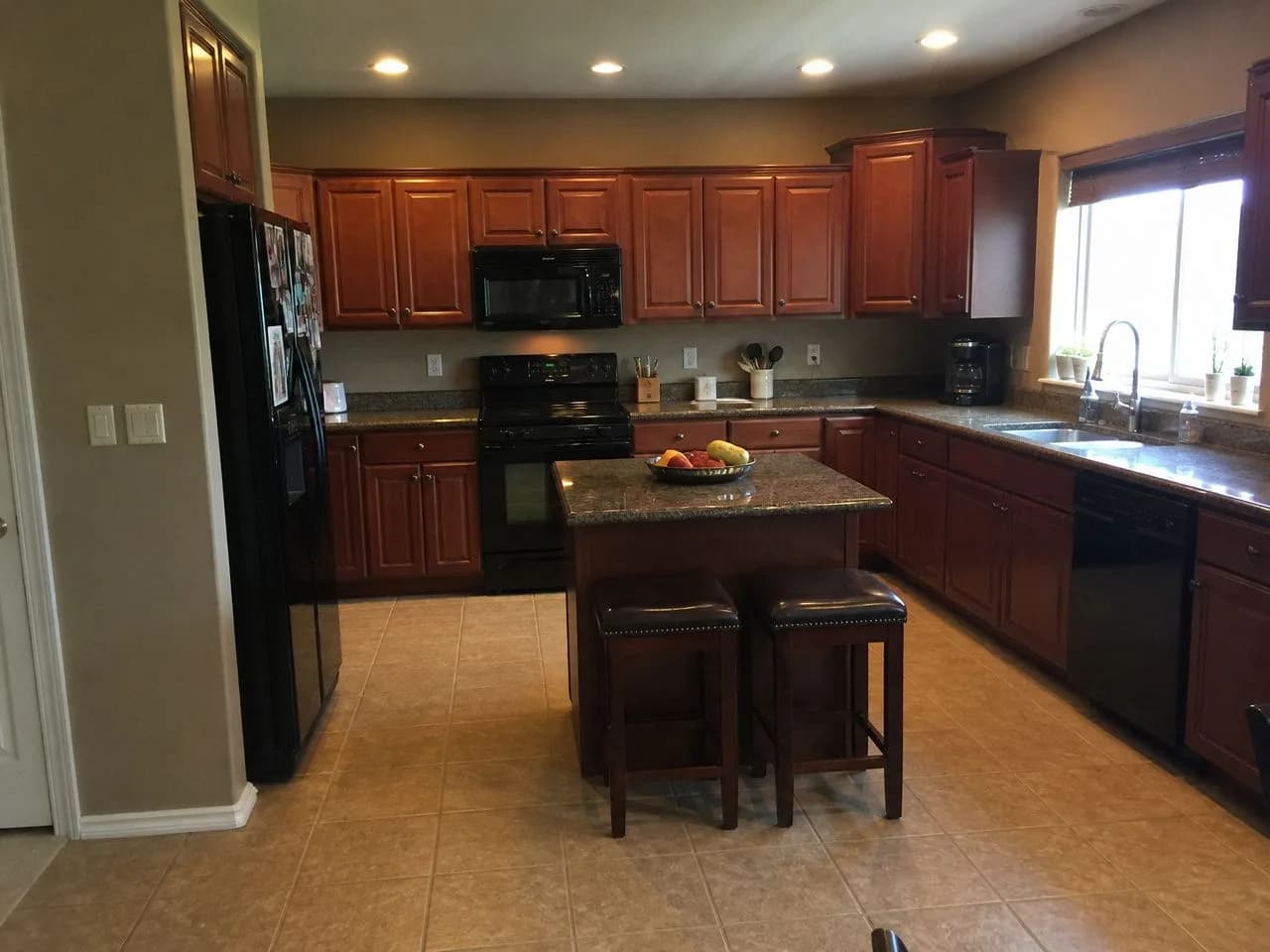 📷 Before
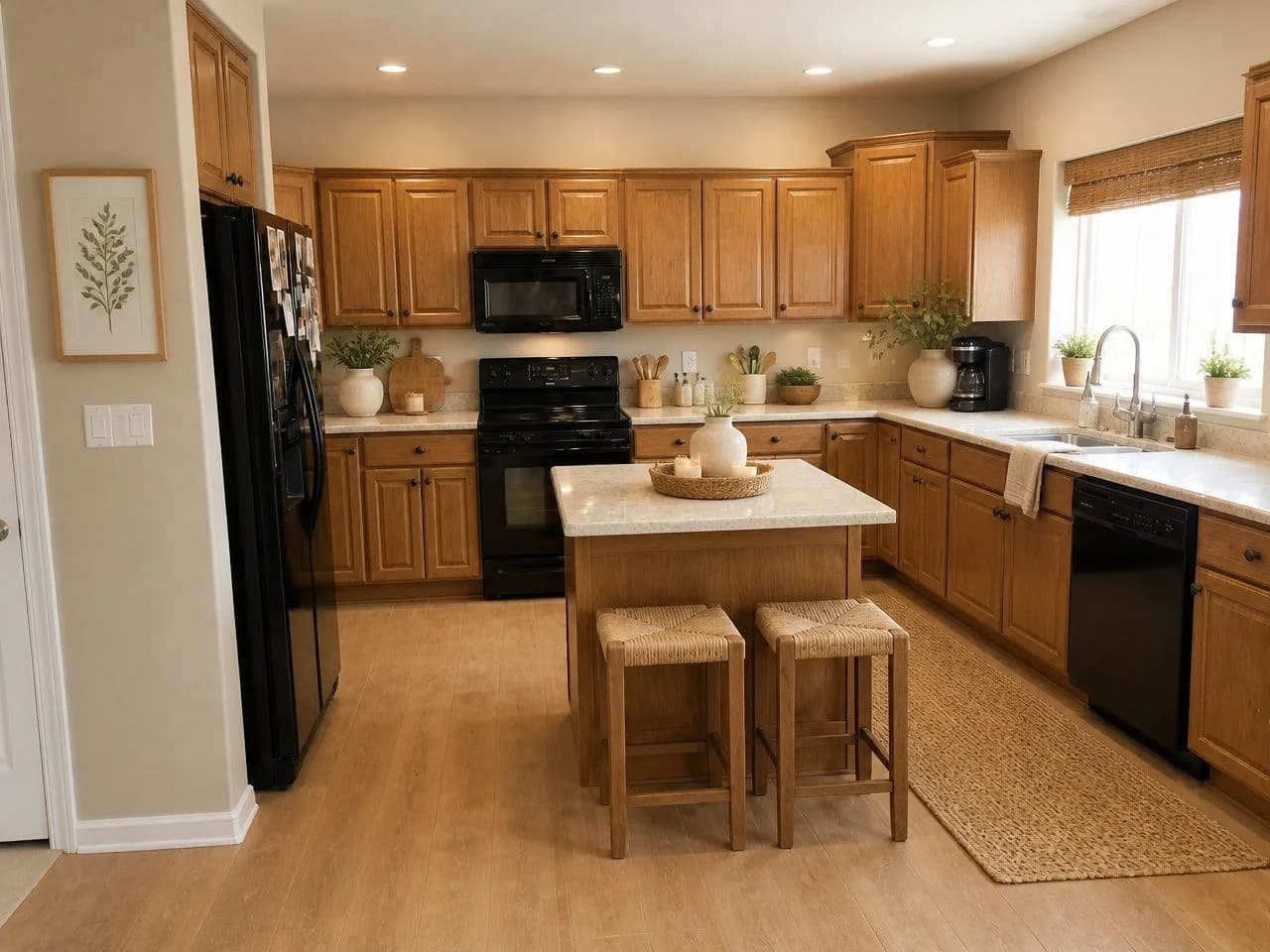 ✨ After · Warm Minimalist
One kitchen, six directions.
A typical 2000s builder-grade kitchen, photographed on a phone and restyled by the app in six styles. The cabinets and appliances stay where they are; the finishes and everything around them change.
📷 The original photoThe photo we started with
Cherry cabinets, speckled granite, black appliances and beige tile: the kitchen in a lot of American homes built around 2005. Every result below is this exact photo.
🎁 Free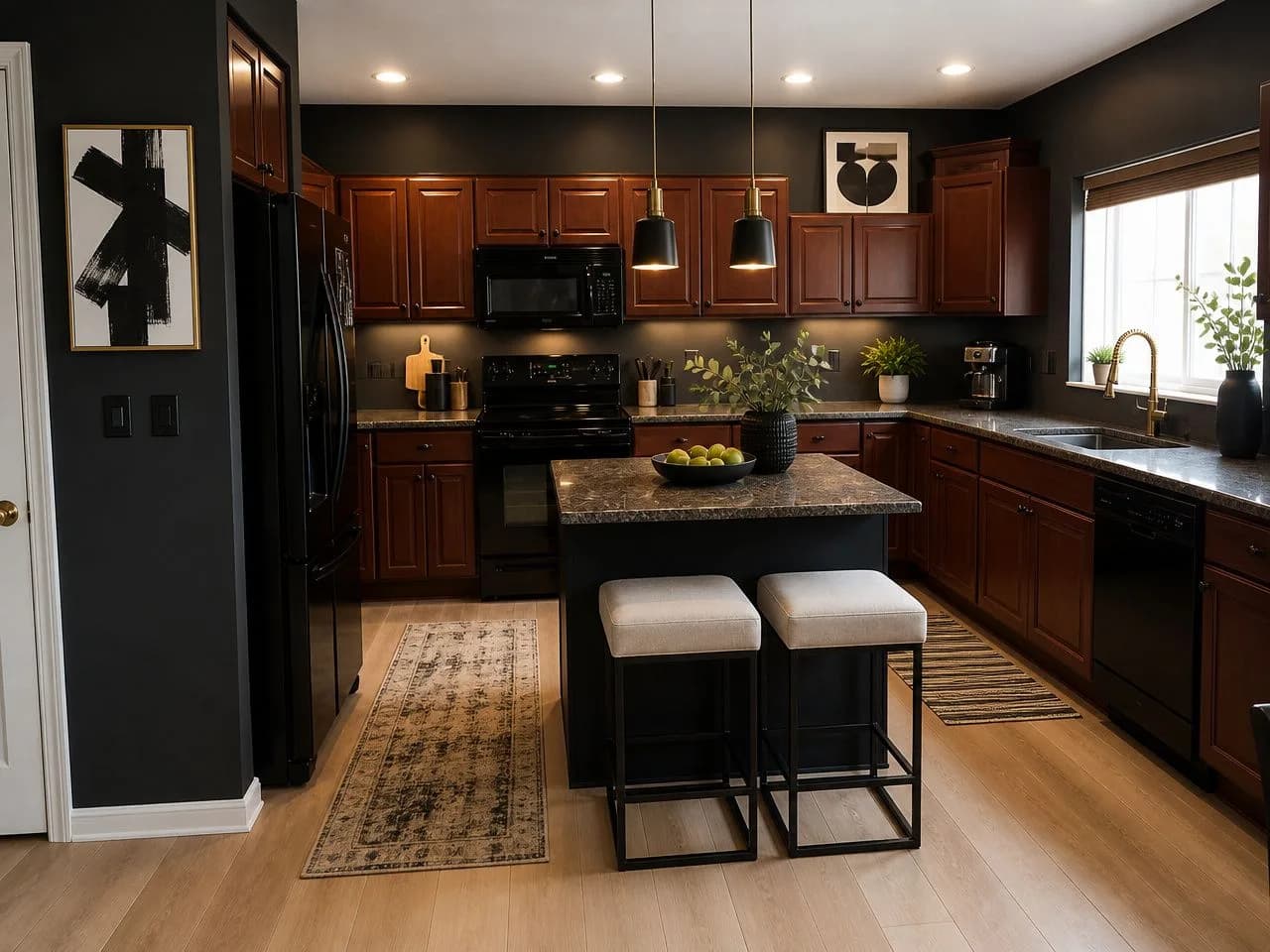 🎁 Free
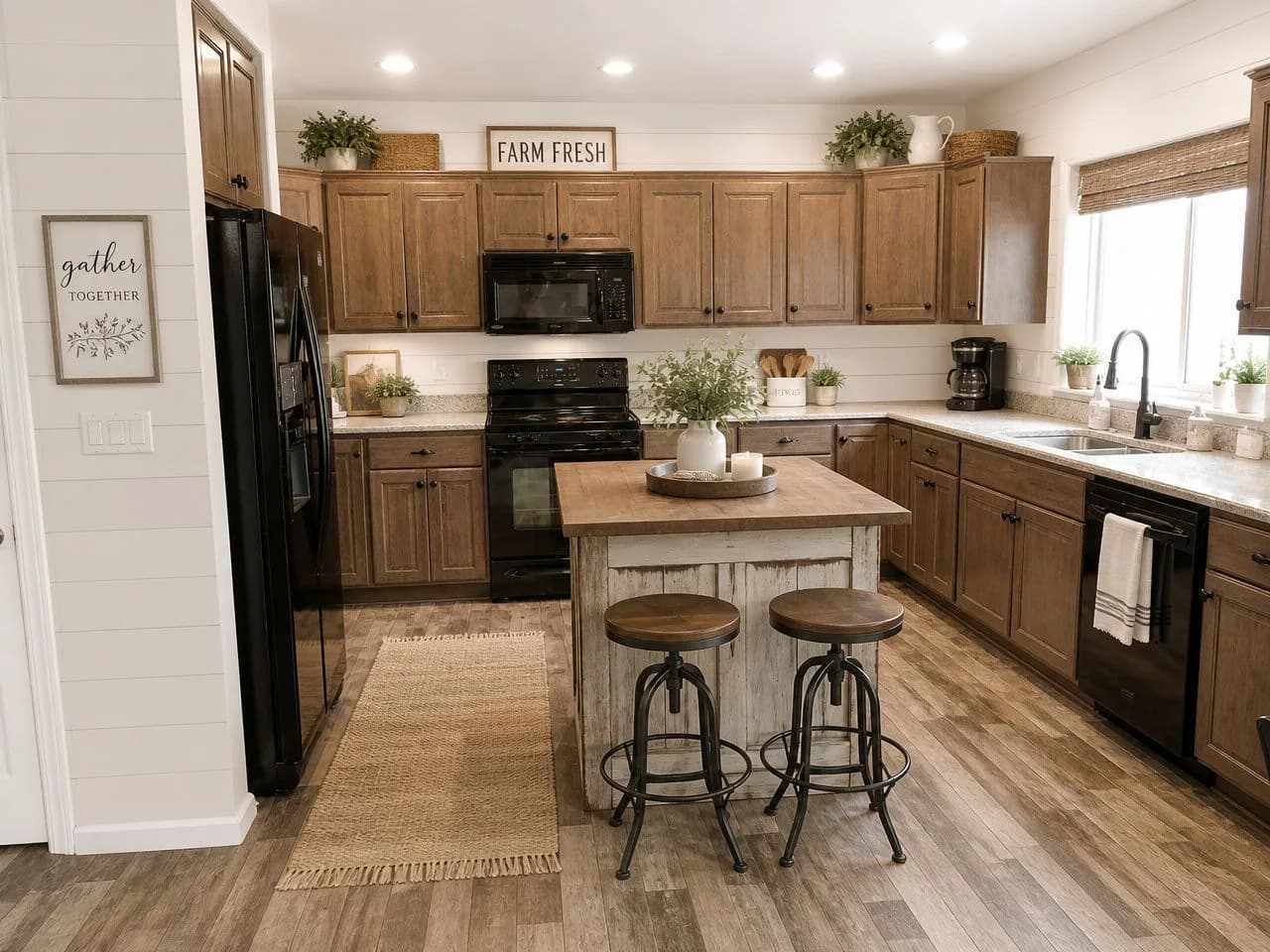 ✨ Pass
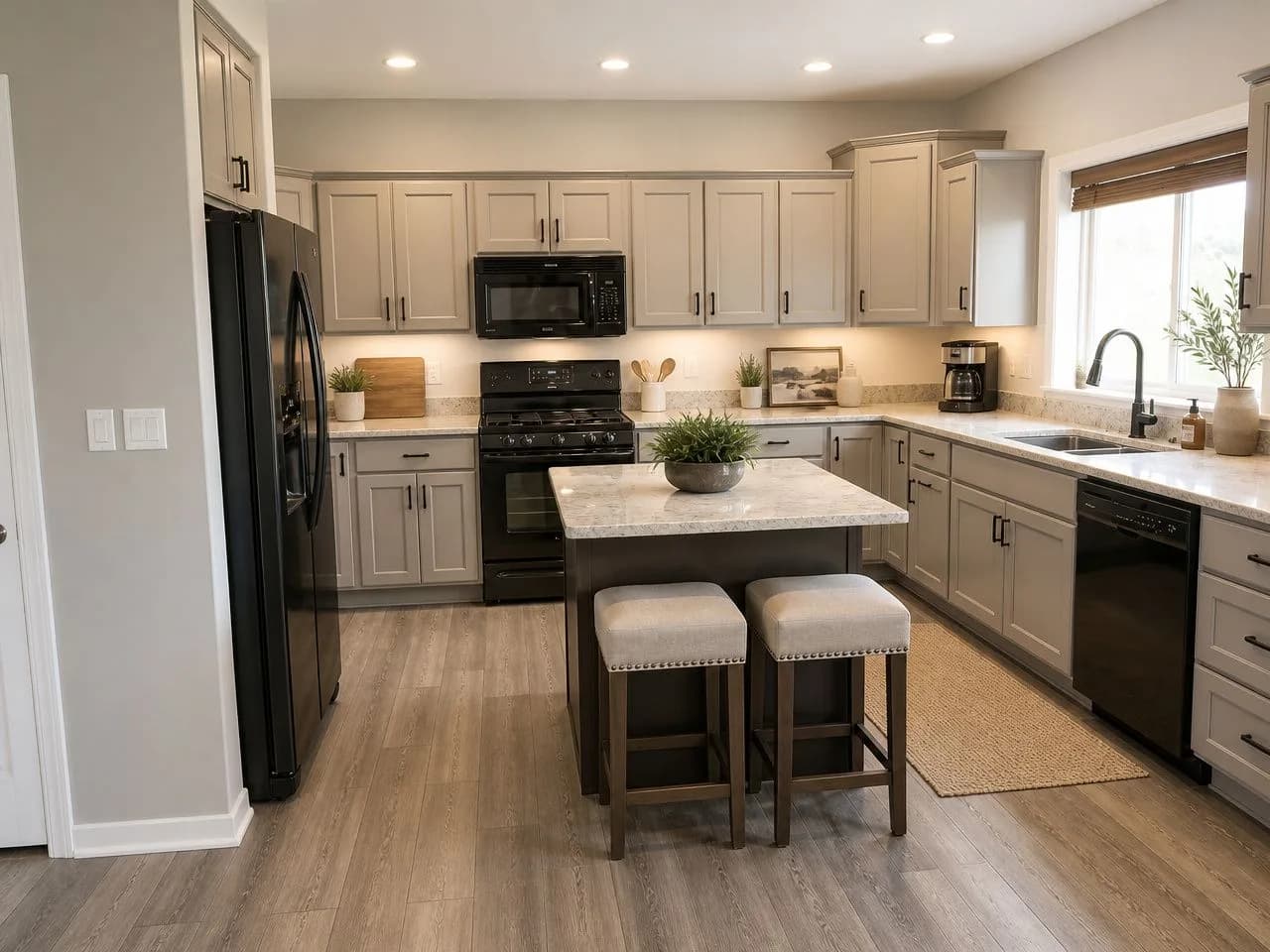 ✨ Pass
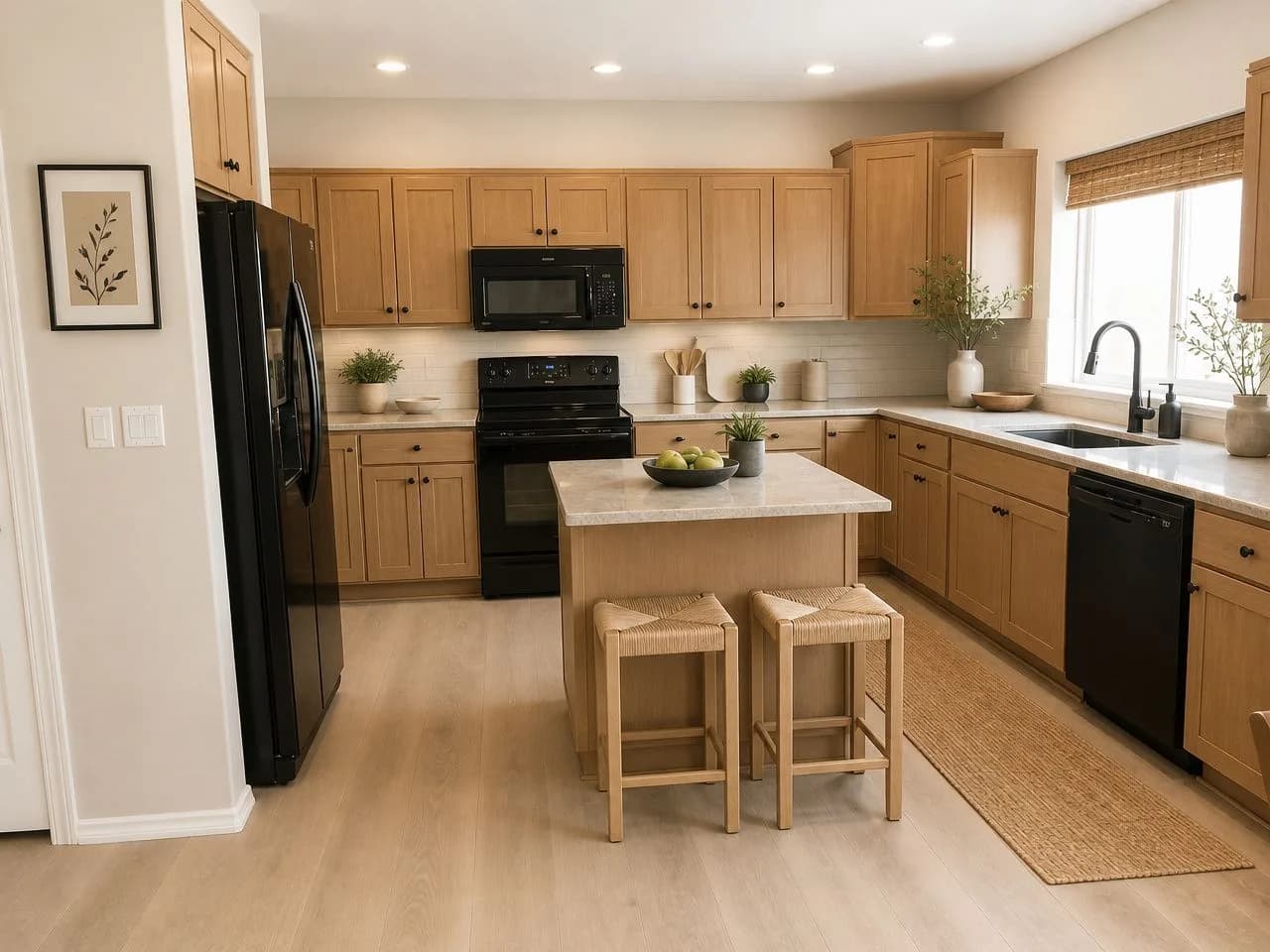 ✨ Pass
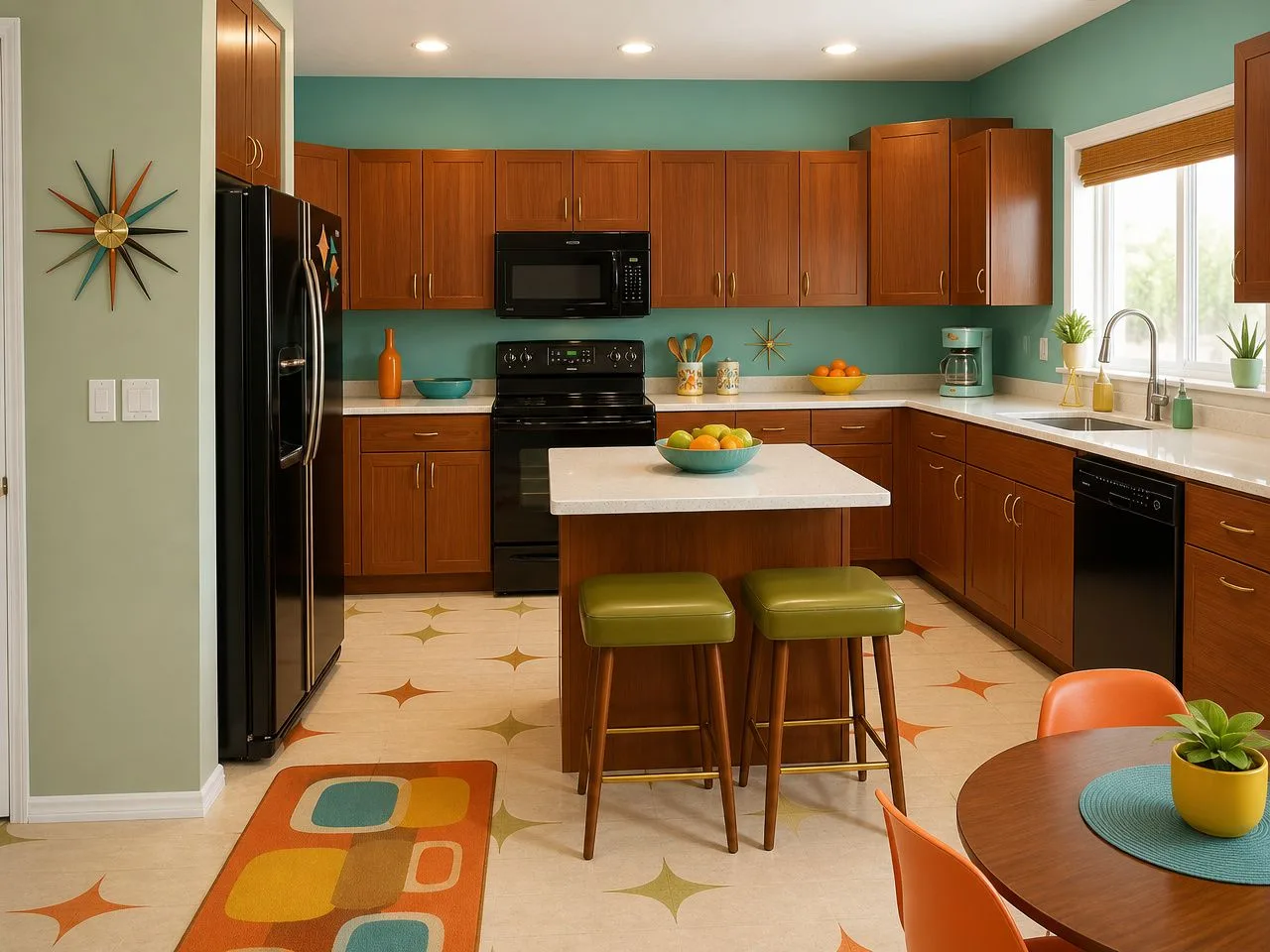 ✨ Pass
Free results in the app carry a small watermark, left off here. Every render is a little different, and you can run a design again.
From photo to new kitchen, in about a minute.
- 01
Take one level photo
Stand in the doorway or a corner, hold the phone level and fit in the cabinets, counters and as much floor as you can. Clear the counters first. Daylight or all the lights on.
- 02
Pick a style
Start with one of the six free styles, or use any of the 75+ with the pass. Choose what may change: wall color, flooring, furniture such as stools and the island.
- 03
Compare, then refine
The redesign comes back in about 30 seconds. Try another style on the same photo, and with the pass recolor one thing exactly, such as the cabinets or the backsplash.
Kitchen decisions, made before the contractor comes.
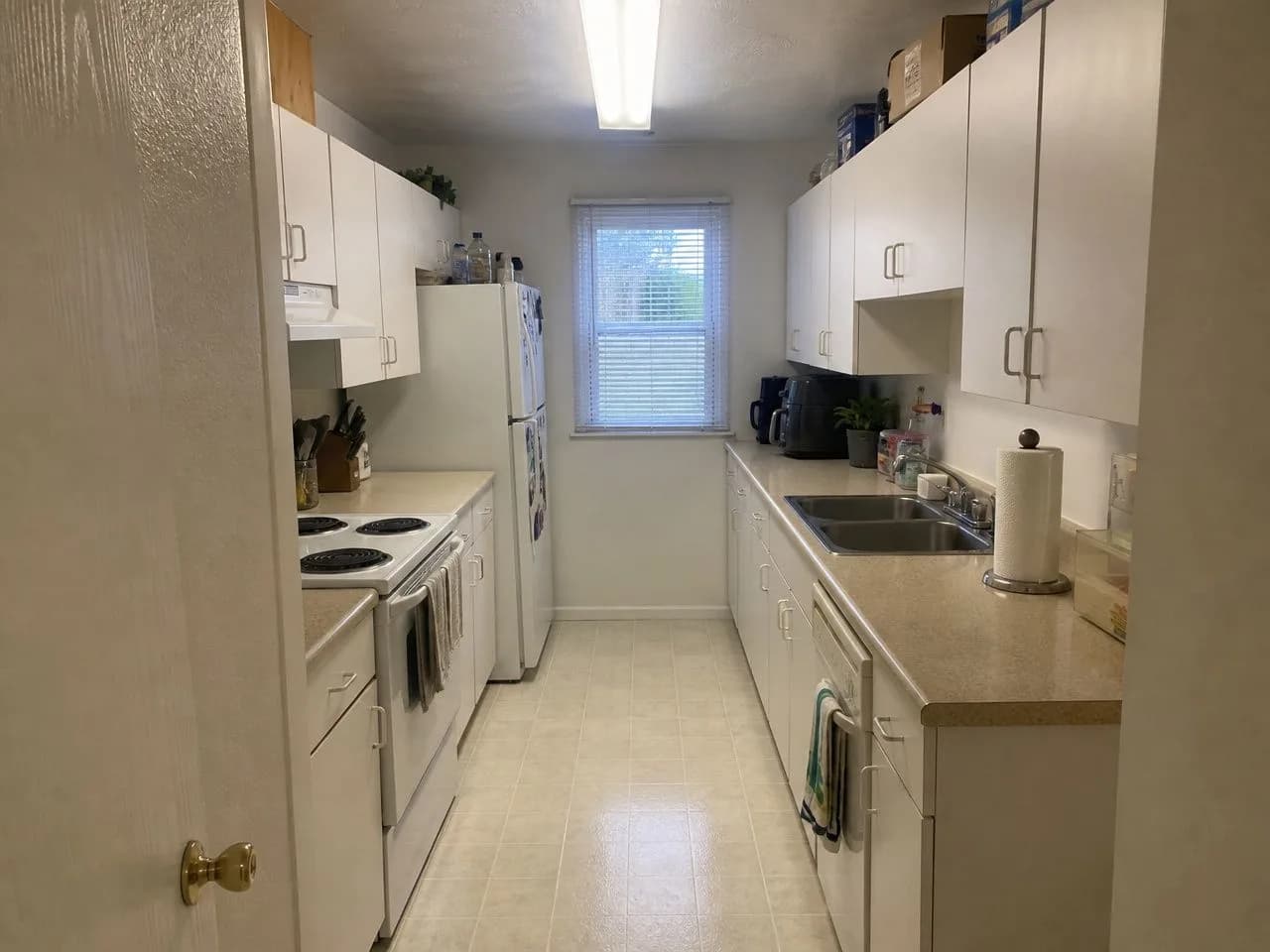 📷 Before
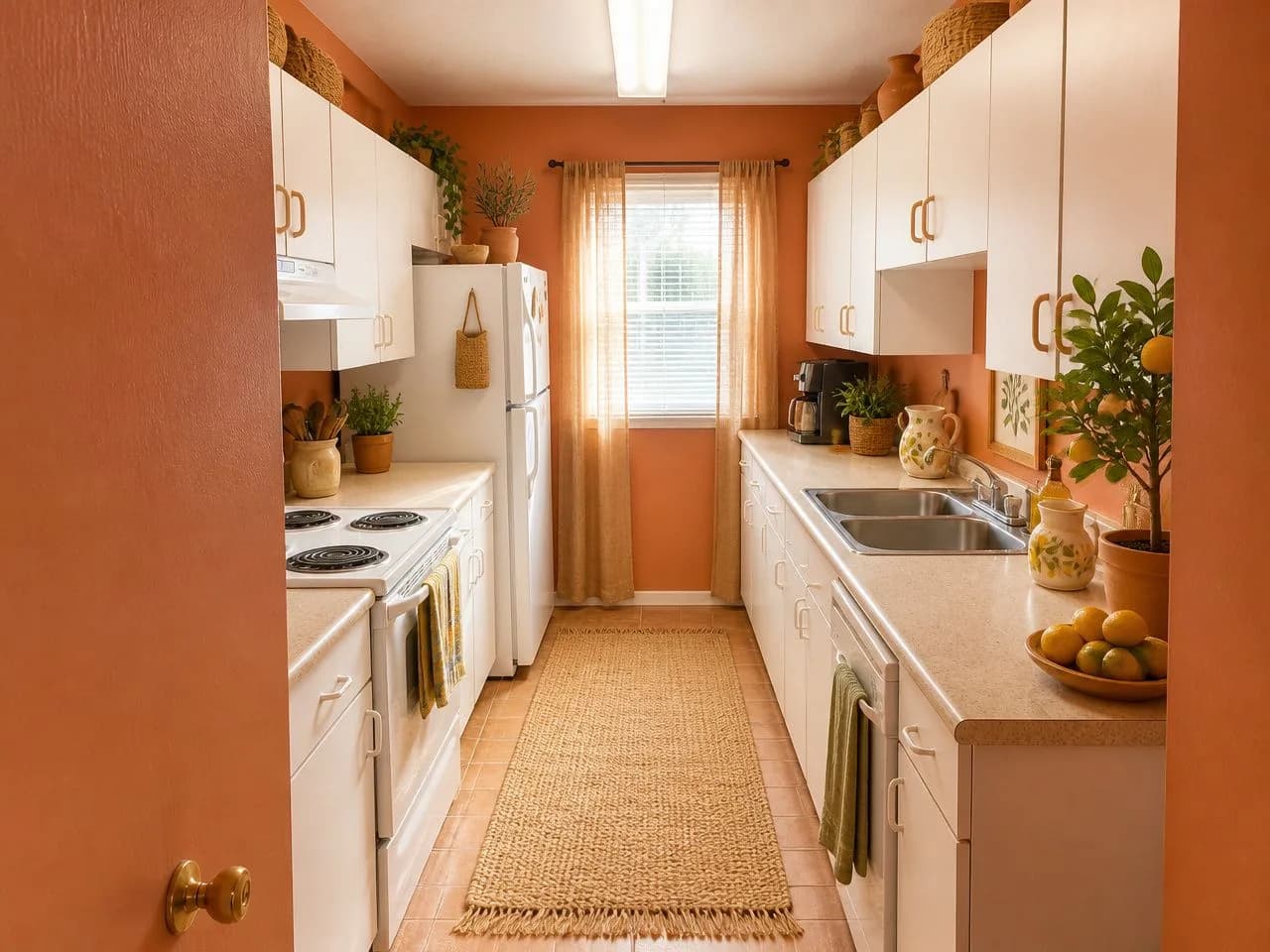 ✨ Sunwashed Terracotta
Refresh or remodel?
See how far paint, lighting, flooring and decor take your kitchen before you price new cabinets. Sometimes the refresh is enough; sometimes it proves you need the remodel.
New cabinet color
Cabinets are the biggest surface in most kitchens. The recolor tool (with the pass) changes just the cabinets in your photo, so you can see white, sage or navy before anyone sands a door.
Counters, backsplash and floor together
These three affect each other more than any sample board shows. Try combinations on your own photo and decide them as a set.
Better kitchen lighting
Pendants over an island and warm light under the wall cabinets change how a kitchen feels at night. See it before you call an electrician.
Small and galley kitchens
Light colors, open shelves on one wall and one strong pendant usually make a narrow kitchen feel bigger. The before and after above is a real galley kitchen.
Renting? Change what you can
Keep the cabinets and counters and see what rugs, stools, lighting, open shelving and decor can do. No landlord required.
Six things that make a kitchen work.
Use them to judge any redesign, ours or anyone else's.
01
Cabinet color does the most work
Cabinets are the largest surface in most kitchens, so their color sets the mood. It is also the change people most often regret, which makes it the best thing to preview first.
02
Contrast keeps a kitchen readable
Lighter cabinets with a darker counter, or the reverse, help surfaces read clearly. An all-one-tone kitchen can look flat unless there is texture.
03
Plan the lighting in layers
General ceiling light, task light under the wall cabinets and a pendant or two over an island or table make a kitchen easier to work in and better looking in the evening.
04
Match finishes across the room
Choose one main metal for handles and fixtures and repeat it. Two finishes can work; three or more usually looks accidental.
05
Think about the floor and walls together
Flooring and wall color affect each other. Trying a few combinations on your photo is faster and cheaper than judging from small samples.
06
Keep the work zone practical
Designers usually keep the sink, stove and fridge close together with clear counter space between them. A restyle is a good moment to check your layout still suits how you cook.
Common kitchen mistakes
- Choosing a cabinet color from a tiny sample. Large surfaces look different in your own light, so preview it on your real kitchen.
- Picking cabinets without the counter and backsplash. Decide the three together.
- Following a fast trend in the biggest, most expensive surfaces. Put bold color in things that are easy to change.
- Skipping measurements. An AI preview shows the look, not whether a new appliance or cabinet fits.
Which style suits your kitchen?
A few styles that work especially well in kitchens, each with its own guide.
Modern farmhouse Warm whites, wood and simple hardware. A favorite American kitchen look.Japandi Pale wood, stone and calm, clear counters.Mid-century modern Warm wood cabinets with a pop of retro color.Transitional Balanced and timeless, a safe choice if you may sell.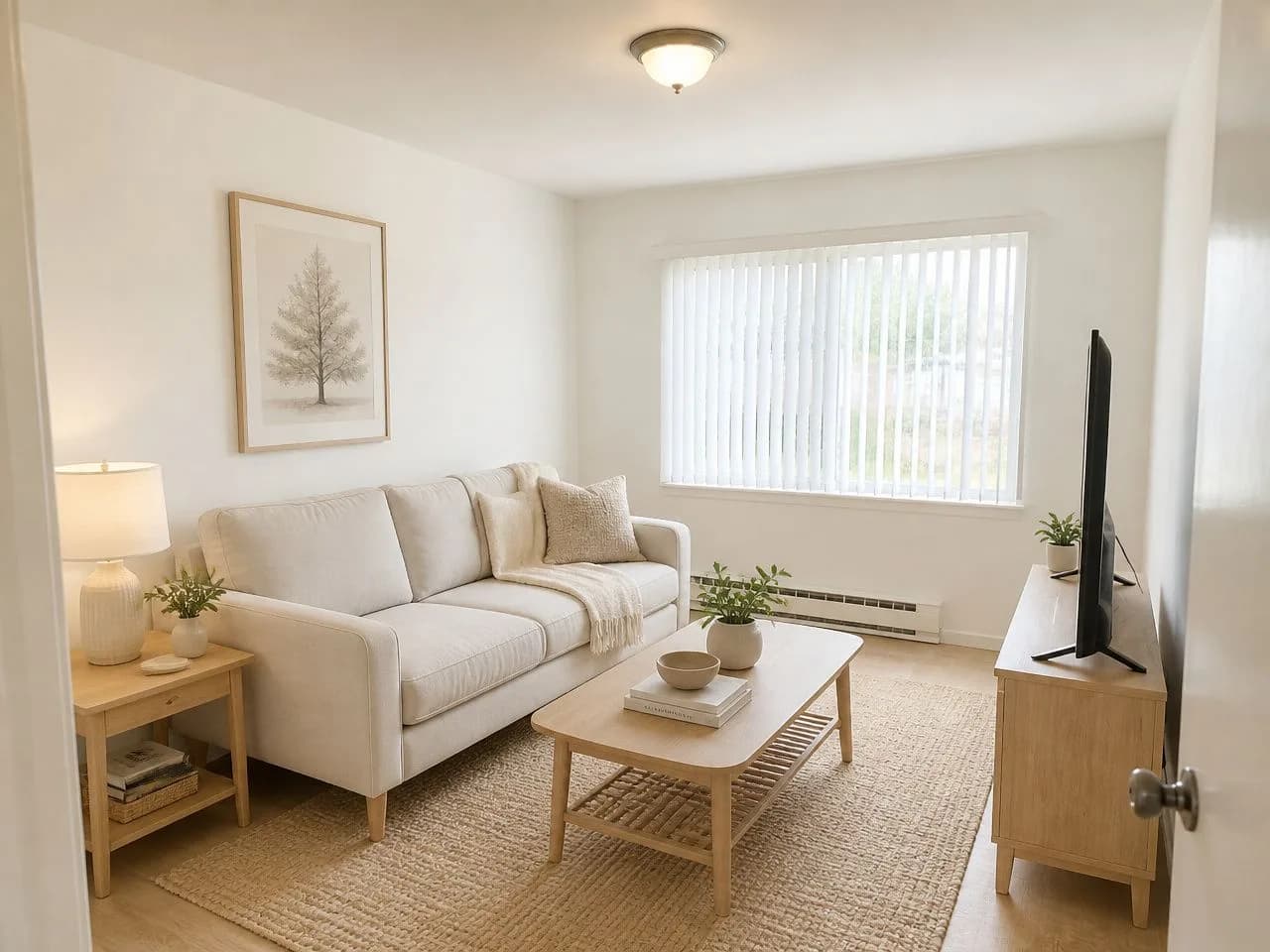 Scandinavian Light wood and white for small or dim kitchens.
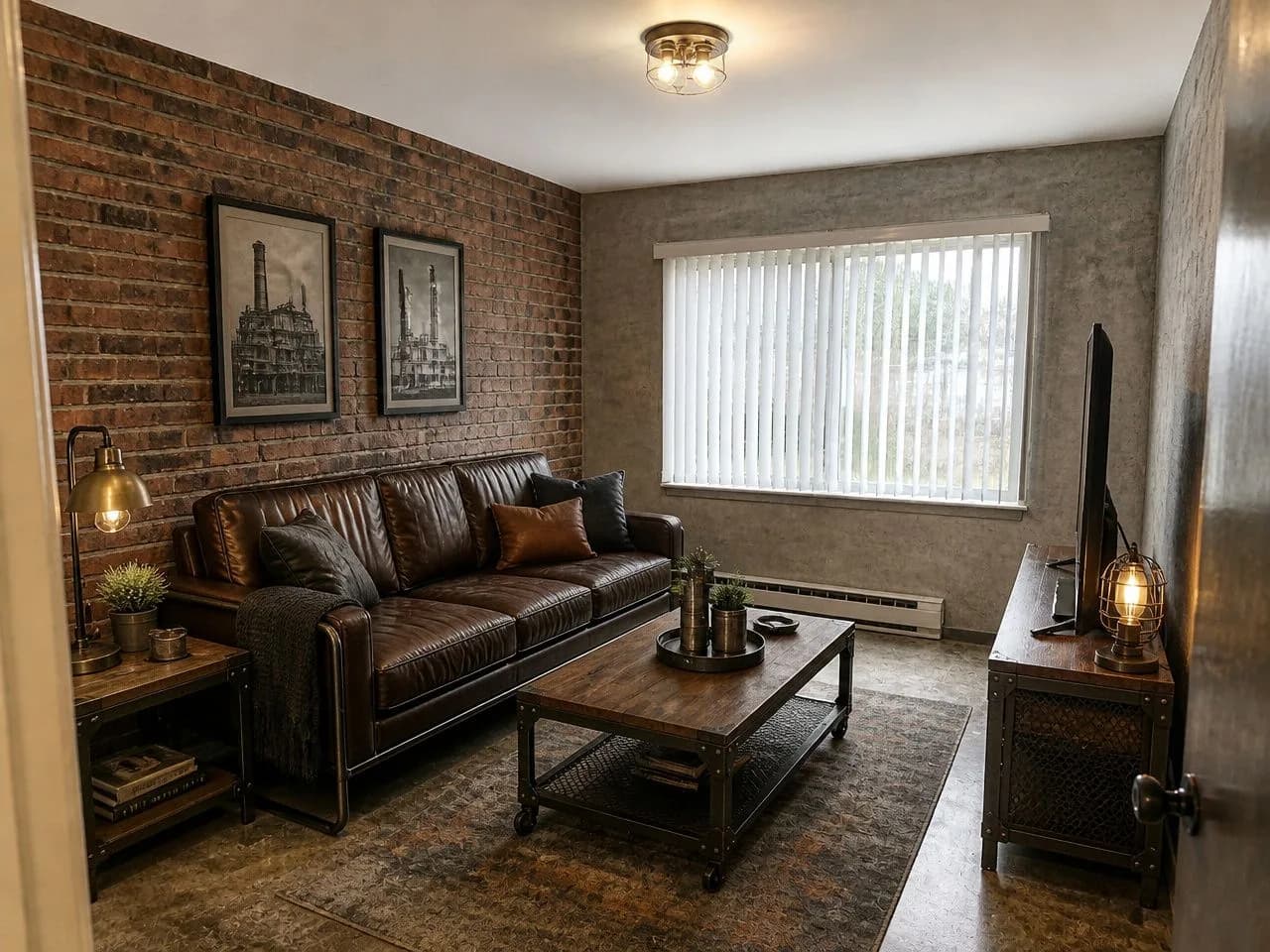 Industrial Dark metal, open shelving and raw texture.
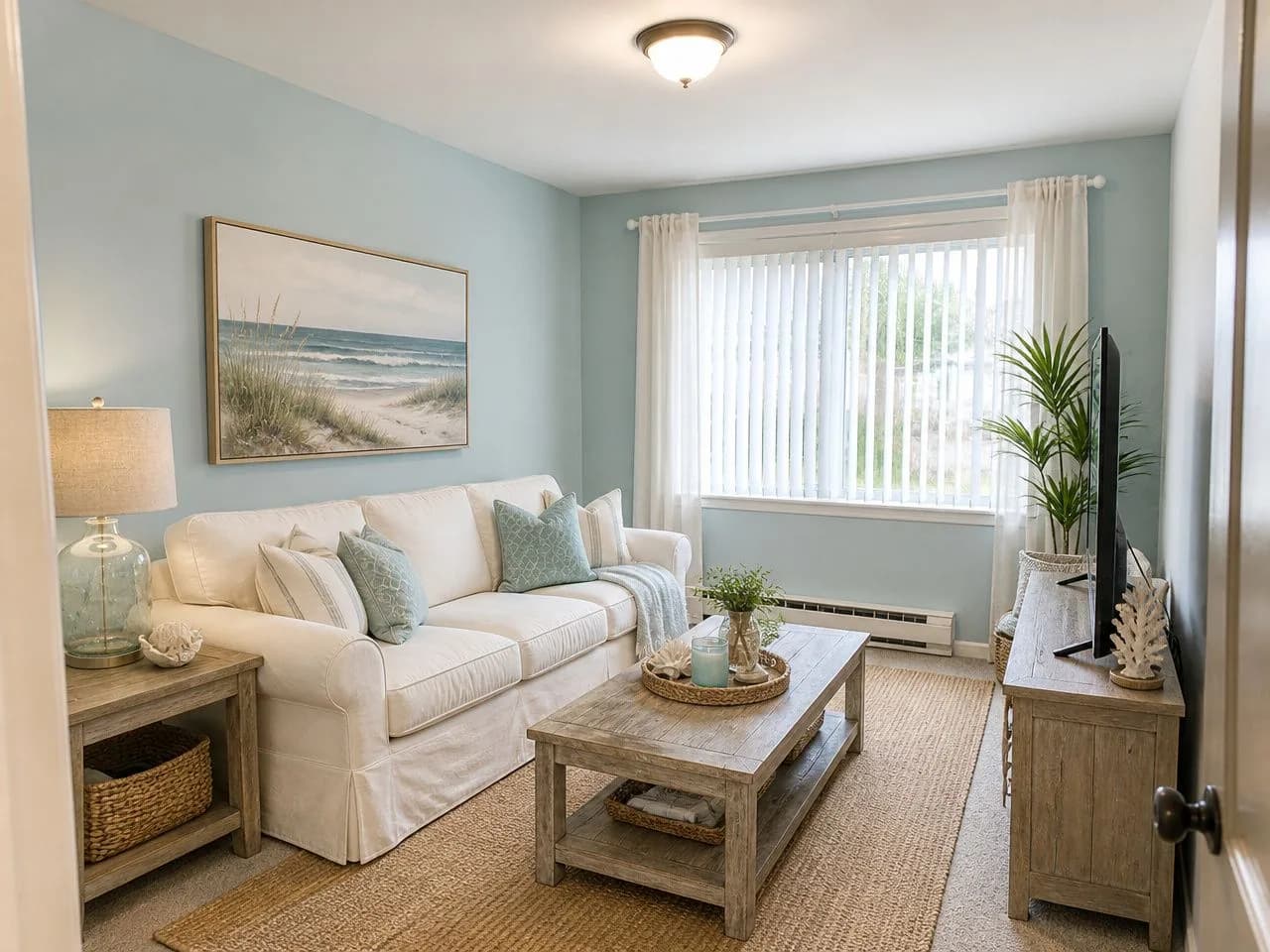 Coastal Light blues and whites for a fresh, airy kitchen.
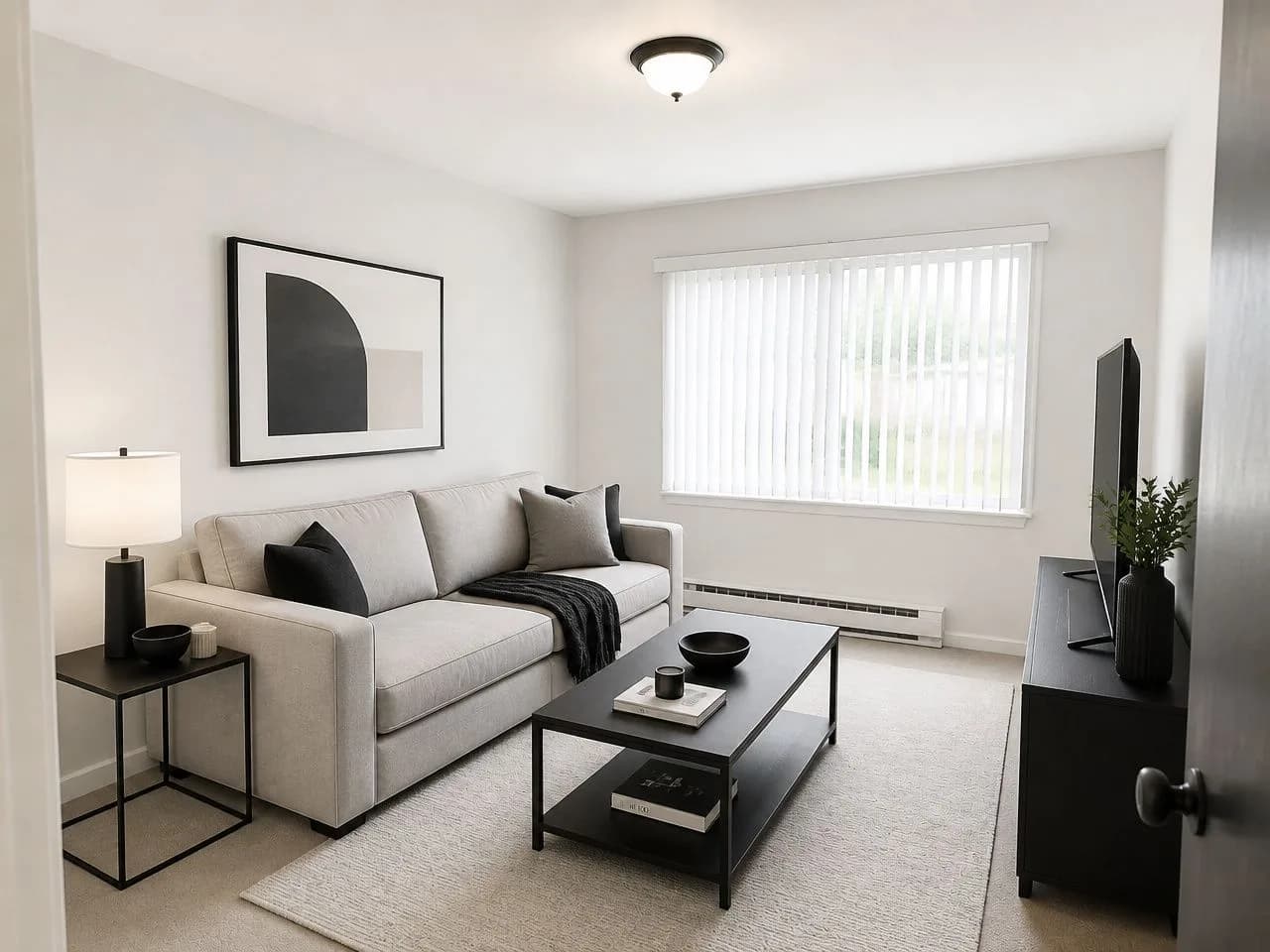 Minimalist Flat fronts, hidden storage, nothing on the counters.
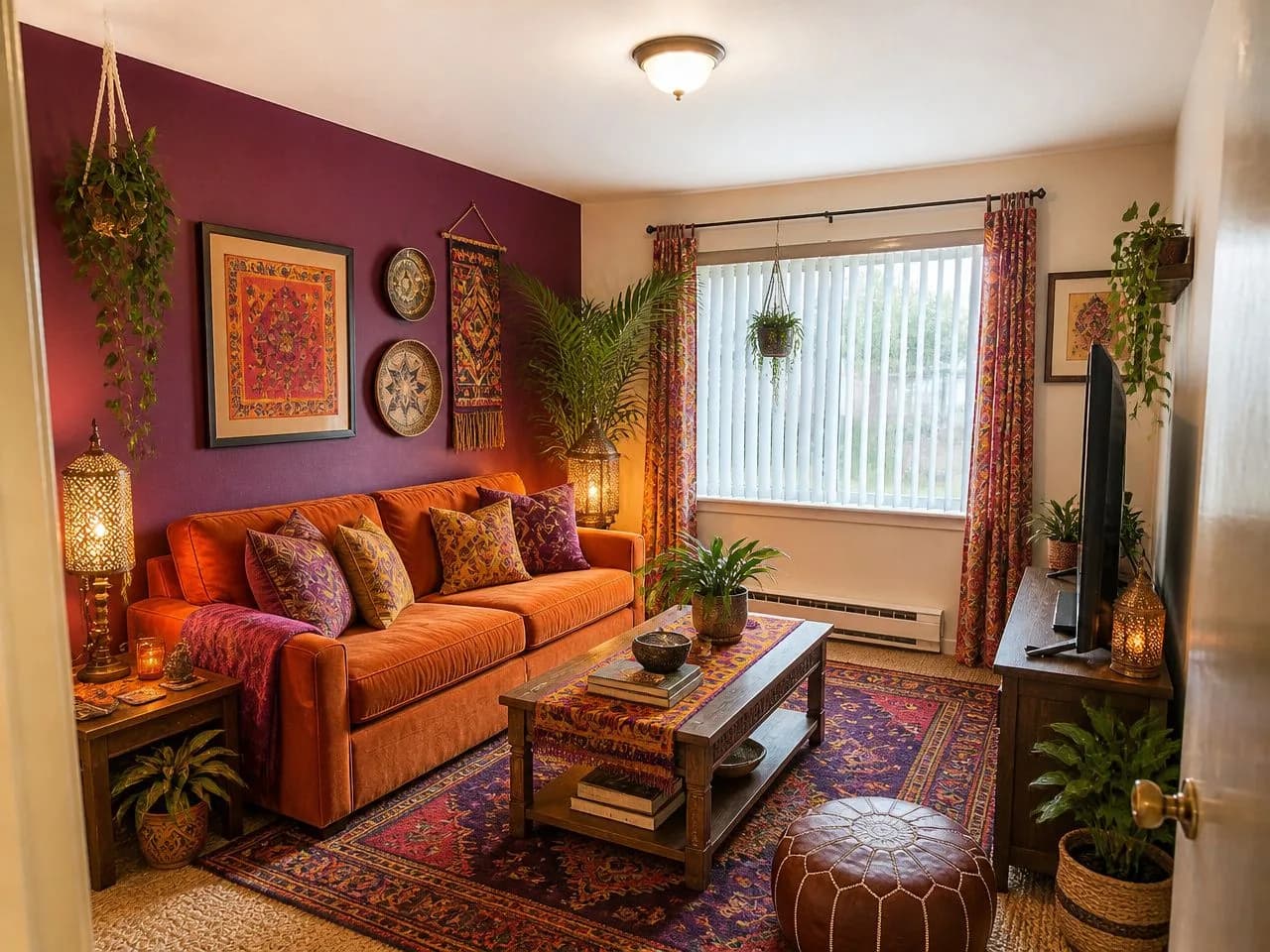 Boho Plants, rattan and a little pattern for a relaxed kitchen.
Not sure which one is you? Take the 2-minute style quiz
Kitchen questions, answered straight.
Can AI design my kitchen from a photo?
Yes. Upload a photo of your kitchen and Decoratly restyles that exact room in about 30 seconds on your real layout: walls, floor, counters, island, lighting and decor can change, while the cabinets and appliances stay where they are.
Can AI design my kitchen for free?
Your first design is free, with no signup and no card, in one of six free styles: Warm Minimalist, Modern Studio, Hygge Haven, Botanical Greenhouse, Sunwashed Terracotta and Velvet Nightfall. It is offered in the US, Canada, the UK and several European countries, and free results carry a small watermark. The $14.99 pass gives you 30 days with all 75+ styles, the edit tools and 200 designs, paid once.
Can I see a new cabinet color before I paint?
Yes. A style redesign may shift the cabinet finish, and the recolor tool in the pass changes just the cabinets to the color you pick, in your kitchen's own light. Test a real sample on a door before you commit.
Will it move my cabinets or appliances?
No. The cabinets, appliances, windows and the shape of the kitchen stay where they are, so the result still fits your real room. It restyles what is around them.
Will it plan my kitchen layout or check that appliances fit?
No. It shows how a style could look, not a cabinet plan or a measured drawing. Measure your kitchen and check cabinet and appliance sizes with your installer.
Is there a free app where I can take a picture of my kitchen and redesign it?
Yes. Decoratly runs in your phone's browser with nothing to install: take the photo, upload it and get your free design in about 30 seconds.
What photo works best for a kitchen?
A level photo from the doorway or a corner, in good light, showing the cabinets, the counters and the floor. Clear the counters first for a cleaner result.
See your kitchen, restyled in 30 seconds.
One photo, one free design, no account. Decide before you spend.
Who makes this
Decoratly is built and run by Kamil Uhryn and has been live since November 2023. 25,000+ rooms have been redesigned with it. Every picture on this page was made by the app from an ordinary photo, with the same model and style prompts you get.
What it can't do
- It shows how your kitchen could look. It is not a cabinet plan or a measured drawing, so measure before you order anything.
- Cabinets and appliances stay where they are in a style redesign. An exact new cabinet color needs the recolor tool in the pass.
- AI images can get small details wrong. Results are checked automatically and you can run a design again.
Last updated October 2026.